

?
KVR Rank: 6357 [30-Day: 6878; 7-Day: 5785; Yesterday: 6657]
0 members are following Soundbeam and 0 members are following Evil Window Dog @ KVR.
| Product | Soundbeam |
| Developer | Evil Window Dog |
| Price (MSRP) | Free |
| Type / Tags |
Plug-in, App & Soundware Format(s)
| Utility | Stand-alone utility / application |
Operating System Availability
| Operating System |
Latest Version |
Download | Released |
| 1.3 | Downloads | ![]() |
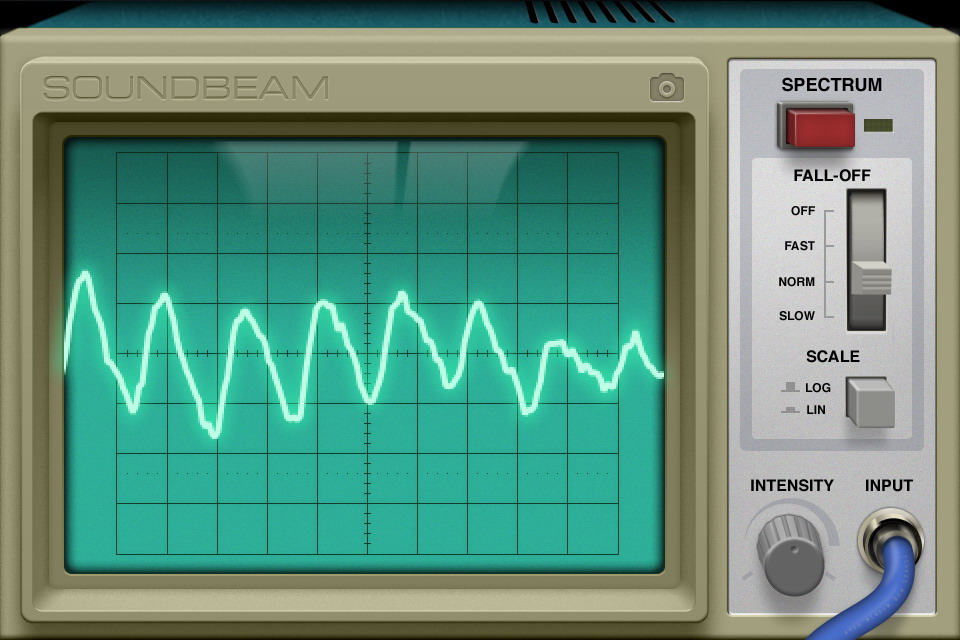
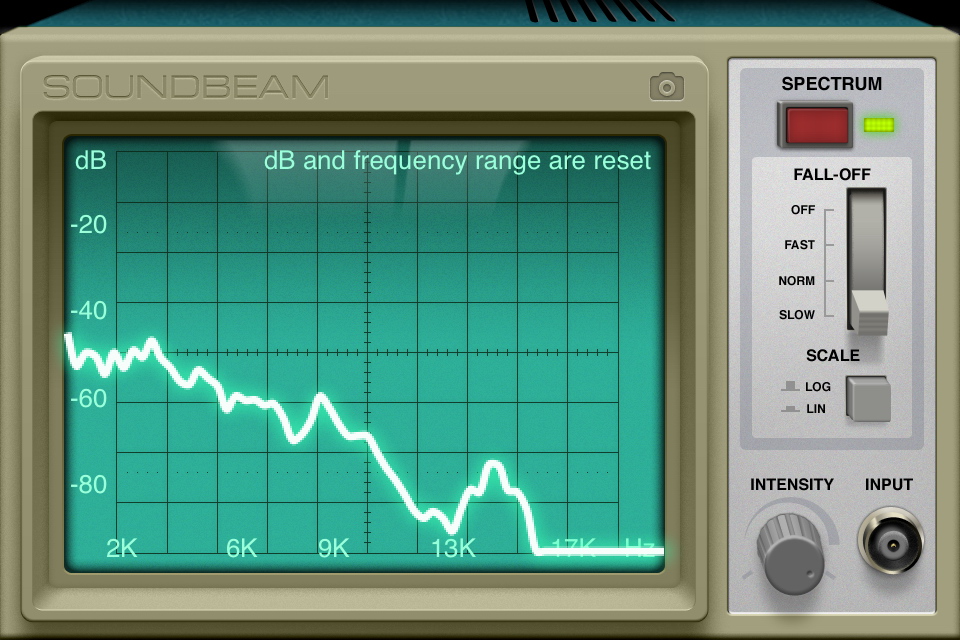
Soundbeam helps you see what everyday sounds look like and visualizes sounds you can't even hear. Soundbeam is an audio analyzer that processes the input of your microphone in real time displaying it like a classic oscilloscope.
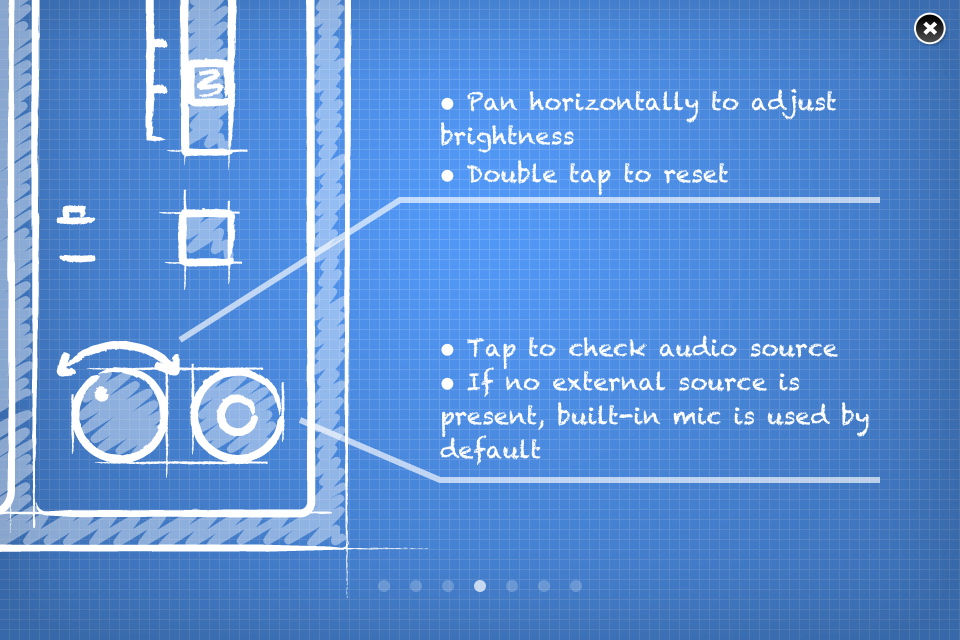
Plug in your hands-free earbuds or a music instrument (time to blow the dust off those electric guitars) and get accurate measurements. You can always use the built-in mic.
We paired stylish controls and an old-school interface with high precision signal processing algorithms, creating a new way to experience sound.
Key Features:
- Spectrum and waveform views.
- Gesture support for frequency range and magnitude levels adjustment.
- Visualization controls.
- ...and one more thing. Plug in your headset or guitar and watch what happens.
Controls:
- While in "spectrum mode", pinch the monitor vertically or horizontally to change frequency range and magnitude levels respectively. You can also pan the soundwave with one finger.
- In "waveform mode" pinch the screen vertically to adjust magnitude levels.
- Double tap on the screen to reset view.
- Tap & slide the intensity knob horizontally to adjust it.
Discussion: Active

Discussion
Please log in to join the discussion


