


heh : ) yes it was, but I can't get it to work in unipolar, however it _behaves_ as if it is in unipolar. I don't quite understand why, tbh...

if you have a recipe for using the lfo like this in unipolar mode, I'm all ears


heh : ) yes it was, but I can't get it to work in unipolar, however it _behaves_ as if it is in unipolar. I don't quite understand why, tbh...

you can also just use the modmatrix to double the amount of LFO's attached to a parameter. That way you won't lose a math module (if you use those a lot) + that way you have more control over the way it is modulating the parameter (e.g. you don't have to change the polar settings in the LFO itself, but you can do that per mod-instance in the modmatrix, which is a huge bonus)neverbeeninariot wrote: Mon Apr 20, 2026 5:18 pmI tried many things with the math module and failed : ) but I just tried something slightly different and it works.pdxindy wrote: Mon Apr 20, 2026 4:55 pmYou could use a Math Module to do that.neverbeeninariot wrote: Mon Apr 20, 2026 4:53 pm
I know it can be done with the lfo in bipolar mode, but I'm curious as to how to increase unipolar modulation amount.
Pan hard left
Math mod assigned to pan, mode is sum, X = 100
LFO at input A _and_ the LFO in bipolar mode
Success !
Thanks for the pointer - it made me go back and experiment some more : )
yeah that could be a thing too, but I'm more likely to use up the lfo's than the maths modules.exmatproton wrote: Mon Apr 20, 2026 6:39 pm you can also just use the matrix to double the amount of LFO's attached to a parameter. That way you won't lose a math module (if you use those a lot) + that way you have more control over the way it is modulating the parameter

Well..in my case; I do use the math modules quite a lot (extra lfo's for instance) and there are only 4 of them. There are 32 matrix slots...so for me....hehehe.. + one can always use the direct mod to the parameter if applicableneverbeeninariot wrote: Mon Apr 20, 2026 6:43 pmyeah that could be a thing too, but I'm more likely to use up the lfo's than the maths modules.exmatproton wrote: Mon Apr 20, 2026 6:39 pm you can also just use the matrix to double the amount of LFO's attached to a parameter. That way you won't lose a math module (if you use those a lot) + that way you have more control over the way it is modulating the parameter
it does seem a bit wasteful to have to use two modulators, either way...


Math Module, Scale with X, put LFO on both A and B (LFO unipolar) and X at 1neverbeeninariot wrote: Mon Apr 20, 2026 6:39 pm if you have a recipe for using the lfo like this in unipolar mode, I'm all ears
That works perfectly, you dancer !pdxindy wrote: Mon Apr 20, 2026 6:47 pmMath Module, Scale with X, put LFO on both A and B (LFO unipolar) and X at 1neverbeeninariot wrote: Mon Apr 20, 2026 6:39 pm if you have a recipe for using the lfo like this in unipolar mode, I'm all ears

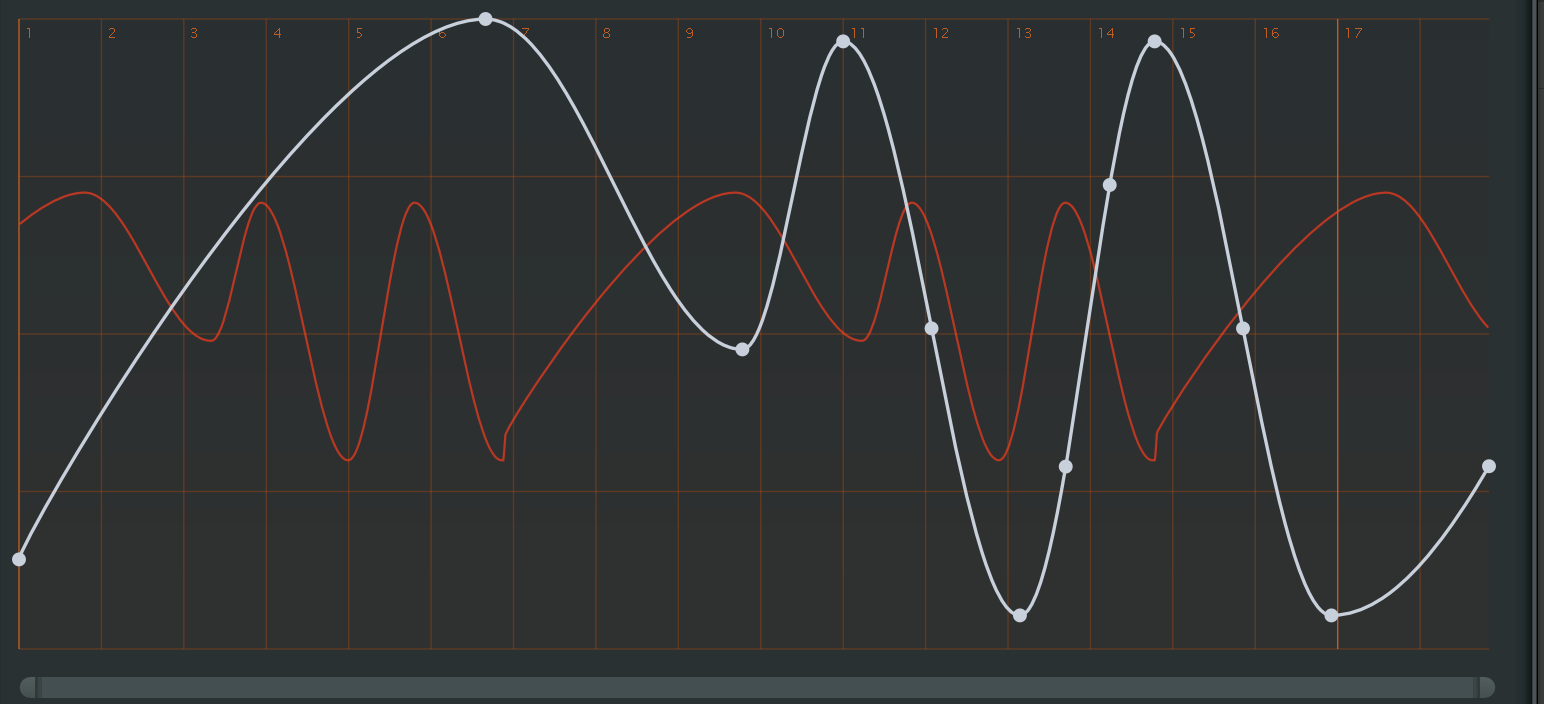
Thx, for the hint. It works now!Urs wrote: Mon Apr 20, 2026 7:22 pm You are using the wrong tool. It seems like you have the duplicate tool (bottom rows second from left) selected, but you need to select the arrow tool (top left) to affect curvature.
Screenshot 2026-04-20 at 21.22.46.jpg


What DAW are you on and on what sample buffer size do you run?DrWashington wrote: Tue Apr 21, 2026 9:22 am I'd humbly request that multicore support gets the bulk of the development cycles, as I'm routinely getting crackles on even four-note chords with various presets, some of which don't even seem all that complicated texturally. Which is surprising and a bit of a let-down, if I'm being honest, as I'm running this on a very high-spec M4 Pro Max Macbook. I know you guys can do it! Diva, for example, still runs beautifully in multicore on this very same machine.
Submit: News, Plugins, Hosts & Apps | Advertise @ KVR | Developer Account | About KVR / Contact Us | Privacy Statement
© KVR Audio, Inc. 2000-2026