User Reviews by KVR Members for Translator
Reviewed By bro. miles on 30th December 2005
OS: Version: 2.9.108. Last edited by bro. miles on 25th July 2007.
I previously reviewed a "limited edition" of this product in 2005, and had several problems at that time, and a negative experience with customer support. Hoping the product has improved since then, I purchased the full version.
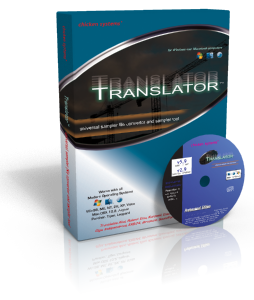
This review is of the full version in retail box as sold by music stores and online retailers. I also downloaded the latest updates from the manufacturer's website.
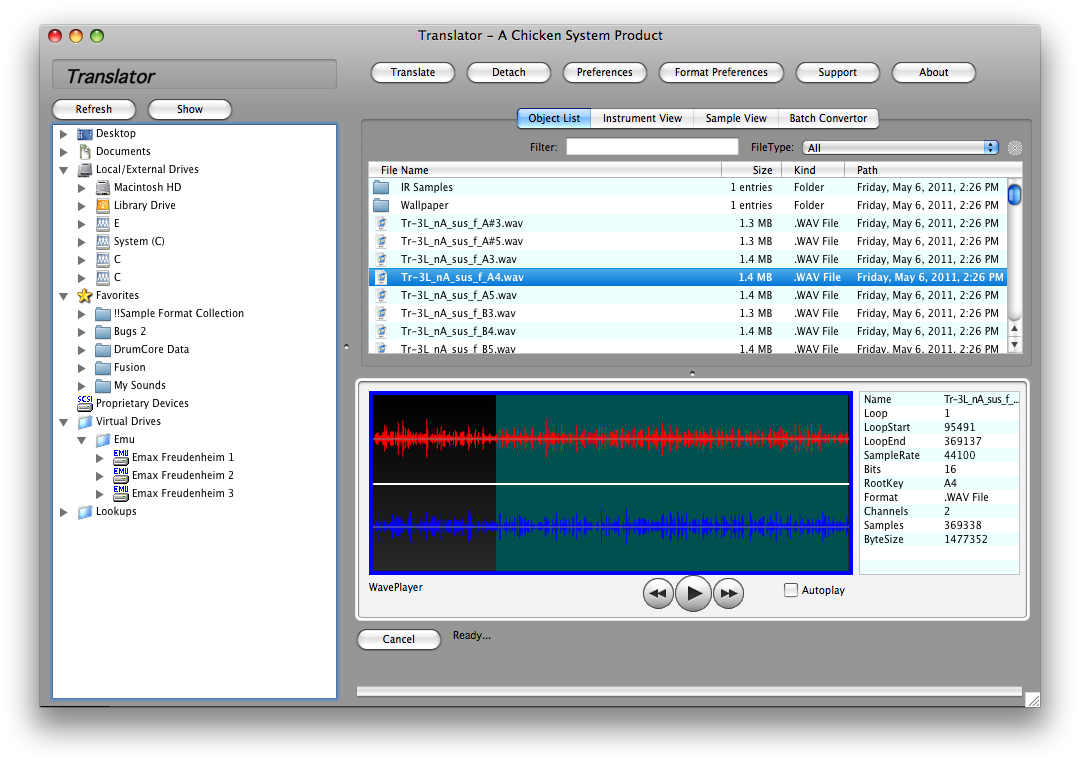
Translator is a program designed to convert sample libraries between various proprietary formats. This is no simple task. There are other products which claim to do the same thing. Having tried them, I would have to say there is no better product on the market at this time. However, the resulting "translations" that I got this time still could use improvement in some cases.
INSTALL
The retail box contains a CD and a "keycode". With this keycode, you can use the product for 5 days. After that you will be locked out unless you register the product at the manufacturer's website. You will be asked for your name, address, store purchased, etc., and the keycode. My first attempt at this failed. After emailing and telephoning for customer support, it seems this was due to my ISP rejecting their email as spam. Customer service seemed to be quite good this time.
A second attempt to register was successful. Other than this registration hassle, install went off without a hitch.
I believe this whole CD + keycode + emailed registration code process serves two purposes. First, to prevent use of illegal copies (good). Second, to track who is using the product (dubious, since manufacturer has previously attempted to "out" detractors in the KVR forum). I found this latter to be invasive. Keep in mind that the primary use of this product is to "open" sample libraries that the sample libraries' authors likely wanted to keep "closed". Good thing Akai doesn't have a database tying their sample CDs to who bought them.
HOW WELL DOES IT WORK?
Obviously I can't try every one of the available translations, since I don't own all of those samplers.
Several manufacturers include rebranded "limited editions" of Translator with their samplers (EMU, Roland, etc). These must work pretty well.
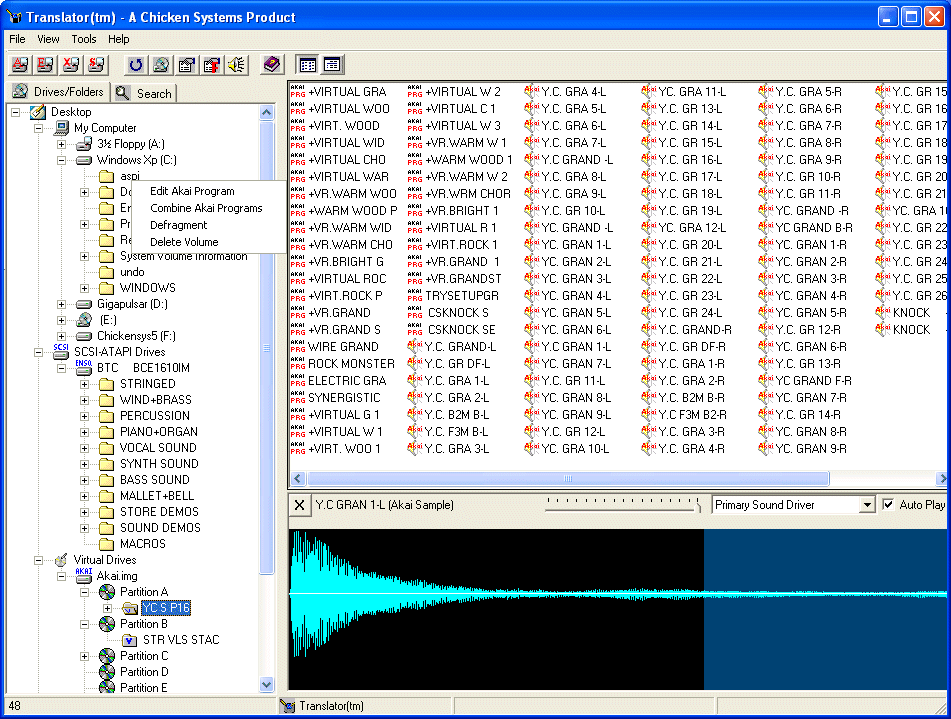
The Translator engine handles proprietary sample CDs quite well. It reads SCSI based CDs (Ensoniq, Akai, etc) on a standard PC CD drive. This is a very cool thing by itself.
Translator attempts to automate the format conversion process, letting you convert entire CDs or large folders in a few steps. This automation process worked fine most of the time (but not all) for me. Sometimes the process would abort with an error message.
The conversion results I got could still use improvement in some cases. The manufacturer will let you report conversions that fail, and they seem to have an ongoing effort to get things to work. This has got to take a lot of programming skill, so some flaws are forgivable.
Unlike my results in 2005, the Translator program did not crash or hang my PC (P4 2.4GHz XP-SP2) once during any conversions. Yeah!
Ensoniq ASR-10 format to Soundfont: created working files 100% of the time, but with errors in things like attack and release envelopes. Fixable in Vienna Soundfont Editor.
Soundfont to SFZ native format: created many properly working files. Some files such as Sonic Implants Blue Jay Drums came out barely audible due to bad parameters in the destination file. Fixable, if you know how, in a text editor.
Soundfont to Roland Fantom: unusable unless source Soundfont contains only 44.1KHz 16 bit samples only. Soundfonts can contain many different sample rates and play correctly on a compatible synth. Roland Fantom does not support anything but 44.1KHz 16 bit, and Translator overlooks this, creating unplayable files. Of those where the source file contained the samples of the correct rate, some conversions still came out with bad loops. This last could be a flaw in the Roland sample engine or the conversion - I don't know.
I think, based on owning various versions of this product for a few years, that the extensive list of formats supported on the manufacturer's website includes formats that are still in various degress of development.
Fortunately, they offer a demo version of Translator, which will let you try before buy, to a limited degree. I recommend trying out the conversions you intend to use, rather than relying on published lists.
I would recommend this product for those who are migrating to a new sampler. Just be sure to try the demo first.
This review is of the full version in retail box as sold by music stores and online retailers. I also downloaded the latest updates from the manufacturer's website.
Translator is a program designed to convert sample libraries between various proprietary formats. This is no simple task. There are other products which claim to do the same thing. Having tried them, I would have to say there is no better product on the market at this time. However, the resulting "translations" that I got this time still could use improvement in some cases.
INSTALL
The retail box contains a CD and a "keycode". With this keycode, you can use the product for 5 days. After that you will be locked out unless you register the product at the manufacturer's website. You will be asked for your name, address, store purchased, etc., and the keycode. My first attempt at this failed. After emailing and telephoning for customer support, it seems this was due to my ISP rejecting their email as spam. Customer service seemed to be quite good this time.
A second attempt to register was successful. Other than this registration hassle, install went off without a hitch.
I believe this whole CD + keycode + emailed registration code process serves two purposes. First, to prevent use of illegal copies (good). Second, to track who is using the product (dubious, since manufacturer has previously attempted to "out" detractors in the KVR forum). I found this latter to be invasive. Keep in mind that the primary use of this product is to "open" sample libraries that the sample libraries' authors likely wanted to keep "closed". Good thing Akai doesn't have a database tying their sample CDs to who bought them.
HOW WELL DOES IT WORK?
Obviously I can't try every one of the available translations, since I don't own all of those samplers.
Several manufacturers include rebranded "limited editions" of Translator with their samplers (EMU, Roland, etc). These must work pretty well.
The Translator engine handles proprietary sample CDs quite well. It reads SCSI based CDs (Ensoniq, Akai, etc) on a standard PC CD drive. This is a very cool thing by itself.
Translator attempts to automate the format conversion process, letting you convert entire CDs or large folders in a few steps. This automation process worked fine most of the time (but not all) for me. Sometimes the process would abort with an error message.
The conversion results I got could still use improvement in some cases. The manufacturer will let you report conversions that fail, and they seem to have an ongoing effort to get things to work. This has got to take a lot of programming skill, so some flaws are forgivable.
Unlike my results in 2005, the Translator program did not crash or hang my PC (P4 2.4GHz XP-SP2) once during any conversions. Yeah!
Ensoniq ASR-10 format to Soundfont: created working files 100% of the time, but with errors in things like attack and release envelopes. Fixable in Vienna Soundfont Editor.
Soundfont to SFZ native format: created many properly working files. Some files such as Sonic Implants Blue Jay Drums came out barely audible due to bad parameters in the destination file. Fixable, if you know how, in a text editor.
Soundfont to Roland Fantom: unusable unless source Soundfont contains only 44.1KHz 16 bit samples only. Soundfonts can contain many different sample rates and play correctly on a compatible synth. Roland Fantom does not support anything but 44.1KHz 16 bit, and Translator overlooks this, creating unplayable files. Of those where the source file contained the samples of the correct rate, some conversions still came out with bad loops. This last could be a flaw in the Roland sample engine or the conversion - I don't know.
I think, based on owning various versions of this product for a few years, that the extensive list of formats supported on the manufacturer's website includes formats that are still in various degress of development.
Fortunately, they offer a demo version of Translator, which will let you try before buy, to a limited degree. I recommend trying out the conversions you intend to use, rather than relying on published lists.
I would recommend this product for those who are migrating to a new sampler. Just be sure to try the demo first.
Latest 1 review from a total of 1
Discussion: Active
Posts displayed newest at the top
Replies to posts run old to new below the parent
Posts displayed newest at the top
Replies to posts run old to new below the parent

Discussion
Please log in to join the discussion


