57 KVR members have added Free Amp to 9 MyKVR groups 70 times.
Download KVR Studio Manager (FREE)
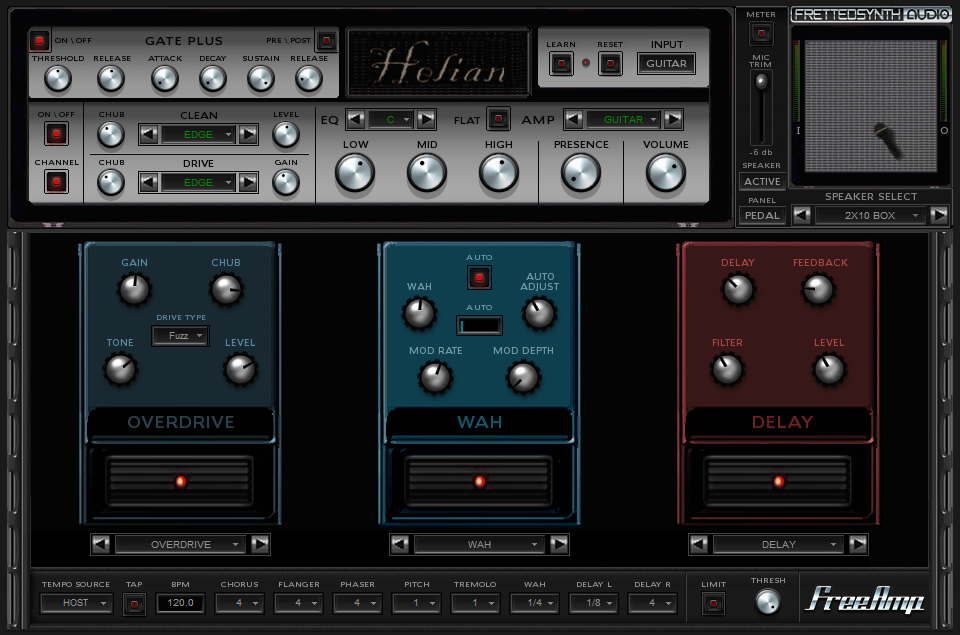
Free Amp is a multi guitar amp-sim, with built-in Guitar synth.
Features:

this is one of my top two go to free guitar amp plugins, along with the first version of Voxengo Boogex. It has a great and fully loaded Fx rack and pedalboard, lot's of tweakability on the amps. Recorded three rreplay albums with it and just did a video demo of how to get a freeamp instance running on any windows computer, no host required. (uses Herman Seib's excellent SaviHost).
Reviewed By Jerry B Goode [all]
March 1st, 2007
Version reviewed: 2 on Windows
Reviewed By The_Cresta [all]
December 17th, 2006
Version reviewed: 2 on Windows
 $199.00Decapitator

Since 2011 the web page for all the frettedsynth plugins is here :
- http://rekkerd.org/fretted-synth/
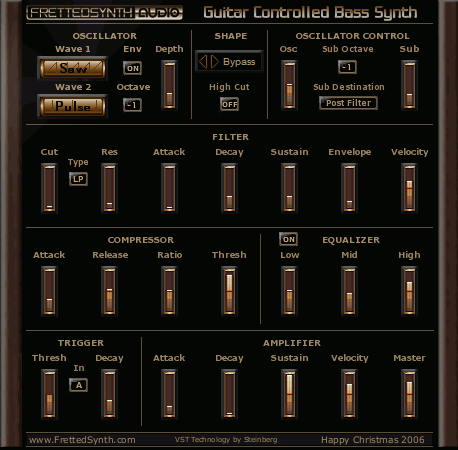
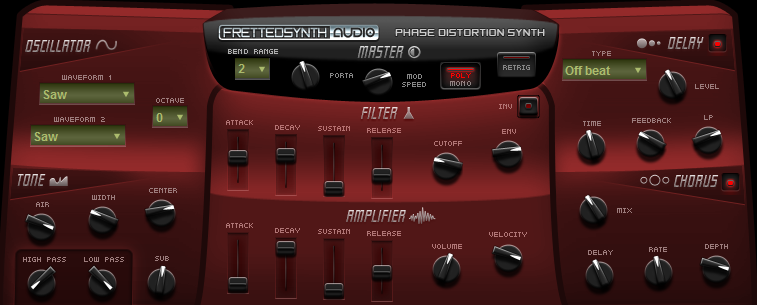
Among his tons of excellent plugins for guitars and drums take a look also at these awesome tools:
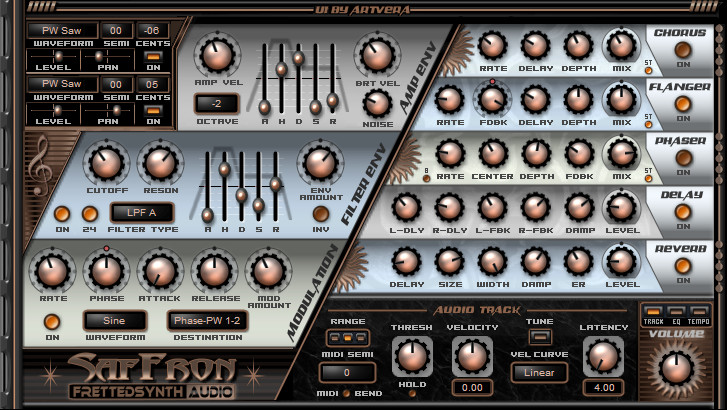
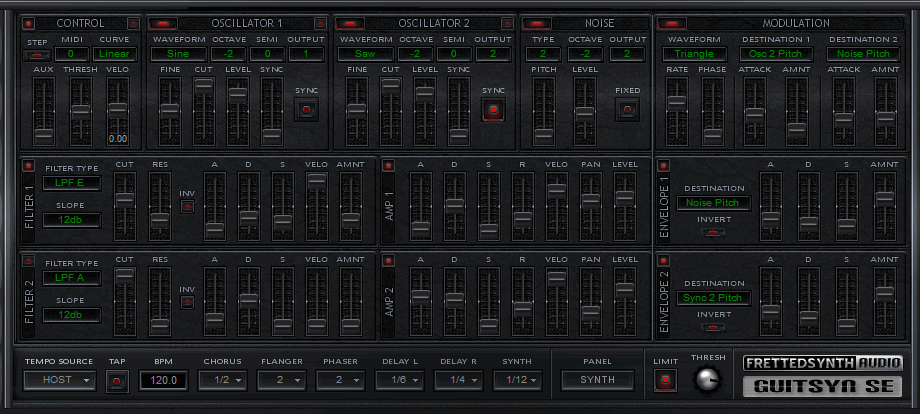
With this FreeAmp3Full my prefered are by far GuitSyn SE... and SafFronSE ("SE" for "SynthEdit"), the last SafFron version which fixes the issues of all the previous versions about multiple instances, loads sound fonts sf2 of whatever origin with layers and velocity splits, loads up to three sound fonts with separate controls for on/off, level, pan, course and fine tuning, uses brand new filter with separate envelopes for cutoff and resonance, provides a new five band equalizer and limiter, etc. This VST was created two years ago (2011, october) but is still today in 2013 august the BEST synth for guitarist! Though I love Native Instruments tools but I even have to affirm that Guitar Rig 5 remains far, far, far behind this version of SafFronSE and the other awesome FrettedSynth's plugins I've mentioned above! By the way I don't understand why SaFronSE has no entry in KVR but only SafFron2L which is way older (and buggy with multi-instances) and much less advanced.
All these plugins are really awesome ! In the comments on the web page (the upper comment at the top of the section), one has written "your effects sound just like the real thing, and are every bit as good a program/software as the expensive ones on the market like GuitarRIg..".
And I really agree! Indeed.
Please log in to join the discussion
Submit: News, Plugins, Hosts & Apps | Advertise @ KVR | Developer Account | About KVR / Contact Us | Privacy Statement | Sell @ KVR | KVR Marketplace Terms & Conditions
© KVR Audio, Inc. 2000-2026