
1041 KVR members have added Live to 50 MyKVR groups 1449 times.
Download KVR Studio Manager (FREE)
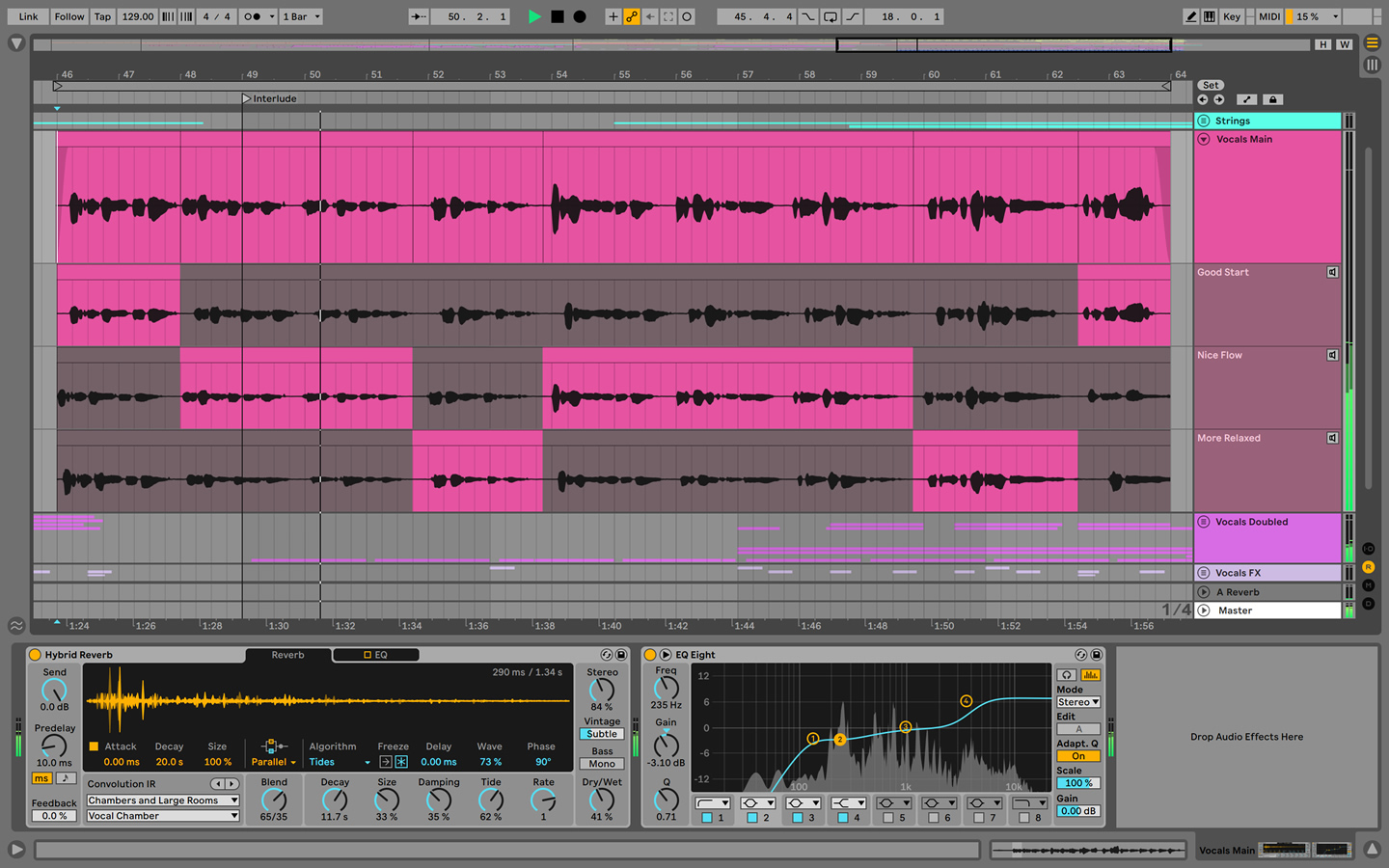
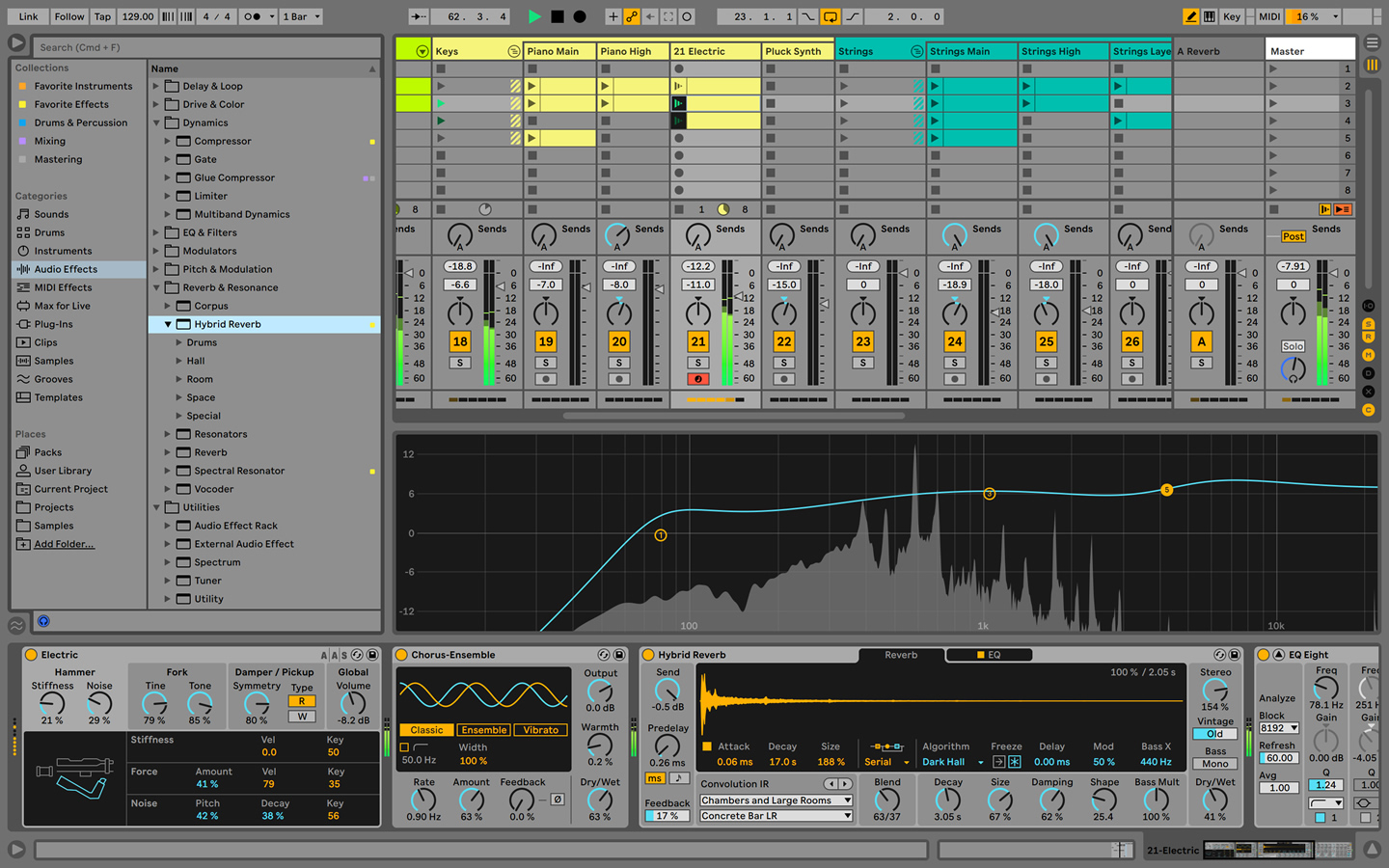
Live is fast, fluid and flexible software for music creation and performance. It comes with effects, instruments, sounds and all kinds of creative features—everything you need to make any kind of music.
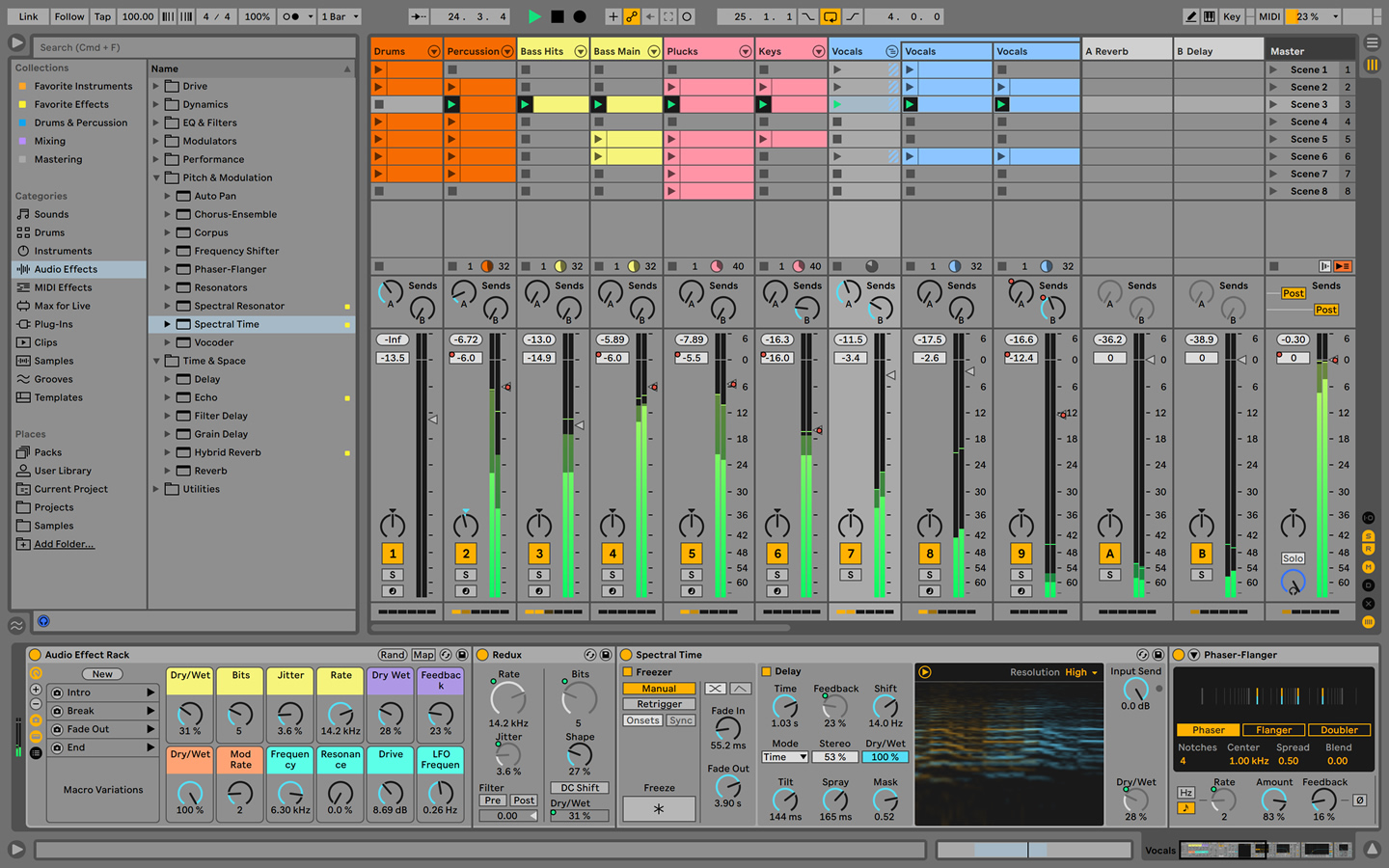
Create in a traditional linear arrangement, or improvise without the constraints of a timeline in Live's Session View. Move freely between musical elements and play with ideas, without stopping the music and without breaking your flow.
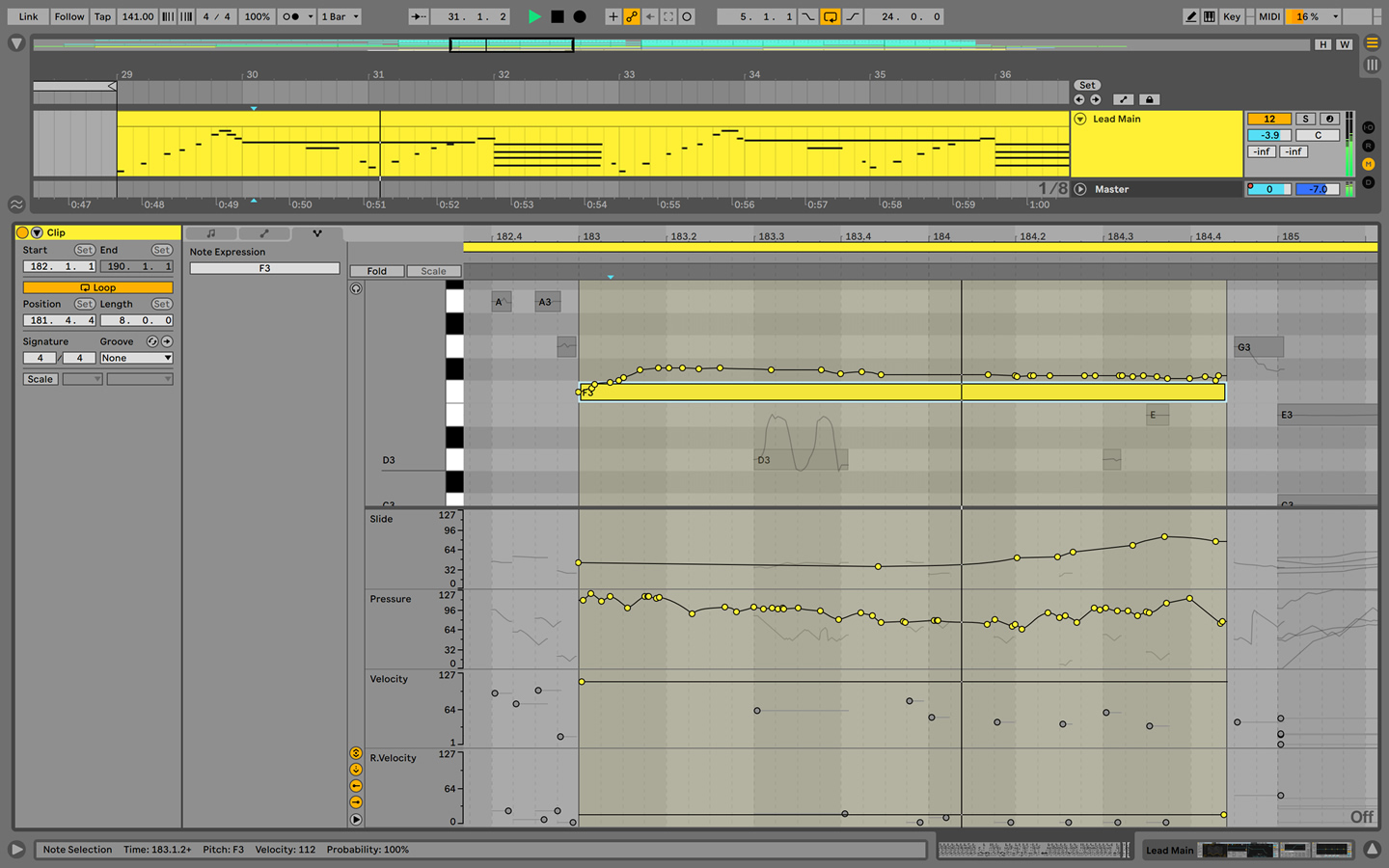
Reshape MIDI patterns
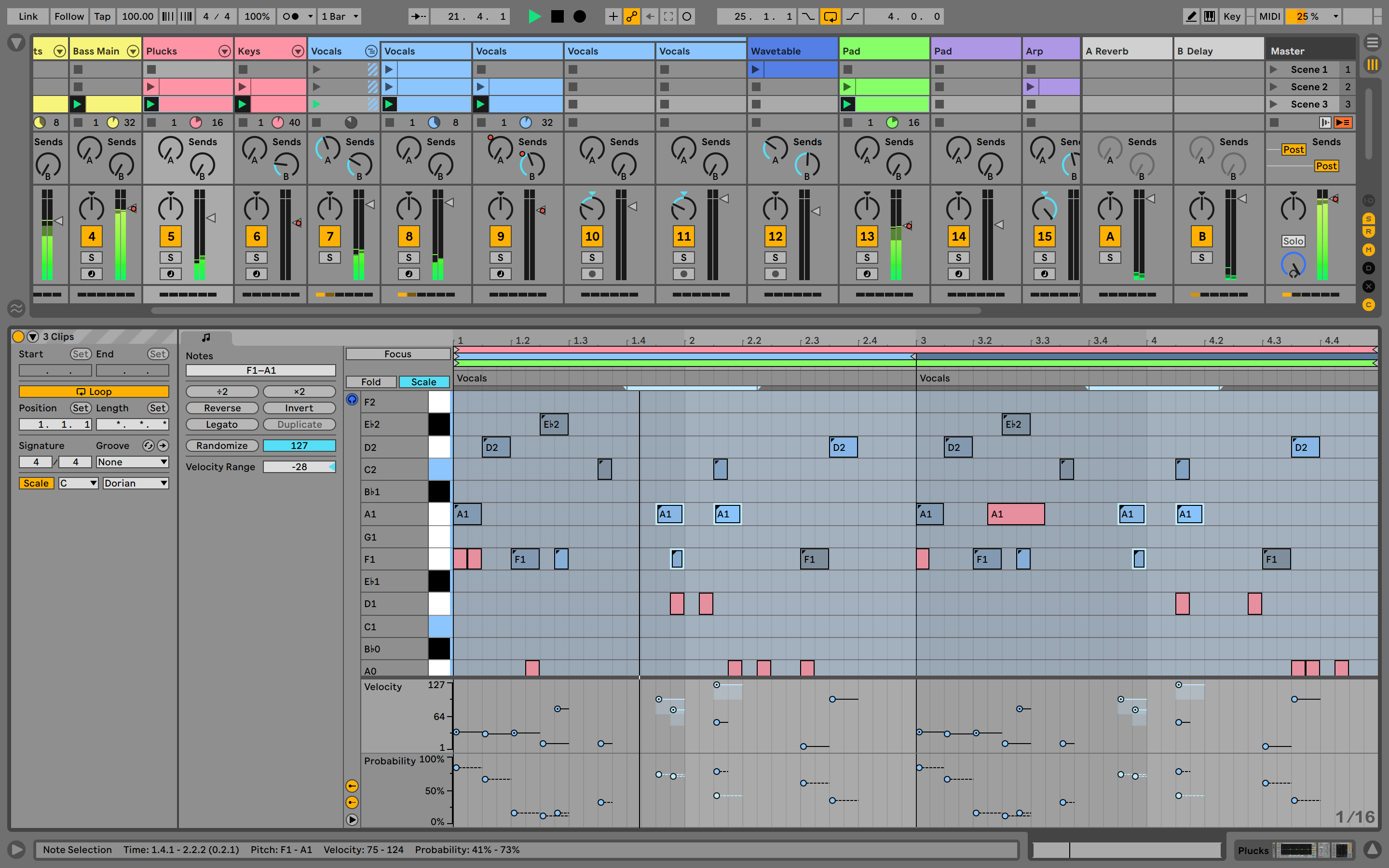
Apply a variety of simple or complex variations to your MIDI clips with new MIDI Transformations. Add ornaments and articulations, draw acceleration and deceleration curves, connect successive notes and chords, simulate the strum of a guitar, and more.
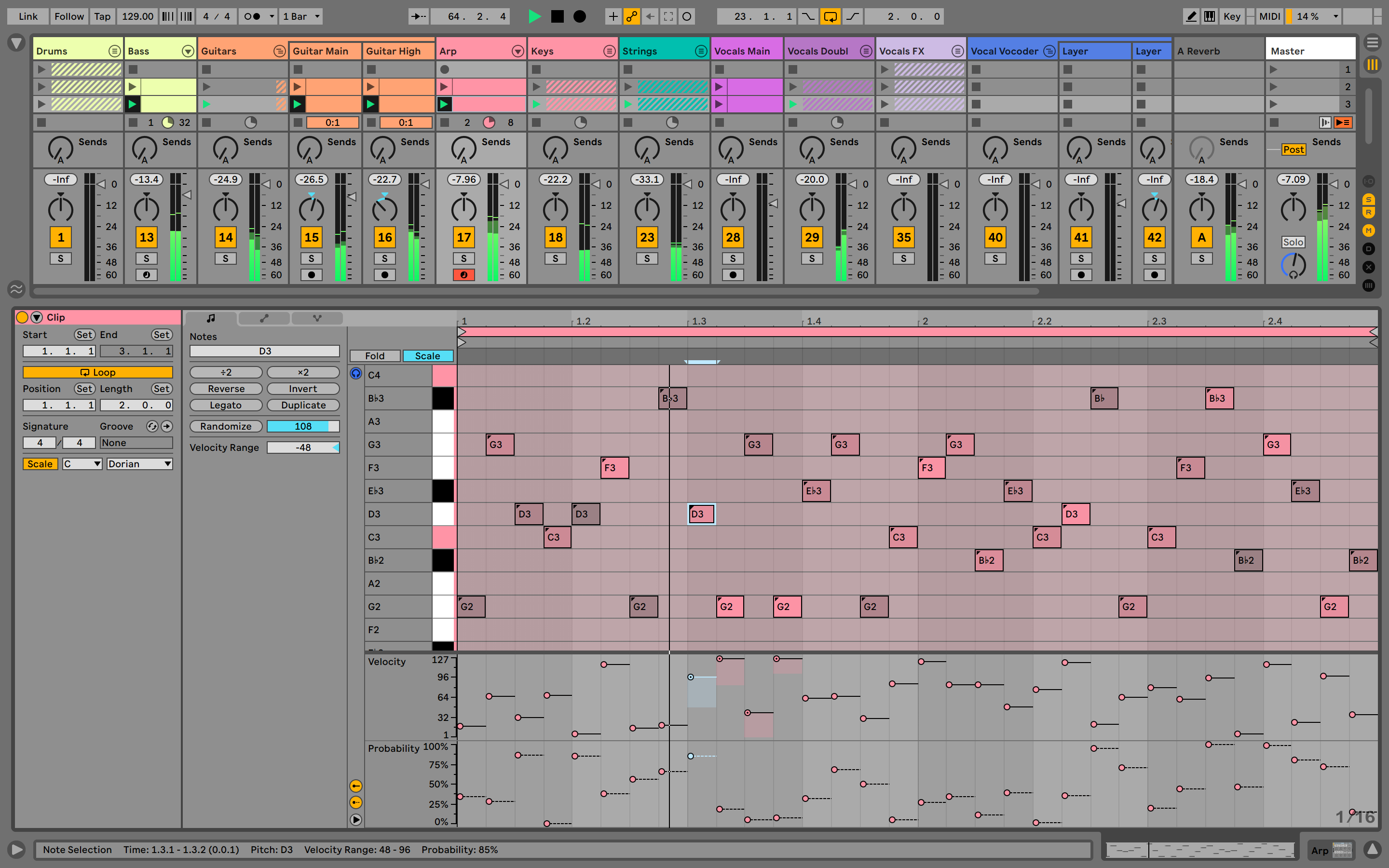
Generate inspiration
Conjure up melodies, chords and rhythms with the help of new MIDI Generators. Set constraints and let your chosen Generator create playful and original ideas for you to develop and turn into your own.
Do more with Max for Live
Try out additional Max for Live Transformations and Generators that give you deeper ways of working with MIDI, or go even further by building new ones.
Embrace and explore tunings
Follow your preferred tuning systems or try different ones more easily. Work outside of 12-tone equal temperament, and use your tuning with Live's devices as well as any MPE-capable plugin or hardware.
Stay in key
Transform or generate ideas within the confines of the selected scale, or sync the scale of MIDI devices and instruments to the clip being played.
Edit MIDI more easily
Use keyboard and mouse operations to edit MIDI in new ways. Split a note in two, or chop it into several parts. Select a set of notes and join them together, or make them fill a selected time range. Plus, you can access to more tools from the Note Utilities panel on the left, such as Fit to Scale, Humanize, Add Intervals, and more.
Modulate more flexibly
Stay in control of a parameter, even after it's been mapped to a modulation source; Max for Live devices like LFO, Shaper and Envelope Follower now let you freely adjust a destination that's being modulated.
Surprise yourself with the sounds you create
Start playing with any of Live's new instruments and effects and you'll soon find new textures and techniques to spark further experimentation.
Lose yourself in Meld
Live's new MPE-capable synthesizer is designed for sound variety, playfulness and character. Equipped with two independent oscillators and an extensive modulation matrix, Meld excels at textural soundscapes, harmonic and atonal sounds, and rhythmic drones.
Meld's Macro Oscillators provides simple access of complex waveforms made by various synthesis methods. Quickly dial up subtractive, FM, granular, and other sources, quantize the oscillators to a scale and even use the LFOs from one oscillator to modulate the other.
Add color with Roar
Bathe your sound in subtle warmth – or break it down with wild distortion. Live's new coloring and saturation device is made up of three saturation stages for serial, parallel or even mid/side and multiband configurations. Its built-in compressor and feedback routing give you even more ways to shape your sound, and its modulation section lets you add dynamic, evolving saturation and color.
Get expressive with granular synthesis
Granulator III, the latest version of Robert Henke's granular synthesizer, introduces expressive control that lets you bend notes and add vibrato and glissando. Plus, you can now capture audio in real time and start manipulating it immediately.
{See video at top of page}
Reviewed By Starbright [all]
May 7th, 2026
Version reviewed: 12.4 on Mac
Wqay too many reviews for such a beast of a DAW.
When I first came across Ableton Live many years ago I actually was disgusted by it: none of it was the ways I was used to (left track pannel, routing) and the colours were way too bright for my taste. And ten years had to go by to really take another look non it.
So 2 years ago I got Live 11 and 12 Standard with Max for Live. And what can I sa everything except one thing is a blast.
The Sampler: best stock sampler ever.
The stock synths and fx: just so great in design and capabillitys.
The MIDI fx: a bit overwhelming, but made for every unconventional idea you might have.
The browser: just the best of any daw (please fight me), it comes with colour coding taging, splice integration, groove save space and the ai driven "search for similar sounds" function (it's actaully a good use of ai).
The ways of manipulating audio are insane and I have yet to find a DAW that can match Ableton in that regard. The same goes for midi.
So what's the one thing that doesn't work well: latency free audio recording! Allthough they have the option to record any track latency free, this feature still doesn't work reliably (specially with bigger projects).
And if it wasn't for that it woulld actually be my main DAW.
Prisewise it's definetely mor on the heavy ite, but since they started their own rent-to-own option, it has become way more accessible (also the new tutorial mode is something every daw should have).
So, highly recomendable.
best computer sequencer of all time excited to see if other daw catch up but for now im happy with it, the abundance of unique and features make up for the od crash.
It has lots of nice features but is Unstable - crashes a lot, Does not handle Vst's that well.
Has bad plugin detection settings (why is it that hard to either detect or be able to add folders to detection instead of having to add shortcuts and other workarounds).
too expensive for what you get, for that price it should have been much more stable and resource efficient.
it has a lot of nice features that just don't matter if I can't have a session without it crashing.
Very Good, Great to use for songs and live sets! I use Live 11 pretty much every day to make music, and sets to play on a Sunday night.
Live started as application for live performances. I never did live performance, but I can imagine you need everything as quick and as agile as possible. With that in mind, they developed pretty unique app that was reliable and well suited for this purpose. (Thanx to it's clever session view thing.)
I believe it was around version 5 or 6 when people started to use Live for classic production as well. I guess main reason was unification of user interfaces used inside and outside of their studios. Around version 7, Ableton implemented better EQ, more cool devices and suddenly people found out, that it's in fact really good and solid DAW.
That quickness of performance tool just reminded. Everything is right under your fingertips and pretty much everything happens in one single window. That's what created Lives amazingly quick workflow. For example setting sidechain compression is question of 3 mouseclicks.
Next thing, that wows you, is its modularity. It's not pure modular DAW, but it has this racking option, that makes it really easy for you to get creative. Wanna layer X synths in one track? No problem. Wanna have several effects on one track working in parallel? No problem. There is not much of possible craziness you couldn't do with it.
Drum racks are amazing too. It's so logical. One track on outside and new track inside of it for every single hit. Easy, clear. Group tracks (available from version 8 I think) allows you to buss several of your tracks completely. If you need some conventional bussing or effect tracks, classic sends also available. ...and everything still happening inside of the one very window.
Unfortunately version 8 went a bit wrong as well. It's great version, best yet, but it has been around for three years or so. Other DAW developers worked hard on new versions. Some functions like vector automation curves, 64-bit instruction code support, or creative stuff like integrated pitch correction are painfully missing in Live. It's great on it's own now, but development should speed up a bit. So point down for that.
Anyway, I'm using Live as my one and only DAW for few years and having no intentions to change that. May be Bitwig can shake this opinion a bit, but that's question of future. Lot of DAWs claim they're quickest way from your brain to the finished track, but imho Live is only DAW you can really agree on that.
 $399.00Bitwig Studio 6
 $99.99Cubase Elements 15$579.99Cubase Pro 15$99.00Bitwig Studio Essentials$329.99Cubase Artist 15$199.00Bitwig Studio Producer

Hey guys, anyone know what the heck happened to the video playback in Ableton Live 8? it used to play smooth in Live 7, now I can't even watch it without it skippin 10-20 frames at a time. ive used all the lowest settings recomended. But still, even Cubase on an old G5 PPC out performs a Core2Duo on Ableton Live 8..
whats gives?
Sounds like bad code, but it could be any number of other factors. Usually new software releases are bigger and require more processor power. If it's a windows system there could be any number of factors that aren't playing "nice' with Live 8. Viirus scanners, anti-malware, printer driver software packages, auto loading applications etc. Also, it could be outdated sound drivers or even video drivers stepping on your application, causing delay, which then affects performance. I'd first say make sure your video drivers are up to date, and then kill any other apps that could be eating processor power. If it's a Mac, then, not sure. Maybe a video codec...
I bought the AKAI APC 20 Controller which comes with a free Lite version of Ableton Live and I must say: This free version of the DAW is absolutely sufficient for what I want to do with it. And if Ableton some day comes with a 50% offer I probably upgrade to Standard in order to get more functionality.
hey guys, is this Ableton Live 9 he is selling?
Please log in to join the discussion
Submit: News, Plugins, Hosts & Apps | Advertise @ KVR | Developer Account | About KVR / Contact Us | Privacy Statement | Sell @ KVR | KVR Marketplace Terms & Conditions
© KVR Audio, Inc. 2000-2026