

I'd say go with Reaper, Studio One or Logic (doesn't really matter) and find workarounds or third party solutions to your small issues or simply accept the shortcomings. Being stuck in a loop where you compare and constantly search for the perfect DAW is a bad use of your time. All three are excellent and will always have their unique annoyances.
Also, there are workarounds for pretty much everything. For example: the lack of Studio Ones native sampler-type pitching can be solved through importing audio into the SampleOne XT that ships with Studio One and pitch it up and down there and then bounce the result. I think. And tape stop could be done with a dedicated VST effect. That kinda stuff. Accept that certain things will require slightly clunky workarounds that are still ten times faster than how people used to work previously.
Regarding the choppy Reaper interface thing on mac: You need to change colour profile to sRGB in the display settings on macOS. The developers are working on the performance and visual clarity of the macOS build right now so make sure you check out the development build again. And if your fonts are blurry, set them all to Bold in the theme settings. I'd say Reaper is fairly smooth on my machine (laptop with integrated gpu) and i have no issues with performance.
Ableton not having customisable keyboard mapping is still one of the most baffling decisions in to me. I'd assume the reason is to sell more of the Push.
I don't know what DAW to try anymore
-
- KVRist
- 274 posts since 31 May, 2017
-

- Beware the Quoth
- 35500 posts since 4 Sep, 2001 from R'lyeh Oceanic Amusement Park and Funfair
You ever thought of trying a mouse with a different DPI setting?Phazma wrote: Thu Sep 26, 2019 1:59 pm What makes Studio One unusable though is the awkward response of zooming via mouse+modifier. A little swipe suffices to go from maximum to minimum track height or from the whole arrangement to the samples of a waveform. All-tough all other things feel pretty much spot on, this makes also Studio One very painful to use.
An idiot on Set Theory:
"In some cases there is an object called red that contains everything that is red. In much the same way a pot is a plate."
"In some cases there is an object called red that contains everything that is red. In much the same way a pot is a plate."

-
- KVRist
- Topic Starter
- 103 posts since 22 Nov, 2015
Even if I don't like to accept it I actually know you guys are right.. everybody has different preferences and no developer will have the exact same vision of a DAW that I have so it won't happen that one gets it all perfect for me. As you guys say, even the fact that we can just use DAWs and vsts and make music in our laptops is an incredible achievement by itself from the perspective of a few decades ago and everything else are just first world problems. I notice that with every DAW I try I get more superficial and less patient so it is better to just stick to what I tried up to now. Through my experience with linear DAWs until now I think I will feel alienated with non-linear or non-traditional workflows like modular or rack-based systems anyway so I guess testing Ableton, Bitwig, Reason, Mulab and so on would be pointless anyway.
I think I will just keep looking out how development proceeds in Reaper, S1 and Logic and see which one of these will become closest to what I like. And since some time I have also thought about ditching the magic mouse anyway and found out about the Logitech MX Master which has a scroll wheel for LR so I might try that one out and if that improves the zooming experience in S1 I think the winner is pretty clear.
P.S.: I have never tried the "golden industry standard" myself but I worked with people who use it and things like no curved automation or having to create multiple tracks to use a virtual instrument and the famous workflow inconveniences for MIDI composition, coupled with unattractive pricing schemes never really motivated me to give it a try - other DAWs handle audio editing well enough for my needs.
I think I will just keep looking out how development proceeds in Reaper, S1 and Logic and see which one of these will become closest to what I like. And since some time I have also thought about ditching the magic mouse anyway and found out about the Logitech MX Master which has a scroll wheel for LR so I might try that one out and if that improves the zooming experience in S1 I think the winner is pretty clear.
P.S.: I have never tried the "golden industry standard" myself but I worked with people who use it and things like no curved automation or having to create multiple tracks to use a virtual instrument and the famous workflow inconveniences for MIDI composition, coupled with unattractive pricing schemes never really motivated me to give it a try - other DAWs handle audio editing well enough for my needs.
-
- KVRist
- Topic Starter
- 103 posts since 22 Nov, 2015
Really? You can hold a mouse modifier and scroll anywhere in the arrangement and all tracks will become bigger or smaller? I tried with all modifiers and combinations but could only get horizontal zoom to work. Also didn't find anything on google regarding this being possible. I know you can cmd-drag the bottom line of a track and all tracks change size but that is not what I am searching for.
-
- KVRAF
- 5144 posts since 3 Oct, 2013
the new track assigning based workflow can be used nicely/quickly in FL now
so the auto-organization works much better now
Patcher in it hasn't got macro controls so I'm using
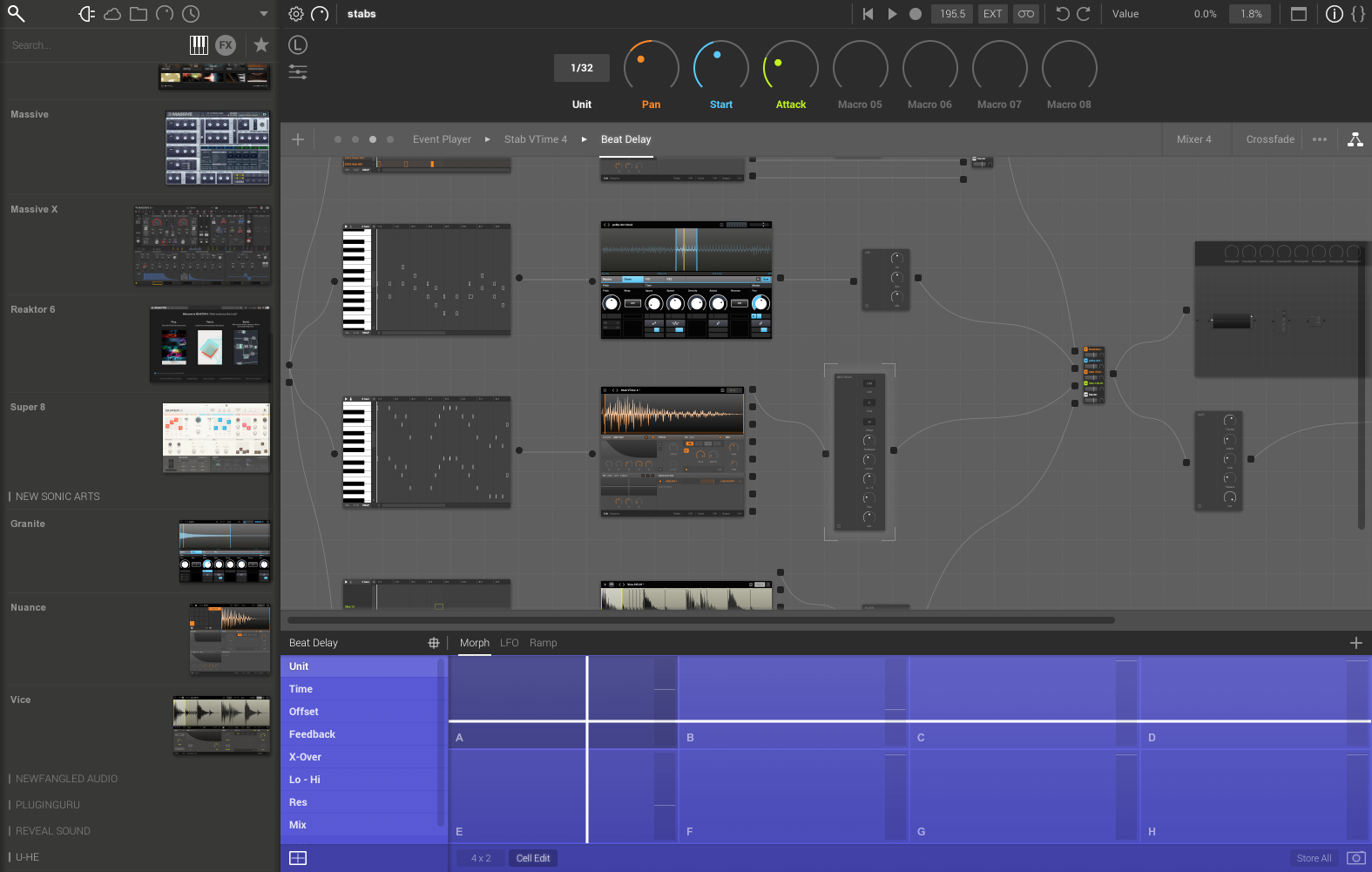
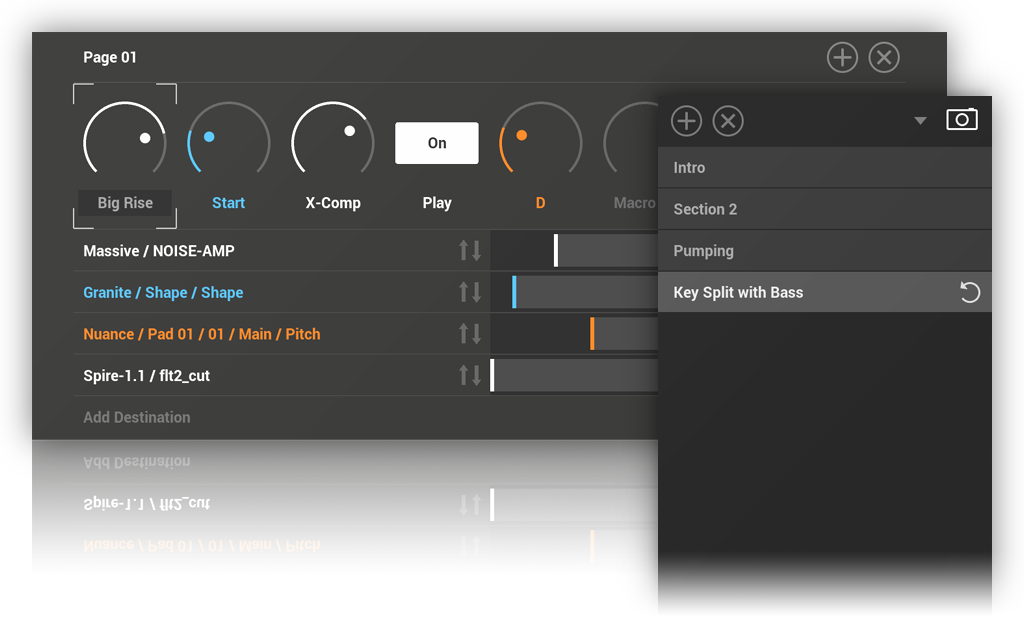
http://www.newsonicarts.com/html/freestyle.php instead (if u need modular things just buy Reason11 Rack it works perfectly with it) its forum just opened here in viewforum.php?f=300
so the auto-organization works much better now
Patcher in it hasn't got macro controls so I'm using
http://www.newsonicarts.com/html/freestyle.php instead (if u need modular things just buy Reason11 Rack it works perfectly with it) its forum just opened here in viewforum.php?f=300
"Where we're workarounding, we don't NEED features." - powermat
-
- KVRian
- 931 posts since 14 Dec, 2014
You don't need to customize shortcuts in Ableton Live, it is designed to be used without those functions that require swapping tools in toolbars or diving into sub-menus in other DAWs.
But Live actually DOES have "custom/remappable keyboard shortcuts", though limited compared with Reaper and such.
In Live you have "Key Map Mode", you can assign a computer keyboard key to functions.
https://www.ableton.com/en/manual/midi- ... te-control
For example, the key "a" enters "Automation Mode" in Live.
If you don't like that "a" key, you can enter Key Map Mode and change it to "A" (which is "shift+a" in practice) or "r".
You can use special characters too, like ¹ or ² or £, allowing ctrl+alt combinations.
Then you save that Set as the default template to save the mapping.
Each Set/Project can have its own mapping, and you can make templates, of course.
Also, with Max For Live and Remote Scripts, you can basically customize everything in Live.
Stuff like Yeco and Touchable Pro are basically a new "skin", a new GUI you can use over Live's (their mixers in particular are a improvement), running in the same system or in another (computer or tablet, even phones).
http://www.yeco.io
https://zerodebug.com/touchablepro
But Live actually DOES have "custom/remappable keyboard shortcuts", though limited compared with Reaper and such.
In Live you have "Key Map Mode", you can assign a computer keyboard key to functions.
https://www.ableton.com/en/manual/midi- ... te-control
For example, the key "a" enters "Automation Mode" in Live.
If you don't like that "a" key, you can enter Key Map Mode and change it to "A" (which is "shift+a" in practice) or "r".
You can use special characters too, like ¹ or ² or £, allowing ctrl+alt combinations.
Then you save that Set as the default template to save the mapping.
Each Set/Project can have its own mapping, and you can make templates, of course.
Also, with Max For Live and Remote Scripts, you can basically customize everything in Live.
Stuff like Yeco and Touchable Pro are basically a new "skin", a new GUI you can use over Live's (their mixers in particular are a improvement), running in the same system or in another (computer or tablet, even phones).
http://www.yeco.io
https://zerodebug.com/touchablepro
-
- KVRAF
- 35687 posts since 11 Apr, 2010 from Germany
Yeah... just use the one which is the least pain in the ass.lotus2035 wrote: Thu Sep 26, 2019 4:08 pm They're all a pain in the ass in one way or another. Just pick one and get to work. The results are what matters not how you got there.
Just kidding. I like my DAW's.

-
el-bo (formerly ebow) el-bo (formerly ebow) https://www.kvraudio.com/forum/memberlist.php?mode=viewprofile&u=208007
- KVRAF
- 18099 posts since 24 May, 2009 from A galaxy, far far away

-

- KVRAF
- 5386 posts since 25 Jan, 2014 from The End of The World as We Knowit
Perhaps you should fire up your analog test equipment to analyse which DAW sounds better, and make your decision based on that?
F E E D
Y O U R
F L O W
Y O U R
F L O W
-
Winstontaneous Winstontaneous https://www.kvraudio.com/forum/memberlist.php?mode=viewprofile&u=98336
- KVRAF
- 2593 posts since 15 Feb, 2006 from Another Green World
Not sure if anyone else addressed this critical part of your post...Based on this the first thing that comes to mind is Magix' Samplitude...its Object Editor is better integrated and deeper than Reaper's item FX or Logic's Regions. I'm not a regular Samplitude user, but I was impressed by Object implementation when I demo'd it some years ago.Phazma wrote: Thu Sep 26, 2019 1:59 pm As with Reaper I fell in love with item/event-based effects that can be automated inside the single event, this became another must for my DAW.
-
- KVRAF
- 2989 posts since 5 Nov, 2014
You can hide scenes and have huge meters instead, channel strip isn't any smaller than Logic's, there's nice overview of inserts and sends, volume slider is perfectly visible, overall everything is there, you are mixing with your ears anyways...Phazma wrote: Thu Sep 26, 2019 1:59 pm And I tried Bitwig but it was totally confusing, the actual mixer for example is tiny while there is a huge space for "scenes" that I have no clue what they are used for
You do not have the required permissions to view the files attached to this post.
-
- KVRAF
- 2989 posts since 5 Nov, 2014
rod_zero wrote: Thu Sep 26, 2019 3:25 pm Drop the magic mouse and get a more traditional one and see how it changes the way you interface with your DAW.
Pretty much this
-
- KVRAF
- 9147 posts since 7 Oct, 2005
I had the same feeling some time ago. Yes, you have nailed itPhazma wrote: Thu Sep 26, 2019 4:25 pm I notice that with every DAW I try I get more superficial and less patient so it is better to just stick to what I tried up to now.
 If you have Logic, just stick with it and keep make music. Don't overthink it that much really! I'm sure you will love Logic when you have reach good results with it
 Few days ago I have just realized that I enjoy cooking home made meals
So, why should I always look up to those chefs and their tools/methods?! Just give me any knife and good ingredients, then I will cook a delicious food (to me anyway  ).
).It is the same with music (for me at least!). I just want to make some music and enjoy making them and listening to them, so why I should keep looking for the best DAW and tools?! It is better just use what I have (I already have good sound sources!) and concentrate on the actual making
Using: Cubase Pro 15, Reason 13, Tascam US-4x4HR, MODX6, DM12D, LaunchKey 49, Yamaha guitar(Pacifica 612v) and bass (BB234) and some virtual instruments and synths.