

Why is it inconvenient, I don't quite understand?xbitz wrote: Mon Nov 13, 2023 8:17 pm Of course, there is additive and multiplicative automation too, but these are not convenient when working with looped materials(if it is able to work with these kinds of stuffs anyway).
Wow! I've been thinking about this not so long ago - how to simplify the work with automation with the help of some hand-made device that could somehow do automation from a certain point in the track. Now I understand how to do it, thank you!xbitz wrote: Mon Nov 13, 2023 8:17 pm
...I use track modulators mostly for automation through macro "proxies", as direct automation 'blocks' the control to which it is assigned, it can only be modified by temporarily suspending the automation.
.... so, I automate the offset on the target control instead of the target itself. big + that it can be assigned to multiple targets (with different amounts) or can be put even to the group tracks too, so it can be used far more practically.
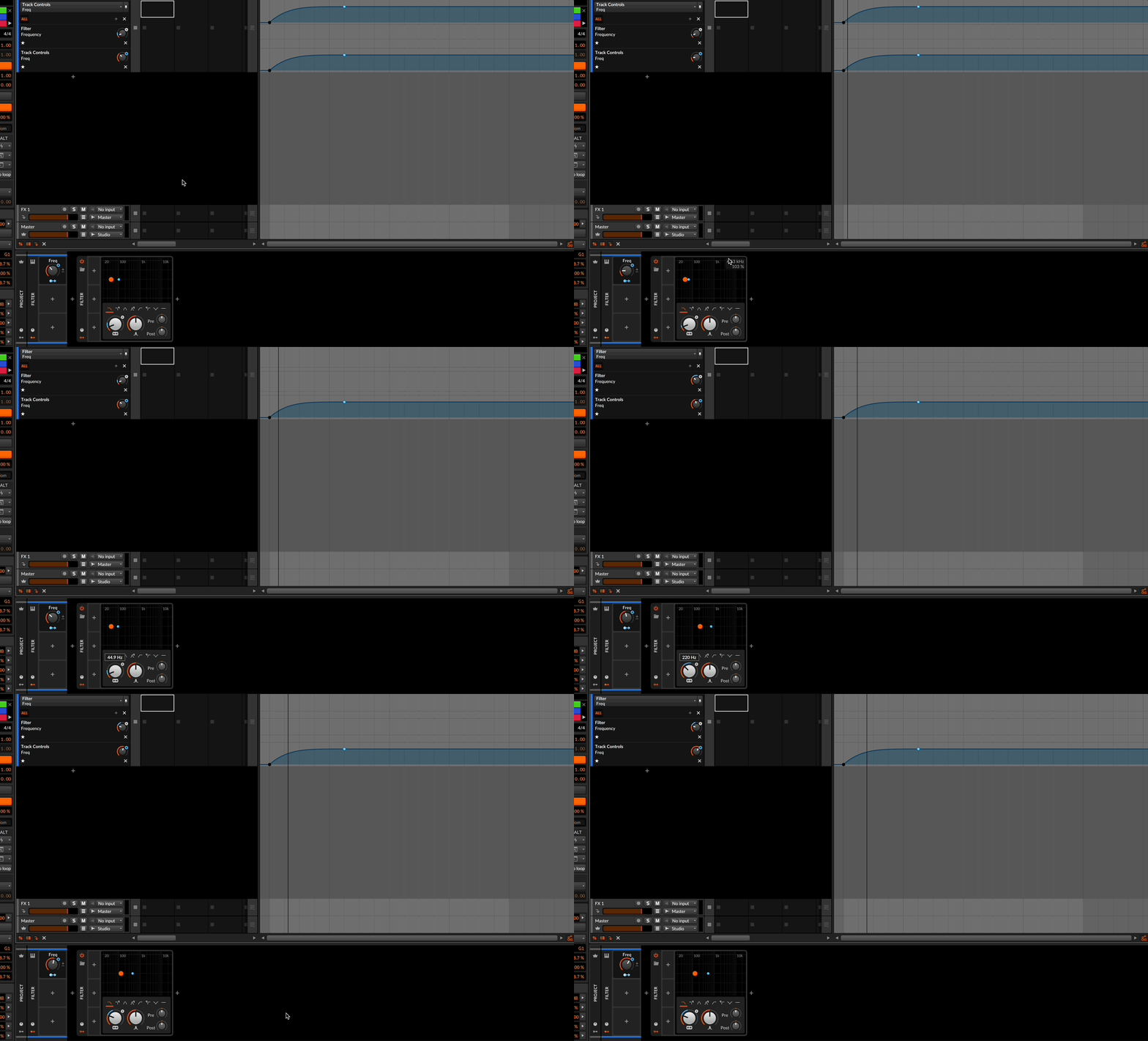
You work on Launcher clips, I don't use them. I use tracks. But the essence of the work will not change. I just put the cursor at the right moment of the automation start, turn on the automation recording mode and start recording. I adjust, if necessary, the depth of impact, right? At the same time, the main types of automation can be always at hand in global modulators. Convenient!
I see only one BUT. The shape of the automation curve. Your method is good for one form of automation curve. But what if I want other forms ? Create new global modulators ?

