
3 KVR members have added ARADAR to 4 MyKVR groups 6 times.
Download KVR Studio Manager (FREE)
ARADAR is the music player for producers – a native Mac library that plays your references, analyzes every track you import (key, BPM, loudness, spectrum), and keeps the track you're hearing in your head a few filters away. Drag any track straight into your DAW. When your new track is finished, see which labels in your library it sounds like.
Watch a short 5 min video intro at aradar.app
Built-in player
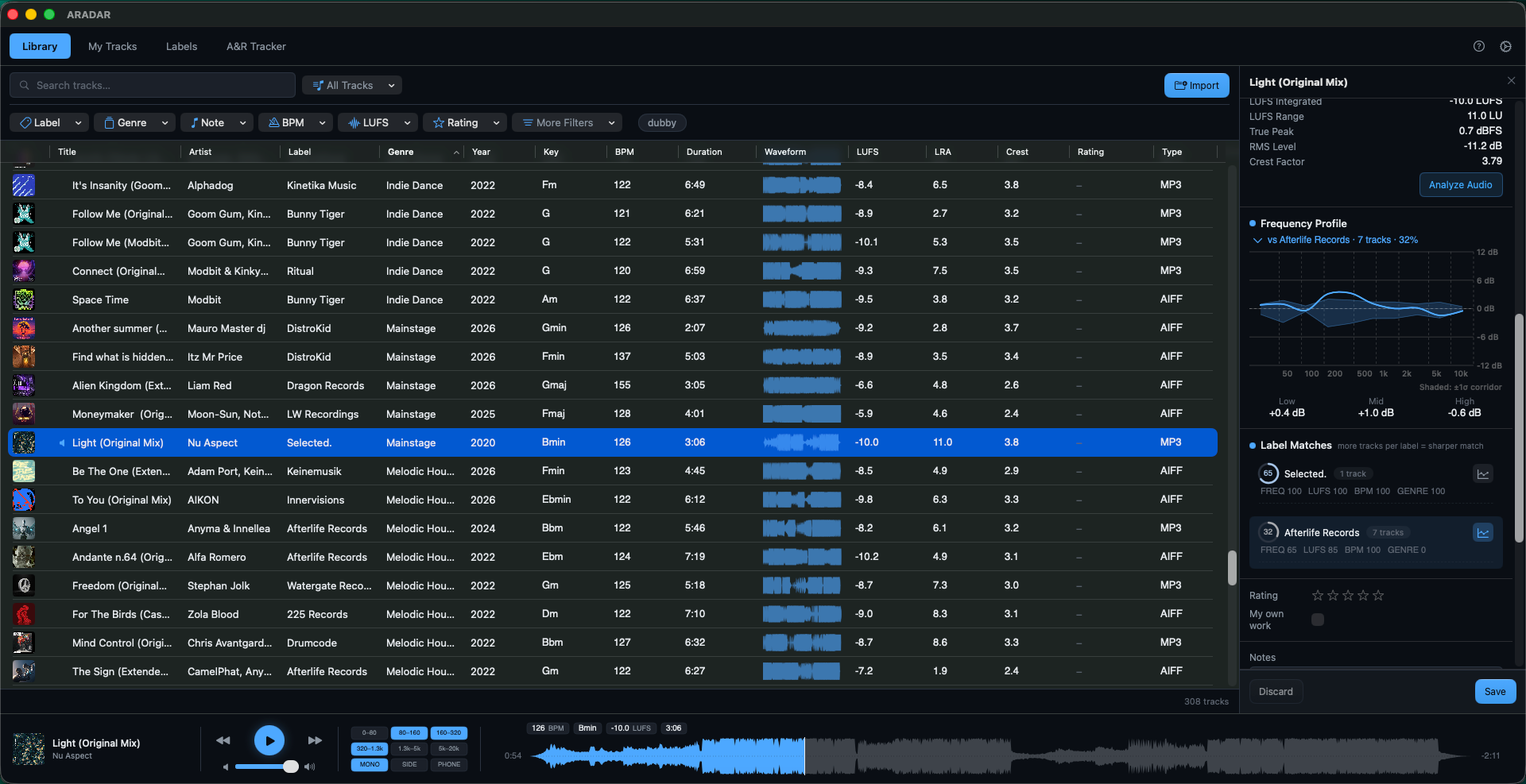
Play without leaving the library – full waveform scrubbing, your filtered view as the queue, band solo (hear just the sub, the mids, or the top), plus MONO, SIDE, and PHONE checks for club fold-down and small-speaker tests. Checks stay on while you A/B against a reference.
Reference library
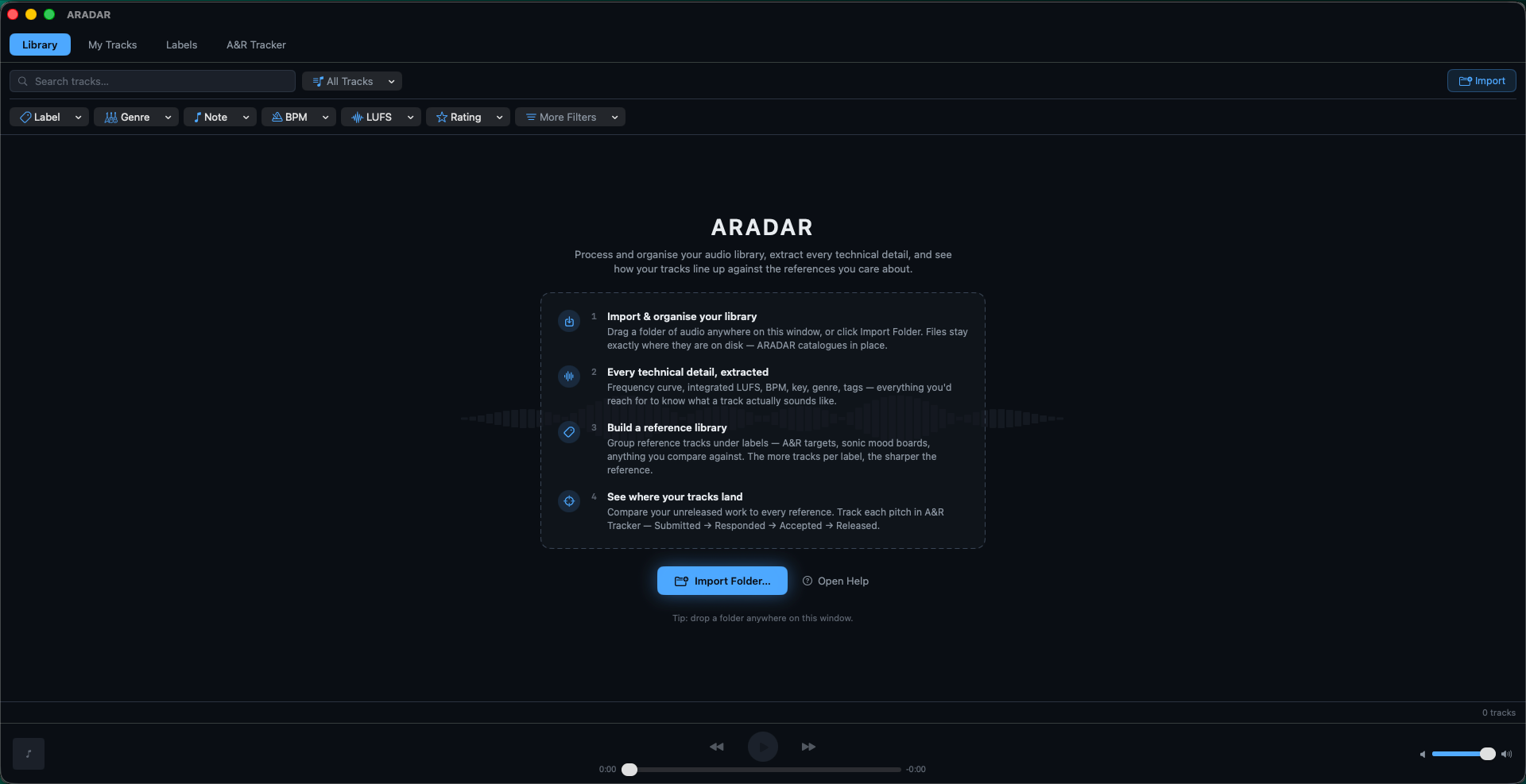
Drag a folder onto the app and every supported file is queued for analysis. AIFF, WAV, FLAC, MP3, and M4A are supported. Tracks are deduplicated on re-import, so re-importing the same folder is safe. ARADAR never moves, copies, or renames your files – it indexes where they already live.
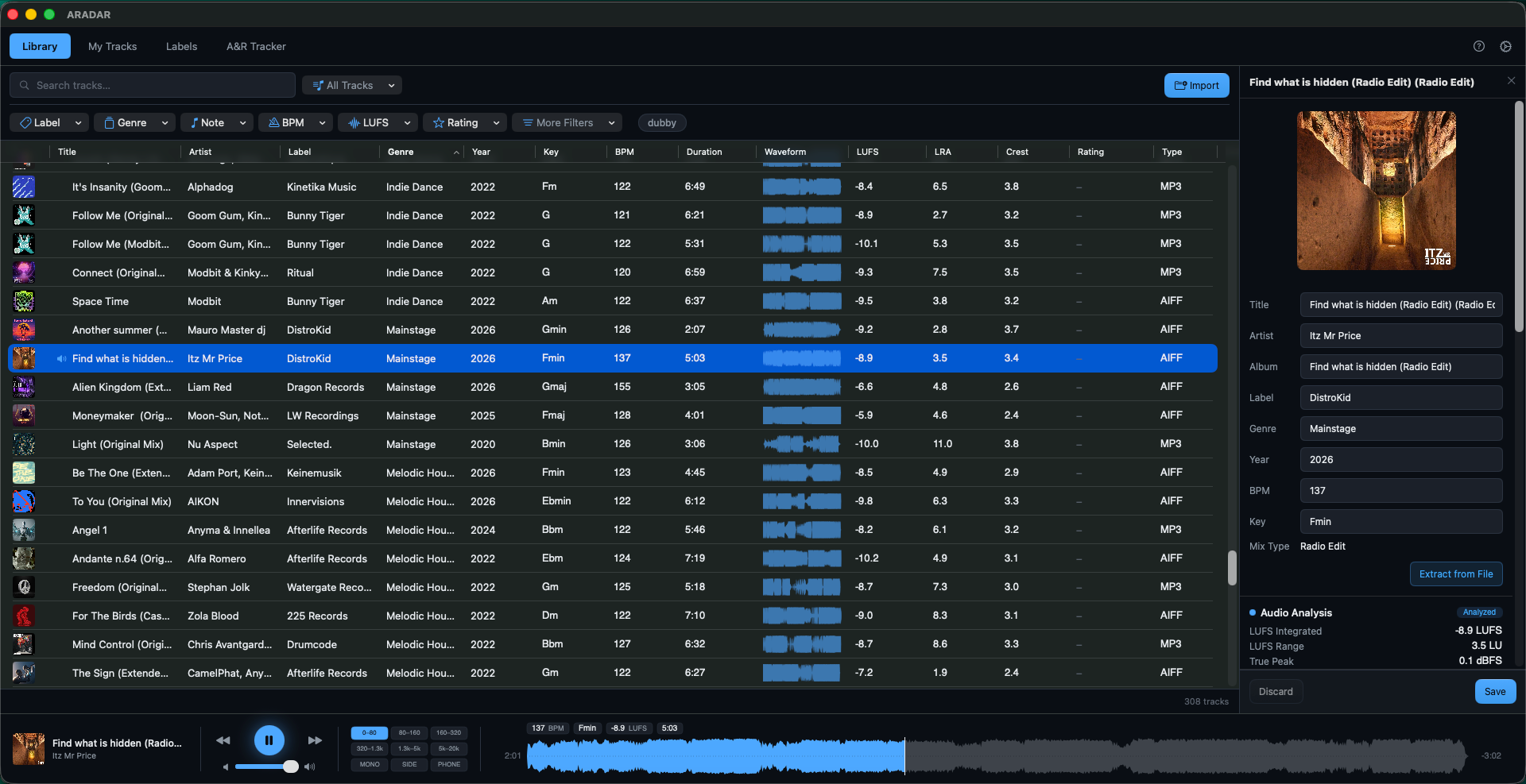
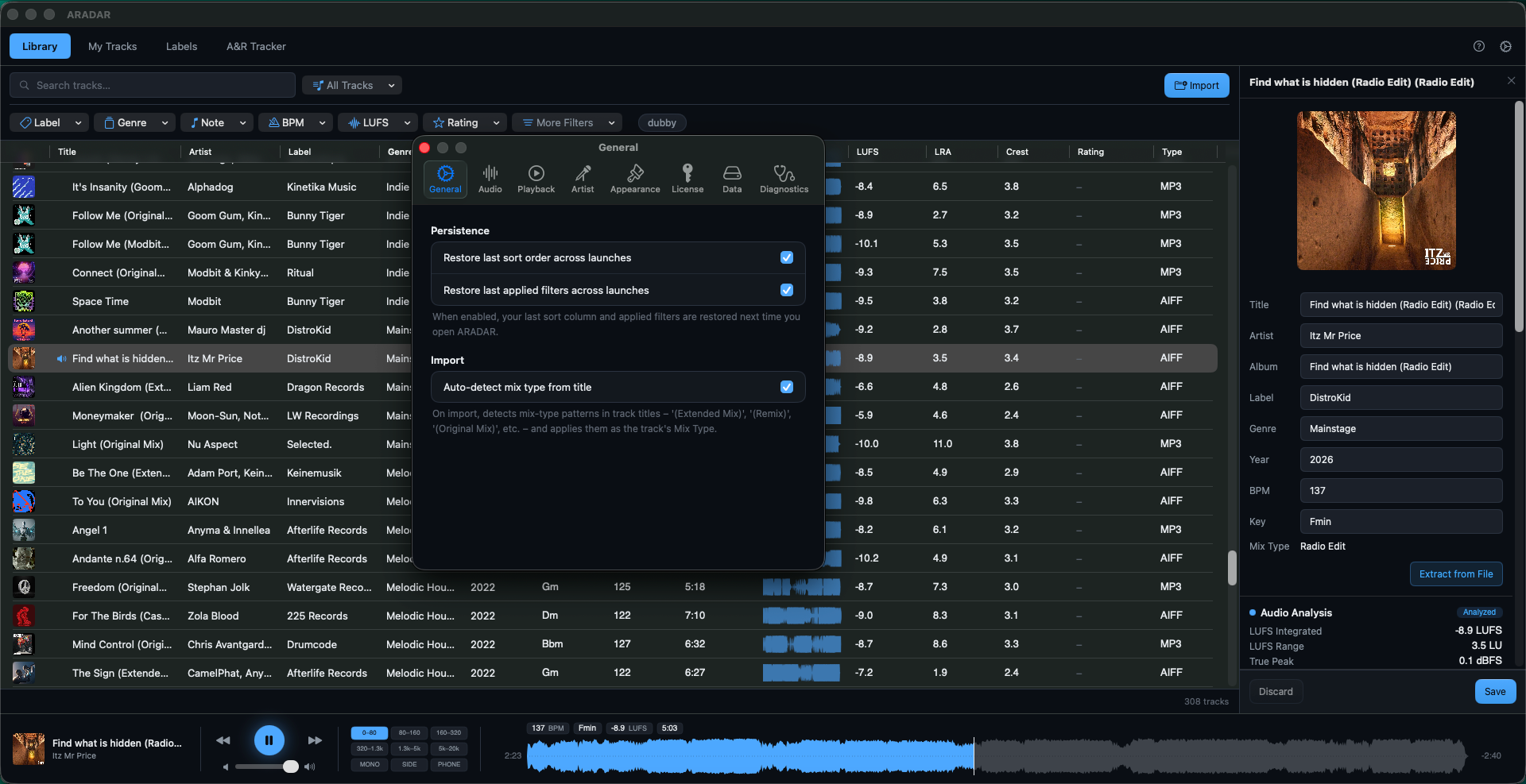
Each track keeps whatever embedded metadata it has (artist, title, label, genre, year, BPM, key). AIFF is recommended – ID3 tag support is consistent across every major DAW. WAV files often land with empty tag fields because many tools don't write tags to WAV reliably. You can edit metadata inline in the Inspector regardless of format.
You can rate (0–5 stars), tag freely, and build playlists. Filters stack – Label, Key, Artist, BPM, Year, Rating and many more – alongside free-text search. Drag any track from ARADAR straight into Ableton, Logic, or any other DAW.
Audio analysis
For every track ARADAR runs three measurements:
Frequency profile and label corridors
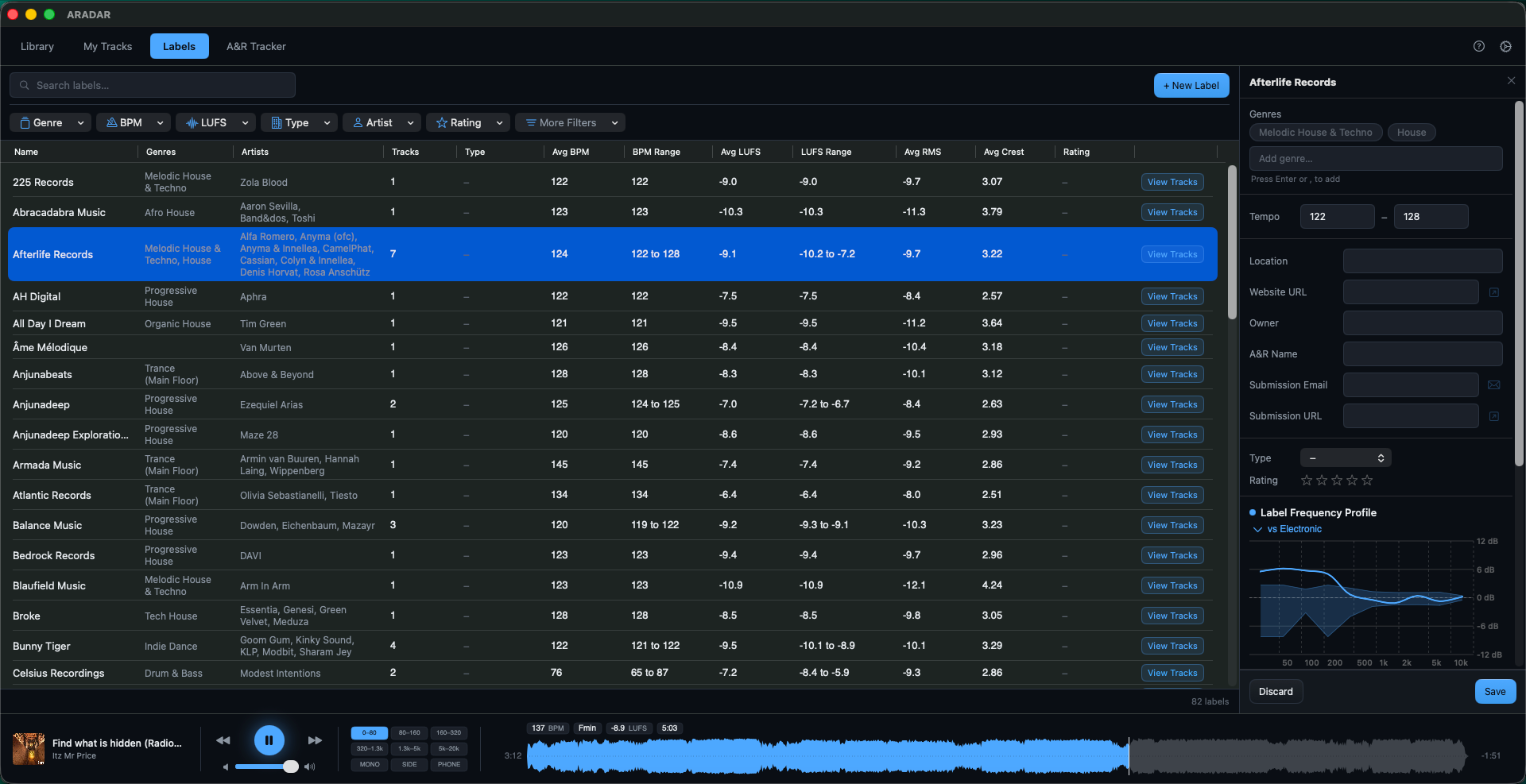
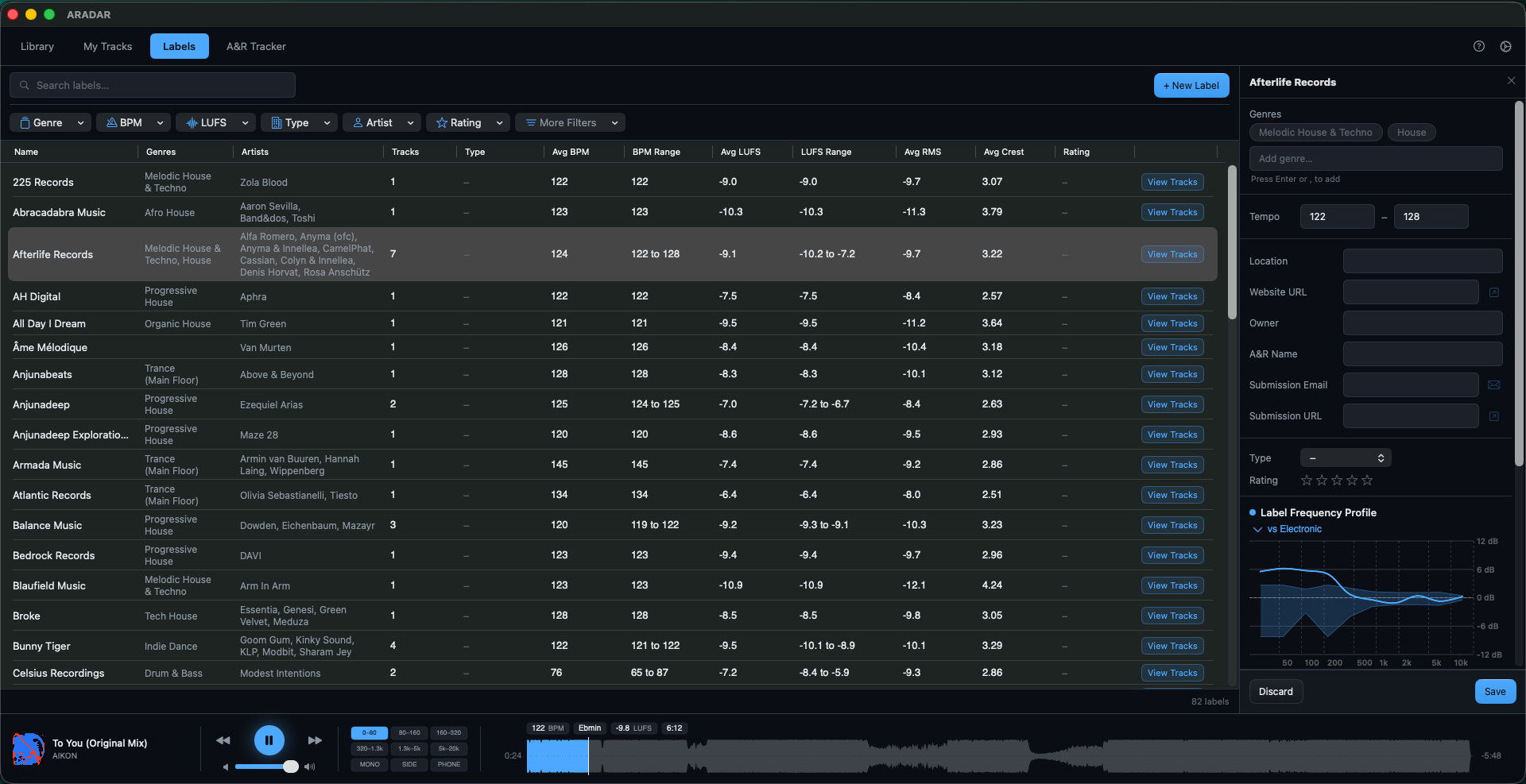
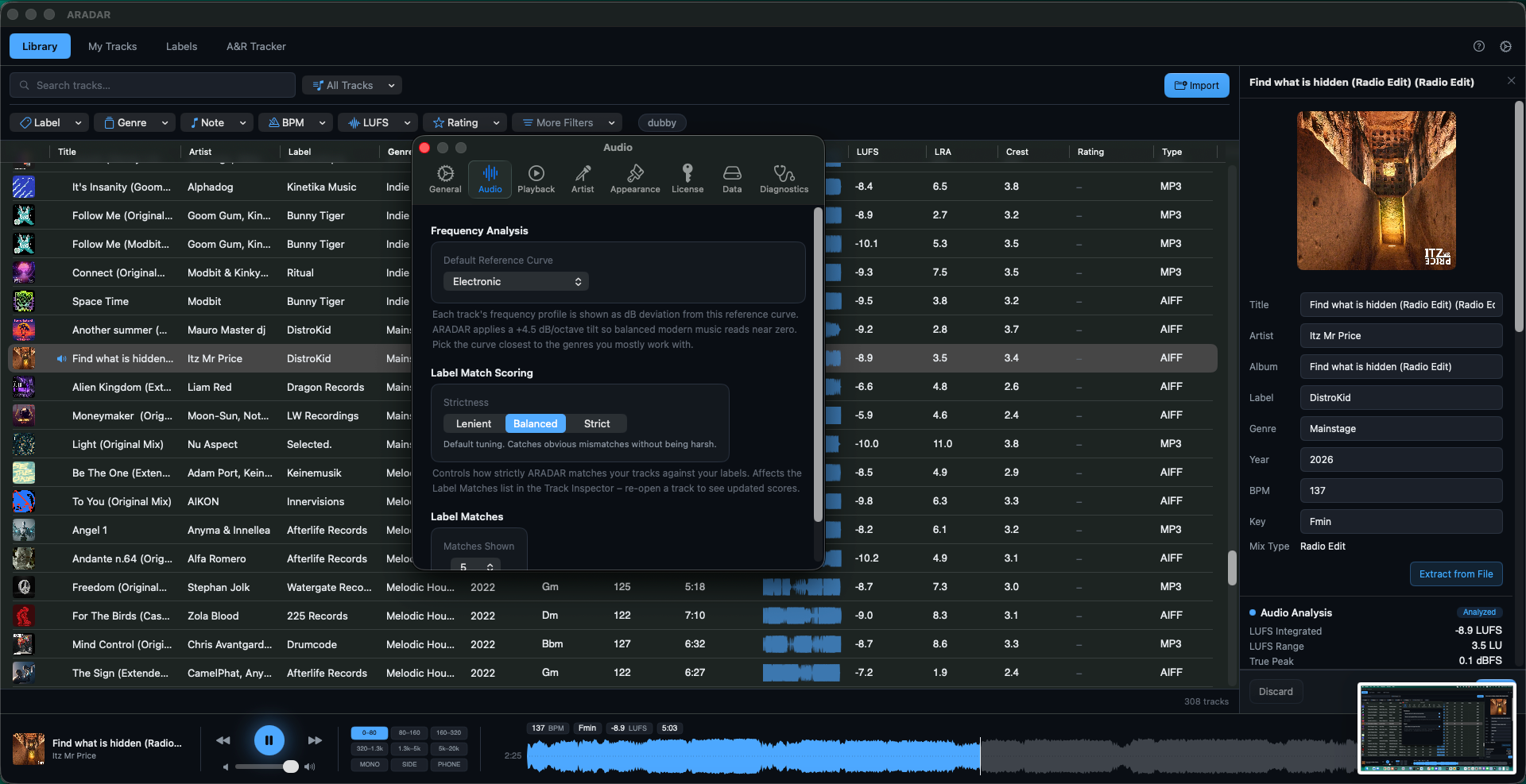
ARADAR draws each track against a chosen reference curve – a built-in genre baseline (Electronic, Hip-Hop, Pop/Rock, Acoustic, Orchestral), pink noise, or a custom curve built from a selection of your tracks. This could be an artist or a set of tracks from the same genre. Custom curves include a shaded area showing how much the source tracks varied per band, so you can see whether a new track sits inside the typical tonal range.
Each label in your library gets its own median profile and corridor computed from its analyzed tracks.
Your tracks
Add your own works-in-progress the same way you import references – drag them in and ARADAR analyzes them identically. They live in the My Tracks tab, kept separate from your reference Library so demos and finished releases don't mix.
Label matches and A&R tracker
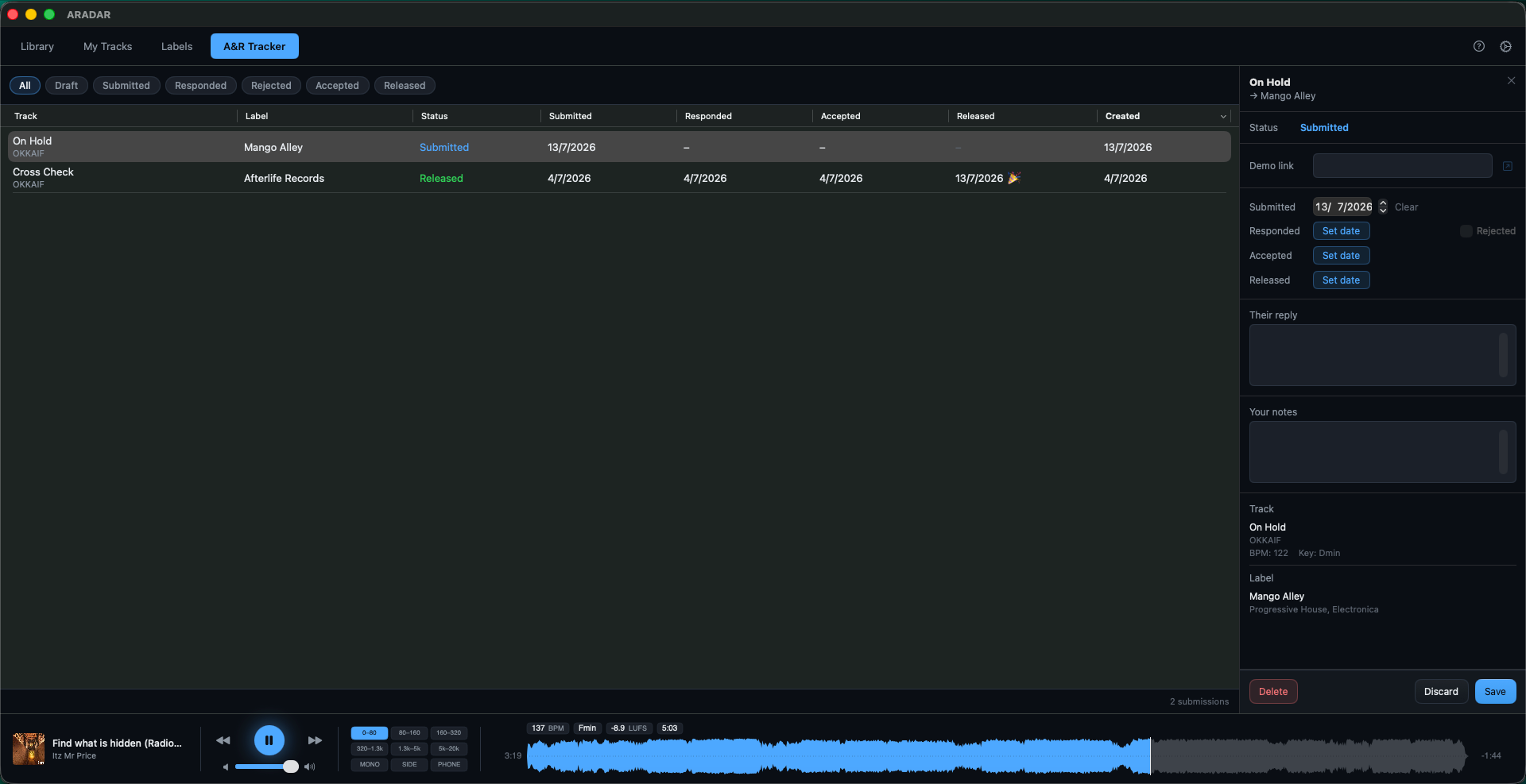
Open any of your tracks in the Inspector and ARADAR ranks the labels you have data for by composite fit: 40% frequency profile, 25% loudness, 20% tempo, 15% genre. Click a label row to overlay its profile on the chart. Right-click any track to log a submission, then track responses in the A&R tab (draft, submitted, responded, accepted, rejected) with free-text notes.
A Lenient / Balanced / Strict picker tunes scoring sensitivity globally.
Library statistics
A dedicated window shows totals, top-label and top-genre rankings, BPM / key / year / rating histograms, mastering trends by year, action items (missing metadata, failed analysis, unrated tracks), and submission pipeline summaries.
Privacy
Your library, audio files, metadata, ratings, tags, custom curves, and submissions never leave your Mac. There is no telemetry. Network use is limited to license validation, opt-out crash reports, and update checks.
Licensing:
System requirements:
Try it free for 14 days
Download ARADAR and use every feature for 14 days – no payment details required, nothing gated. After the trial, your library, ratings, analysis, and submissions stay accessible – only importing new tracks and creating new content locks until you buy a license. One license activates on up to 3 Macs.

Please log in to join the discussion
Submit: News, Plugins, Hosts & Apps | Advertise @ KVR | Developer Account | About KVR / Contact Us | Privacy Statement | Sell @ KVR | KVR Marketplace Terms & Conditions
© KVR Audio, Inc. 2000-2026

