


(Except it's a loss for the wallet, oh boy...
 )
)
 )
)If it's SATA it's still cheaper than a single Thunderbolt driveEvilDragon wrote:Even better - separate SSDs for OS and sample libraries. Win-win.
(Except it's a loss for the wallet, oh boy...


I haven't paid any attention to Thunderbolt, as it was Mac only according to Apples 1-year agreement with Intel, but NOW:mkdr wrote:If it's SATA it's still cheaper than a single Thunderbolt driveEvilDragon wrote:Even better - separate SSDs for OS and sample libraries. Win-win.
(Except it's a loss for the wallet, oh boy...
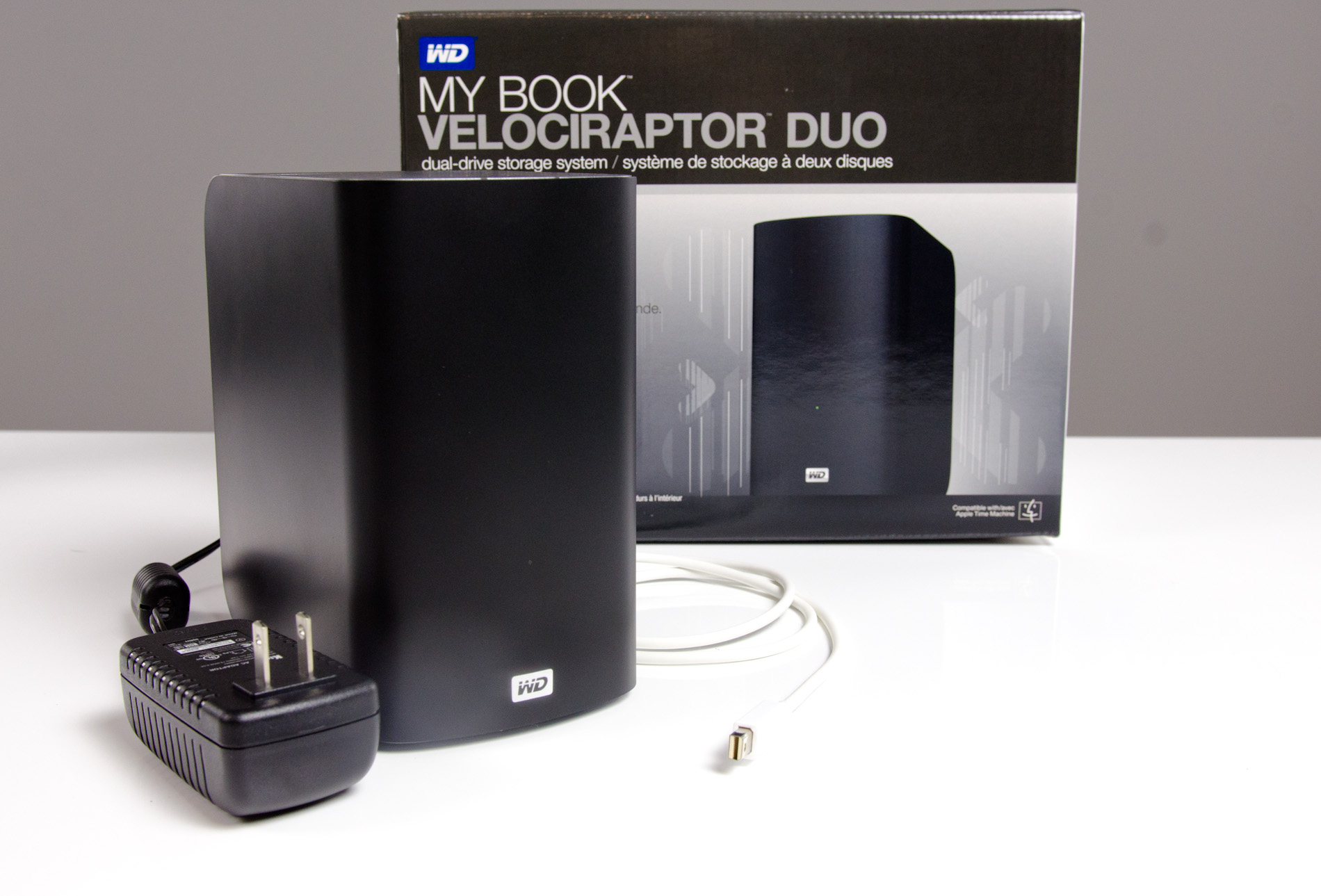
 VelociRaptors
I had to go and have a look.Shabdahbriah wrote:I haven't paid any attention to Thunderbolt, as it was Mac only according to Apples 1-year agreement with Intel, but NOW:mkdr wrote:If it's SATA it's still cheaper than a single Thunderbolt driveEvilDragon wrote:Even better - separate SSDs for OS and sample libraries. Win-win.
(Except it's a loss for the wallet, oh boy...
I
Still rediculously expensive at present, but has potential, certainly.
Do you feel that way because you're saying OS and apps are being used more often?ZenPunkHippy wrote:My personal preference would to put the OS on the SSD, and use a faster HDD for the sample libraries. The OS will benefit greatly from being on the SSD. Opening time for apps and plugins will be significantly improved.
Is it OK (not many performance issues to worry about) to put all your samples on the same drive with the OS/apps if the hard drive is an SSD?ZenPunkHippy wrote:
If you notice any sample libraries performing poorly, move them to the SSD and leave the HDD for less frequently used libs.
Oooohmkdr wrote:For a 1000$ investment in performance consider something like this instead:
http://www.amazon.com/OCZ-Technology-Re ... pd_cp_pc_2
1 TB of 1500 MB/S SSD should give you more for your money than the WD's Thunderbolt joke.
 I totally agree, thanks.
Yes. With SSD for the system disk the OS runs like it should - fast and snappy, and doesn't seem to suffer from much slow down after 1.5 years of use. It has slowed a little (2011 MBP running OS 10.6.8 ) but not nearly as much as the same system would using a mechanical HDD.stikygum wrote:Do you feel that way because you're saying OS and apps are being used more often?
I think it would be fine to put some of the sample libs on the system disk, but with OS X ("Unix") you typically want to keep a good portion of the system disk free. Some people recommend 50% but I think that's a bit OTT, so I aim to keep around 30% free at a minimum.is it OK (not many performance issues to worry about) to put all your samples on the same drive with the OS/apps if the hard drive is an SSD?
Yes, but I just ran a quick test to see what the difference in performance would be. Testing on a 2009 Mac Pro so not the fastest of disk access due to being a generation behind the current SATA II motherboards.Is that what you do, move your less frequently used sample libraries to one of your weaker hard drives?
Interesting, thanksstikygum wrote: For those interested in Thunderbolt, here's a good article on why Thunderbolt probably isn't worth it:
http://blog.macsales.com/14743-for-most ... -for-speed
... Indeed.above mentioned article wrote:In other words, it doesn't matter that you're on the Autobahn if you're driving a Volkswagon Bus; you're just not going to be enjoying the full speeds traveling that route promises

How often do you open apps and plug-ins compared to streaming samples when working?ZenPunkHippy wrote:My personal preference would to put the OS on the SSD.......Opening time for apps and plugins will be significantly improved.
I am opening and closing apps + plugins, using archive utilities and performing other disk intensive tasks very frequently.o0Ampy0o wrote:How often do you open apps and plug-ins compared to streaming samples when working?
Not sure what you mean. I have SSD installed in several different systems - performance is excellent, and that has not changed since the day the SSDs were installed.People make a big deal about this because it is visual evidence of increased speed yet it is not something you continually experience a benefit from.
Some users will be more concerned with loading large sample libraries quickly, which is fair enough. The obvious solution is SSD for both if possible.The weakest link is steaming so boosting that will provide the most gain if you cannot replace everything with SSD's.

Because the drive itself doesnt matter, as long as the interface is USB3. Yay for 5400rpm drives with a fancy cable, much better than yer SSD any day of the week.k3ith wrote:USB3 is more than enough... Install your OS and programs onto your SSD and just install your libraries and samples over onto a USB3 drive.
Submit: News, Plugins, Hosts & Apps | Advertise @ KVR | Developer Account | About KVR / Contact Us | Privacy Statement
© KVR Audio, Inc. 2000-2026
