


If you are using RC as a vst or a midi clock slave the bars need to line up with the host bar that may have a 2 bar count-in.
Thanks.
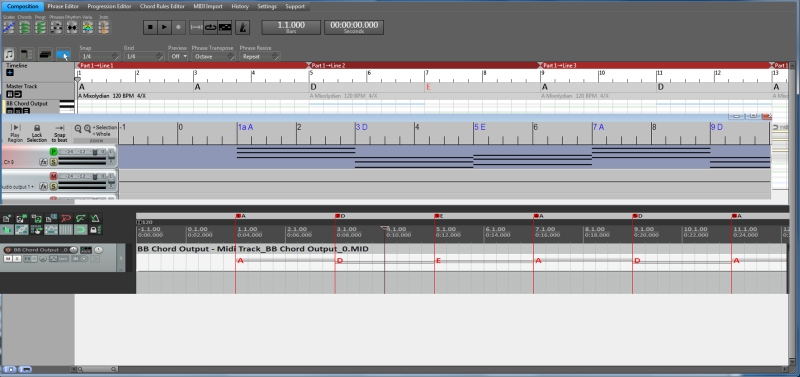

musicdevelopments wrote:I see, very good request. .

Yes, keyboard up and down arrow should work.crossovercable wrote:I may have missed it but I can't find how to drag notes vertically only in Note Editing & Phrase Editor so they don't go out of time, normally you just hold the shift key and drag up or down in most editors.
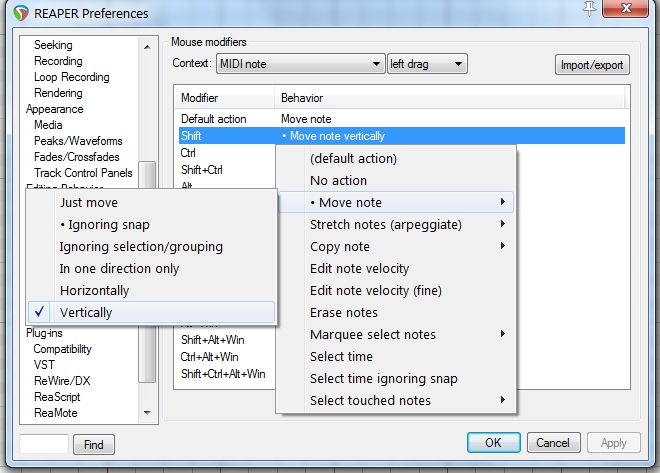
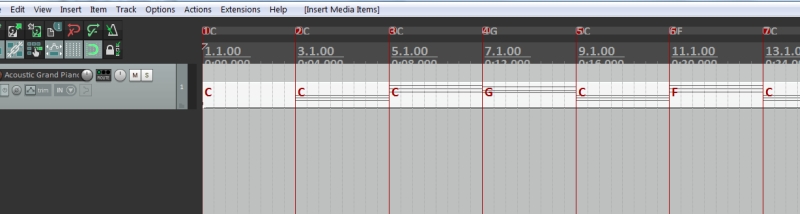
I implemented this in the latest beta version, v3.1b8.crossovercable wrote:Miscellaneous > Export Chords as Midi Markers when Exporting Midi.
This will give the chords in any DAW from the Imported RC midi.
This is also fixed in the beta version.crossovercable wrote:When you drag n drop midi in from an external midi loops folder on to the track the original name "folkch04.mid" is removed and "midi" is used
Right, it was my mistake when setting up the keyboard shortcuts, Shift+Enter was the default one. It is fixed for new installations but existing shortcuts are not modified by the fix.crossovercable wrote:Maybe you could have an option in the Transport Inspector.
"RETURN / ENTER Stop Playback/Jump To Beginning"
don't work.
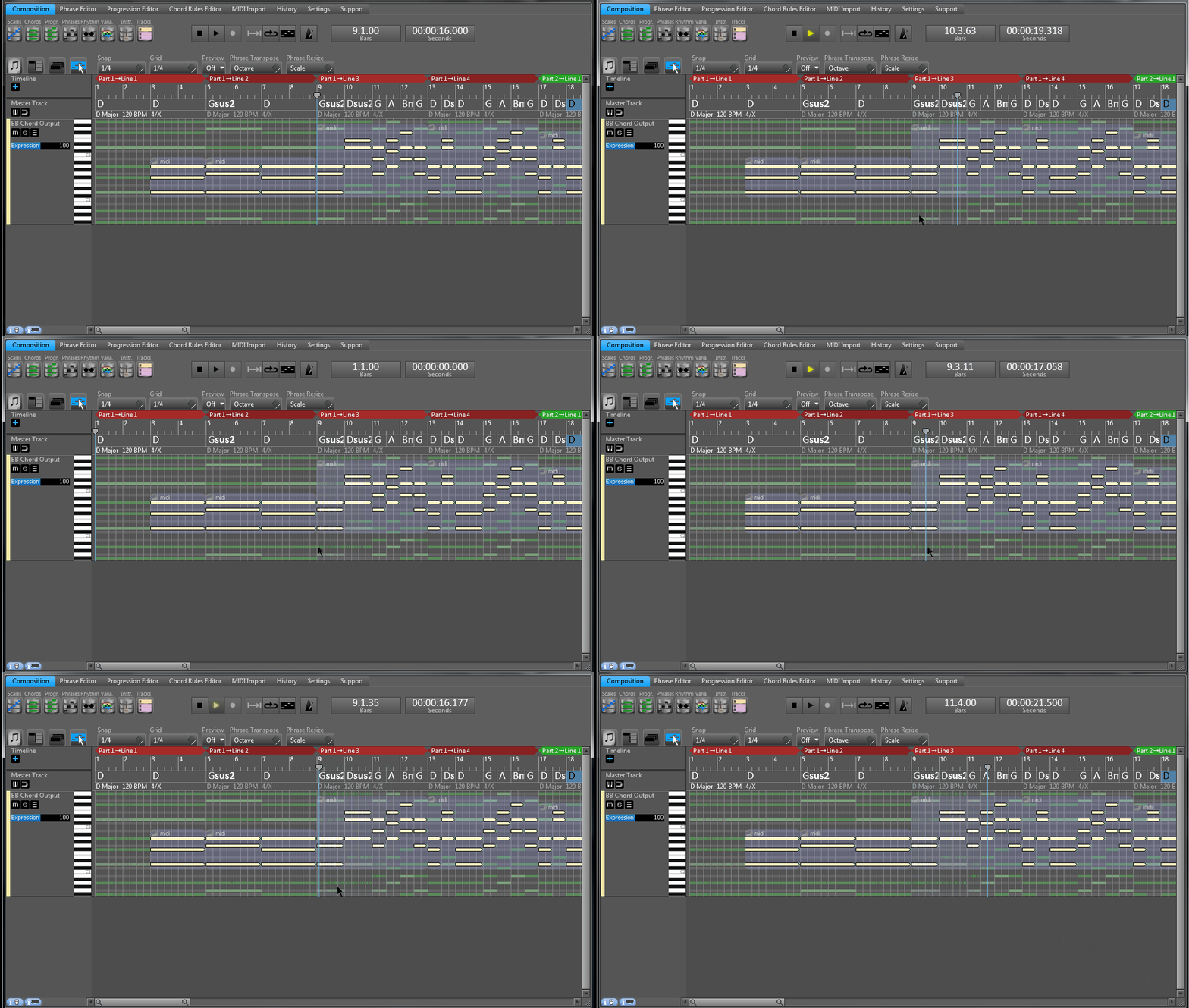
A new 'action' was added today under "Keyboard Shortcuts", so this will be possible in the next beta version. You can assign it to the 'Return' key if you want.crossovercable wrote:it would be good to have an option to return to the same position it started play from, not the very beginning.
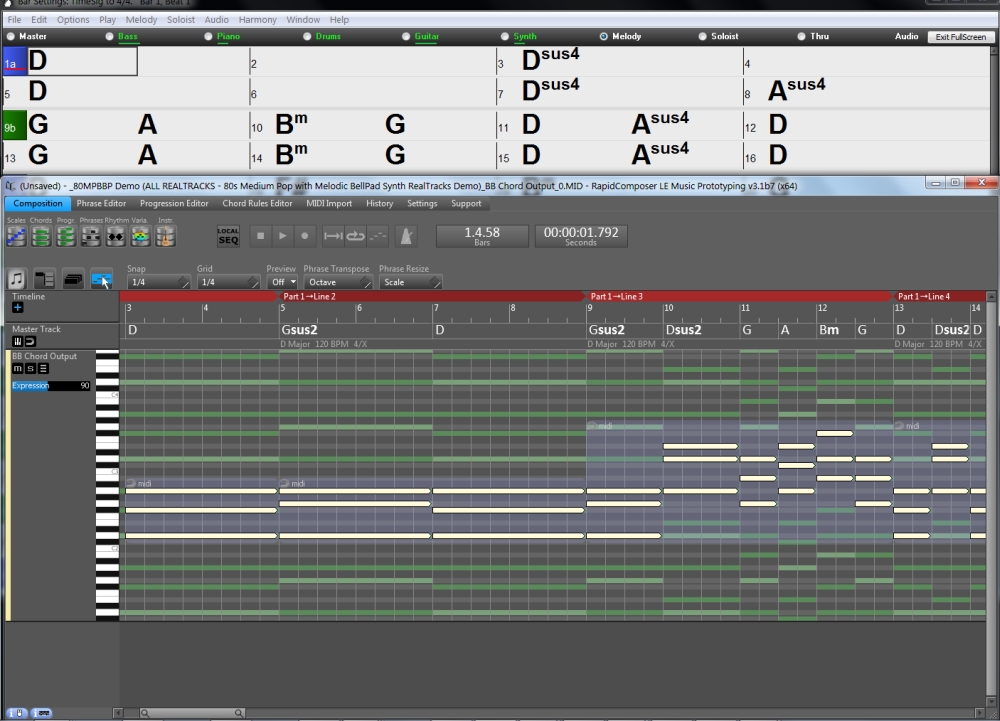
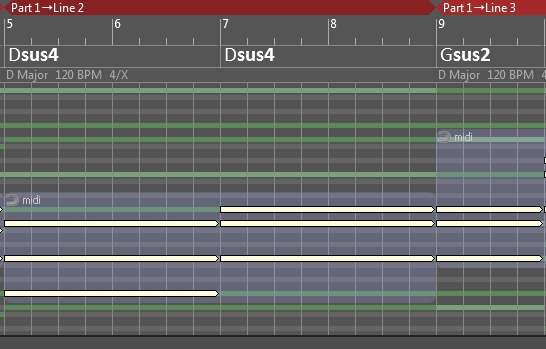
The good news is that this is also fixed. sus4 chords were always detected as corresponding sus2 chord. Thank you for reporting this issue.crossovercable wrote:It would be good to have the imported midi chords analyzed from their root as in previous post.
Submit: News, Plugins, Hosts & Apps | Advertise @ KVR | Developer Account | About KVR / Contact Us | Privacy Statement
© KVR Audio, Inc. 2000-2026