It would, but we can speculate.noiseboyuk wrote:Still, 30 pages later, and I still see no confirmation of how you select a source. Is it embedded in the patch? Who knows - there's no sign of it in the front panels I'll confess, but maybe it's under a menu somewhere. A walkthough would, in fact, clear that up.
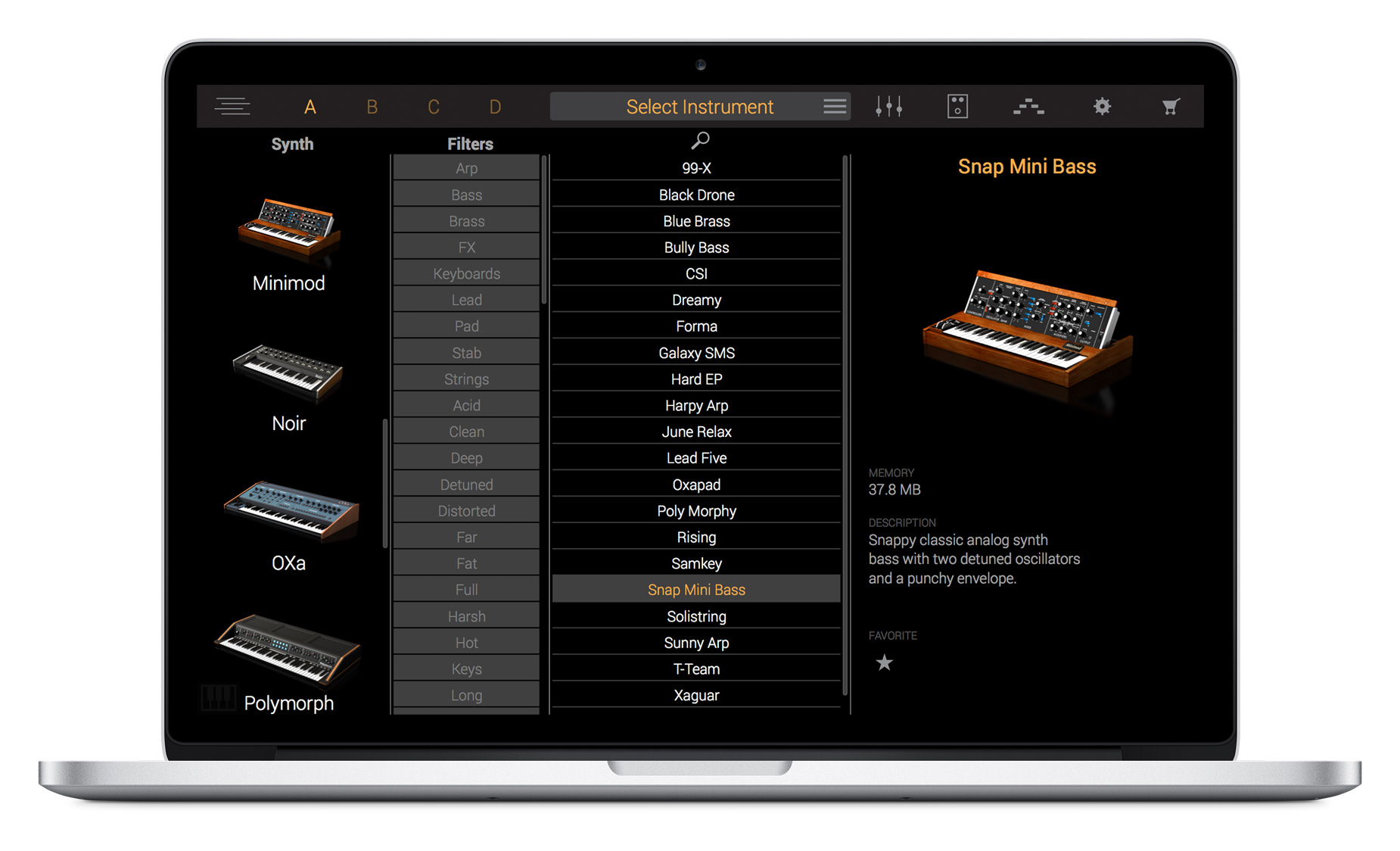
Selecting a patch populates the layer. The patch is a combination of a sample set plus whatever settings are required for the envelopes and filters. Once you've selected a patch for the layer then you are free to edit the basic synth settings.
Since they show you "Snap Mini Bass" in the next image you can see that it has envelope settings that might be appropriate. Hard to say without an audio sample. But given that they are showing you the patch and that the settings for each of the patches are different, I'm fairly certain that the patch settings and samples are linked in this basic way. It does not seem to me that you get to arbitrarily choose the samples separately. If that's possible, a screenshot would be all that is needed to see how that's done.
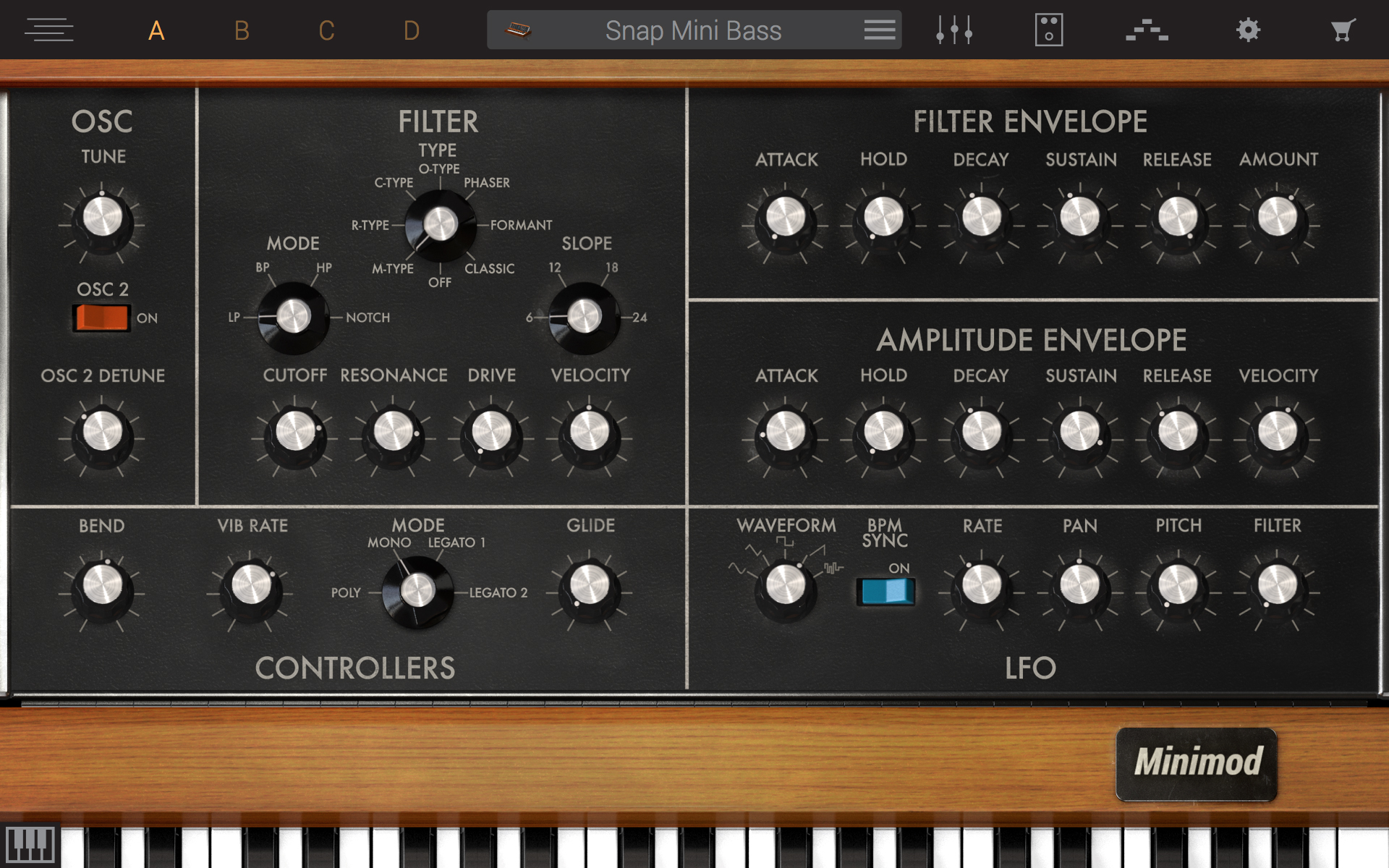
Populate each layer in the same way and edit the basic settings to your heart's content.
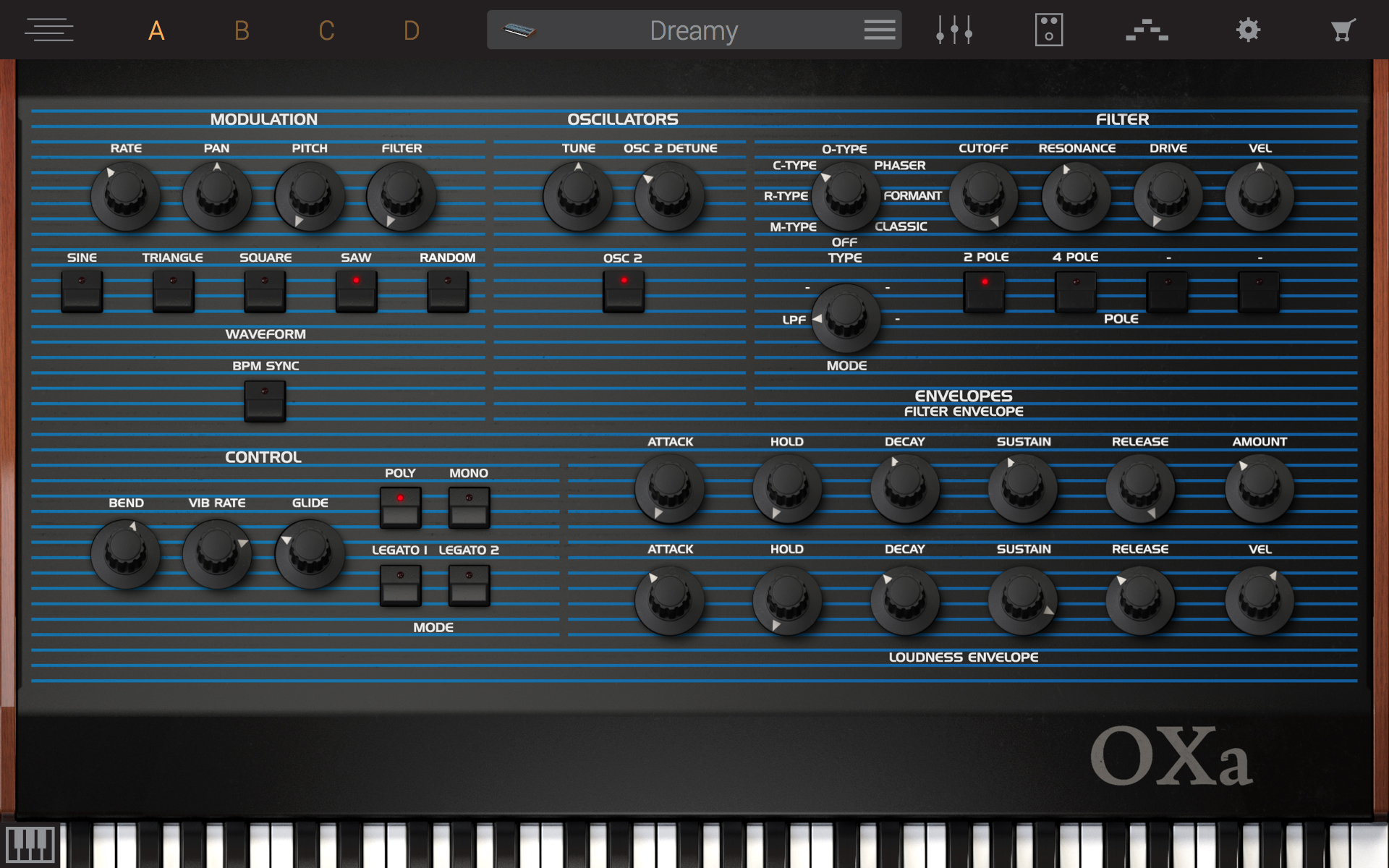
Here's "Dreamy", with a slower attack, something you might expect on a patch called "Dreamy."