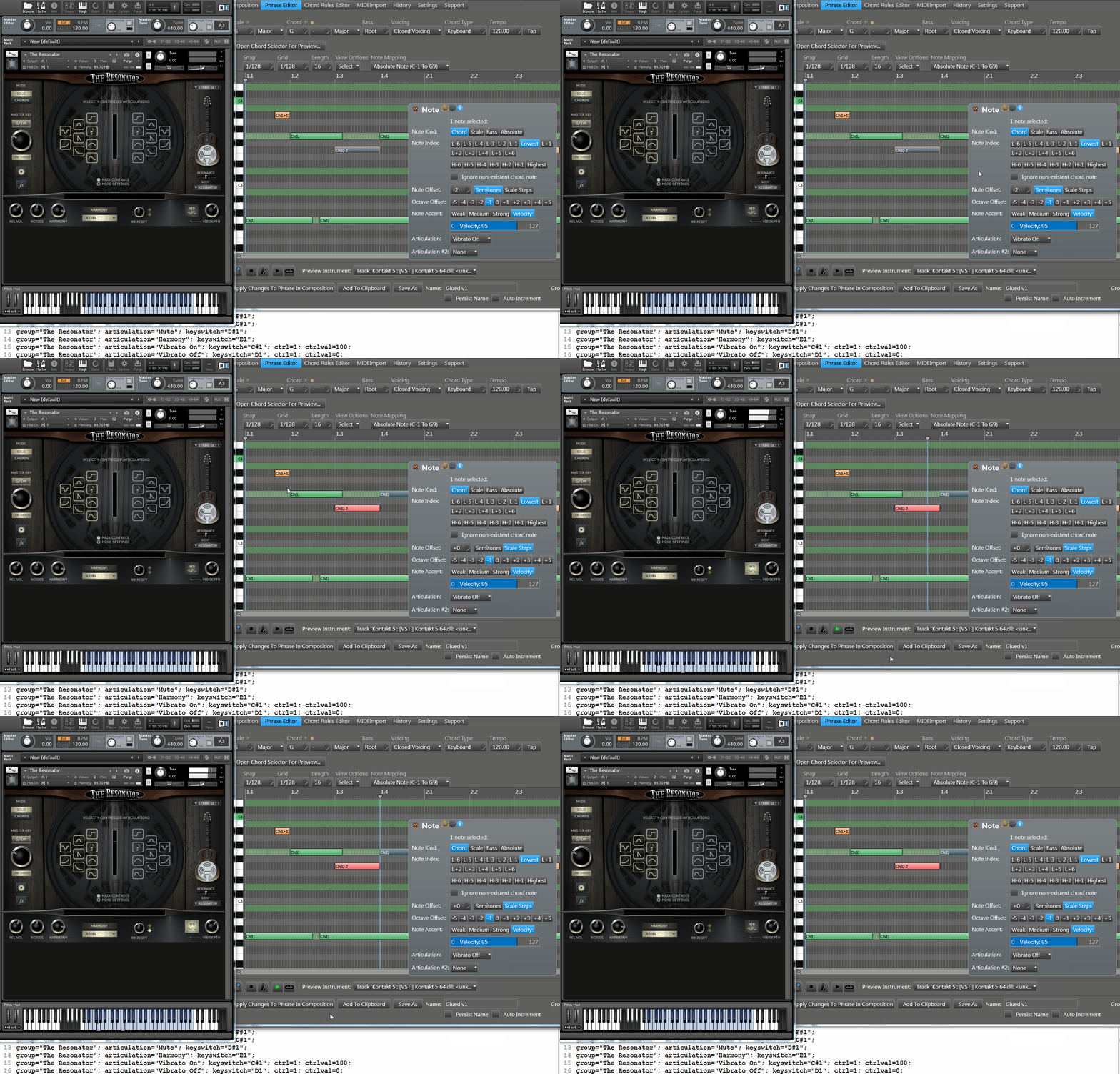
lately i was thinking of fast access to Note Editing mode..
instead of first switching to the Note Editing mode and zooming to track & part you want to work on..
one action will do this two (maybe three) tasks at once ..
(maybe a switch in the Settings for double Click to phrase would do this instead of opening Phrase Editor?)
now thinking out loud:
Double click to a phrase (maybe Ctrl+Double click to avoid -old habit- accidents ):
1-Render Phrase With Variations and Voicing (optionally maybe)
2-switch to Note Editing mode
3-zoom to double clicked Phrase (+Track) and area fully!
after edit done ctrl+double click to empty area to switch back to Phrase Edit mode.
why?
because it started to seems editing the materials (?
 ) in the actual project time line has more priority than editing in the Phrase Editor to me.
what would you guys think?


 )
)