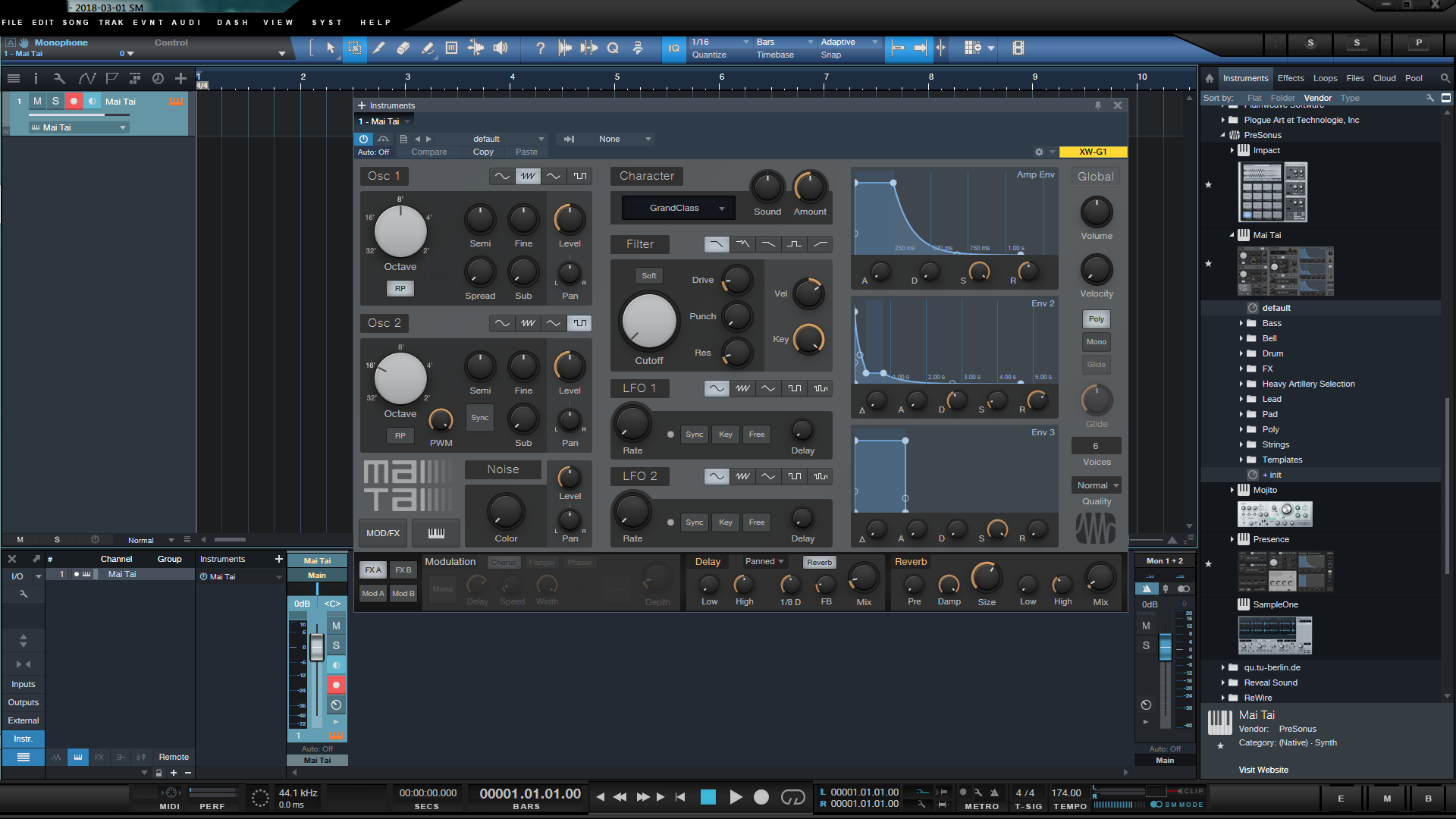
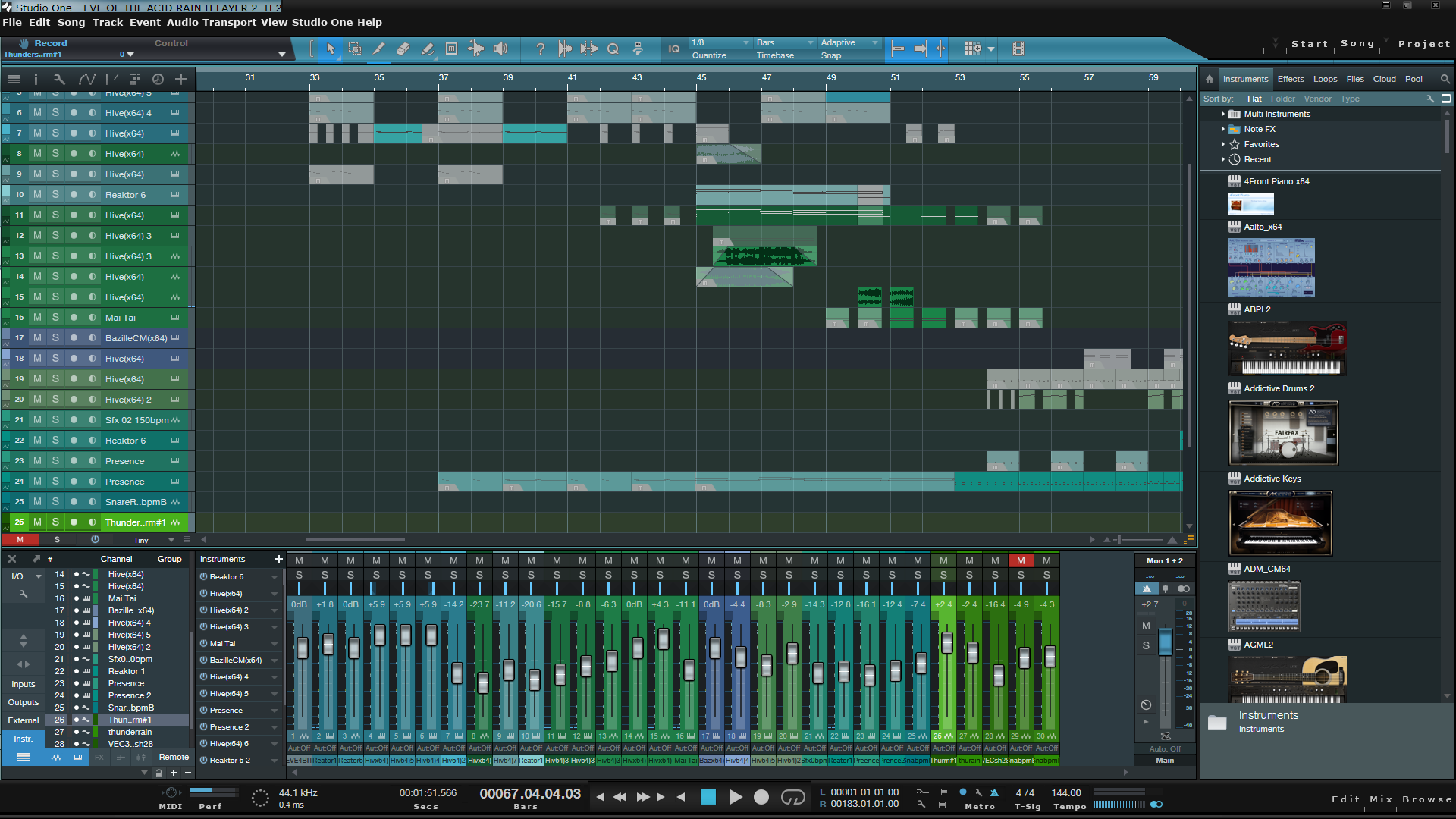
Some you might be aware of my own attempts to rectify this issue from another location and have many of the one's I have posted previously. I pulled the links to these but I didn't exclude the possibility in making them available elsewhere...You may have seen a few video's of them...
This time however I'm going to only give you one design to try out from the off rather than dozens of them, just to see if there's enough interest, and if there is...well..I'll post some more. This particular design not previously available has had some changes such as the large semi transparent screen being removed and minor amendments elsewhere on the transport bar.
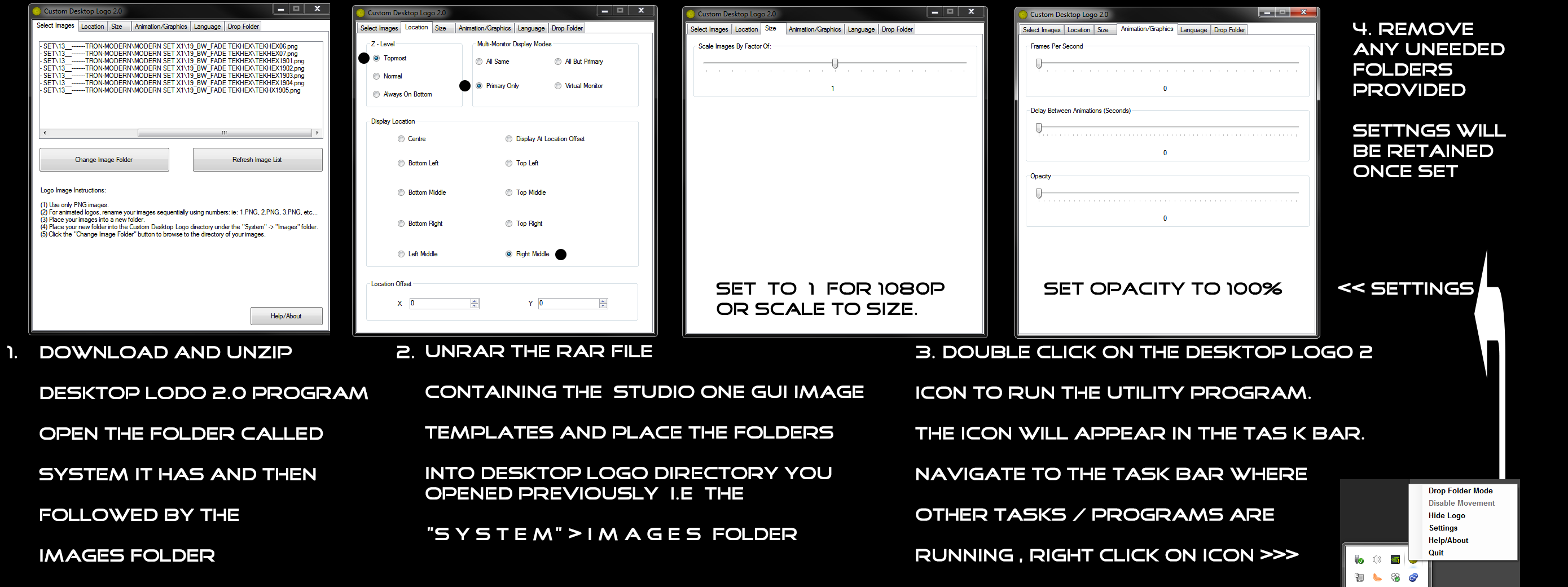
To customise Studio One or any particular program effectively, you will need a 3rd party utility if it doesn't have the features built in natively. For this I chose the best one available, and it just happens to be fully functional with no restrictions, trials, or adware as you would expect if you bought a program. This one is entirely free..and is called Custom Desktop Logo 2 and you can find it... here.
*Do note that this customisation based utility is only available for those on the PC platform, Mac users will need to find an alternative which has similar functionality.
Instructions on how to set this up is illustrated and documented here..
See attachment below for the interface overlay.