


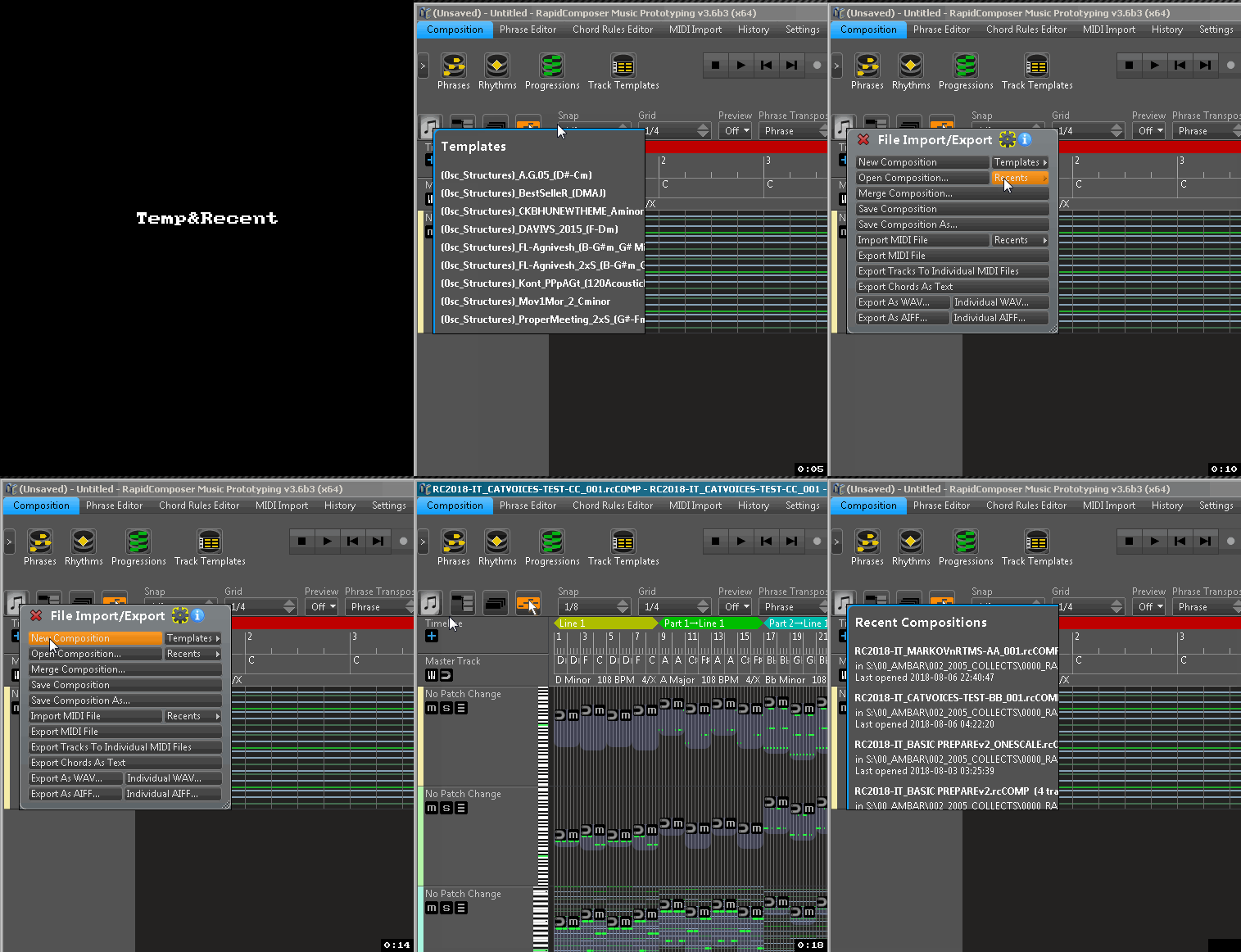
Template & Recents lists:
(disabling separate+always on top for Inspectors and browsers fixes this)

Did more testing.dbender wrote:Big Problem:
With both v.3.51 and the new beta 3.6b3, when I open RC files using Recents, I get "Error Invalid composition file."
I don't get this problem with 3.6b2 (thank goodness).
(Mac OS X 10.12.6, most recent Sierra OS)


dbender wrote:Big Problem:
With both v.3.51 and the new beta 3.6b3, when I open RC files using Recents, I get "Error Invalid composition file."
I don't get this problem with 3.6b2 (thank goodness).
(Mac OS X 10.12.6, most recent Sierra OS)
Yes, I just discovered this a few minutes ago. The solution will be: the Files menu will not open in its own window. RapidComposer was designed to be a one-window application. Allowing opening separate windows for all inspectors will result in problems like this.yellukhan wrote:Browsers & Inspectors : separate and always on top active.
Template & Recents lists:
(disabling separate+always on top for Inspectors and browsers fixes this)
musicdevelopments wrote:This may happen when the composition file does not exist (e.g. moved to a different location) or could not be loaded (logical structure damaged). I found no explanation why it works in 3.6b2. Can you open the files normally, outside the Recents menu?
I have checked this on my macbook and it worked. Anyone having the same issue?
What the Recents menu does is simply an 'open' command with a path. Maybe you could send me one of your files for analysis.
EDIT: I should have read your next message - I am catching up with messages. Ctrl-click in the Recents list will remove a file. I am afraid you have to do this one by one
Thanks,
Attila
dbender wrote:Big Problem:
With both v.3.51 and the new beta 3.6b3, when I open RC files using Recents, I get "Error Invalid composition file."
I don't get this problem with 3.6b2 (thank goodness).
(Mac OS X 10.12.6, most recent Sierra OS)
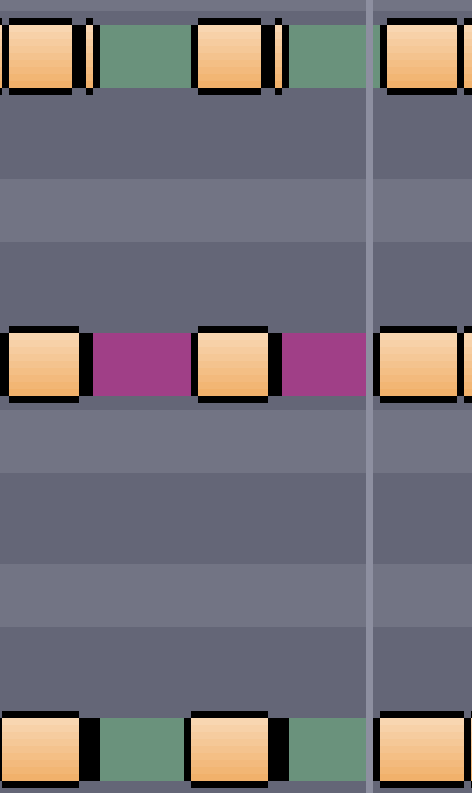
and because RC only plays on note's start position it would sound as if they were deleted, because they are not being played. I posted this issue several messages up...crossovercable wrote:I found the notes are overlapping the next when I move them up in Reaper, yet zooming the main track view they are not displaying only in piano roll.
Submit: News, Plugins, Hosts & Apps | Advertise @ KVR | Developer Account | About KVR / Contact Us | Privacy Statement
© KVR Audio, Inc. 2000-2026