
Free Plug-Ins (Free) Update

VST, AU, AAX, CLAP, etc. Plugin Virtual Effects Discussion
Post Reply New Topic
RELATED
PRODUCTS

Post

Dear KVR Members,

To celebrate the end of this crazy year, we have released an update for all our free plug-ins, and launched end of year promotions.

The new versions of the free plug-ins include several new features, plus many performance and compatibility improvements and fixes (details below). It is a recommended (free!) update is fully compatible with the previous versions of the plug-ins.

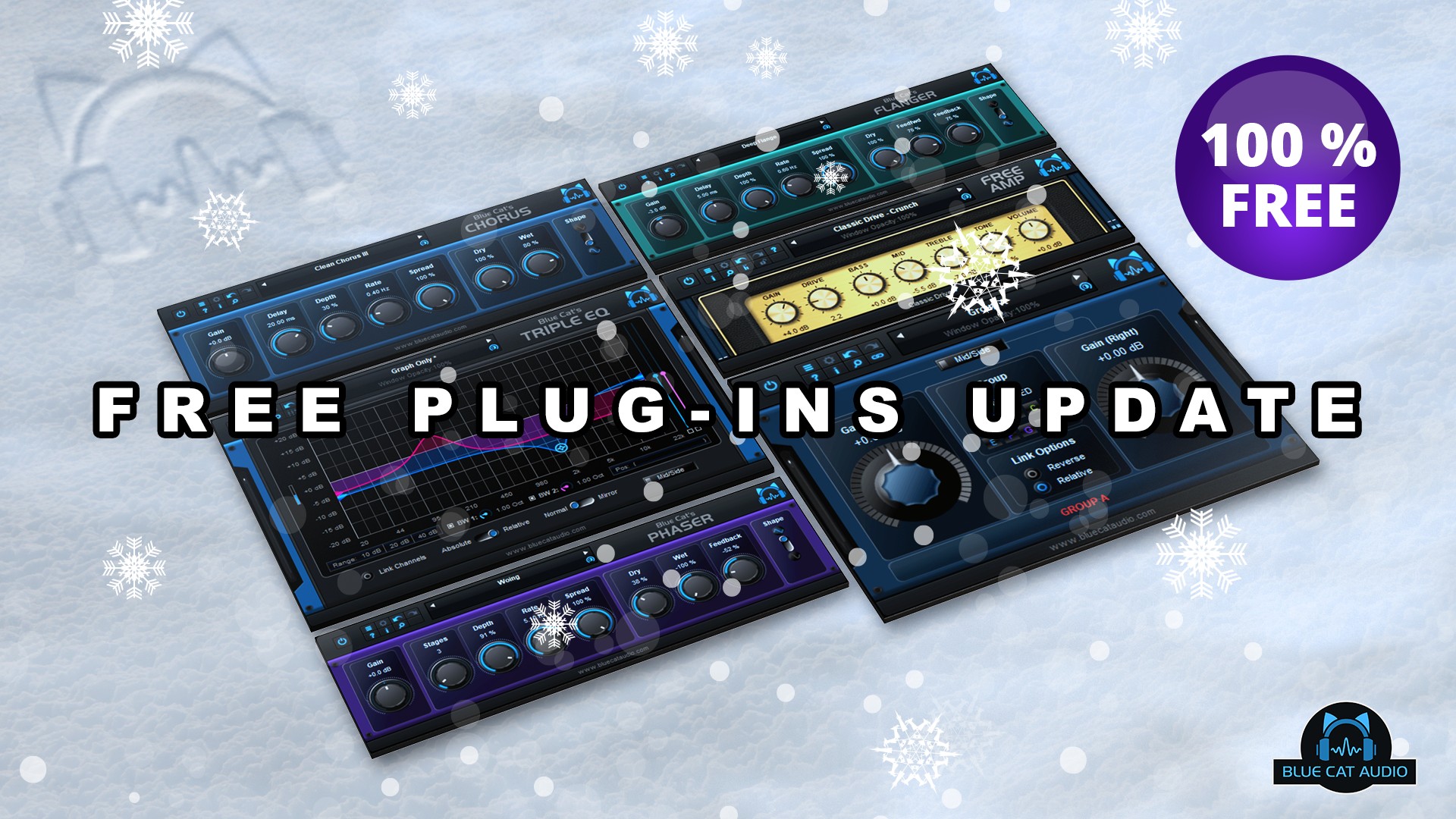
All these free plug-ins (Blue Cat's Chorus, Flanger, Phaser, FreqAnalyst, Gain Suite, Triple EQ and Free Amp) are available separately or as part of the "Blue Cat's Freeware Pack" bundle. They are 100% free and do not require any registration, dongle, or mailing list subscription. They can be downloaded freely on www.bluecataudio.com.
Image

What's New In All Free Plug-Ins:
- Arrow keys can now be used to navigate presets.
- Improved smooth plug-in bypass (faster and smoother transition).
- New high resolution graphics for knobs.
- Reduced disk footprint.
- Misc DSP performance enhancements.
- Windows: improved GUI loading performance.
- Mac Audio Unit: fixed plug-in listing in some host applications (Plogue Bidule).
- Mac: fixed GUI performance issues on native P3 displays and improved performance on other displays.
- Mac: fixed mouse wheel that required large movements to change parameter values.
- Mac: fixed mouse cursor flickering issues.
- Mac: fixed Esc key not closing fine edit parameter dialog.

What's New In Blue Cat's Gain Suite 3.32:
- reduced memory footprint when using many instances in a session.

System requirements:
- Intel Mac running Mac OS 10.7 or newer.
- PC running Windows Vista or newer.

Pricing: Free

At the same time, we have also launched our traditional end of year promotions, with up to 40% off audio plug-ins and applications until January 5th. Existing customers are granted an extra 10% discount during the year-end promotions period, with a coupon received by email.

Image

Post

First thank you so much for the Free Plugin Pack. :tu:

Just out of pure coincidence I installed the old 2.42 version last night. I went to update today and the installer told me it found the older version and would I like to delete it and I clicked "OK".

Now I get the following message and the pack can no longer be installed. I've looked all over my system and deleted all the folders and files from Blue Cat I could find but still get the same message. I even looked in the Registry (Windows 10) and found no entries.

Any idea what I should do now ? :)


Blue Cat 121820-1.png
(clicking Retry does not work)
You do not have the required permissions to view the files attached to this post.
None are so hopelessly enslaved as those who falsely believe they are free. Johann Wolfgang von Goethe

Post

That's strange. Have you simply tried "Ignore" instead?

Post

Ok I tried Ignore and everything seems to have installed properly. All the plugins load just fine.

The installer did say that version 2.42 was successfully uninstalled but I still got the same "not properly uninstalled" messages.

Oh well just a ghost in the machine I guess. Thanks again for the Free Plugin Pack and the updates. :tu:
None are so hopelessly enslaved as those who falsely believe they are free. Johann Wolfgang von Goethe

Post

Blue Cat Audio wrote: Fri Dec 18, 2020 3:35 pm They are 100% free and do not require any registration, dongle, or mailing list subscription.
How wonderfully refreshing. :tu: Thank you for these wonderful gifts. :)

Post

Thank you Blue Cat Audio!

Post

Thanks BC!
A well-behaved signature.

Post

I used to put the Blue Cat Audio Triple EQ on a dozens of tracks because it doesn't need that much CPU load than other more advanced EQs. It's one of the best free packs, big thanks! :tu:

Post

Nice updates. Thank you. :tu:
I'm not a musician, but I've designed sounds that others use to make music. http://soundcloud.com/obsidiananvil

Post

Thank you!
EnergyXT3 - LMMS - FL Studio | Roland SH201 - Waldorf Rocket | SoundCloud - Bandcamp

Post

I get an error about not finding skins when loading any of the plugins. I have to manually load the right skin for each plugin. Is there a specific path the skins should be in? Im on Win 7 64 bit and i installed the 32bit version (bundle )
EnergyXT3 - LMMS - FL Studio | Roland SH201 - Waldorf Rocket | SoundCloud - Bandcamp

Post

Halonmusic wrote: Sat Dec 19, 2020 8:25 pm I get an error about not finding skins when loading any of the plugins. I have to manually load the right skin for each plugin. Is there a specific path the skins should be in? Im on Win 7 64 bit and i installed the 32bit version (bundle )
If you have moved the plug-ins manually, you also have to move the "data" path next to the dll. If you have not, you should not get this error (unless maybe an older version was installed elsewhere or with custom skins). In this case hitting "Cancel" when the plug-in asks you to select the path should solve the problem.
Last edited by Blue Cat Audio on Mon Dec 21, 2020 8:10 pm, edited 1 time in total.

Post

Blue Cat Audio wrote: Mon Dec 21, 2020 5:53 pm
Halonmusic wrote: Sat Dec 19, 2020 8:25 pm I get an error about not finding skins when loading any of the plugins. I have to manually load the right skin for each plugin. Is there a specific path the skins should be in? Im on Win 7 64 bit and i installed the 32bit version (bundle )
If you have moved the plug-ins manually, you also have to move the "data" path next to the dll. If you have not, you should not get this error (unless maybe an older version was installed elsewhere or with custom skins). In this case hitting "Cancel" when the plug-ins asks you to select the path should solve the problem.
Ok, thank you very much! :)
EnergyXT3 - LMMS - FL Studio | Roland SH201 - Waldorf Rocket | SoundCloud - Bandcamp

Post

luv this

Post Reply

Return to “Effects”