We are happy to announce the release of Blue Cat's PatchWork 2.5, a new version of our multi-effects processor also capable of hosting third party plug-ins.
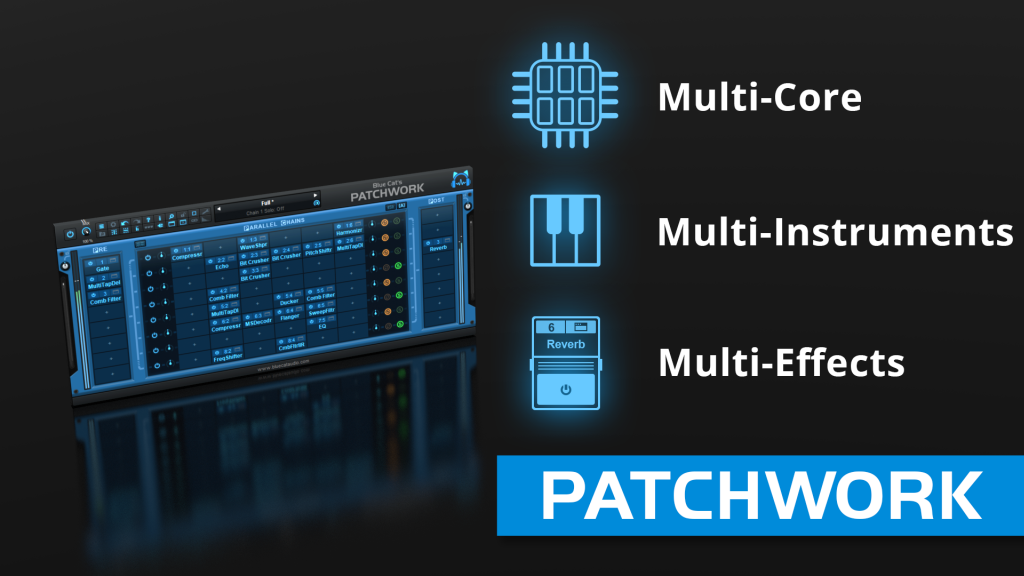
Including a brand new multicore processing engine, this new version focuses on performanceand compatibility: optimized to the best out of the available CPU resources, it is able to load more effects and instruments on multicore processors, even at lower latencies. It also includes many new features and fixes (full list below).
An optimized build for the new Apple M1 Macs is also available to customers as a preview, with great performance improvements, as shown in our benchmark comparing Apple M1 and Intel Macs for audio.
The free update can be downloaded from the same location as the original full version (link received by email upon purchase). And for new customers, PatchWork is exceptionally on sale (10% off) until May 6th, while existing customers will receive an even better deal by email. Demo versions are available on www.bluecataudio.com in most plug-in formats (and as a standalone application) for Mac and Windows PC.
New Features & Improvements:
- Up to 8 times more processing power with the new multicore engine that processes each parallel chain on a separate core.
- New DSP workload meter that displays the DSP activity and CPU load.
- Added MIDI control support (MIDI CC messages) for Next and Previous Preset commands, with MIDI learn.
- Reduced time to load PatchWork or any built-in plug-in.
- Multiple DSP performance improvements.
- Improved buffer management in standalone application on Mac, reducing both latency and CPU usage.
- Level meters are not updated anymore when the user interface is closed, reducing CPU usage.
- Reduced the number of threads used by the plug-in.
- Improved global and preset settings window loading time on Windows.
- Added ability to select the plug-in to load when a shell plug-in file is dragged and dropped onto a slot.
- Full unicode support.
- Preset files can now be dropped onto the preset LCD area to be loaded.
- Improved "Tone Maps" user interface (available for 9 built-in effects).
Fixes:
- Fixed standalone app not always asking for Microphone access on most recent MacOS systems.
- Fixed host loop end value not properly passed to hosted plug-ins, for the VST2 version.
- Fixed several crashes upon load for multiple third party plug-ins (mostly VST3).
- Fixed display issues with Waves plug-ins V12 in Mac standalone application.
- Fixed MIDI control for hosted plug-ins not always working when fed with silence.
- Fixed VST3 (and sometimes VST) version freezing Ableton Live upon save on Windows.
- Fixed harmonizer and Pitch Shifter built-in plug-ins that did not always flush their buffer upon bypass (short sounds could be heard when getting out of bypass)
System requirements:
- Intel (or M1) Mac running Mac OS 10.7 or newer.
- Windows PC running Windows Vista or newer.
Pricing:
Blue Cat's PatchWork: 89 EUR or $89 (instead of 99) until May 6th