Problems with iZotope Iris 2 GUI

If you are new here check this forum first, your question may have been answered.
Post Reply New Topic
RELATED
PRODUCTS

Post

Hey, i hope i chose the right section for this thread.
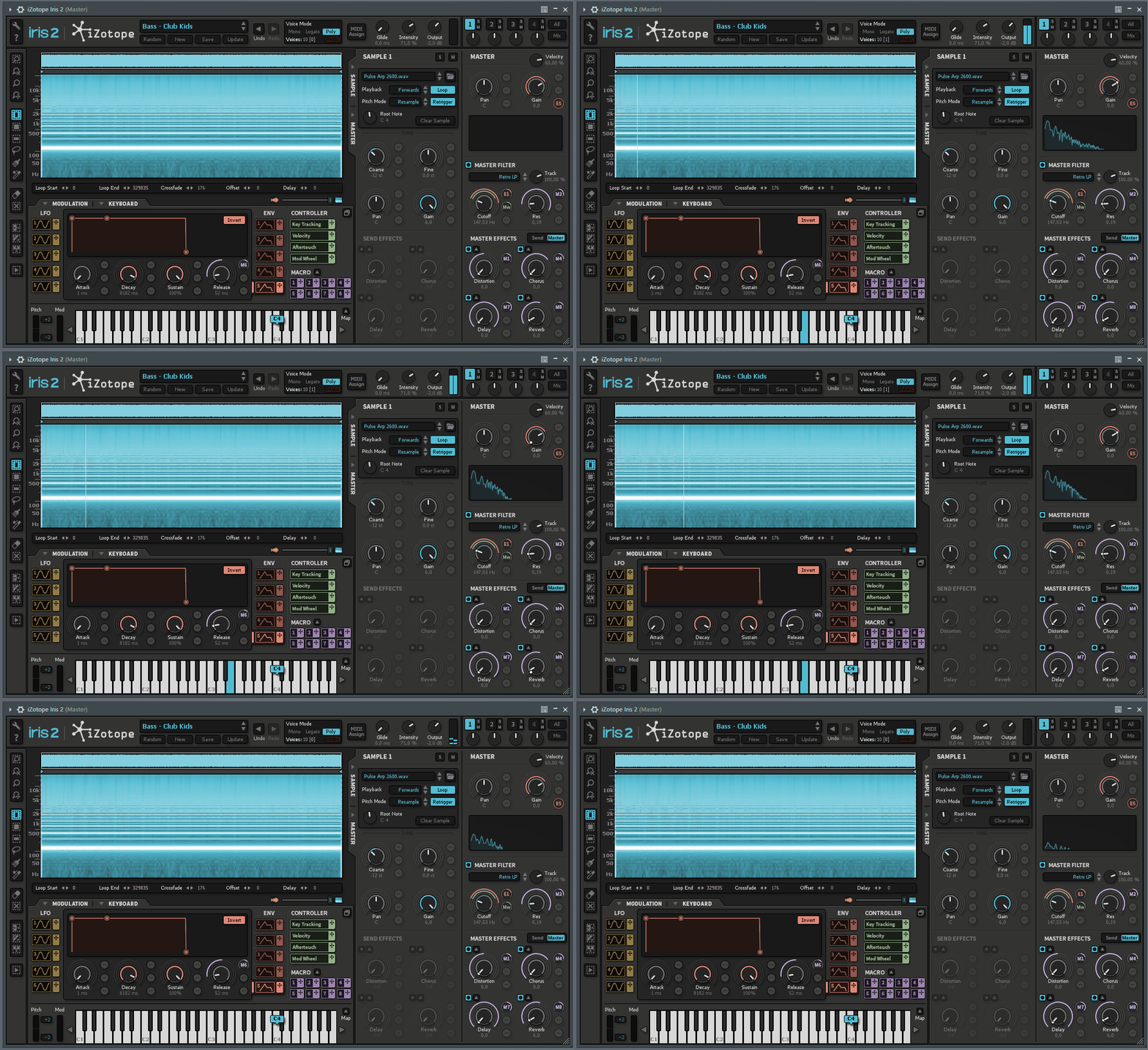
My Iris works just fine, except the displaying of the knobs as soon as i assign a lfo, env or macro to it. Theres a white dot jumping around wildly and I wonder whats up - it does not affect the sound, it just sounds fine. Here a gif that may explain better what I mean:
Image

I have no similar problem with any other instruments that have that kind of visualisations (for example serum).

When i launch Iris 2 as standalone application, that mess does not happen. just when i open it in fl studio - does not matter if i choose vst or vst3. But as standalone version, the sound of iris is totally f**ked up, somehow bitcrushed / distorted...

Does someone have any idea how to fix that GUI problem with Iris 2 in my DAW? I do not really care about the problem with the standalone version, since I want to use it only in FL.

edit: some further information if helpful: I am on windows 10, 2,9ghz intel i5 , 16 gb ram (so shouldnt have something to do with the performance) and a nvidia gforce gtx 1650. maybe theres some setup to make with the grafic card? I have no clue about these things...
So help would be appreciated very much!

Thanks for listening & Greetings to you! :)

Post

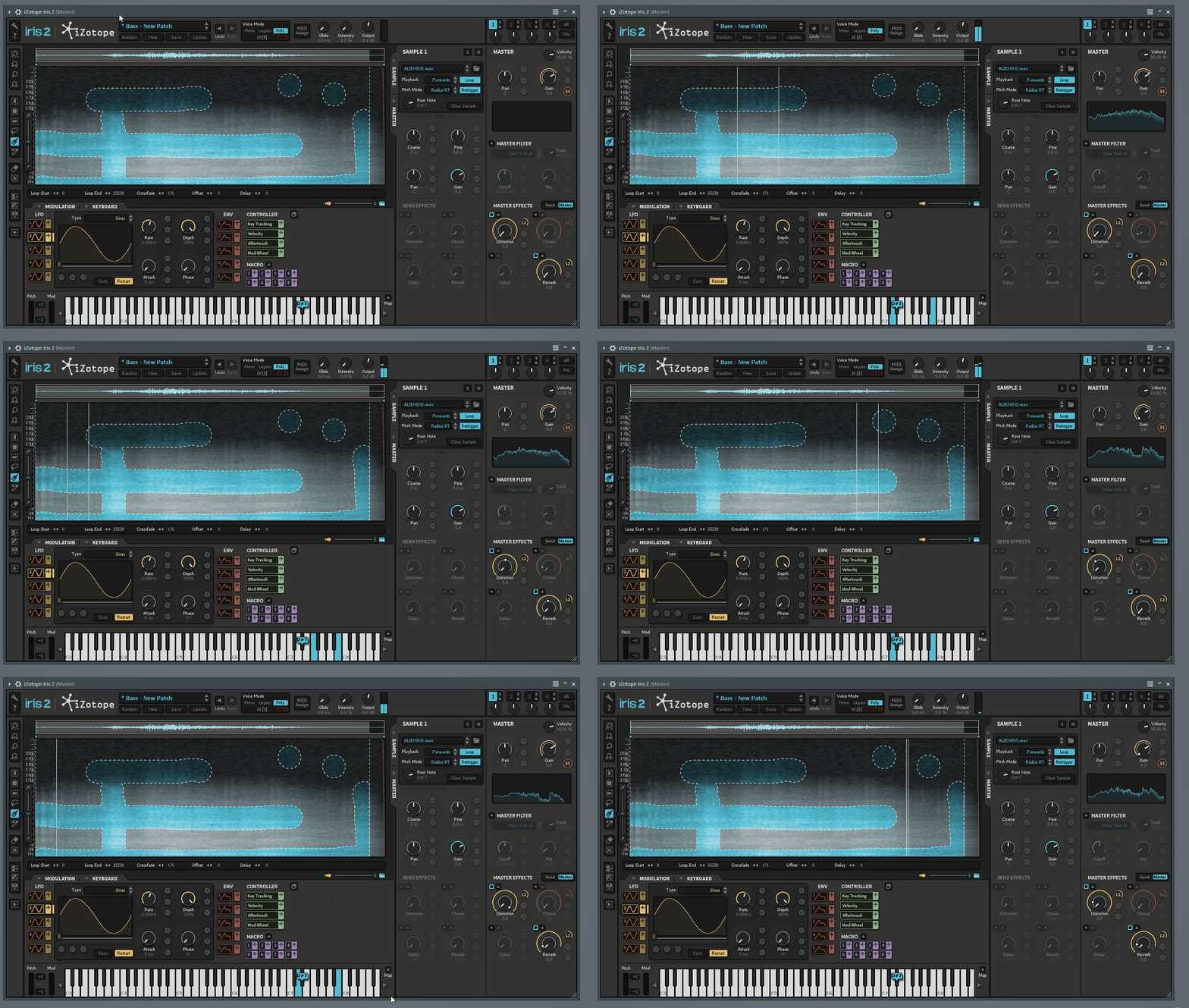
to make it maybe more clear, here another example with an iZotope preset, which this time I play by just holding the note:

Image

Post

Unfortunately, with every OS - Update the Lifecycle of Iris 2 will finally lead to its extinction, as there will be no further Updates or even Maintenance for it. Your best bet might be to check your DAW for some different Plugin and GUI - Settings and see if that works. A fresh and clean Install might also help, or rolling back the latest Updates, which are not your friend anymore regarding abandoned iZotope - Ware.
You can be creative in any right place on Earth, and not only in the wealthiest cities. Bring the world feelings from everywhere, and not only feelings of capitalistic or jail environment.
― Aleksey Vaneev


https://linuxdaw.org

Post

Well. I searched on YouTube with "Iris2, FL Studio". I found something right away while watching this video. I could see the same thing taking place in the GUI that you're experiencing.

Seems to be common in FL Studio. Not present in Ableton Live.


Post

Found this video. Might help. I noticed that the white dots are erratic here too but appear to resolve once the settings change in FL Studio.


Post

inception8a wrote: Sun Jan 22, 2023 10:38 pm Found this video. Might help. I noticed that the white dots are erratic here too but appear to resolve once the settings change in FL Studio.

thank you so much - I tried to google it, but didnt find the right thing.
:hug: problem solved!

Post

ancient7 wrote: Mon Jan 23, 2023 10:51 pm
inception8a wrote: Sun Jan 22, 2023 10:38 pm Found this video. Might help. I noticed that the white dots are erratic here too but appear to resolve once the settings change in FL Studio.

thank you so much - I tried to google it, but didnt find the right thing.
:hug: problem solved!
Cool. Have fun.

Post

I love Iris 2, sad they won't do anything else with it.

Post Reply

Return to “Getting Started (AKA What is the best...?)”