

I just wanted to warn other users and give you (discoDSP) feedback. There seems to be something wrong and you hopefully investigate it. Never had this kind of issue with any other plugins.

Discovery Pro synthesizer 6.4 to 8.0
-
- KVRian
- 897 posts since 26 Jul, 2018 from Germany
Well, the problem was solved, at the moment I entered the purchase code. Also the VST3 works now fine.
I just wanted to warn other users and give you (discoDSP) feedback. There seems to be something wrong and you hopefully investigate it. Never had this kind of issue with any other plugins.
I just wanted to warn other users and give you (discoDSP) feedback. There seems to be something wrong and you hopefully investigate it. Never had this kind of issue with any other plugins.
-
- KVRAF
- Topic Starter
- 5632 posts since 18 Jul, 2002
Thank you for the additional information. It's possible that the issue you experienced with the Discovery Pro VST3 plugin is related to a compatibility issue between the plugin and Ableton Live specifically.
We tested here an the issue doesn't occur when using the plugin in Reaper as a VST3, suggesting that the issue may be specific to Ableton Live. This could be due to differences in how Ableton Live handles VST3 plugins compared to Reaper.
If you continue to experience issues with the Discovery Pro plugin in Ableton Live, it may be helpful to reach out to Ableton's customer support team to see if they can provide any assistance or guidance. They may be able to provide additional troubleshooting steps or offer a workaround for the issue.
In the meanwhile, we will keep investigating this issue. I hope this helps, and please let me know if you have any further questions or if there's anything else I can do to assist you.
We tested here an the issue doesn't occur when using the plugin in Reaper as a VST3, suggesting that the issue may be specific to Ableton Live. This could be due to differences in how Ableton Live handles VST3 plugins compared to Reaper.
If you continue to experience issues with the Discovery Pro plugin in Ableton Live, it may be helpful to reach out to Ableton's customer support team to see if they can provide any assistance or guidance. They may be able to provide additional troubleshooting steps or offer a workaround for the issue.
In the meanwhile, we will keep investigating this issue. I hope this helps, and please let me know if you have any further questions or if there's anything else I can do to assist you.
-
- KVRAF
- 4222 posts since 1 Sep, 2016
Any update on fixing the volume bug in FL Studio, reported here viewtopic.php?p=7754094#p7754094 in 2020 and here in 2021 viewtopic.php?p=8264520#p8264520 ?
-
- KVRAF
- Topic Starter
- 5632 posts since 18 Jul, 2002
Thank you for your inquiry. After investigating the reported volume issue with the Discovery Pro plugin in FL Studio, we have determined that it is not actually a bug with the plugin itself.
The issue seems to be related to the fact that the Discovery Pro plugin does not support direct automation of its master volume control. Instead, users must use channel mixer automation to adjust the volume levels for individual channels.
While this may be less intuitive than direct automation of the master volume control, it is not a bug per se, but rather a limitation of the plugin's design.
We hope this information helps to clarify the issue, and we apologize for any confusion or inconvenience it may have caused. If you have any further questions or concerns, please don't hesitate to reach out to our support team.
The issue seems to be related to the fact that the Discovery Pro plugin does not support direct automation of its master volume control. Instead, users must use channel mixer automation to adjust the volume levels for individual channels.
While this may be less intuitive than direct automation of the master volume control, it is not a bug per se, but rather a limitation of the plugin's design.
We hope this information helps to clarify the issue, and we apologize for any confusion or inconvenience it may have caused. If you have any further questions or concerns, please don't hesitate to reach out to our support team.
-
- KVRAF
- 4222 posts since 1 Sep, 2016
Why would an inability to support direct automation of the master control cause the plugin to output far too loudly and also cause the plugin to emit sound at normal volumes when the master volume is at zero? It just doesn't work properly.
-
- KVRAF
- Topic Starter
- 5632 posts since 18 Jul, 2002
Thank you for your comment. We understand your frustration with the issues you have experienced with the Discovery Pro plugin.
However, we would like to clarify that the inability to support direct automation of the master control does not inherently cause the issues you described. There may be other factors at play, such as incorrect routing or configuration settings, that could be causing the plugin to output sound at abnormal volumes or emit sound when the master volume is at zero.
We apologize for any confusion or inconvenience this may have caused, and we are happy to work with you to troubleshoot the issues you are experiencing. Please feel free to reach out to our support team for further assistance.
However, we would like to clarify that the inability to support direct automation of the master control does not inherently cause the issues you described. There may be other factors at play, such as incorrect routing or configuration settings, that could be causing the plugin to output sound at abnormal volumes or emit sound when the master volume is at zero.
We apologize for any confusion or inconvenience this may have caused, and we are happy to work with you to troubleshoot the issues you are experiencing. Please feel free to reach out to our support team for further assistance.
-
- KVRAF
- 4222 posts since 1 Sep, 2016
Are you talking about routing and configuration in the DAW or the plugin? There's no unusual routing or configuration required to produce the unwanted behaviour, just load it into a project as normal.discoDSP wrote: Wed Apr 19, 2023 11:01 am However, we would like to clarify that the inability to support direct automation of the master control does not inherently cause the issues you described. There may be other factors at play, such as incorrect routing or configuration settings, that could be causing the plugin to output sound at abnormal volumes or emit sound when the master volume is at zero.
-
- KVRAF
- Topic Starter
- 5632 posts since 18 Jul, 2002
Thank you for your response. Yes, we are referring to the routing and configuration within the DAW, rather than the plugin itself.
While it is true that the plugin can be loaded into a project as normal, the way it is routed and configured within the DAW can have an impact on its behavior. For example, if the channel mixer automation is not set up correctly, it could cause the plugin to output sound at abnormal volumes or emit sound when the master volume is at zero.
We apologize for any confusion or frustration caused by our previous response. We understand that you are experiencing issues with the Discovery Pro plugin and we are committed to helping you find a solution. If you have any further questions or concerns, please don't hesitate to let us know.
While it is true that the plugin can be loaded into a project as normal, the way it is routed and configured within the DAW can have an impact on its behavior. For example, if the channel mixer automation is not set up correctly, it could cause the plugin to output sound at abnormal volumes or emit sound when the master volume is at zero.
We apologize for any confusion or frustration caused by our previous response. We understand that you are experiencing issues with the Discovery Pro plugin and we are committed to helping you find a solution. If you have any further questions or concerns, please don't hesitate to let us know.
-
- KVRAF
- Topic Starter
- 5632 posts since 18 Jul, 2002
Exciting news! Check out the latest version, 7.7.3, which comes with some awesome improvements and fixes.
Here's the changelog:
Here's the changelog:
- Resolved an issue where the Standalone build was unresponsive to knobs on all OS systems.
- Rectified the problem of the WAVE octave LED not responding to clicks.
- Added a new icon in the style of macOS Big Sur for the macOS standalone version.
- Implemented improvements to enhance overall stability.
-
- KVRist
- 163 posts since 6 Oct, 2018
I agree with you,this plugin is faulty,turning the volume off should mean there's no sound but it doesn't,the sound is still there and pretty loudVortifex wrote: Wed Apr 19, 2023 10:42 am Why would an inability to support direct automation of the master control cause the plugin to output far too loudly and also cause the plugin to emit sound at normal volumes when the master volume is at zero? It just doesn't work properly.
-

- KVRian
- 973 posts since 24 Oct, 2006
Hi guys,discoDSP wrote: Sun Apr 23, 2023 5:36 pm Exciting news! Check out the latest version, 7.7.3, which comes with some awesome improvements and fixes.
Here's the changelog:
Prior to this, we also released version 7.7.2 which fixed the Popup menu behavior and Wave octave + - buttons and knob for accurate behavior.
- Resolved an issue where the Standalone build was unresponsive to knobs on all OS systems.
- Rectified the problem of the WAVE octave LED not responding to clicks.
- Added a new icon in the style of macOS Big Sur for the macOS standalone version.
- Implemented improvements to enhance overall stability.
I'm just wondering: what are the limitations on the demo for Discovery Pro?
“Madness, as you know, is like gravity: all it takes is a little push.”
-
- KVRAF
- Topic Starter
- 5632 posts since 18 Jul, 2002
Firstly, the demo version does not save plugin state, meaning that any changes you make to the settings will not be retained when you reload the project. Additionally, parameter automation is disabled in the demo version, which means that you cannot automate the plugin parameters over time.
Some menu functions are also disabled in the demo version to prevent full functionality, but rest assured that all of these features are available in the full version.
Lastly, the demo version of the Discovery plugin does have a small noise burst that should occur every minute. This is intentional and serves as a reminder that you are using the demo version of the plugin.
Some menu functions are also disabled in the demo version to prevent full functionality, but rest assured that all of these features are available in the full version.
Lastly, the demo version of the Discovery plugin does have a small noise burst that should occur every minute. This is intentional and serves as a reminder that you are using the demo version of the plugin.
-

- KVRAF
- 7018 posts since 19 Apr, 2002 from Utah
I’m glad you’re responding as yourself, George! 

Vendor‑Dependent Copy Protection: Customers lose. Pirates win.
(Also: I'm Accused of lying about Linux—it boots, runs my pro audio workflow, stays stable, updates--though yearly dismissed as “niche”. Yet I'm the deluded one.)
(Also: I'm Accused of lying about Linux—it boots, runs my pro audio workflow, stays stable, updates--though yearly dismissed as “niche”. Yet I'm the deluded one.)
-
- KVRist
- 163 posts since 6 Oct, 2018
I had the same problem in FL but the latest build has solved the Volume problem v 7.7Vortifex wrote: Wed Apr 19, 2023 10:27 am Any update on fixing the volume bug in FL Studio, reported here viewtopic.php?p=7754094#p7754094 in 2020 and here in 2021 viewtopic.php?p=8264520#p8264520 ?
-
- KVRAF
- Topic Starter
- 5632 posts since 18 Jul, 2002
Discovery Pro 7.8 released.
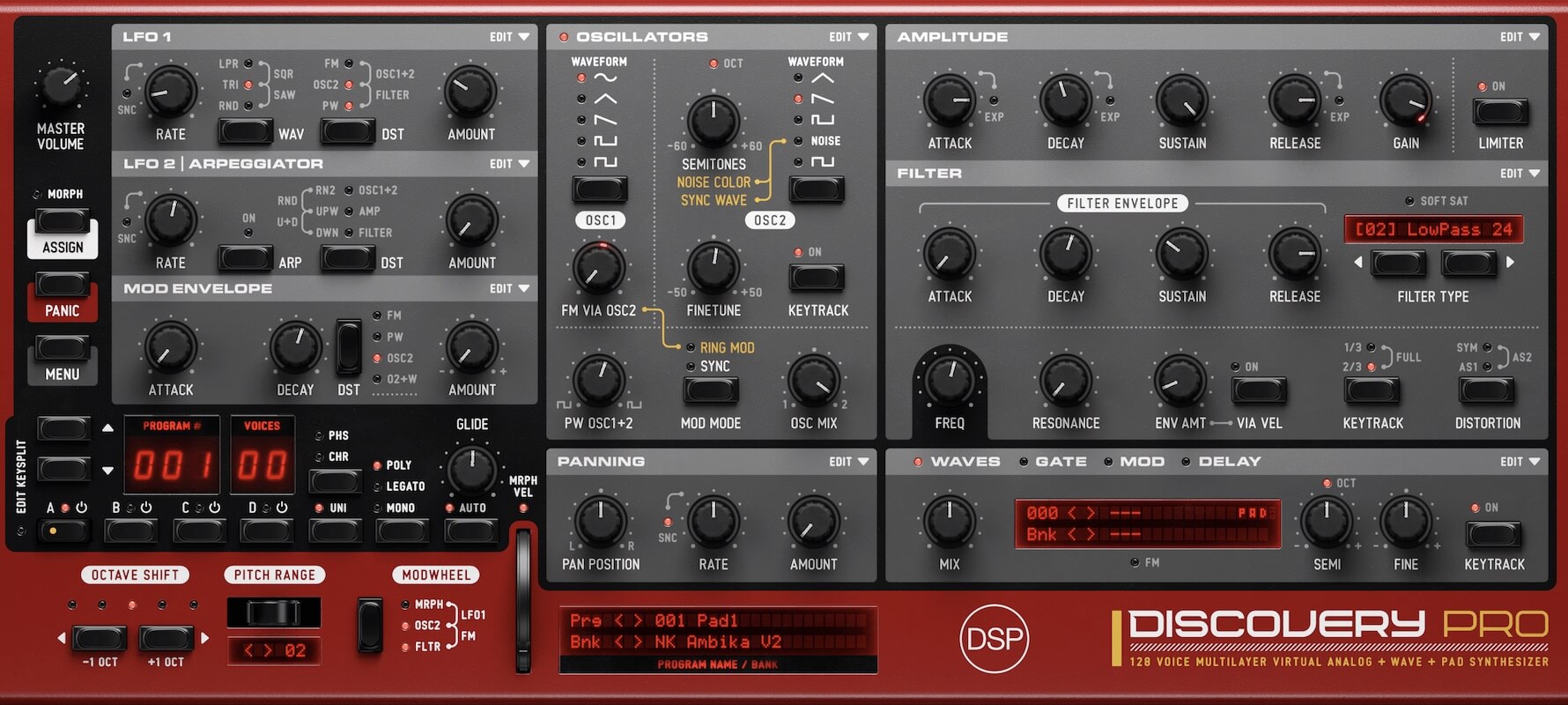
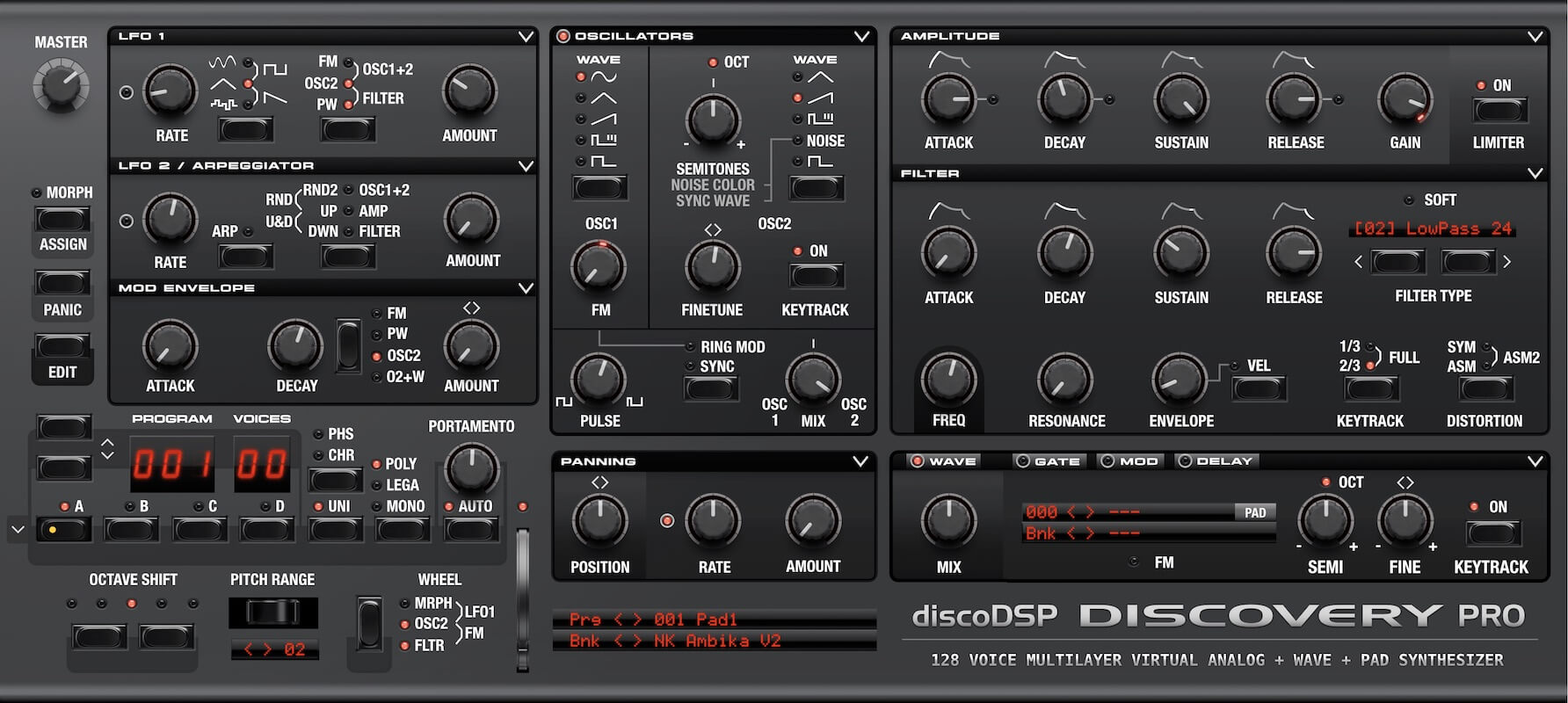
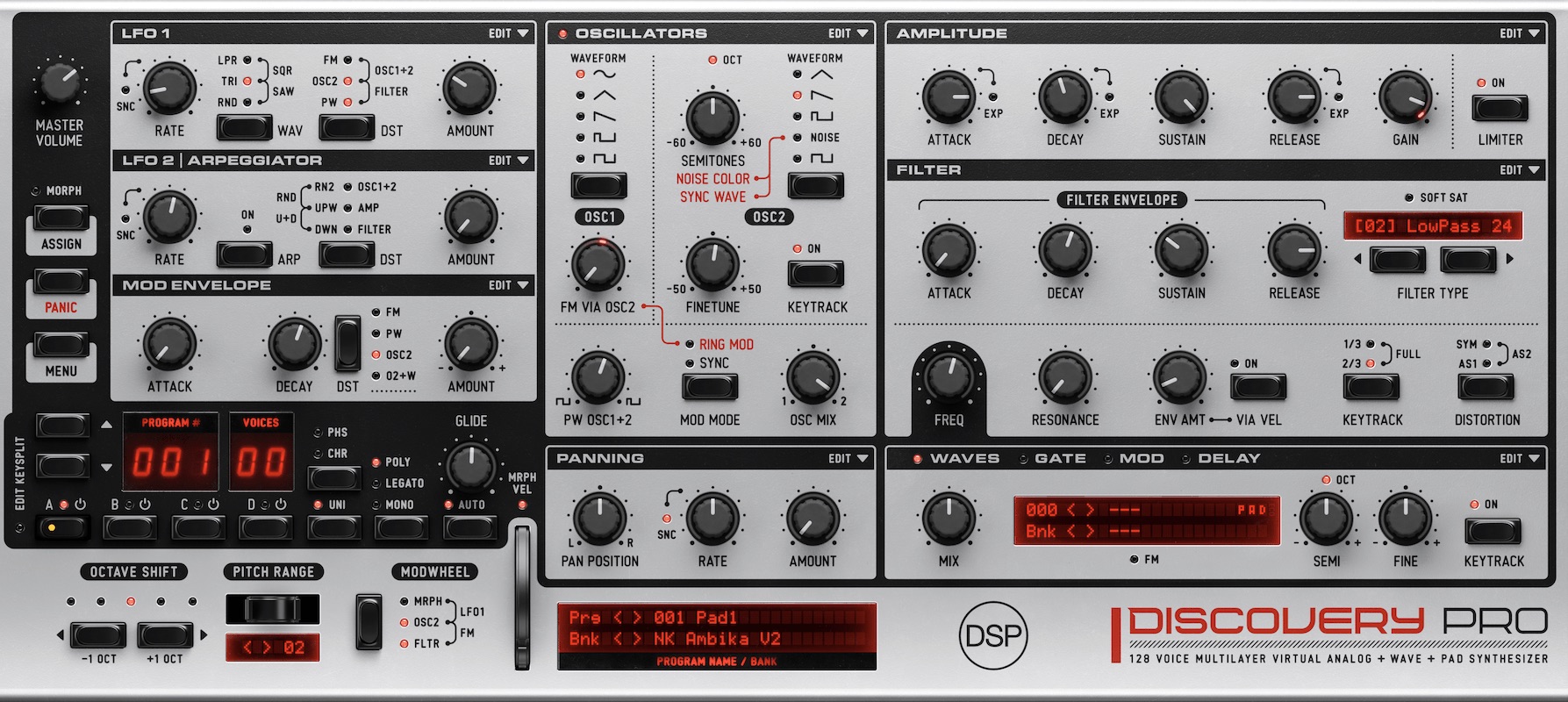
Trial: https://www.discodsp.com/discoverypro/
- New Silver Haze skin by Ilkka Rosma.
- Updated default Nordic Dawn skin.
- New Shadow Wave skin.
- Updated and new skins now include 30x and 40x assets for high-resolution 1.5x and 2x GUI size display.
- Fixed standalone program change function.
- Fixed Quick Stack behavior. Now, current layer blinks if it's active.
- Added octave submenus to Custom Key Split dropdown.
- Clicking Key Split dropdown / led now rotates between Off, Dual, Custom, Custom (edit) states.
- Other minor fixes and enhancements.
Trial: https://www.discodsp.com/discoverypro/