


Is there an easy way to track if VST FX are being pushed into the red in Ableton Live?
-
- KVRian
- 1050 posts since 4 Nov, 2003 from Washington DC
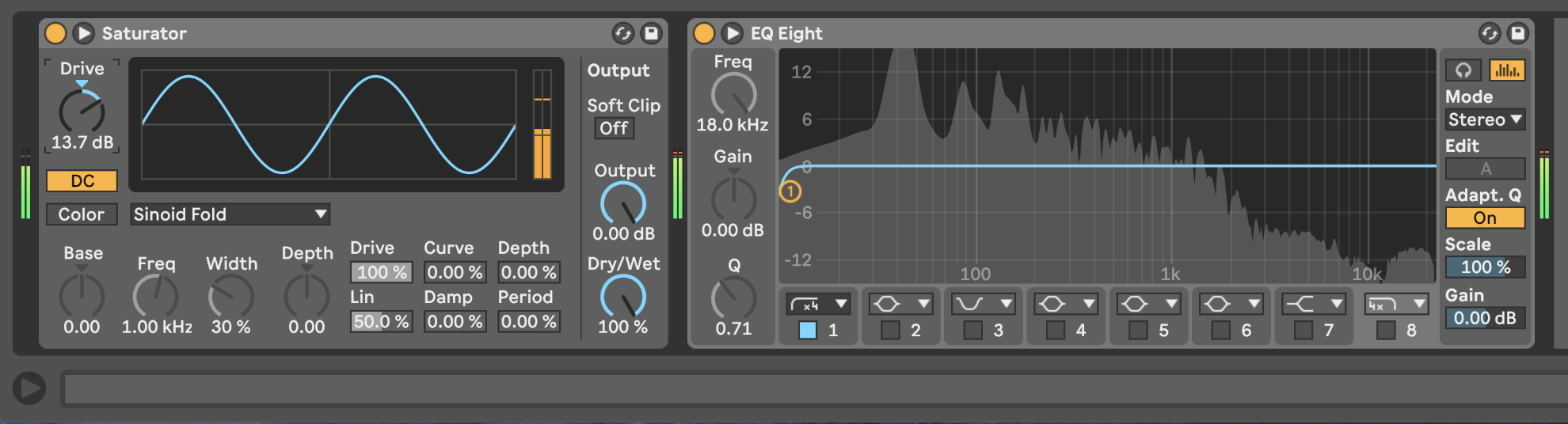
I use Live 10 and it is a bit irritating that the only way to tell if a plugin in my chain is 'in the red' is by looking at the tiny window at the bottom of Live’s plugin wrapper (you know what I mean). Is there a way I can tell (perhaps another plugin) if something in the chain is in the red without having to manually open and stare at every plugin? Keep in mind these are complex tracks with dozens of FX, so it's a bit of a hassle when I'm mastering and mixing. This might also prove useful to Live users who might not even be aware that the tiny window actually holds important info. Appreciate it.
Last edited by dj ray on Thu Jun 27, 2024 6:09 am, edited 2 times in total.
-
- KVRian
- Topic Starter
- 1050 posts since 4 Nov, 2003 from Washington DC
Yup. I am on 10. Took em 11 versions to get that sorted eh, haha. But yes, I need some sort of visual or readout. Cheers.
-

- KVRAF
- 2382 posts since 23 Sep, 2004 from Kocmoc
One can make sure to leave more headroom from the synth/sampler before the effects using Utility plugin. Also some plugins dont like the signal being fed too hot.
Soft Knees - Live 12, Diva, Omnisphere, Slate Digital VSX, TDR, Kush Audio, U-He, PA, Valhalla, Fuse, Pulsar AUDIO, NI, OekSound etc. on Win11Pro R7950X & RME AiO Pro
https://www.youtube.com/@softknees/videos Music & Demoscene
https://www.youtube.com/@softknees/videos Music & Demoscene
-
- KVRian
- Topic Starter
- 1050 posts since 4 Nov, 2003 from Washington DC
I kept getting a red clipping signal in the Mu comp on the master, even though there was no output clipping. It was the input. Unbelievably, Live has no input meter. I’ve been working with it for 15 years and never thought about it; always the output. Best thing ever: TBProAudio mvMeter2. I’m in love with it. Put it on the master as the first plugin, and you’ll have a lot more clarity, in every sense of the word.
-
- KVRAF
- 5274 posts since 2 Jul, 2005
If there's no clipping built into any of the plugins you're using then it won't matter if any of them go above 0 on the way through the chain. If there is a clipper/ waveshaper somewhere in the chain then changing those levels might make your sounds sound pretty different.
Don't F**K with Mr. Zero.