

FL Studio Noob
-

- KVRAF
- Topic Starter
- 37408 posts since 14 Sep, 2002 from In teh net
Anyone know why my plugin instruments appear in the browser under Generators but under Effects only FL Native effects are showing, not my plugins. I can only access plugin effects by clicking on the mixer and selecting 'more plugins' which is really clunky - there must be a better way
-
- KVRian
- 701 posts since 28 Oct, 2014
When you select 'More Plugins', it should bring up the list in a resizable box.
You will notice that there is a star to the left of the plugin's name.
Click that star to highlight it, and it will now be visible in the list when you click on a mixer slot

Last edited by _al_ on Sun Jul 07, 2024 11:51 pm, edited 1 time in total.
-
- KVRAF
- Topic Starter
- 37408 posts since 14 Sep, 2002 from In teh net
Thanks yes it did - that's good actually as it means I don't have to clutter the browser up with all plugins, I can just select my favourites
-
- KVRAF
- 5573 posts since 30 May, 2006 from Hollow Earth

-
- KVRAF
- Topic Starter
- 37408 posts since 14 Sep, 2002 from In teh net
How do I get my user and third party presets to show in the plugin browser as well as the DAW browser? - when I had Sytrus as a plugin these patches would all appear in the plugin but now all I'm seeing are the factory presets in the plugin's browser
You do not have the required permissions to view the files attached to this post.
-

- KVRAF
- 1787 posts since 22 Feb, 2014
Maybe something helpful here? - https://support.image-line.com/action/k ... ex?ans=629
-
- KVRAF
- 5066 posts since 27 Jul, 2004
Put them into your user library:aMUSEd wrote: Fri Dec 13, 2024 10:52 pm How do I get my user and third party presets to show in the plugin browser as well as the DAW browser? - when I had Sytrus as a plugin these patches would all appear in the plugin but now all I'm seeing are the factory presets in the plugin's browser
Screenshot 2024-12-13 at 22.48.46.png
< your user library path>\FL Studio\Presets\Plugin presets\Generators\Sytrus\
-
- KVRAF
- Topic Starter
- 37408 posts since 14 Sep, 2002 from In teh net
Thanks but that path or even folder doesn't exist - what I have them in now is '/Users/username/Documents/Image-Line/FL Studio/Presets/Plugin presets' and that is what shows in the main browser but not in the plugins themselves
-

- KVRian
- 843 posts since 23 Feb, 2023
The most intuitive were the OLD Fruity's... 1.7.6 TS-404 up to 2.7.2 TS-404... Peeps were doing great music in it with simple workflows and FAST!... Was 'OK' up to version 5...
2.5.4 TS-404-
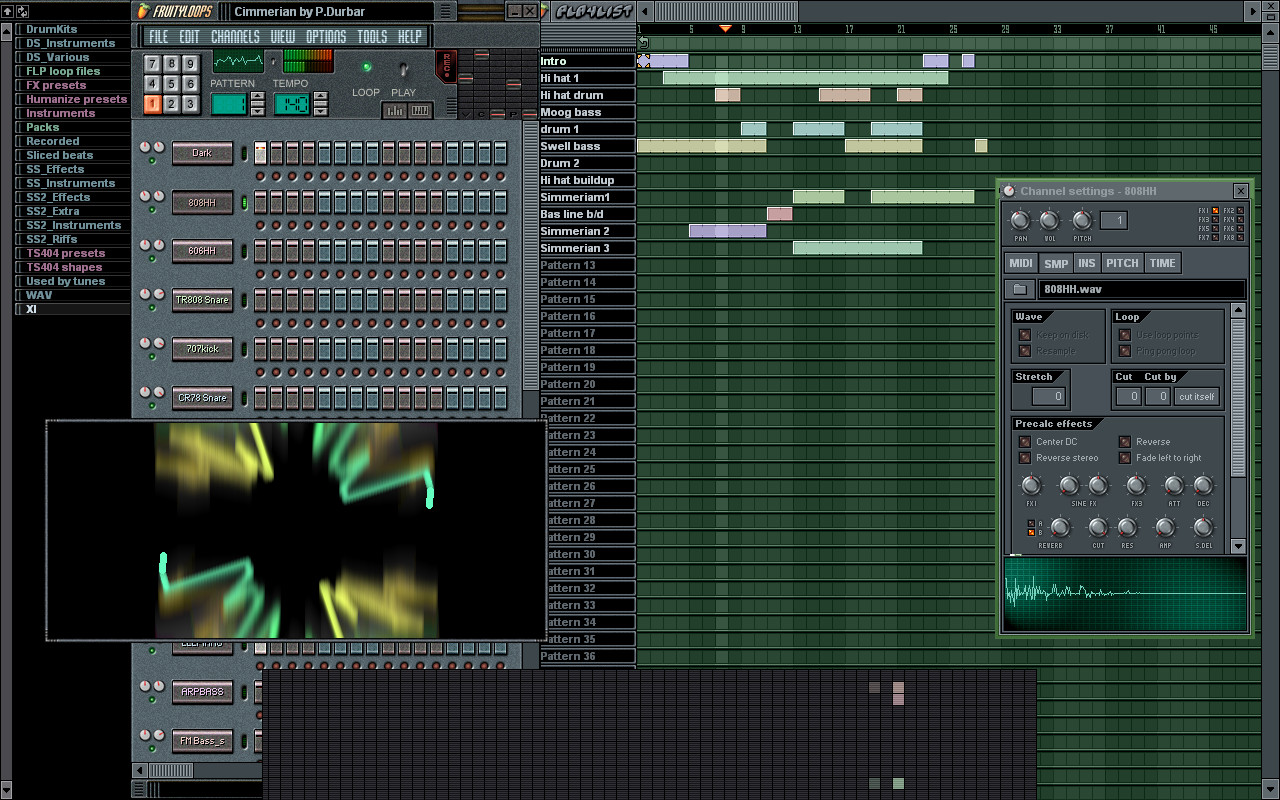
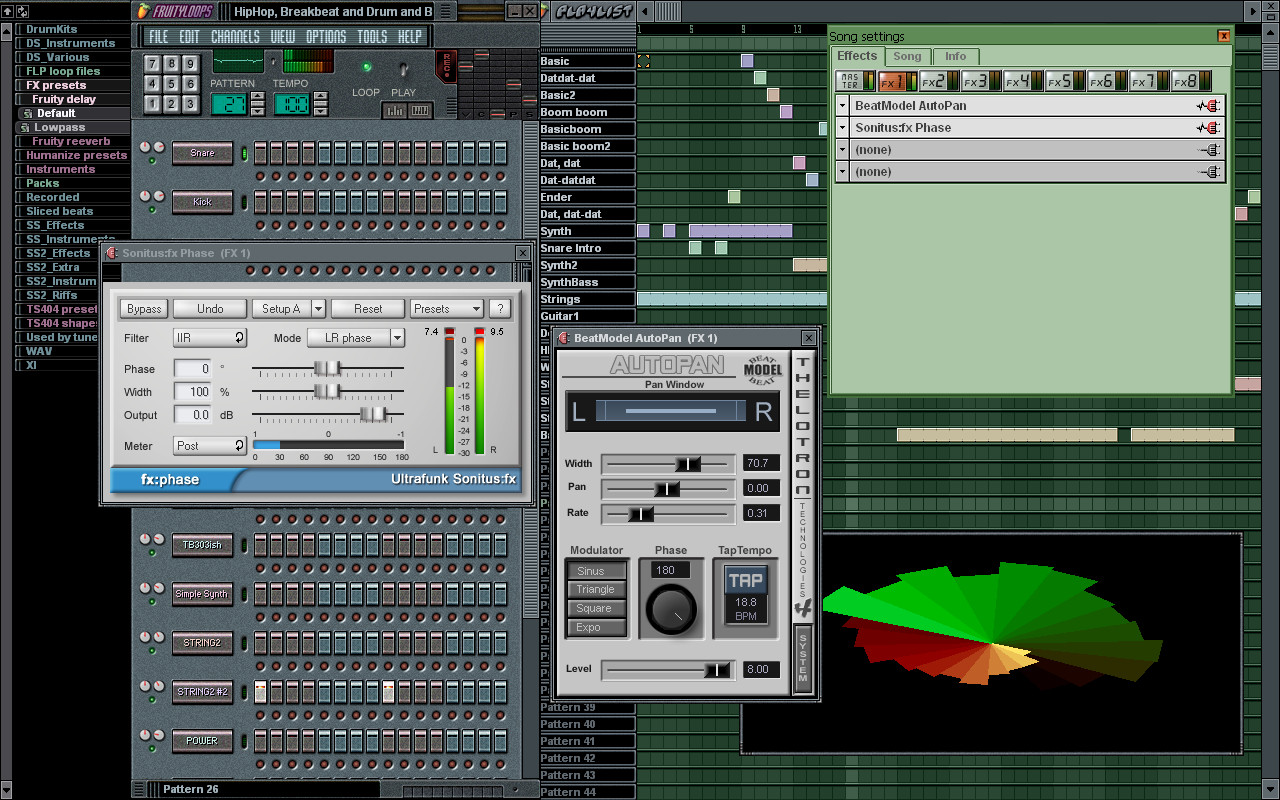
Some present-day FLers trying to use old Fruity's I guess it's too simple to grasp for some-
2.5.4 TS-404-
Some present-day FLers trying to use old Fruity's I guess it's too simple to grasp for some-
-
- KVRAF
- Topic Starter
- 37408 posts since 14 Sep, 2002 from In teh net
OK I worked it out by saving a test patch and seeing where it went - it's a bit of both paths (I guess because they are called generators now not plugins) - the correct path should be '/Users/username/Documents/Image-Line/FL Studio/Presets/Plugin presets/Generators/Sytrus'
-
- KVRAF
- Topic Starter
- 37408 posts since 14 Sep, 2002 from In teh net
I'm trying to dispense with those rows of buttons though and just recording directly into the playlisteLawnMust wrote: Sat Dec 14, 2024 5:04 pm The most intuitive were the OLD Fruity's... 1.7.6 TS-404 up to 2.7.2 TS-404... Peeps were doing great music in it with simple workflows and FAST!... Was 'OK' up to version 5...
2.5.4 TS-404-
Some present-day FLers trying to use old Fruity's I guess it's too simple to grasp for some-
-

- KVRAF
- 19813 posts since 16 Sep, 2001 from Las Vegas,USA
You can switch from the buttons to the Piano Roll view. Just make sure the button highlighted next to the X is off:aMUSEd wrote: Sat Dec 14, 2024 5:13 pm I'm trying to dispense with those rows of buttons though and just recording directly into the playlist
You can hide the Channel Rack altogether but I find it really useful for keeping track of the instruments used in a track. You can click on the empty area to the right of the instrument name and toggle between the Piano Roll and the Playlist.
You do not have the required permissions to view the files attached to this post.
None are so hopelessly enslaved as those who falsely believe they are free. Johann Wolfgang von Goethe
-
- KVRAF
- Topic Starter
- 37408 posts since 14 Sep, 2002 from In teh net
Thanks - if I do that when I hit record then play to record what I play on the keyboard the notes don't seem to go into the piano roll. They appear if I use the mouse to draw them but I don't want to do that, I just want to record what I play and also not have the song position slider timeout after 5 seconds, I want to record till I decide to stop playing, not have the DAW tell me when to stop.
-
- KVRAF
- Topic Starter
- 37408 posts since 14 Sep, 2002 from In teh net
OK so I have created the simplest possible project - just Sytrus loaded - it's armed and the correct track selected but it still will not record into the piano roll for me even though I can see the notes playing on the vertical keyboard and in the mixer see the audio stream - what am I doing wrong?
You do not have the required permissions to view the files attached to this post.
-
- KVRAF
- 5144 posts since 3 Oct, 2013
recording filter has been set correctly? (right clicking on the record button)
You do not have the required permissions to view the files attached to this post.
"Where we're workarounding, we don't NEED features." - powermat