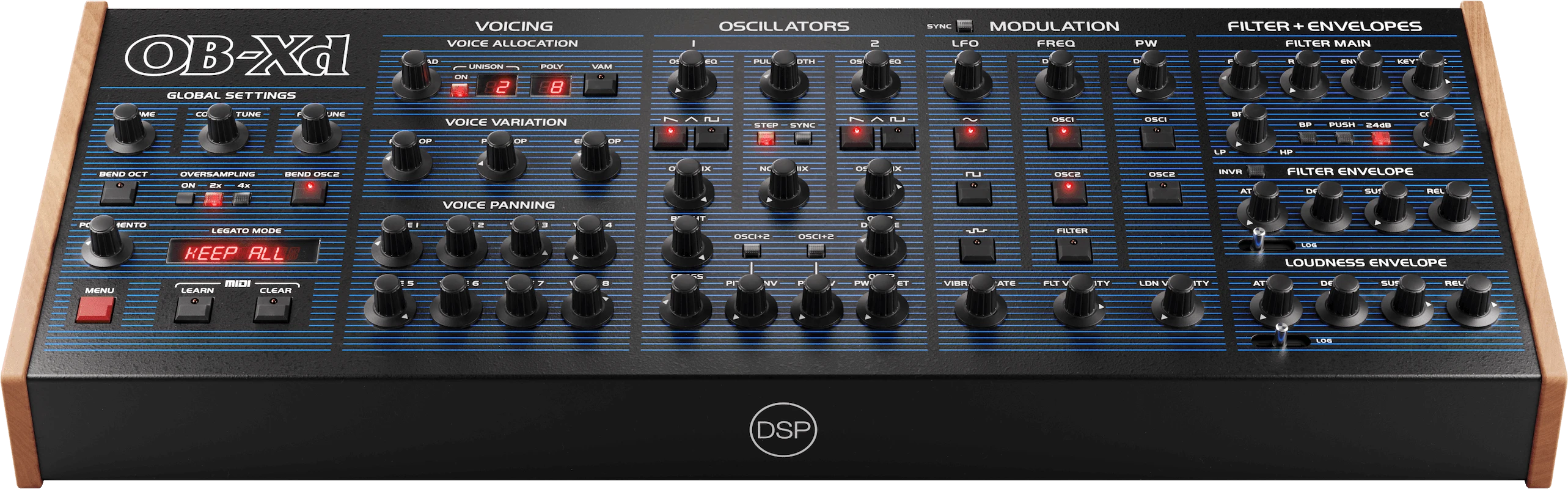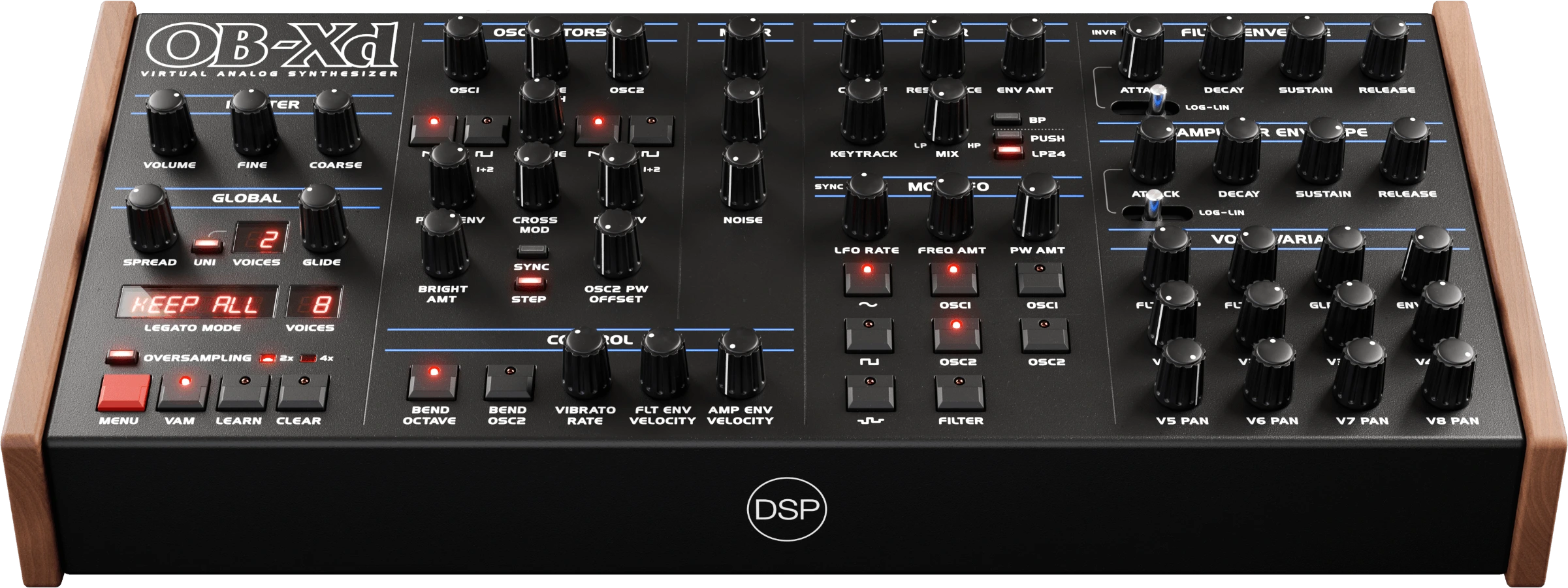
OB-Xd 3 captures the legendary Oberheim OB-X sound and takes it further — a complete ground-up engine rewrite with 5.2x more DSP code, SIMD vectorized processing, and modern features that make it competitive with commercial virtual analog synthesizers.
Engine
Data-oriented SIMD architecture (AVX2 / NEON) processes 4-8 voices simultaneously per CPU cycle. BLEP + BLAMP anti-aliasing, 4-pole ladder filter with push mode self-oscillation, DC blocking, and configurable brightness control. Adaptive oversampling up to 4x with intelligent sample rate detection.
Polyphonic Unison
Stack up to 16 detuned voices per note for massive supersaw-style pads and leads while maintaining full polyphonic playability. 128 voice slots eliminate voice stealing in complex passages.
Analog Mode
Per-voice component tolerances simulate vintage hardware variance — warmer, thicker sounds with natural filter wobble and subtle timing differences between voices. Configurable per bank.
Envelopes
Circuit-accurate RC modeling with adjustable logarithmic-linear attack shape. From gentle pad swells to percussive plucks, with independent shape control for filter and loudness envelopes.
Additional Features
Advanced preset search across all disk folders. Bi-directional MIDI control with MIDI Out and MIDI Learn. PW offset, PW envelope, and PW envelope both controls. MTS-ESP micro-tuning support. Full backward compatibility with 2.x presets.
Formats
Windows 10+ (AAX, VST2, VST3, Standalone) · macOS 10.14+ (Universal Binary 2, AAX, AU, VST2, VST3, Standalone) · Linux Ubuntu 20+ (VST2, VST3, LV2, Standalone) · iOS via App Store.
Free version: Standalone, AU, VST2, VST3 — fully functional, non-commercial use.
Registered version: Oversampling (2x/4x), commercial rights, AAX, LV2, technical support.
Download & Info: https://www.discodsp.com/obxd/
OB-Xd 2.x vs 3.x Technical Comparison: https://www.discodsp.com/obxd/comparison/
https://www.youtube.com/playlist?list=P ... eO4WtvhC-S