

I have more than 150 tracks on my orchestral template and 64 doesn't work. It spikes a lot.Tulihenki wrote: Wed Jun 25, 2025 7:46 am Why buffer size so high? You have a powerful cpu. I have Amd 5900x and my buffer size is 64. Cubase/Reaper/Bitwig. Audio interface is Audient mk2 14. No issues.
Latency on vst instruments in cubase
-
- KVRian
- Topic Starter
- 833 posts since 18 Jun, 2013
-

- KVRAF
- 16798 posts since 8 Mar, 2005 from Utrecht, Holland
Oh? Supposedly these provide something like 70W each, which should be plenty.
At what position do you have the volume pot at the back of the speakers?
At what position is the volume pot of your Audient ID4?
And the metering LEDs do show the "-6" blinks at peaks?
It should. Otherwise your output is too low.
Even without any compression or limiting or doing whatever process to the volume, it should be easy peasy to get an average (RMS) volume of around -20 dB FS output.
The tech specs of your interface say that 0dB FS = +12dBu. So -22 dB FS is the -10 dBu 'consumer' line level. Which means the volume pot of the monitor should be turned up all the way.
In my humble opinion this is an error in your process.vignesh.vijay wrote: Wed Jun 25, 2025 12:06 pm Is there an other low latency limiter I can use?
[...] and soundid reference also does a -6db for the volume it increases to compensate frequencies
While tracking/recording you should NOT worry about volume or use limiters.
That comes later while you're in the Mastering phase.
We are the KVR collective. Resistance is futile. You will be assimilated. 
My MusicCalc is served over https!!
My MusicCalc is served over https!!
-
- KVRAF
- 1767 posts since 20 Feb, 2003
Yes. CDC disables any plugins which have latency above a set threshold on record enabled tracks. Since it defaults to 0ms it shuts down every plugin with latency when recording.vignesh.vijay wrote: Tue Jun 24, 2025 11:08 pm When I enabled CDC on my cubase, the latency is workable. It isn't much. Does it mean a plugin in my chain is the problem?
You can set it to the amount you want in Settings / VST/ Constrain Threshold, and it then only disables plugins above that. EG Steinberg’s own Brickwall Limiter will be allowed through if you set the latency to 1ms, but will otherwise be disabled by CDC at the default 0ms threshold setting.
You can also show the amount of latency being used, on each individual track, by going to Mixer / Set Up Window Layout, and selecting Channel Latency near the bottom.
-
- KVRAF
- 2048 posts since 13 May, 2004 from Germany
During tracking you can use the free lodmax. It has only a small latency.vignesh.vijay wrote: Wed Jun 25, 2025 12:06 pmIs there an other low latency limiter I can use?BertKoor wrote: Wed Jun 25, 2025 6:40 am You should remove FabFilter Pro-L from the chain while recording. When it "looks ahead" to gracefully limit a peak coming up in the future, that's where latency is added.FabFilter wrote:Note that some algorithms (especially the last four new algorithms introduced in Pro-L version 2) need more latency than others. Do you need to minimize processing latency? Then choose one of the first four algorithms (e.g. Transparent) and disable True Peak Limiting and oversampling.
I use Yamaha hs5s and the speaker volume isn't much and soundid reference also does a -6db for the volume it increases to compensate frequencies
-

- KVRAF
- 2982 posts since 31 Jan, 2003 from Ghent, Belgium
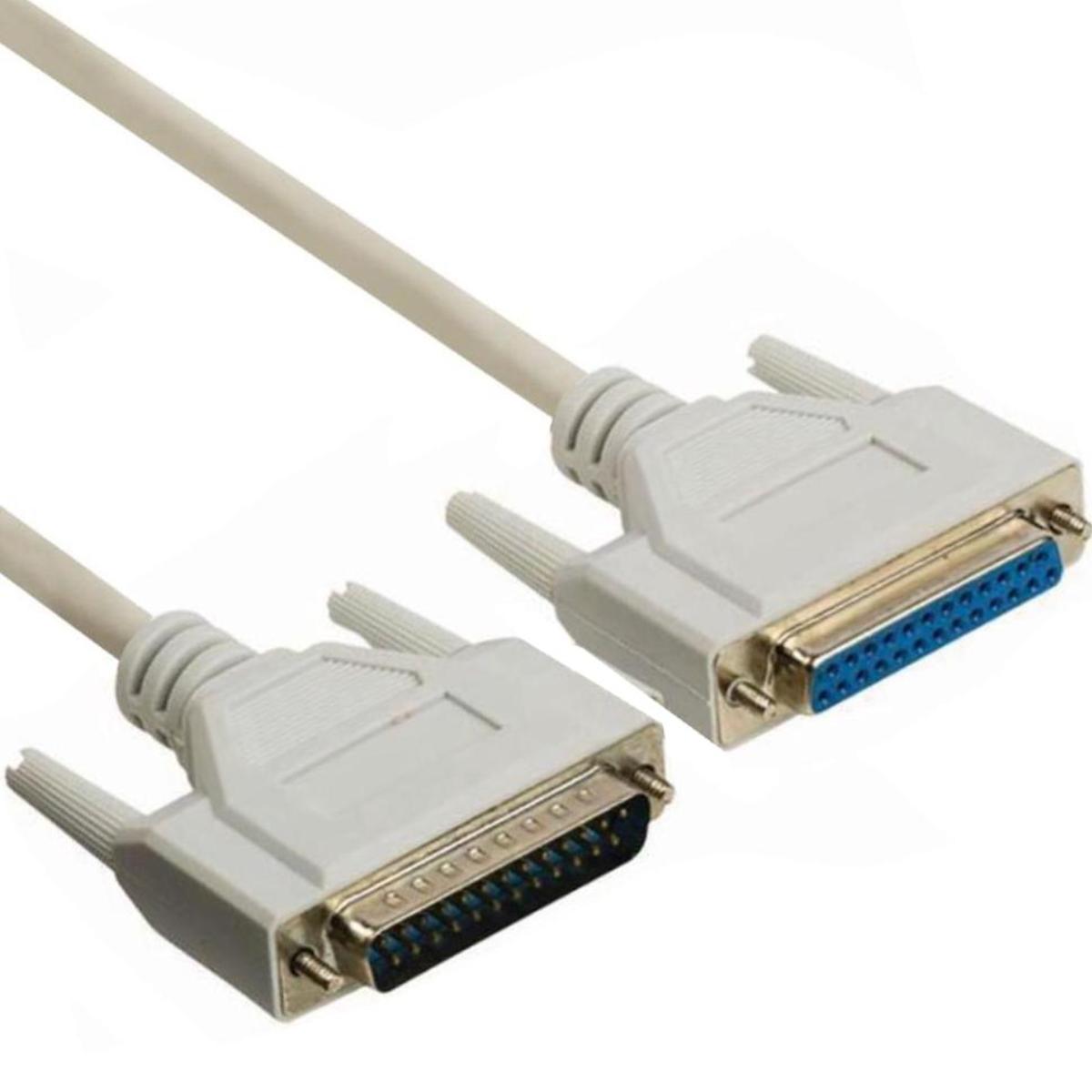
Sure about that?vignesh.vijay wrote: Tue Jun 17, 2025 8:48 pm Midi controller: Korg x50 connected to USB-c on computer direct through a printer cable.
-

- KVRian
- 744 posts since 15 May, 2003 from R'lyeh
What do SCSI/Serial cables have to do with anything?T-CM11 wrote: Wed Jun 25, 2025 3:14 pmSure about that?vignesh.vijay wrote: Tue Jun 17, 2025 8:48 pm Midi controller: Korg x50 connected to USB-c on computer direct through a printer cable.
(Pro Tip - for the last 20 or so years, many people that weren't around during parallel port printer interfaces, call the USB B cable a 'printer cable')
-
- KVRAF
- 2982 posts since 31 Jan, 2003 from Ghent, Belgium
-
- KVRian
- 744 posts since 15 May, 2003 from R'lyeh
Those would've been fancy rich folks that had laser printers at home! That would've been pretty rare.
Almost all printers sold to home users used Centronics connectors on the printer end, only the computer had the DB25 port. Even my old Panasonic used one on my Apple IIe.
https://www.cableleader.com/3ft-ieee-12 ... cable.html