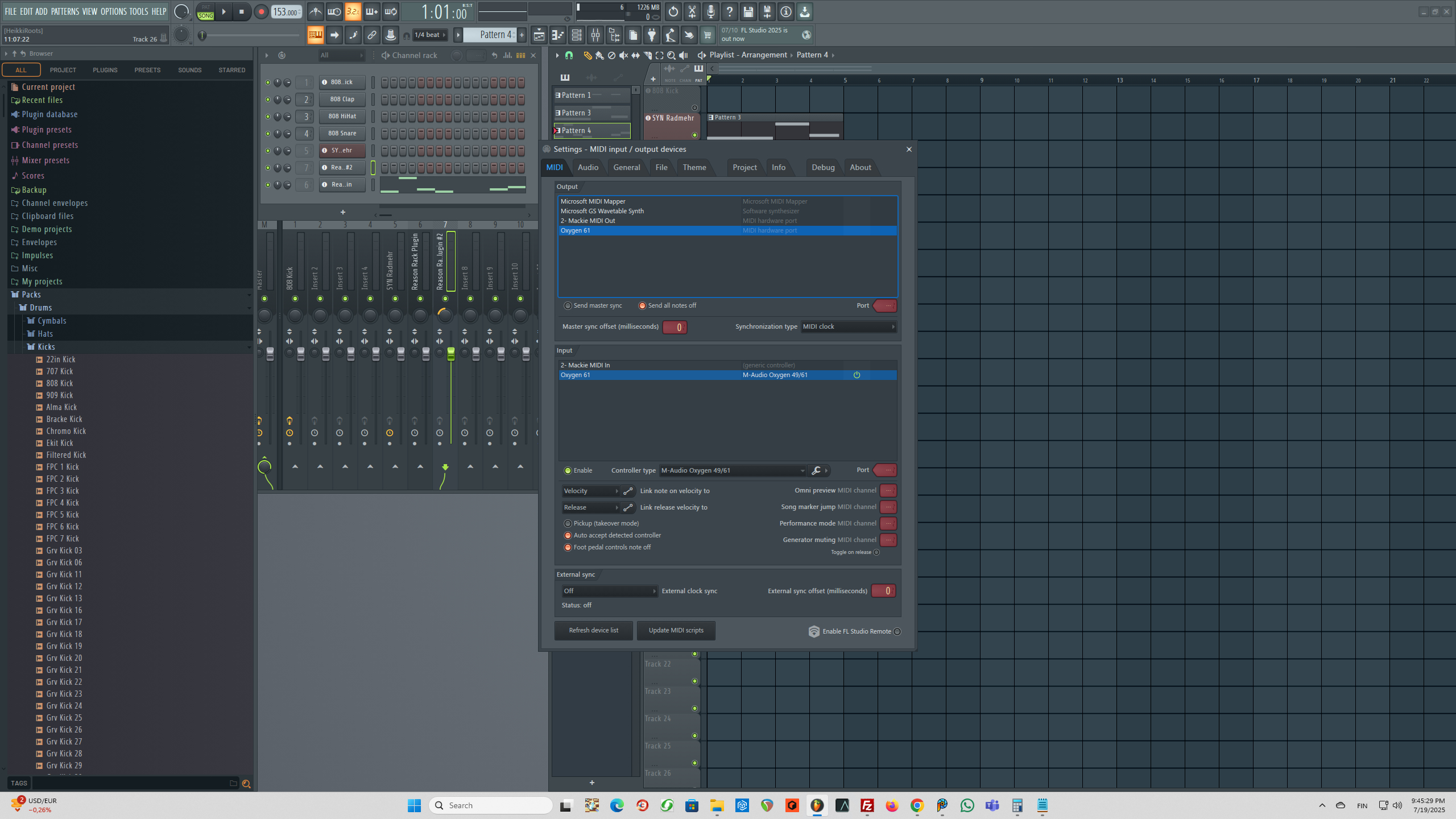
M-Audio Oxygen 61 in FL Studio - I can play keys, but using modulation wheel and pitch bend doesn't do anything

Anything about hardware musical instruments.
Post Reply New Topic
RELATED
PRODUCTS

Post

Image

M-Audio Oxygen 61 in FL Studio - I can play keys, but using modulation wheel and pitch bend doesn't do anything. I can use it just fine in the Reason 13.3. The midi settings in FL options are in the pic above. Right click on the image and open it in the new tab for a bigger view.

Post

FL Studio isn't MIDI compliant, though the pitch wheel should work OOTB. It's possible that you've manually removed the link from pitch wheel to channel pitch; or, alternatively, the M-Audio Oxygen 49/61 setting you've chosen isn't configured properly. It definitely works OOTB with "generic controller". You can remap pitch wheel to the pitch by right clicking the pitch knob (in the wrapper) and choosing link to controller. Turn on the "Omni" option and then move the pitch wheel. If you have this issue with all projects, you might need to do this in your template and save it again.

IIRC, to get the mod wheel to work you need to map CC1 (mod wheel) to CC1 in your template with "Omni" enabled, and save the template. Google has the exact steps. It's been ages since I did this, so I can't guarantee I've remembered all the details. FYI, none of the CCs will work without you mapping them manually.

Once you've set the mod wheel up, head on over to the IL forums and lobby them for proper MIDI support instead of stupid AI bloat.

Post Reply

Return to “Hardware (Instruments and Effects)”