



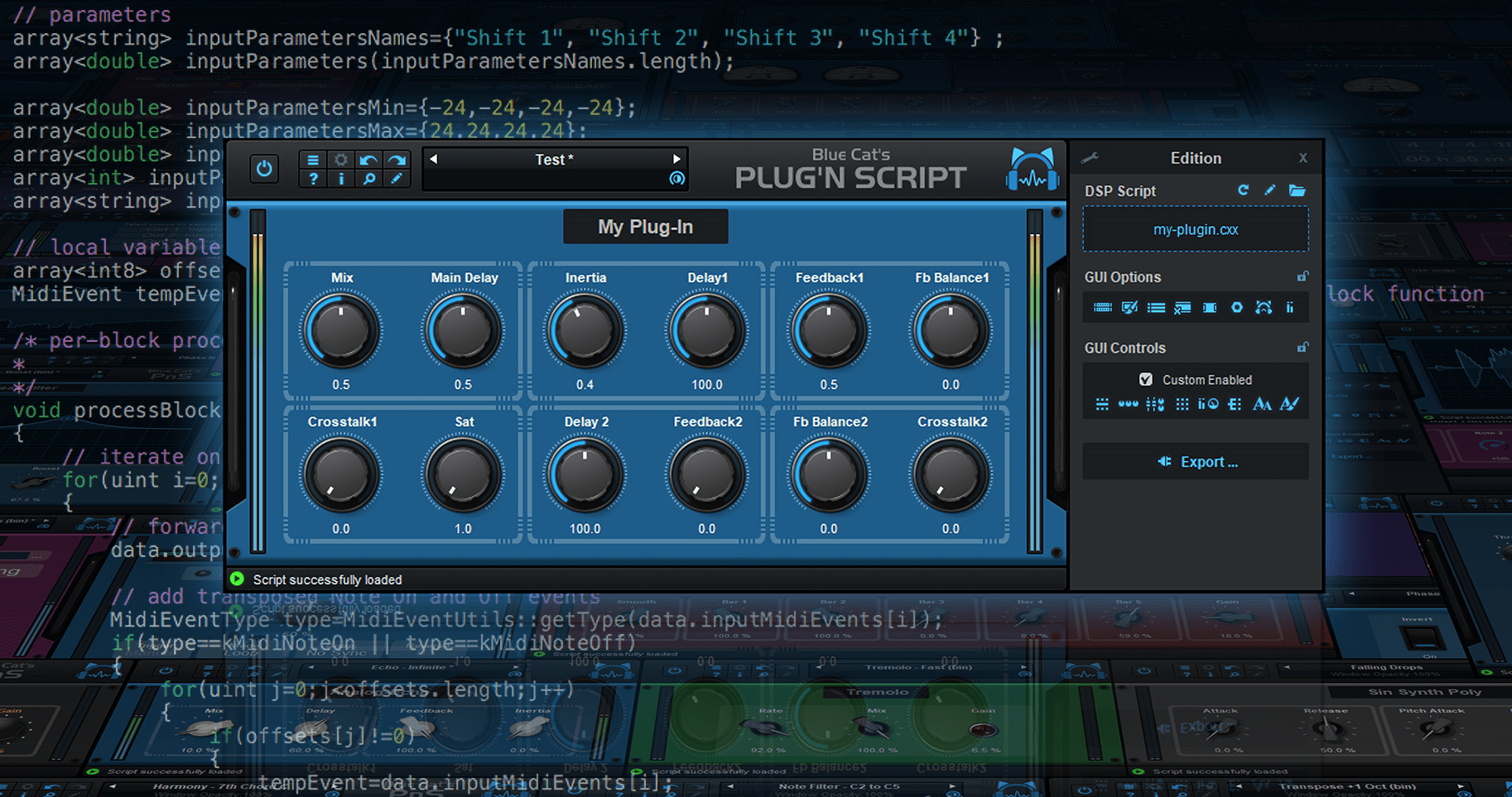
WHAT'S NEW?
Scripting / Audio DSP
- Private output params support (same as outputParams, but not exposed to host).
- Script state persistency API to save the dsp script's internal state.
- Fixed DSP script sometimes reloaded twice upon preset load.
- Fixed rare "Internal error" popup messages upon loading the user interface under heavy memory load and many user interface scripts.
- Fixed VST3 Instrument plug-in version not routing to aux channels properly in some host applications and sometimes producing white noise instead of silence.
- Reduced CPU usage in DSP thread.
- Fixed output strings corruption and random crashes when switching quickly between scripts that use different output string sizes.
User Interface
- Added 20 new knobs styles, and 3 types of sliders for automatically generated user interfaces.
- New scalable vector graphics for parameters groups.
- New graphics for built-in analog meters.
- Windows multitouch support (manipulate multiple controls at the same time with several fingers).
- Export plug-in windows is now non-modal, fixing crashes when trying to export a plug-in while hosted in Logic Pro.
- Reload script icon is back in the main toolbar.
- Windows accessibility: native system widgets are now scaled according to text size settings on Windows 8 and newer in settings windows.
- Minor Graphics optimizations for Hi resolution displays.
- Improved user interface loading time on slow hard drives.
- Optimized size of image resources for GUIs.
- Fixed window opacity changes not shown in plug-in when host application modifies it.
- Fixed selected text in text edit box sometimes not easy to read on Mac depending on the color scheme.
- Fixed text edit boxes sometimes loosing focus when hovering mouse over other controls.
- Fixed Mac installers not showing brand image in dark mode.
- Fixed audio I/O selection not always appearing in audio/MIDI settings for exported standalone applications.
- Fixed some exported plug-ins starting with no parameters upon launch.
- Fixed 3D Views openGL issues on retina displays for recent versions of MacOS.
- Windows: multiple GUI display and HiDPI performance improvements.
- Windows: fixed context menu not always displayed in the right position when the window spans across several screens with different DPI.
- Windows: fixed return key sometimes unexpectedly forwarded to host while typing in a text edit box.
- Fixed revert current preset not always triggering undo properly
- Fixed gradients not displayed properly on MacOS Tahoe when loaded in applications built with older versions of the MacOS SDK (Apple Bug)
MIDI Control
- All plug-in parameters can now be controlled with MIDI notes, pitch bend, NRPN, 14-bit CCs, aftertouch or channel pressure, in addition to MIDI CC.
- MIDI settings window can now be resized to display more parameters.
- Optimized MIDI settings window display on Windows (load time and scroll).
- MIDI Settings window now splits parameters into multiple pages for faster access.
- MIDI Settings window now shows custom display names if any.
- Optimized preset load upon MIDI messages when using several hundreds of user presets.
- Fixed plug-in sending Bank number 0 when loading a preset that is not located in a bank.
- Fixed audio dropouts when navigating presets via next/previous and plug-in set to send MIDI Program Change messages.
Standalone Application
- Windows: ASIO driver now keeps running when ASIO Control panel is opened from the app audio preferences.
- Windows: the application now follows ASIO driver buffer changes made in the ASIO control panel or external ASIO configuration app.
- Performance: application now automatically selects the minimum number of I/O required from the driver.
- Fixed audio dropouts when selecting MIDI output devices in preferences while using many MIDI devices.
Enjoy!

[original announcement]