


AUTO-ADMIN: Non-MP3, WAV, OGG, SoundCloud, YouTube, Vimeo, Twitter and Facebook links in this post have been protected automatically. Once the member reaches 5 posts the links will function as normal.
After 7 months of development, EchoJay is live.It's a mix feedback plugin built on actual measurements from your session LUFS, true peak, crest factor, stereo width, spectral balance, dynamics, reference comparisons not vague AI guessing from a text description of your track.
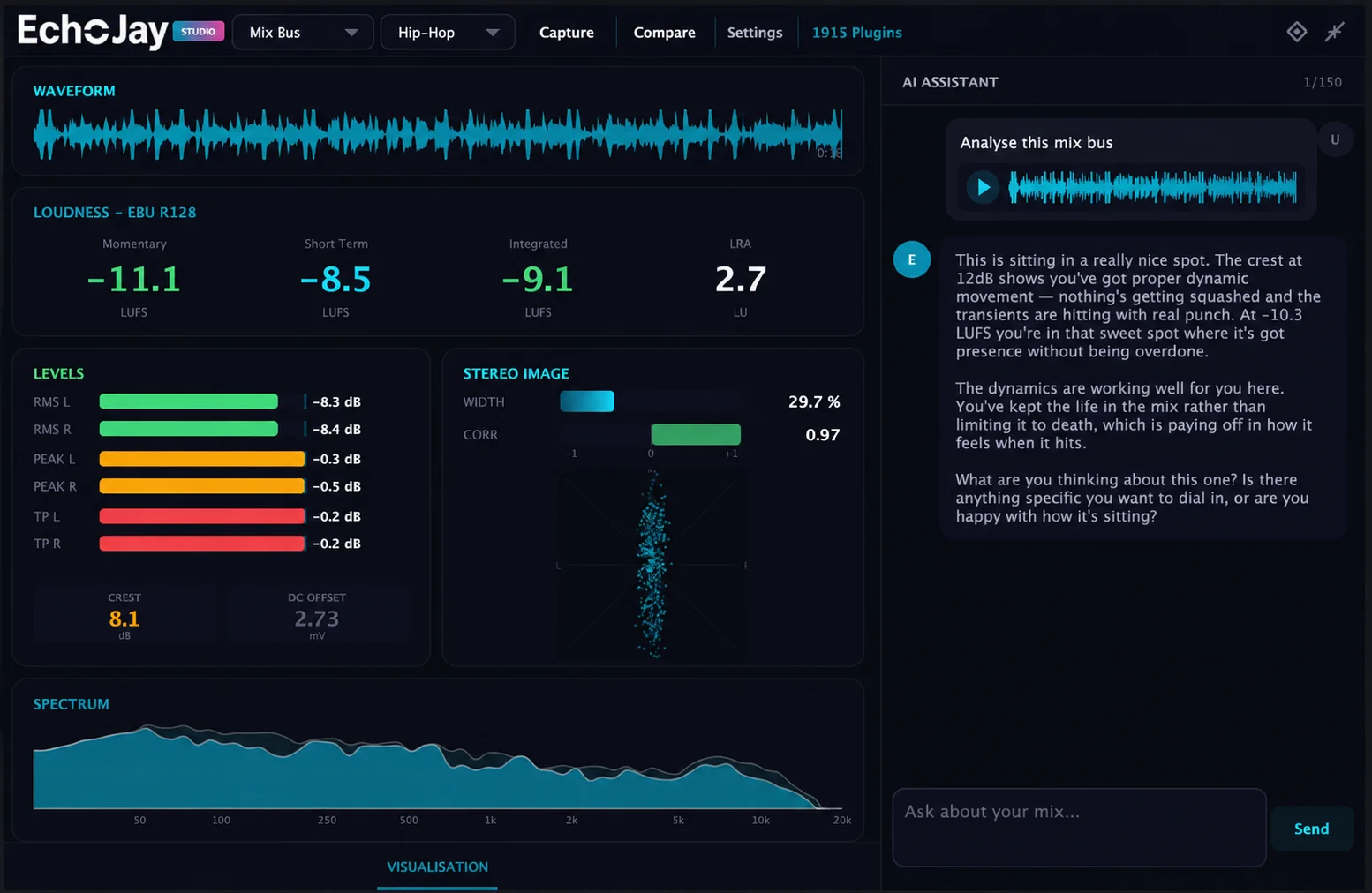
The difference
General AI tools describe what they think they hear. EchoJay reads what's actually happening in your audio and gives you feedback grounded in the numbers. If it tells you the crest factor on your master is low, it's because it measured it, not because it sounds compressed in some abstract sense.
Plugin-aware advice
This is the part I'm most proud of. EchoJay scans the plugins you have installed and tailors its advice to your actual workflow. So instead of generic "try some compression" feedback, you get specific moves using tools you already own — "pull 2-3dB at 250Hz with [the EQ you have], then catch the peaks with [the compressor you have] at a 3:1 ratio." Real moves, real plugins, real workflow.
What it does
Full mix analysis with professional metering
Channel-by-channel feedback (drop it on any bus, not just the master)
Reference track comparison
Plugin chain suggestions based on what you own
Conversational interface — ask follow-up questions, iterate on the advice
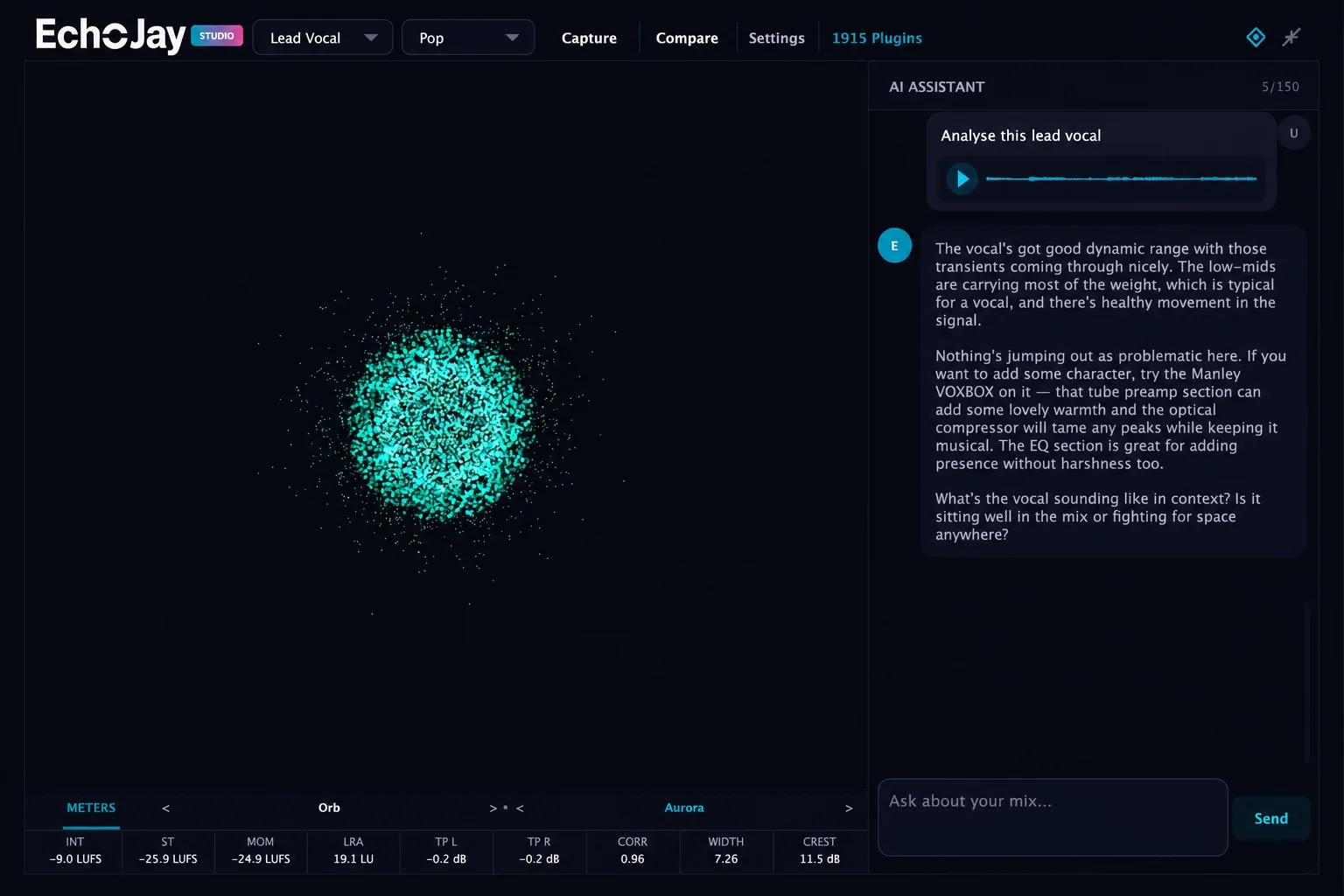
Channel feedback in action — drop it on any bus and get specific advice for that element.
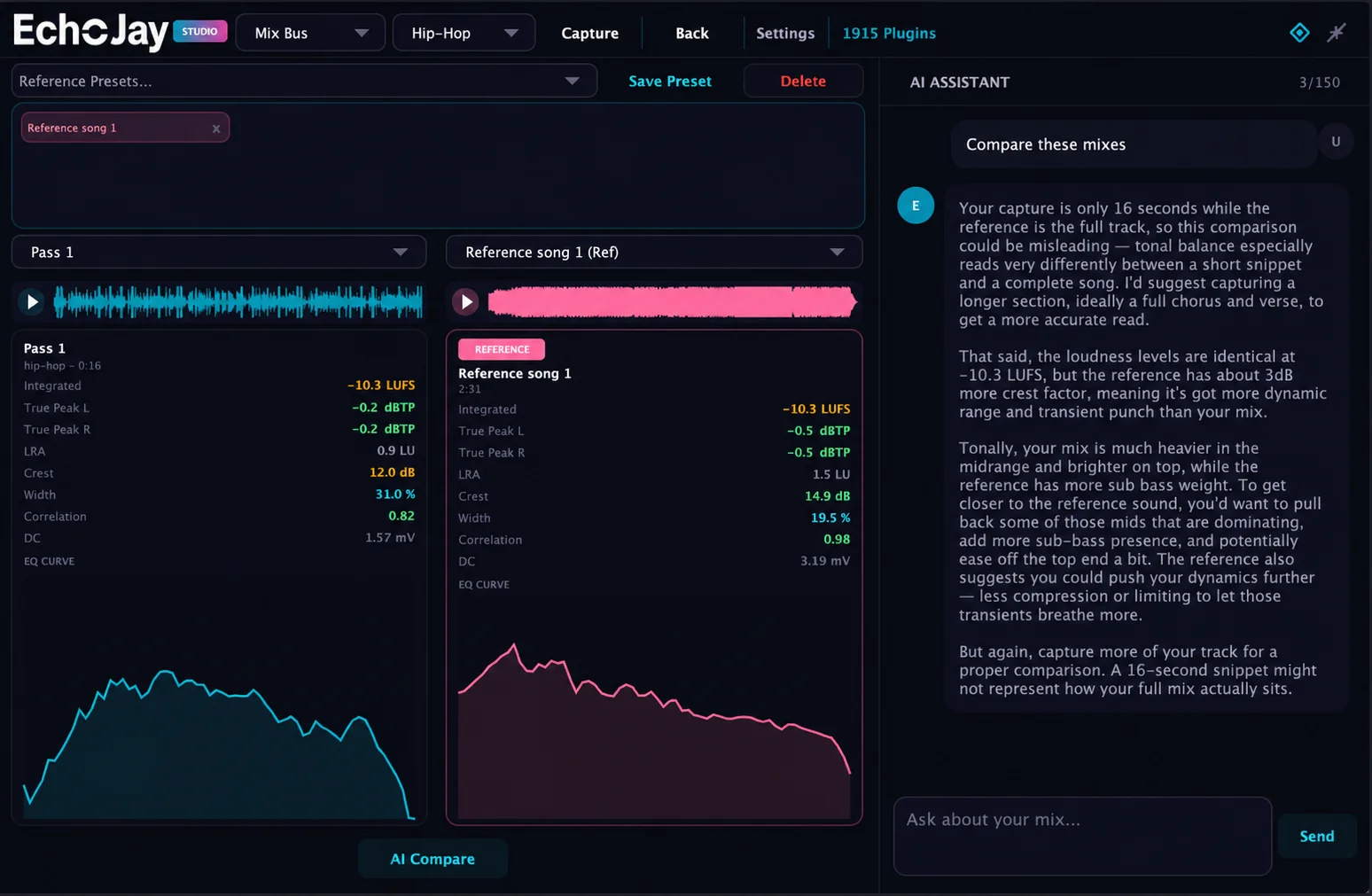
Reference track comparison — A/B against a track you love and get notes on what's different.
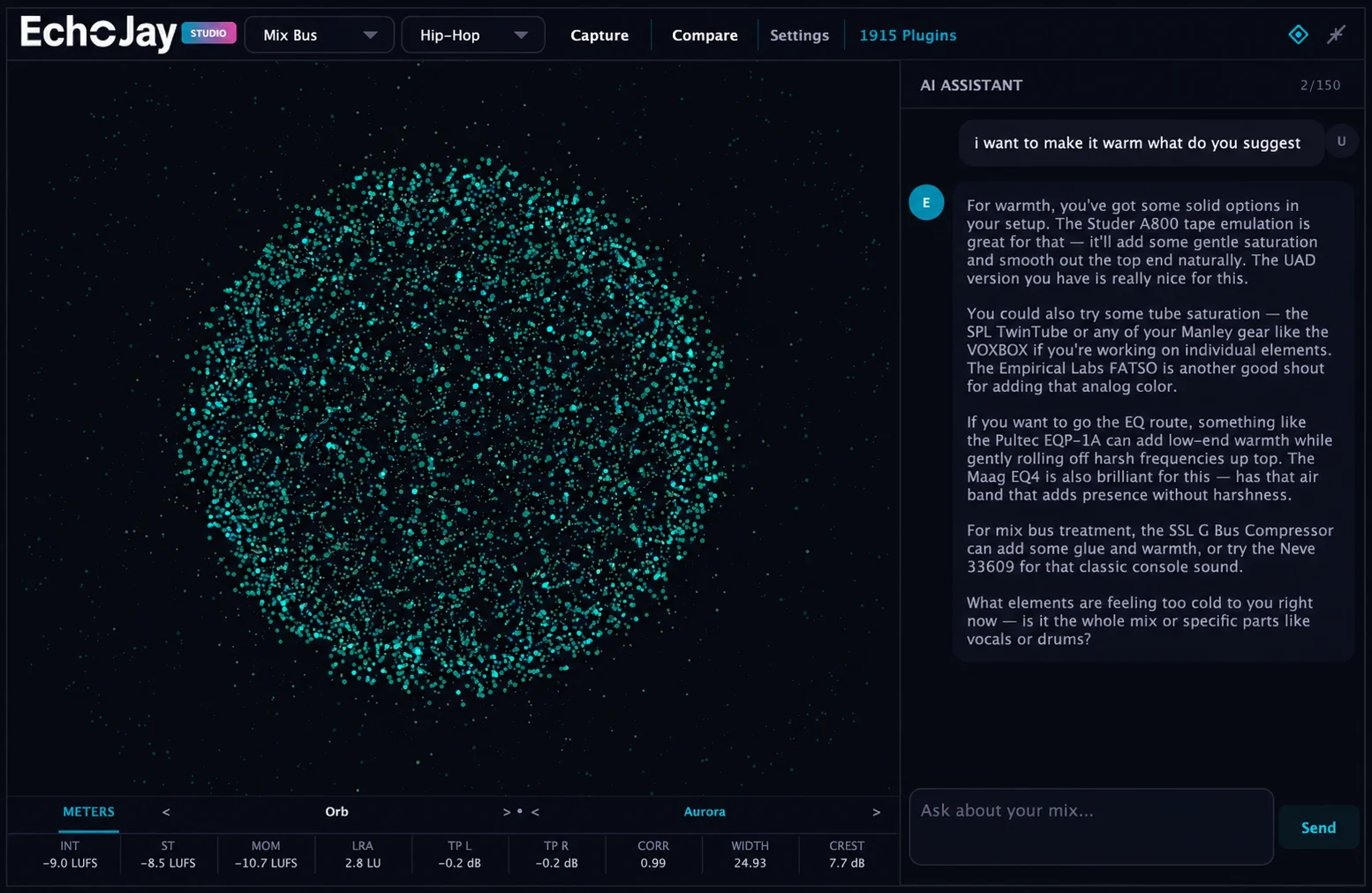
Aurora visualisation mode — alternative to the meters view if you prefer something more
atmospheric while you work.
Technical
VST3, AU, AAX (PACE signed)
Mac (Universal — Intel + Apple Silicon, macOS 12+)
Windows (64-bit)
Built in JUCE 8
Try it
www.echojay.ai (www.echojay.ai) — free tier with monthly usage, email signup, no card.
Happy to go into detail on the metering implementation, how the plugin-awareness works, what the LLM is doing vs what the DSP is doing, privacy (your audio isn't stored or used for training), or anything else. Built this because I run a studio and got fed up with "AI mixing" tools that were either snake oil or static reference graphs dressed up as intelligence.
Cheers
Sean