Disclaimer: Our products are made with the heads and hearts of our team of 3, without the help of virtual aliens (also known as AI) that want to take over our creativity.
Hey fellow contestants, developers and plug-in enthusiasts,
We've been building PARROT as our entry for this awesome KVR Developers Challenge 2026 and we're absolutely stoked to be able to add our newest addition to our plug-in family!
This multi-modal delay tool is here to fly away with you. Of course, as per the rules of the KVR Developers Challenge, PARROT is and will stay completely free.
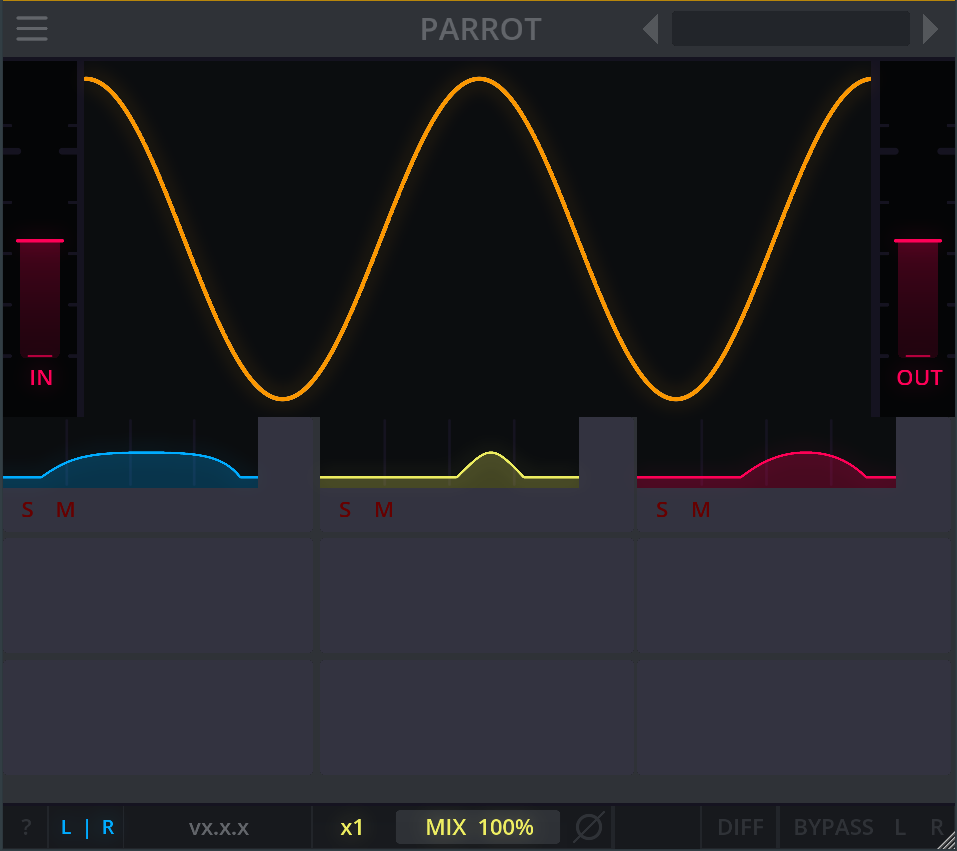
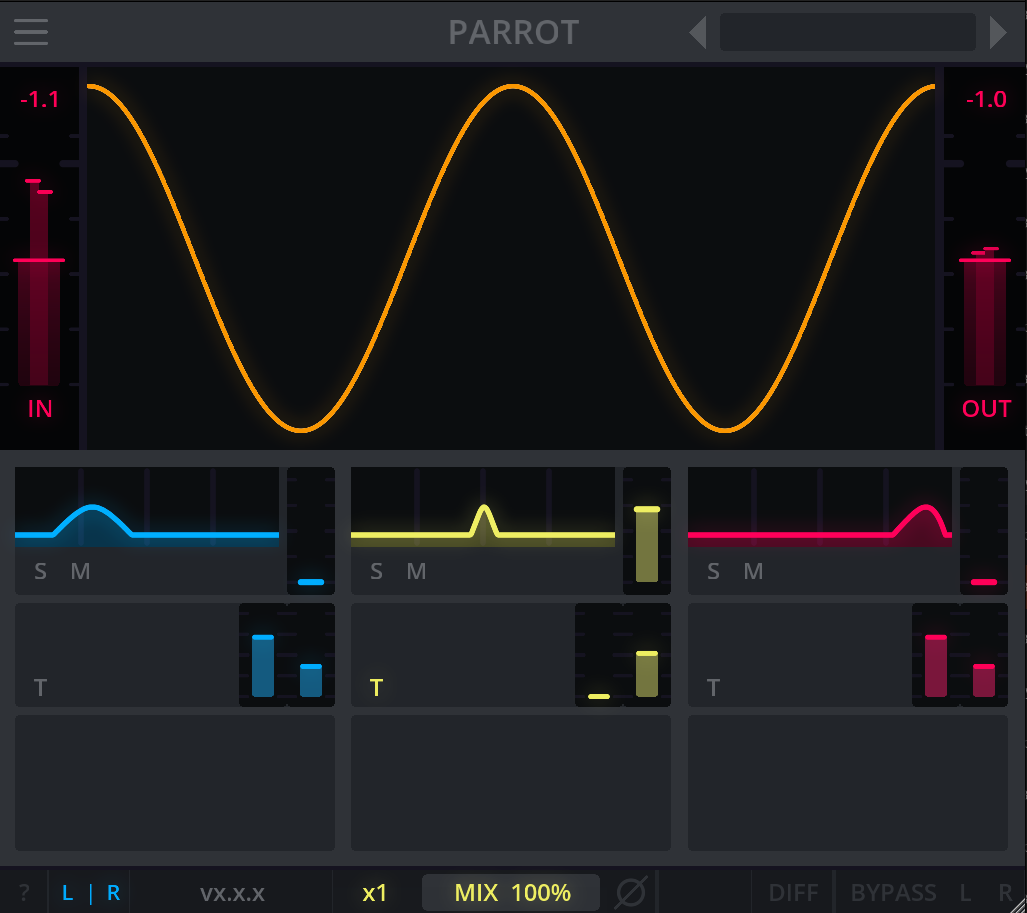
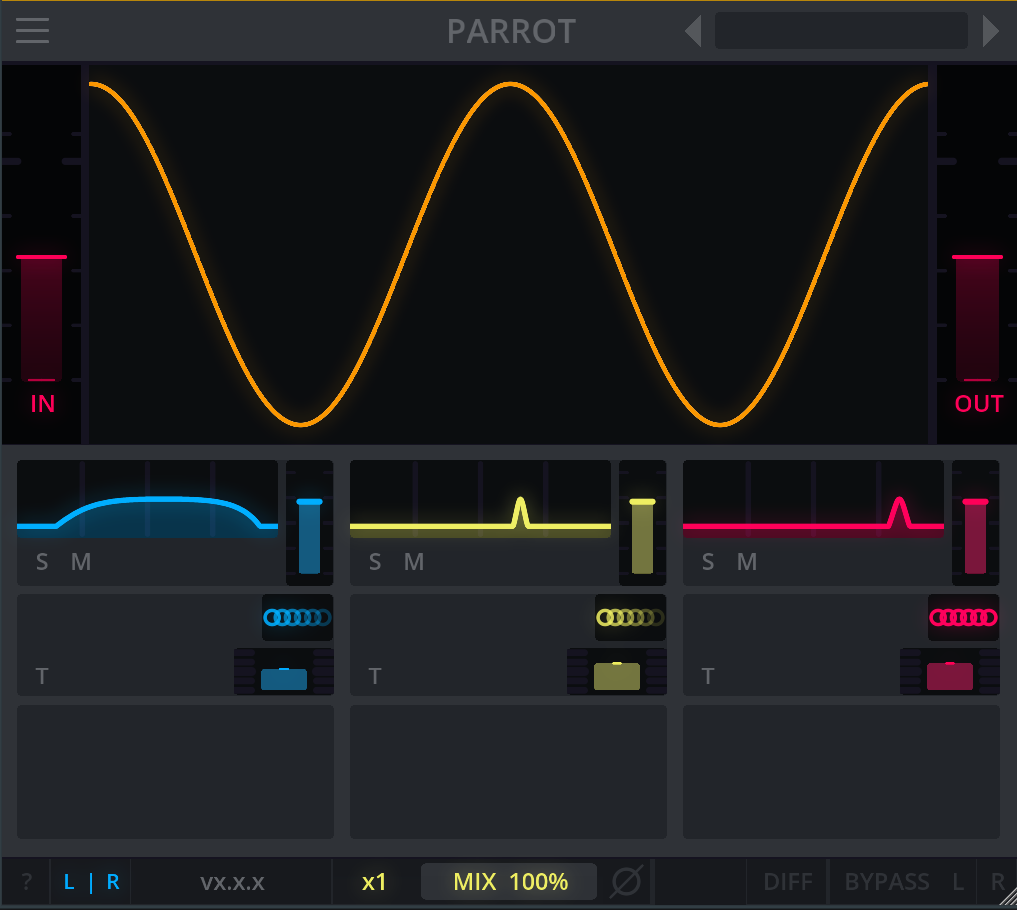
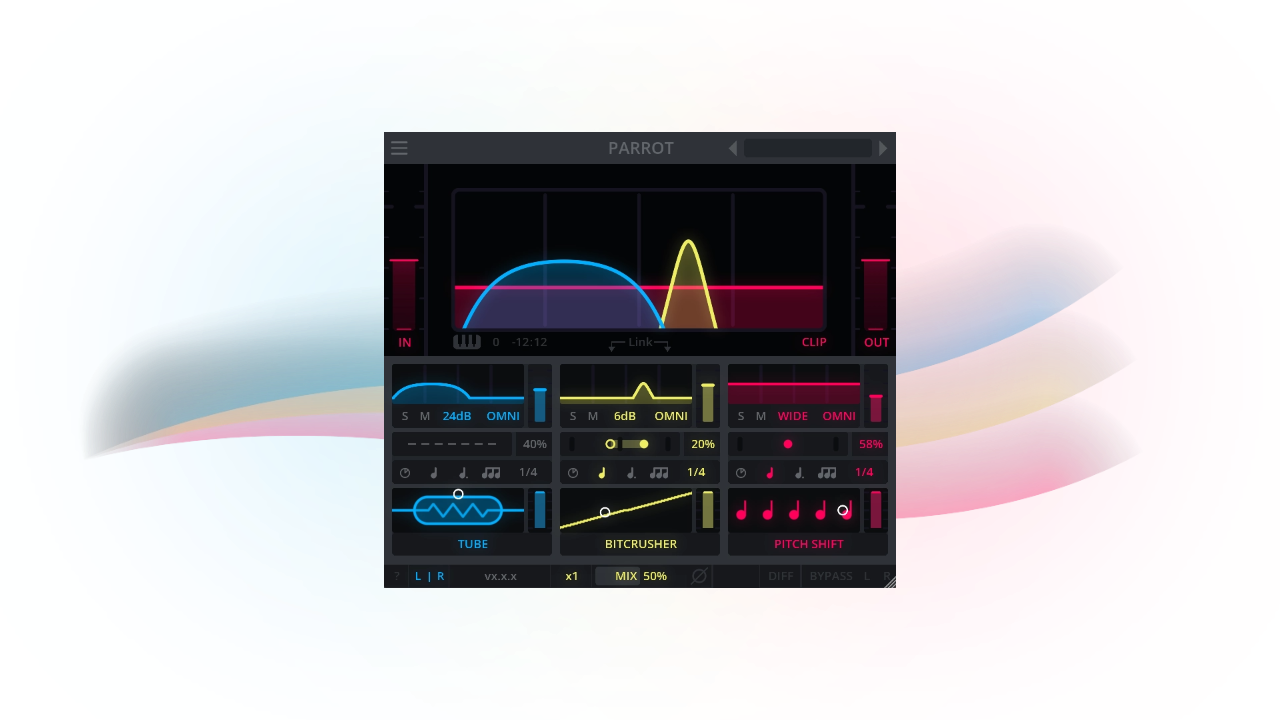
That said: let's celebrate this good bird! With PARROT, you can play around with effects ranging from chorus and saturation to disperser and pitch shift. Create up to 3 different cohesive delays or textures in parallel, adding a colourful character to your sound, all while targeting your desired separate frequencies freely on the frequency range spectrum.
YOUR 3 BEST FILTER FRIENDS
Ranging from chorus to pitch shift, you can play around with different filter effects. Create up to 3 cohesive delays in parallel, adding colourful character to your sound.
FREQUENCY FUN
Using 3 separate modal bands, PARROT allows you to freely target the frequencies where you want your delay or textures to happen, it's all up to you!
TO DELAY OR NOT TO DELAY
A tempo from 1/1 to 1/64 or up to 1500 ms. From dotted delays to triplets. Choose stereo delay, ping-pong delay or no delay to use PARROT for unique character.
Fun ideas to try out with PARROT:
- Bring textures and character to your sound using 'no delay' mode, also cool for spicing up the overall sound of your buses.
- Make use of the automation of the frequency bands, creating wild filter sweeps and transitions.
- And of course, use it as intended, as a crazy delay filter tool and delay multiple frequencies at once cohesively.
MORE ABOUT PARROT:
- Find your favourite effects in PARROT's effect library: tube, BBD, saturation, pitch shift, frequency shift, bitcrusher, disperser, flanger, chorus and flutter.
- Choose from narrow 24dB/oct peaks to broad 6dB/oct bandpasses per band.
- Control each band/effect independently using its personal controls including gain, mix, feedback, solo and mute.
- Use keytracking to move the modes to MIDI notes.
- Choose between 8 different MIDI channels, set to OMNI by default.
- Link bands together for easy adjustment.
- Change your processing from Left/Right to Mid/Side.
- Oversample up to 8x.
- Make your workflow as easy as possible using our signature utility footer.
- No worries about high peaks with true peak limiting.
- Get started quickly with or take inspiration from our useful or creative factory presets.
- Load in PARROT on your host of choice. VST3, AU, CLAP and LV2 compatible, with Windows, Mac and Linux support.
Thank you all for your ongoing support for Darkpalace Studio throughout the years, where we keep finding the inspiration to create more plug-ins and keep updating our existing ones with cool new features.
We hope you'll enjoy using PARROT! If you have questions or suggestions about it, please let us know here.