



thank you for your feedback. This issue might indeed occur when Sonar is setup to feed the plugins with audio (echo on, playing tracks...). It comes from the fact that many plugins of ours have output parameters that can be recorded as automation curves.
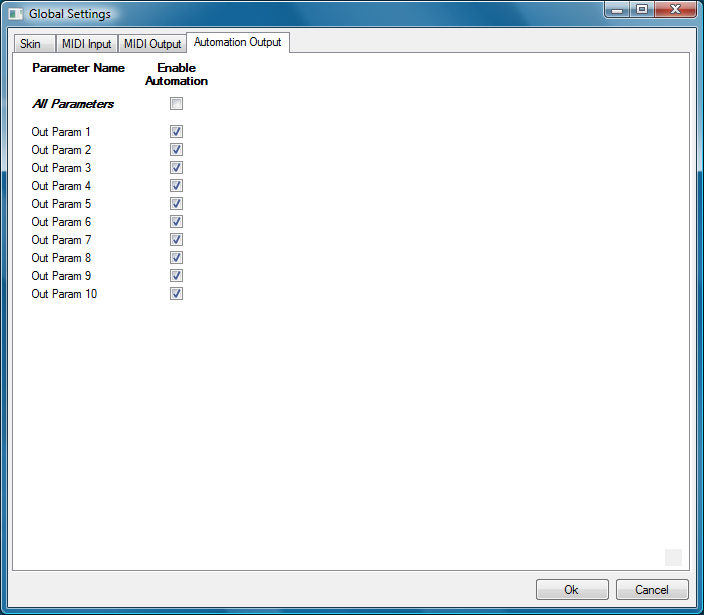
The solution is just to disable this feature when you do not use it. To do so, open the global settings window/automation output panel and disable all output parameters. It will disable the output parameters for all instances of the plugin (you can always reactivate it for a given instance in the presets settings).
They are enabled by default to for retro-compatibility with previous versions of the plugins (they could not be deactivated at that time). But if you do not use the automation outputs you should disable the feature for all our plugins that have it (it also concerns the Parametr'EQ series).
We'll add something about this to the FAQ and the user manuals!
The Automation Output Panel (all enabled by default):
 .
.