


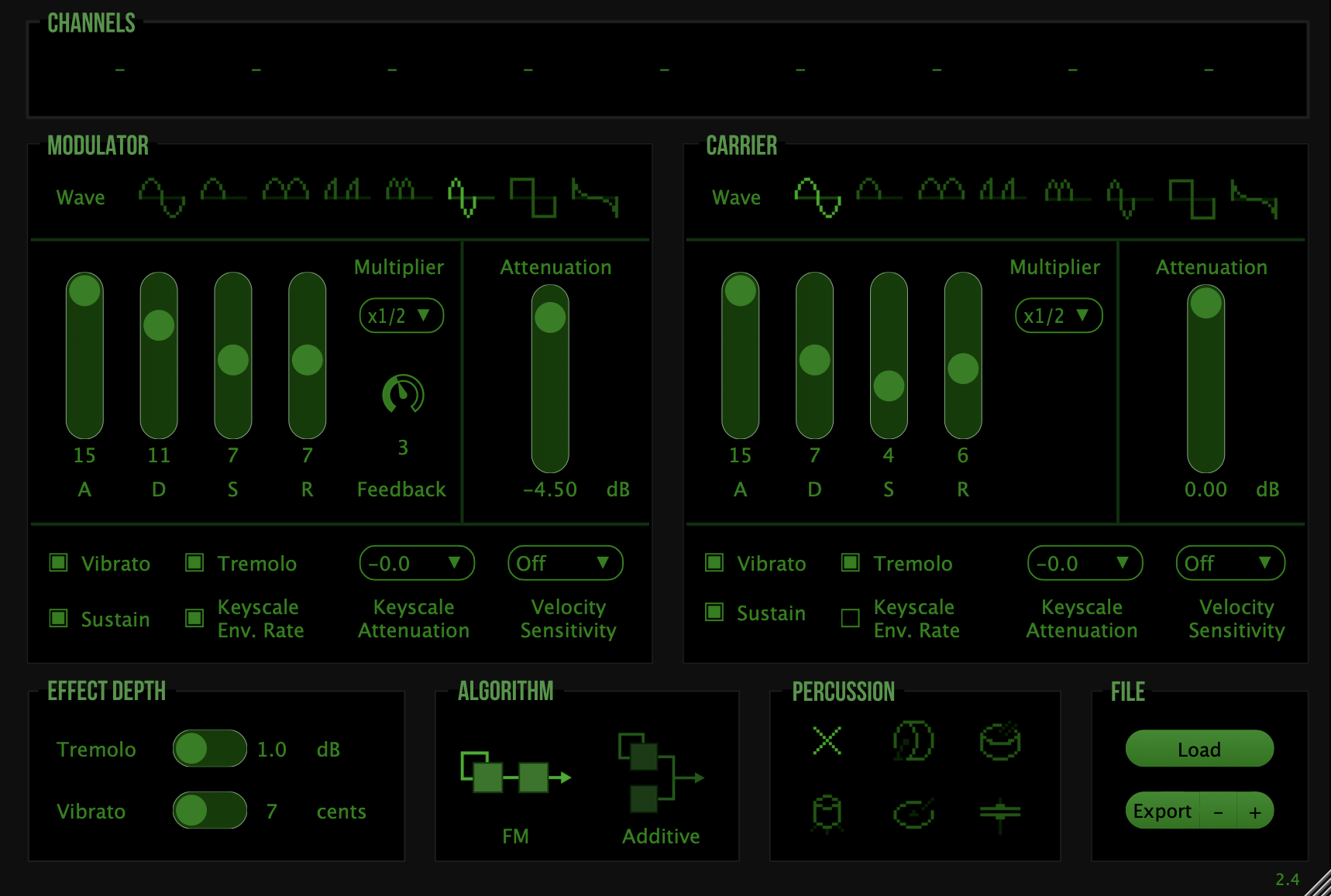
New Settings Menu System
- Hamburger menu replaces the Export button, providing centralized access to Load/Export/Zoom/Oversampling options.
- Modern popup menus with improved styling and intuitive navigation for streamlined workflow.
- Consolidated controls in a single, accessible location eliminating interface clutter.
- Five precise zoom levels available: 100%, 125% (Default), 150%, 175%, and 200% for optimal viewing on any display size.
- Intelligent per-project window size memory automatically restores your preferred zoom settings across sessions.
- Perfect scaling for high-DPI displays and enhanced readability across different screen configurations.
- Visual menu system with clear checkmarks indicating current oversampling setting (1x, 2x, 4x, 8x, 16x) for immediate status recognition.
- Real-time switching capability without requiring plugin restart, enabling instant audio quality adjustments during production.
- Optimized balance between CPU usage and sound fidelity with immediate feedback on performance impact.
- Dramatically reduced CPU usage during parameter automation with up to 40% performance improvement in demanding automation scenarios.
- Smart processing architecture that only affects active channels, eliminating unnecessary computational overhead and maximizing efficiency.
- Optimized voice management system that completely eliminates audio dropouts during complex polyphonic sequences and rapid parameter changes.
- Enhanced efficiency for live performance environments and CPU-intensive production workflows with multiple plugin instances.