



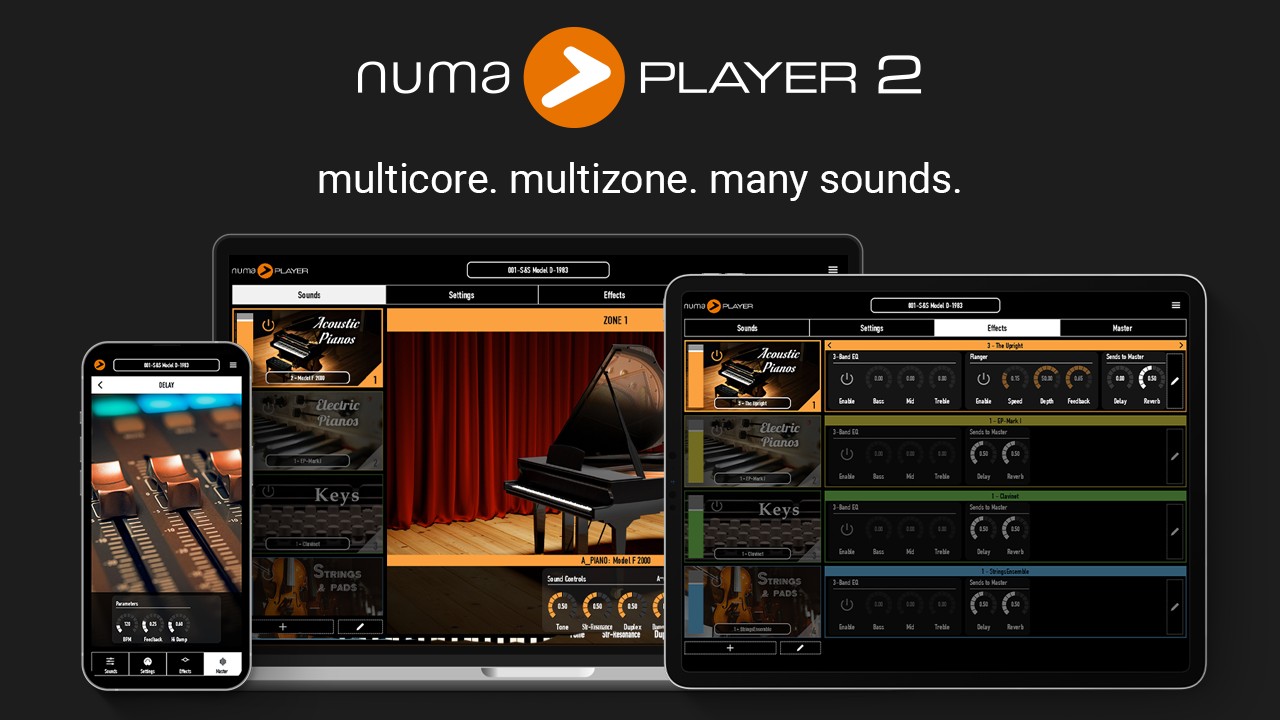
Studiologic has updated the free Numa Player to version 2.0, an update focused on substantially improved performance with multi-core support and more polyphony. Plus, they've reworked the UI and added many features to speed up your workflow.
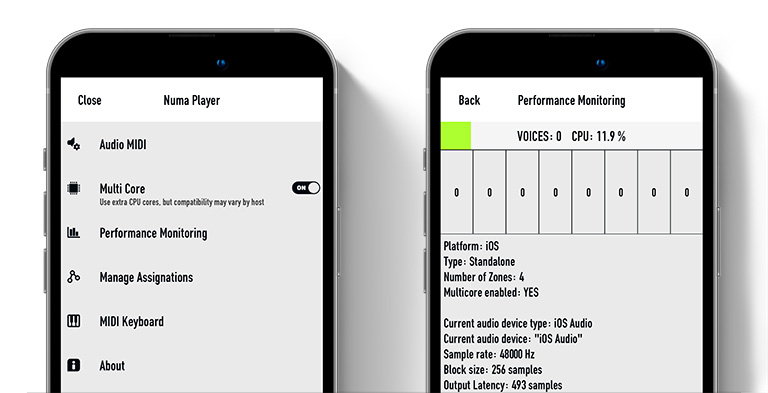
Multi-Core Engine
The advanced sound engine of Numa Player 2 is now optimized to harness the full power of your device's multi-core processors, delivering performance and ultra-low latency, even in the most demanding setups. Enjoy higher polyphony and smoother playback, no matter how complex your project gets.
Infinite Zones and seamless layering
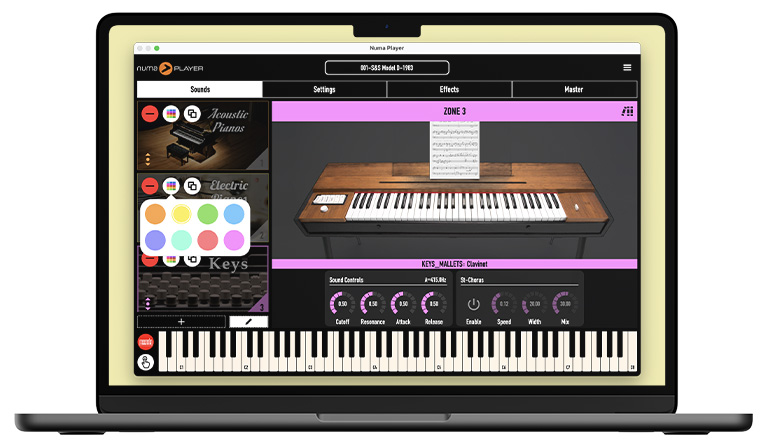
Previously organized in 4 parts, Numa Player now allows to create and manage infinite Zones. Add, duplicate, or drag and reposition zones with ease, all within an intuitive interface that puts full creative control at your fingertips. Customize each zone with its own sound parameters, keyboard ranges, and MIDI settings, or even assign custom colors for clear and easy navigation during your performance.
Advanced MIDI Learning
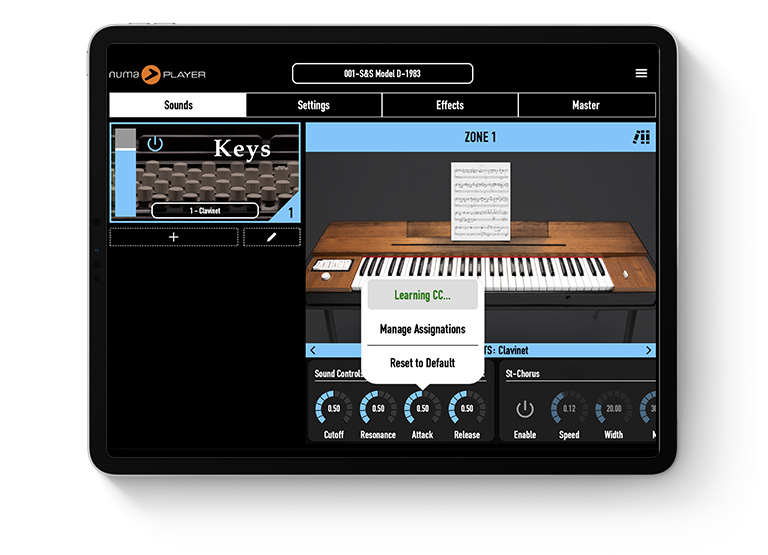
Take full control of your sound with the new intuitive MIDI Learning System. Easily assign any parameter, from sound shaping and effects to mastering adjustments, to your favorite MIDI controller. With just a few clicks, you can map controls, ensuring that you never have to take your hands off your instrument to make real-time adjustments. Whether it's volume, filters, or FX, seamless control is always at your fingertips for a smoother, more dynamic performance.
Enhanced Program Management
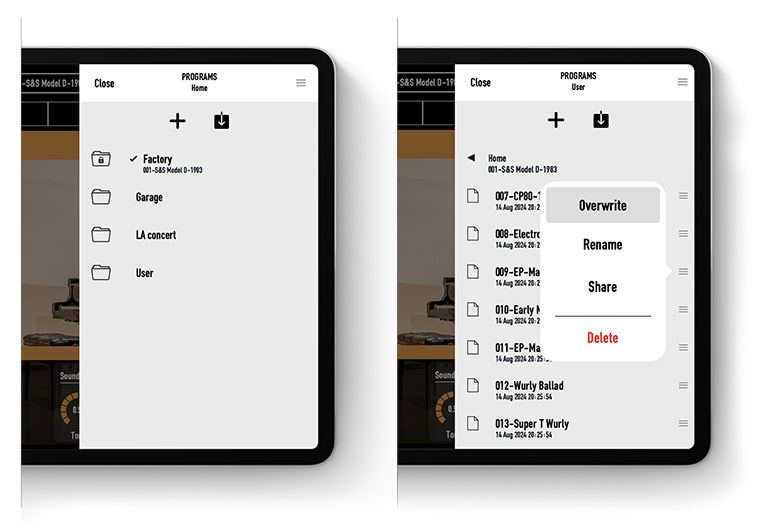
Numa Player 2 introduces a more powerful Programs panel that gives you complete control over your setups. Save and manage your custom configurations of zones, sounds, and parameters effortlessly. With the improved folder navigation and new editing tools, you can now explore, organize, and tweak your programs with maximum flexibility. Whether you're using the standalone or plugin version, your programs are fully compatible and can be shared seamlessly between both. Plus, all programs created in the original Numa Player are fully supported, ensuring a smooth transition to Numa Player 2.
With all the new features and enhancements packed into Numa Player 2, we've made sure the user experience remains as smooth and intuitive as ever. We've worked hard to seamlessly integrate powerful new capabilities across settings, zones, programs, and effects while maintaining the clean and functional interface that has always defined Numa Player. With better spacing, improved readability, and redesigned control panels, everything is easier to navigate, even when using touch controls.
The Master Section has been revamped for greater clarity and ease. There is also a new option to hide the keyboard when it's not needed.
Numa Player 2 is out now and available as a free update for Windows, Mac, iPad and iPhone.
YouTube.com/watch?v=OzbAa9GhERY
Summary of changes:
- Multi-Core support.
- Improved polyphony and DSP performance.
- Dynamic zone allocation, with no limits.
- New Zone editing capabilities, including sorting and color assignment.
- Improved Program Management with folder navigation.
- Programs are now shared between standalone and plugin mode.
- New MIDI learn function to assign any parameter to a MIDI Control Change.
- Improved navigation of the MASTER section.
- Enhanced Master delay with added Damp parameter and interpolation.
- Improved overall interface navigability.
- Undo/Redo now works with any actions.
- Improved stability and bug fixes.
