

1 KVR member has added Blind Control to 1 MyKVR group 1 time.
Download KVR Studio Manager (FREE)
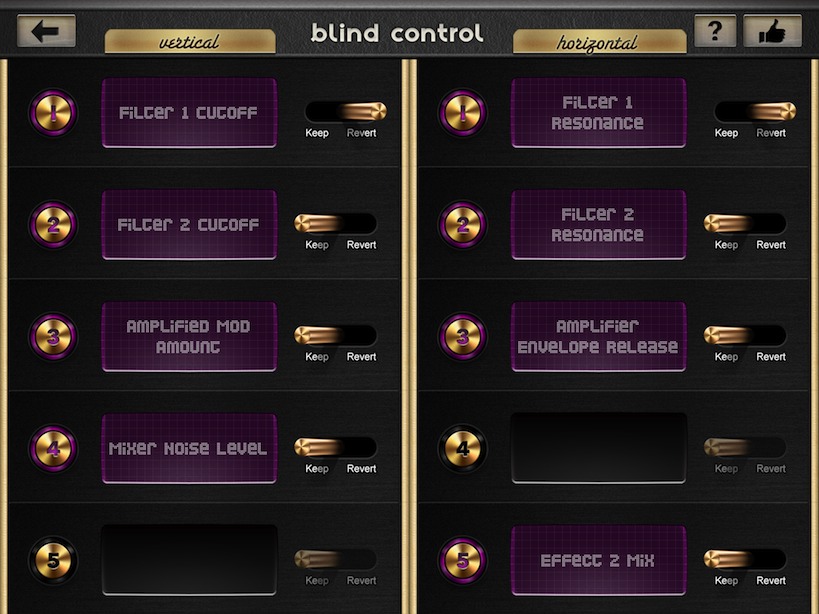
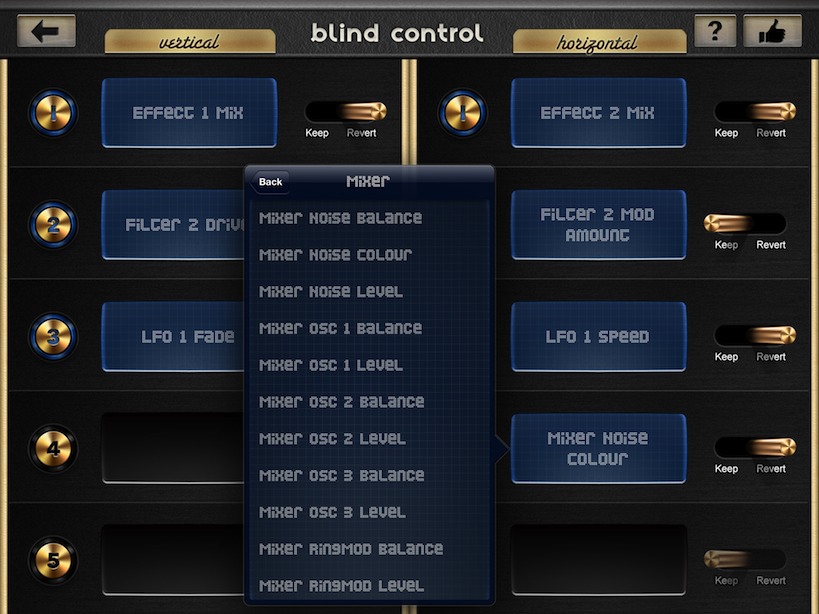
Blind Control is an iPad MIDI controller app for the Waldorf Blofeld synthesizer designed for live usage on stage. It features a multi-touch interface that allows keyboarders to control up to 10 parameters of their synth with one hand without looking at the touch area.
Usage
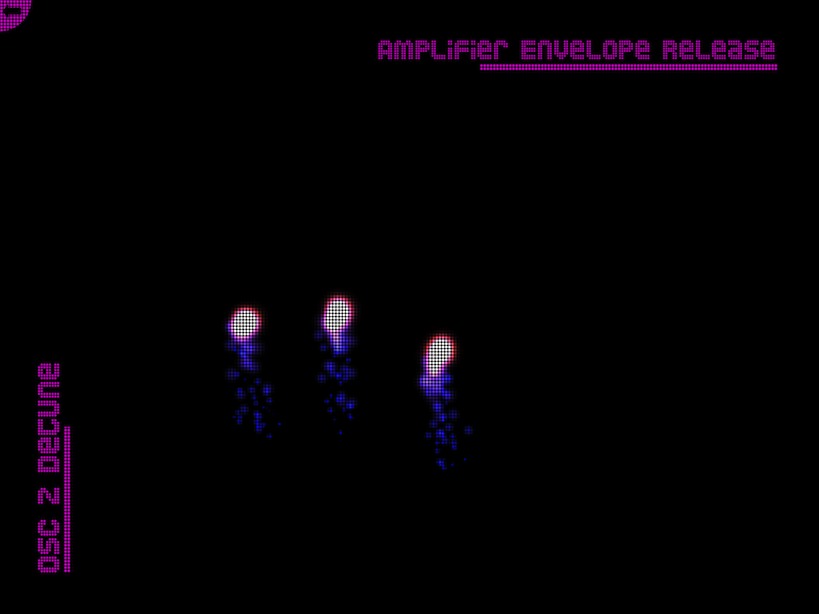
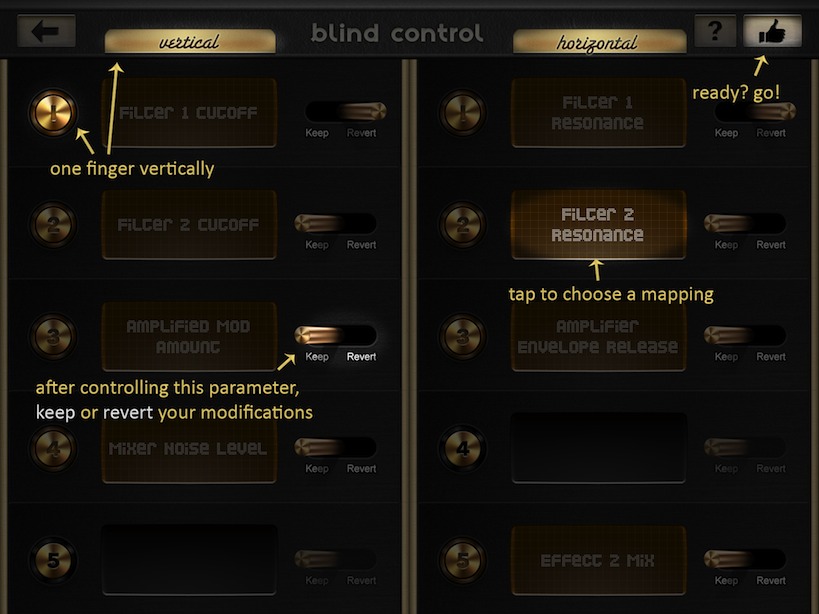
The app uses the full touch canvas of the iPad as one single touch area. By moving one finger horizontally or vertically, the user can control a pair of parameters. By moving two fingers horizontally or vertically, the user can control a different pair of parameters, and again three different pairs of parameters with 3, 4 or 5 fingers touching the screen. The app only measures the average distance that the fingers touching the screen travel - it does not take into account where the touch gesture started. This is very similar to a touchpad on a notebook. With this relative distance approach, Blind Control enables the keyboarder to use it blindly, and is explicitly designed for use on stage.
Features
Requirements
Blind Control requires a MIDI connection to the Waldorf Blofeld synthesizer. The easiest way to do this is to use an Apple Camera Connection Kit and a standard USB-MIDI cable. The app will also work with any other connection, i.e. MIDI interfaces or using a computer between the iPad and the Blofeld, e.g. with USB cable and Bluetooth or WiFi connection. To eliminate the need of a computer, the use of the Apple Camera Connection Kit is highly recommended.
It is also highly recommended to put the iPad in a bordered case for the purpose of preventing the user from accidentally leaving the screen while swiping. Most leather enclosures for the iPad come with a frame that goes right to the screen borders.
More Information
This app is the result of the paper Rocking the Keys with a Multi-Touch Interface, Walther, Ismailovic et Bruegge, NIME 2013.
The touch interface method of Blind Control is currently pending patent.

Please log in to join the discussion
Submit: News, Plugins, Hosts & Apps | Advertise @ KVR | Developer Account | About KVR / Contact Us | Privacy Statement | Sell @ KVR | KVR Marketplace Terms & Conditions
© KVR Audio, Inc. 2000-2026

