197 KVR members have added Bloom Bass Groove to 202 MyKVR groups 206 times.
Download KVR Studio Manager (FREE)
Meticulously sampled from real electric bass performances by professionals, Bloom Bass Groove unites the rich tones of slap bass, fingerstyle bass, and picked basses alongside an array of articulations and performance one-shots. Run these tones through custom-built amp simulations, filters, and dynamic shaping and you have the perfect bass sound to root your track to.
Bloom Bass Groove captures the soul of the bass guitar, whether it's the slap of Chic-fuelled funk, the catchy basslines of Dua Lipa, or the smooth sounds of golden-age hip-hop.
Want to audition multiple bassists to find the perfect part? Utilising Bloom's intuitive Phrase Player, Bloom Bass Groove allows you to switch between different riffs, playing styles, and articulations, mirroring the dynamics and intricacies of a real-life bass performance.
What Bloom Bass Groove Can Do:
The Art of Performance
Excite Audio built Bloom Bass Groove with a focus on capturing the nuances of live bass performances with a combination of slaps, muted one-shots, and dynamic playing styles, delivering the expressive quality achievable only through real bass performances.
They recorded professional bass players using a variety of world-renowned bass guitars. Their performances were captured using diverse recording techniques, from DI signals routed directly into the mixing desk to advanced studio amping methods. Excite Audio's team of sound designers took these recordings, combined them in the phrase player, and processed them using Bass Groove's built-in effects and macros.
This resulted in over 250 presets across 7 categories:
How It Works
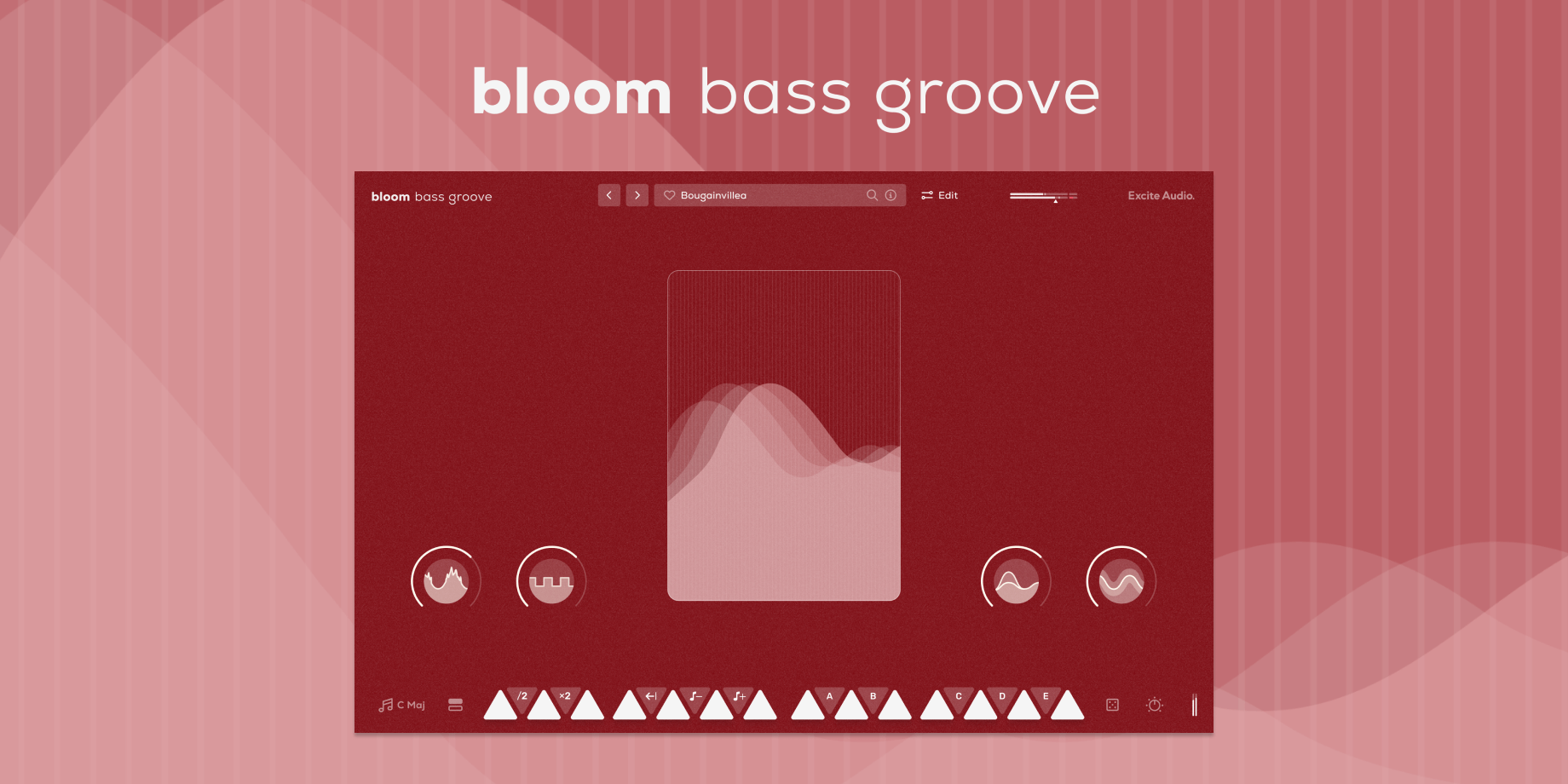
Start in your desired tempo, choose a sample bank or preset, and trigger one of 14 bpm-synced samples spread across two octaves. White notes set off bass samples and loops, while black notes alter properties like playback speed and pitch and trigger sequences and effect modulation.
Four powerful macros control a specialised chain of effects, fine-tuned to the diverse samples that form Bloom Bass Groove.
There are eight banks of sounds to choose from - organised into easy to find categories, and the sounds in each bank can be dragged onto any of the 14 white notes.
The Edit Page: Shape Your Sound
The Edit page is the central hub for refining and making the library of samples your own. Adjust start and end points, manipulate playback speed and direction, and tweak the timbre with pitch and formant controls.
The Phrase Player lets you sequence bass samples with precision. Assign one of the five black keys to trigger a pattern of samples, modulate pitch, velocity, hi-cut/lo-cut filters and dive deep into the three effects: Speaker, Filter and Dynamics. Familiar arpeggiator features like Rate, Latching, and Swing provide a familiar but powerful foundation for your workflow.
Bloom Bass Groove combines three bespoke effects modules: Speaker simulates different reamping techniques and loud speakers, from handheld devices to guitar amps to studio monitors, Dynamics for transient shaping, gating unwanted noise and applying compressions and an Envelope Filter for audio-responsive frequency sculpting.
Import Your Own Samples
Make the Bloom instrument your own with the ability to drag and drop audio files into it. You can do this via the waveform view on the edit page or any empty slot on the banks page. Set the key and BPM of your samples to make them integrate seamlessly with the Bloom engine.
Features:
Edit Page - Sample Edit:
Edit Page - Phrase Player:
Edit Page - FX:
{See video at top of page}
 $199.99MODO BASS 2
Please log in to join the discussion
Submit: News, Plugins, Hosts & Apps | Advertise @ KVR | Developer Account | About KVR / Contact Us | Privacy Statement | Sell @ KVR | KVR Marketplace Terms & Conditions
© KVR Audio, Inc. 2000-2026