
549 KVR members have added CanOpener Studio to 550 MyKVR groups 627 times.
Download KVR Studio Manager (FREE)
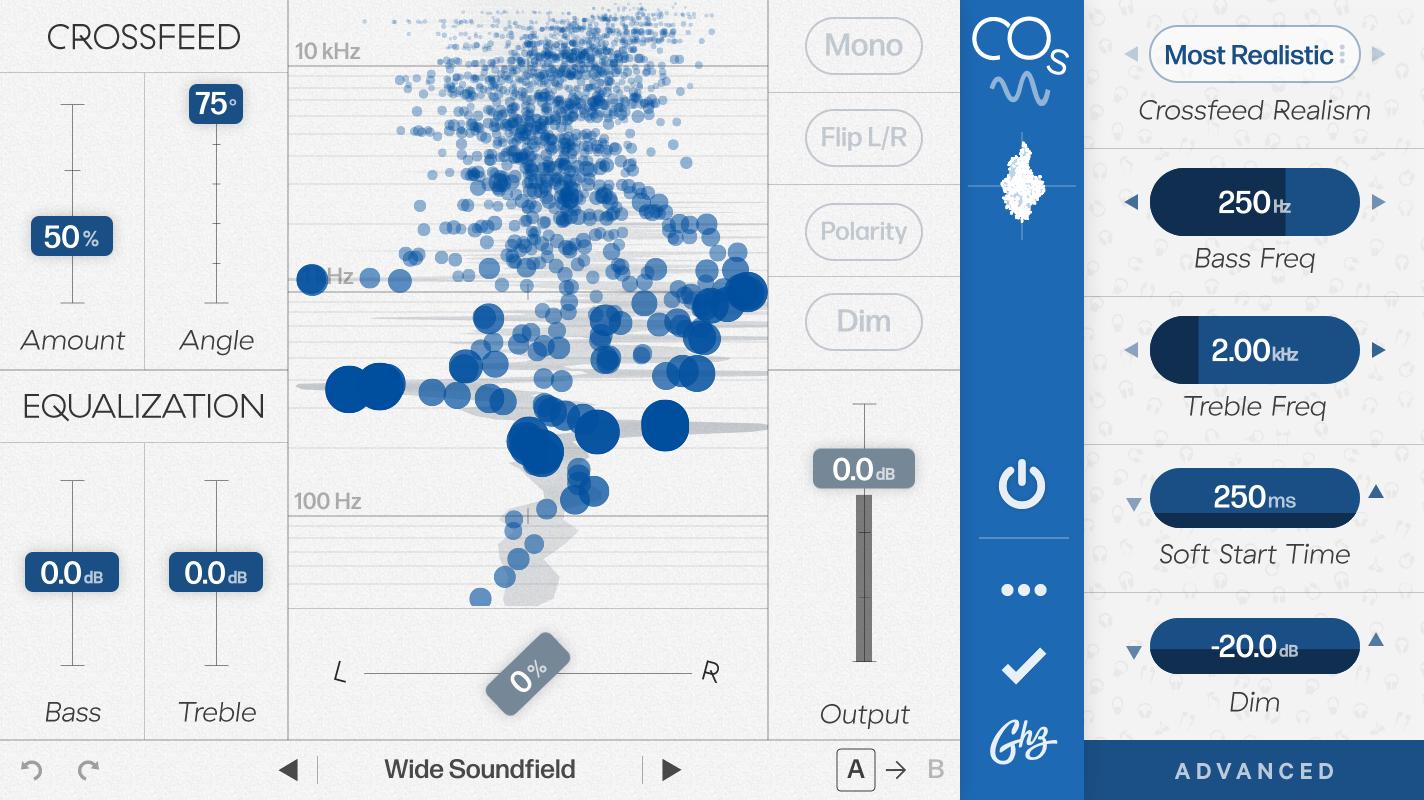
By making your headphones behave a bit more like loudspeakers, the CanOpener Studio crossfeed algorithm allows you to recreate, on headphones, the rich sonic experience of listening to high-end speakers in a finely tuned room. Combined with a gorgeous equalizer and serious monitoring controls, CanOpener Studio is great for tracking — allowing performers to get the perfect headphone mix, and it's also equally useful on the master output — to help correct or enhance your monitoring environment:
Crossfeed — Less is more
CanOpener Studio takes a less-is-more approach: fix the bad things about headphones with as little coloration or alteration as possible. Rather than emulate a specific studio control room or loudspeaker setup (along with all its flaws), the CanOpener crossfeed algorithm uses an idealized loudspeaker & room as its guide and gives you the control to use as much or as little of it as you need.
"CanOpener conjures speakers from your headphones."
— Damon Kurkowski, Pitchfork.
Reviewed By multree [all]
December 9th, 2025
Version reviewed: 3 on Mac
This thing is awesome. I use it in conjunction with Toneboosters Morphit. The latter has its own crossfeed setting but CanOpener sounds way more natural and simply better.

Please log in to join the discussion
Submit: News, Plugins, Hosts & Apps | Advertise @ KVR | Developer Account | About KVR / Contact Us | Privacy Statement | Sell @ KVR | KVR Marketplace Terms & Conditions
© KVR Audio, Inc. 2000-2026

