
2 KVR members have added Cascade to 3 MyKVR groups 3 times.
Download KVR Studio Manager (FREE)
Cascade by Mixing Night Audio
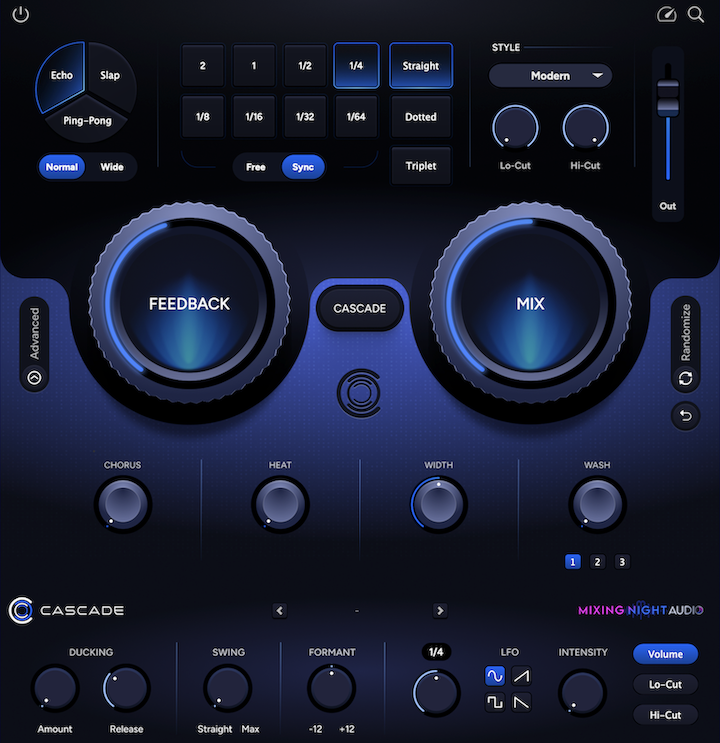
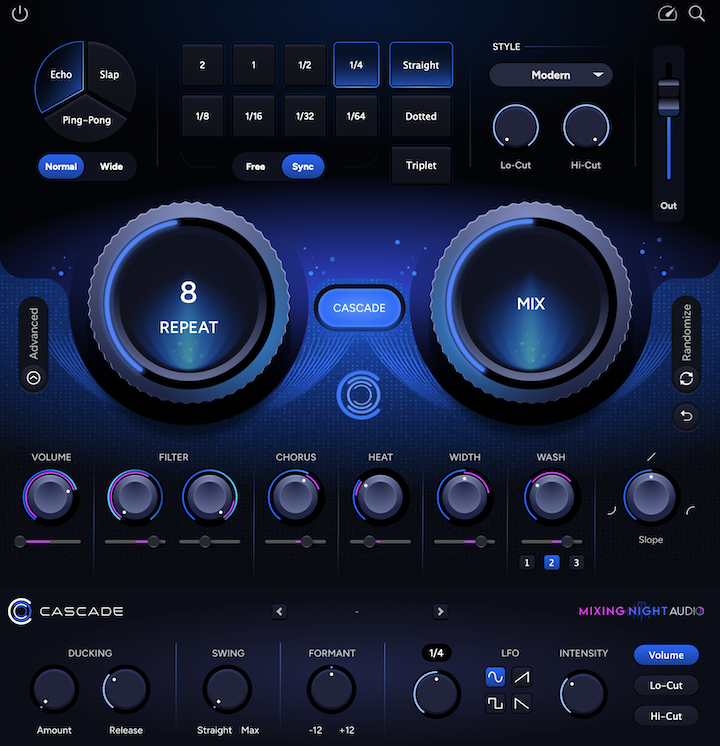
Cascade marks a new generation of delay. Fast and intuitive on the surface, powerful and highly musical underneath. No more clunky delay time dials and complicated modulation settings. Just creative possibilities that keep you in your flow.
If you like to get in the trenches and design more advanced movements, CASCADE mode opens up a world of possibilities never seen before. Try it on your music and see for yourself.
Cascade features include:
What Industry Leaders Are Saying About Cascade
"Cascade is far from just 'another delay'. The ducking, LFO and randomizer make this such a great tool for designing and dialing in how space behaves in a mix." - Jade Alysse Berry
 $109.00More Feedback Machine$79.00Colour Copy
Please log in to join the discussion
Submit: News, Plugins, Hosts & Apps | Advertise @ KVR | Developer Account | About KVR / Contact Us | Privacy Statement | Sell @ KVR | KVR Marketplace Terms & Conditions
© KVR Audio, Inc. 2000-2026

