
1 KVR member has added Clip Gain to 1 MyKVR group 1 time.
Download KVR Studio Manager (FREE)
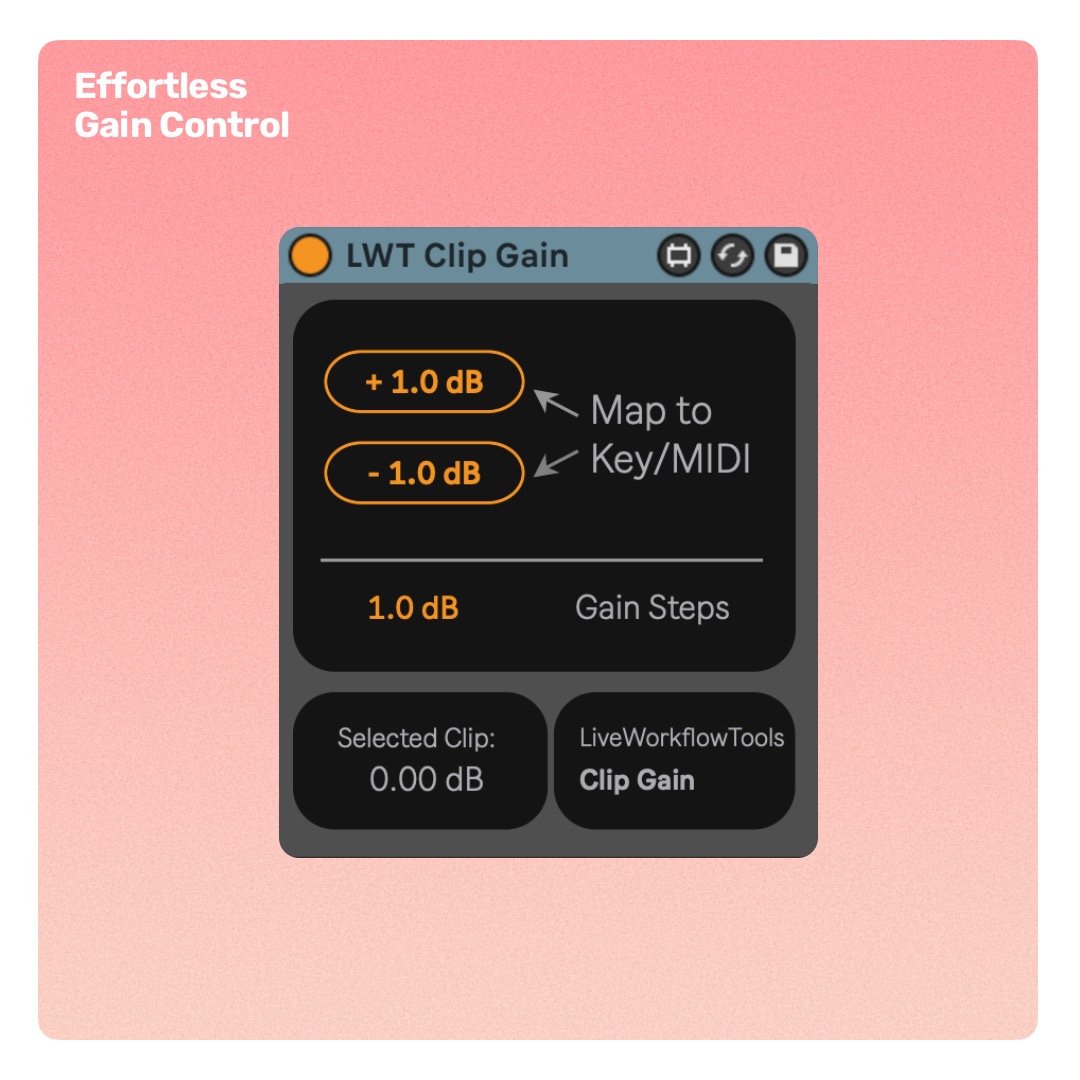
Set Clip Gain via Keyboard or MIDI
Clip Gain lets you adjust the gain of individual clips in Live using custom key or MIDI assignments — no more menu diving.
Set your preferred step size in dB, assign keys or MIDI to the Increase/Decrease buttons, and start controlling clip gain instantly.
Highlights:
- Key or MIDI-mappable clip gain control.
- Customizable gain step size (in dB).
- Works with individual clips in any Live set.
- Instant setup: add device, assign controls, go.
Continued support and free feature updates included. If you find an issue or have an idea that makes the device better simply send me a message.


Please log in to join the discussion
Submit: News, Plugins, Hosts & Apps | Advertise @ KVR | Developer Account | About KVR / Contact Us | Privacy Statement | Sell @ KVR | KVR Marketplace Terms & Conditions
© KVR Audio, Inc. 2000-2026

