
99 KVR members have added Corrosion to 98 MyKVR groups 103 times.
Download KVR Studio Manager (FREE)
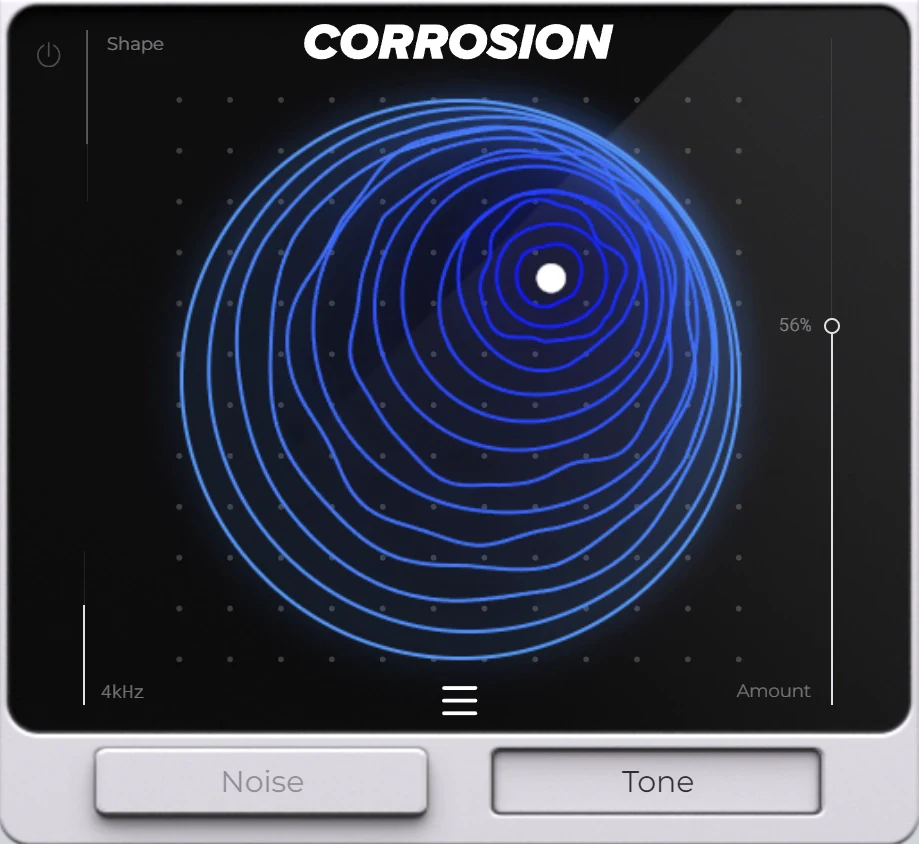
Corrosion is an FX plugin unlike anything we've done in the past. It's essentially a powerhouse engine for grit and texture, allowing you to shapeshift any audio signal you feed into it.
Whether you're looking to add a gritty edge to your synths, transform your drums with rich tonal depth, or bring a unique flavor to any audio source... Corrosion delivers.
There's a certain beauty that can only be found by degrading an audio signal, and that's where this thing shines.
Corrosion is more than just an effect plugin; it's a comprehensive sound design tool that brings new dimensions to your music.
Whether you're enhancing a single instrument or transforming an entire mix, Corrosion provides the creative power and precision you need to craft sounds that stand out.
Corrosion introduces an undeniably gritty & edgy character to your audio, perfect for adding intensity and rawness to your tracks.
This effect is ideal for achieving a bold & aggressive sound for anything from Drums and 808s to Melodies, Vocals & anything else you can imagine.
Corrosion includes 4 different modules for pinpoint creative control over the desired outcome.
This includes 2 distinct effect modes, which can be controlled simultaneously by 2 different control parameters:

Please log in to join the discussion
Submit: News, Plugins, Hosts & Apps | Advertise @ KVR | Developer Account | About KVR / Contact Us | Privacy Statement | Sell @ KVR | KVR Marketplace Terms & Conditions
© KVR Audio, Inc. 2000-2026

