
79 KVR members have added Crossfeed to 68 MyKVR groups 83 times.
Download KVR Studio Manager (FREE)
Experience a more natural, speaker-like sound on headphones with comprehensive visual feedback using the free Crossfeed plugin. Advanced stereo field manipulation with real-time visualization to see and hear your audio. Monitor your stereo image in real-time while enjoying enhanced spatial awareness.
Crossfeed technology simulates the acoustic experience of listening to speakers in a room. When using headphones, each ear only hears its respective channel, creating an unnatural "in your head" sound. Crossfeed blends a controlled amount of each channel into the opposite ear, creating a more natural, speaker-like listening experience while preserving stereo width and detail. This results in reduced listening fatigue, natural stereo imaging and enhanced spatial awareness.
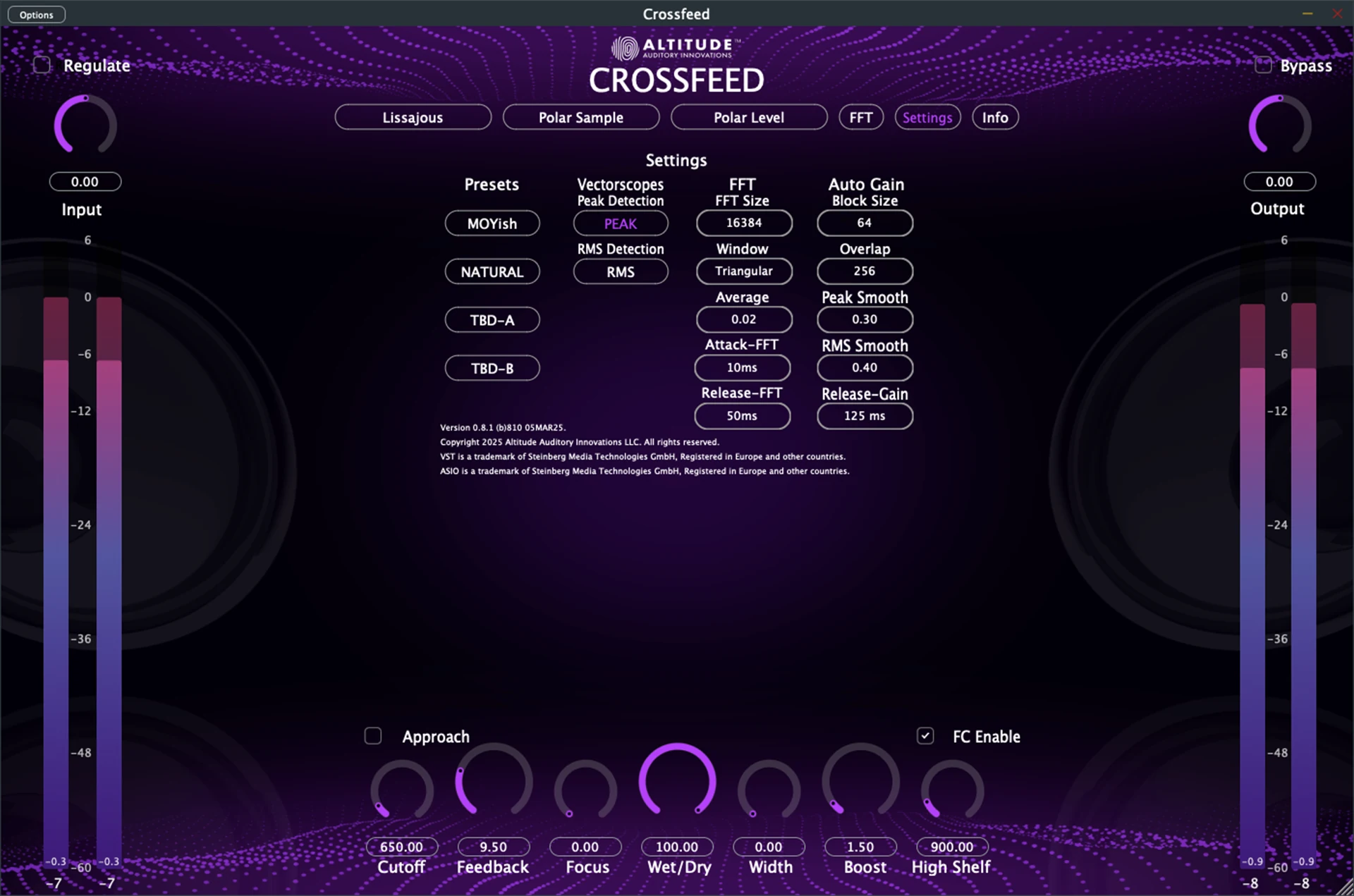
Crossfeed goes beyond standard implementation with precise controls and flexible processing. Width and Focus controls lets you fine-tune the stereo image width from centered to enhanced stereo. The Wet/Dry mix allows blending between processed and unprocessed signal to find the perfect balance for your material. Two processing approaches: Modern mode provides a refreshed take on the classic, while Direct mode offers traditional crossfeed for more pronounced effects.
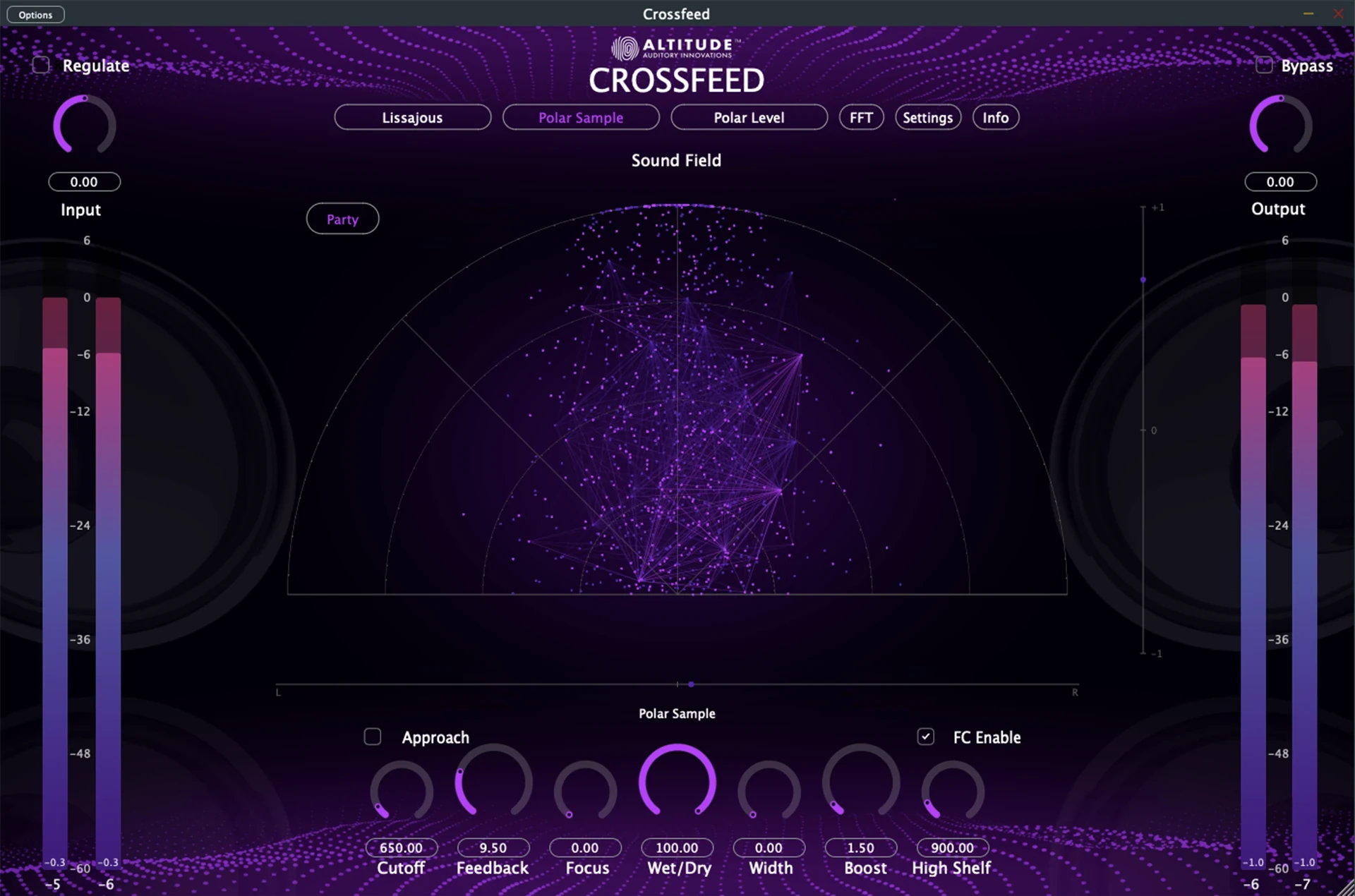
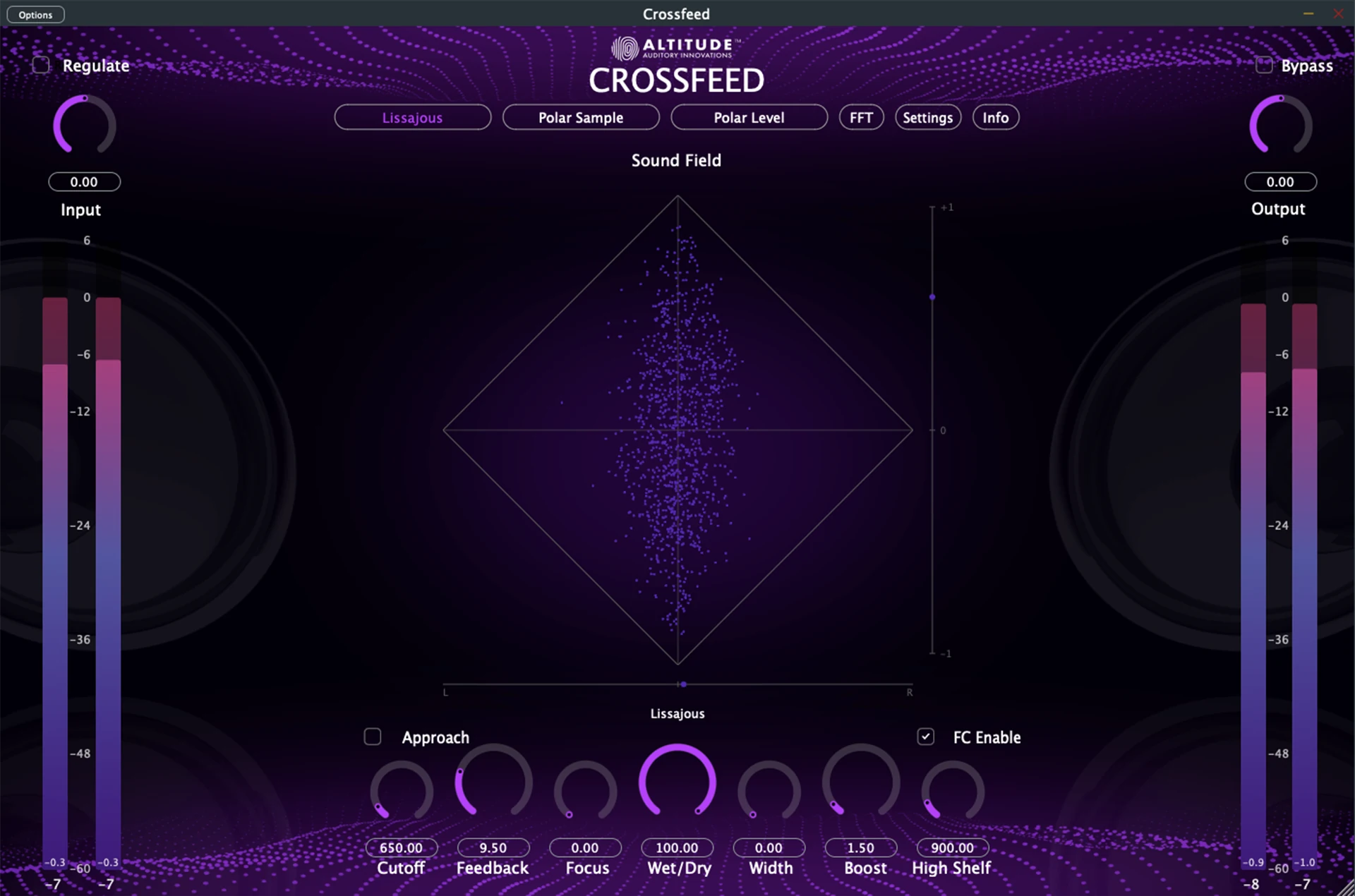
Crossfeed provides unique visualization tools that let you see your audio in real-time. These visualizations help you understand the spatial characteristics of your mix and make more informed mixing decisions.
The Lissajous Vectorscope monitors stereo field relationships between left and right channels. This tool is particularly useful for identifying phase correlation issues and ensuring proper stereo balance in your mix.
The Polar Sample View visualizes instantaneous stereo information in polar coordinates. This visualization helps you spot momentary phase cancellations and understand the dynamic movement of audio in the stereo field.
The Polar Level Display shows energy distribution across the stereo field. This tool is invaluable for monitoring the overall stereo width and balance of your mix over time.
The FFT Spectrum Analysis allows you to analyze frequency content with multiple viewing modes. This detailed frequency visualization helps identify problematic frequency buildups and ensures spectral balance across your mix.
These visual tools help identify phase issues, understand stereo width characteristics, and make informed decisions based on both visual and auditory feedback. The combination of all these visualizations creates a comprehensive toolkit for achieving professional-quality stereo imaging.

Please log in to join the discussion
Submit: News, Plugins, Hosts & Apps | Advertise @ KVR | Developer Account | About KVR / Contact Us | Privacy Statement | Sell @ KVR | KVR Marketplace Terms & Conditions
© KVR Audio, Inc. 2000-2026

