3 KVR members have added Detroit Drums to 1 MyKVR group 3 times.
Download KVR Studio Manager (FREE)
Detroit Drums was made to recreate the sound of your favorite 1960's R&B/Pop records, which also heavily influenced early Hip Hop. The drums in that era were Bop-like - smaller sizes, and high-tuned, but sometimes dampened for Pop applications. Bypass also allows you to completely exclude the effect above the cutoff to mimic the warmth of your favorite classic tracks.
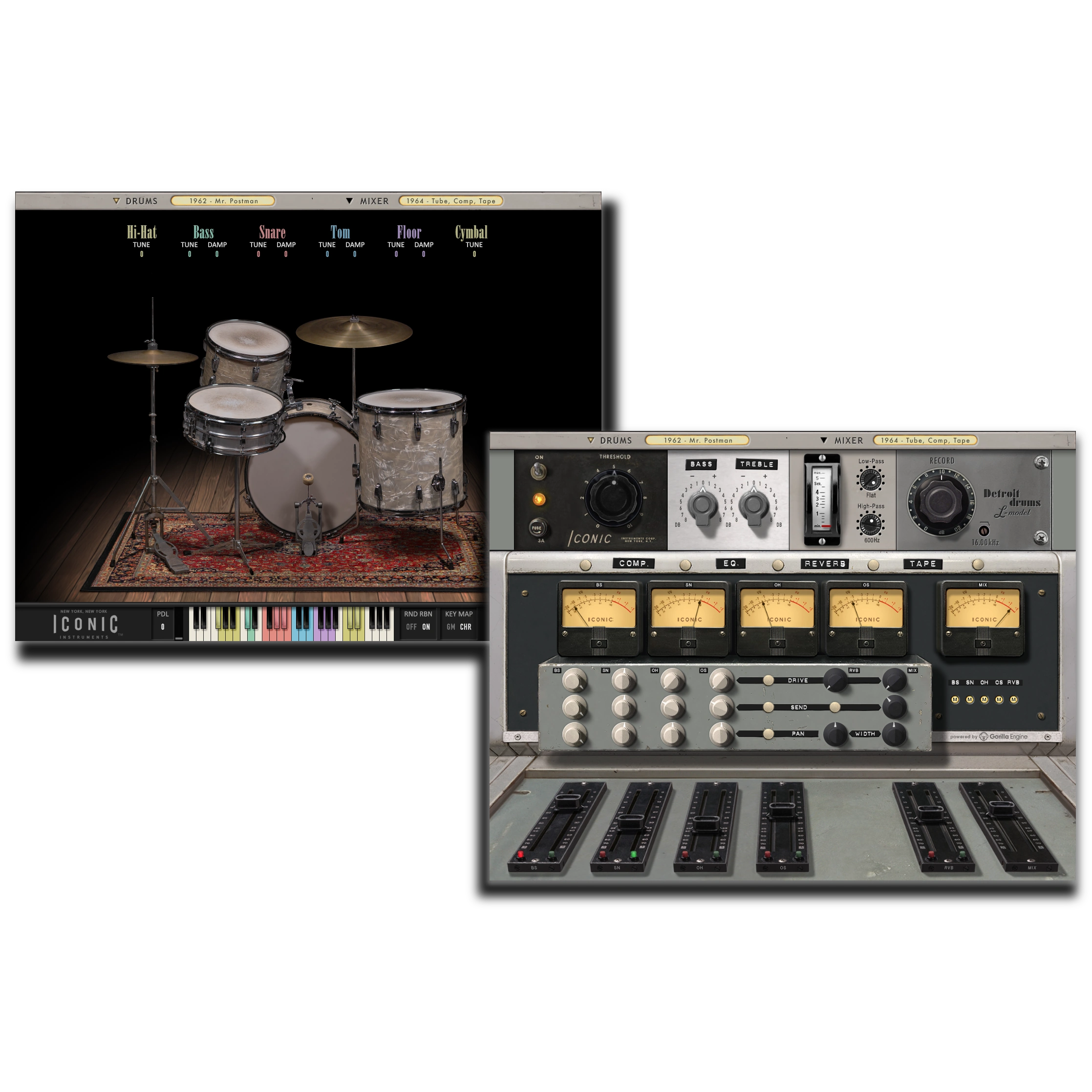
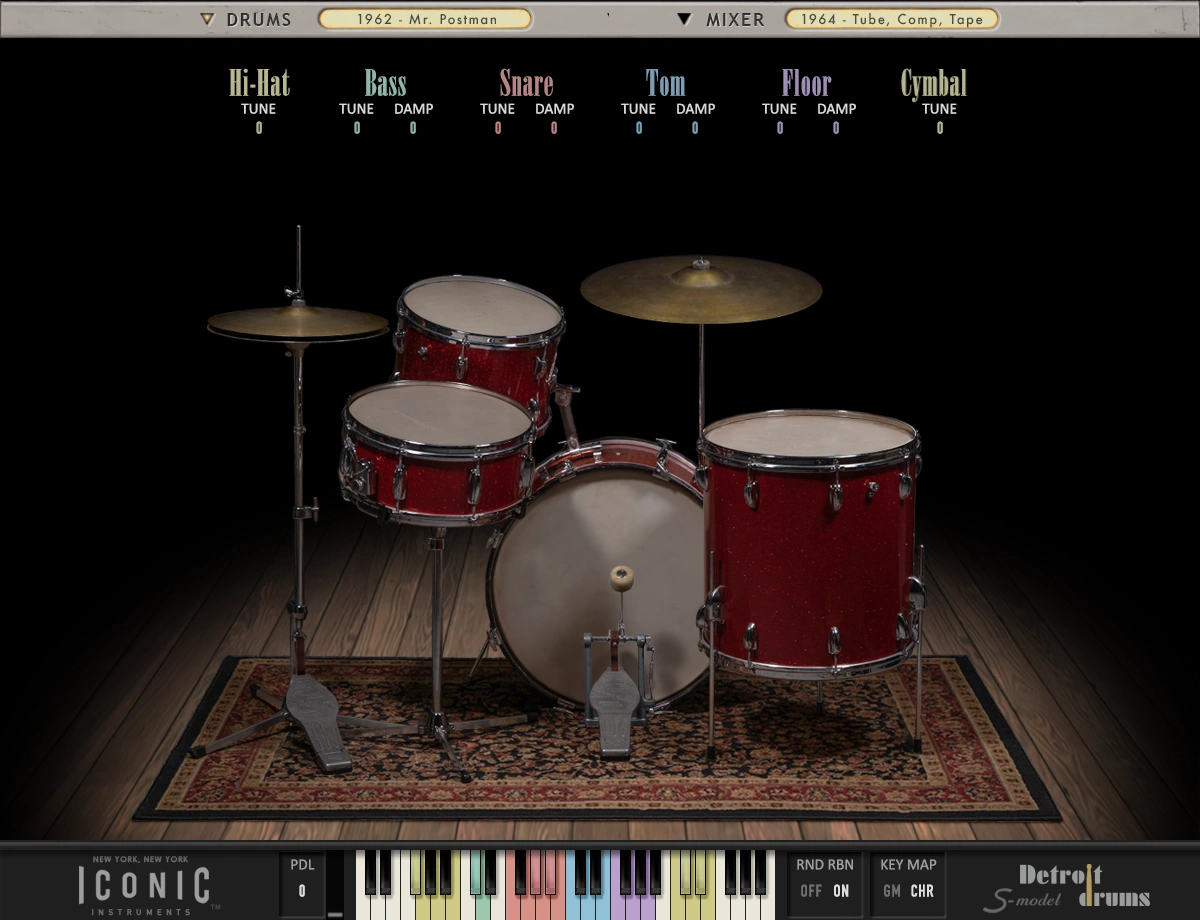
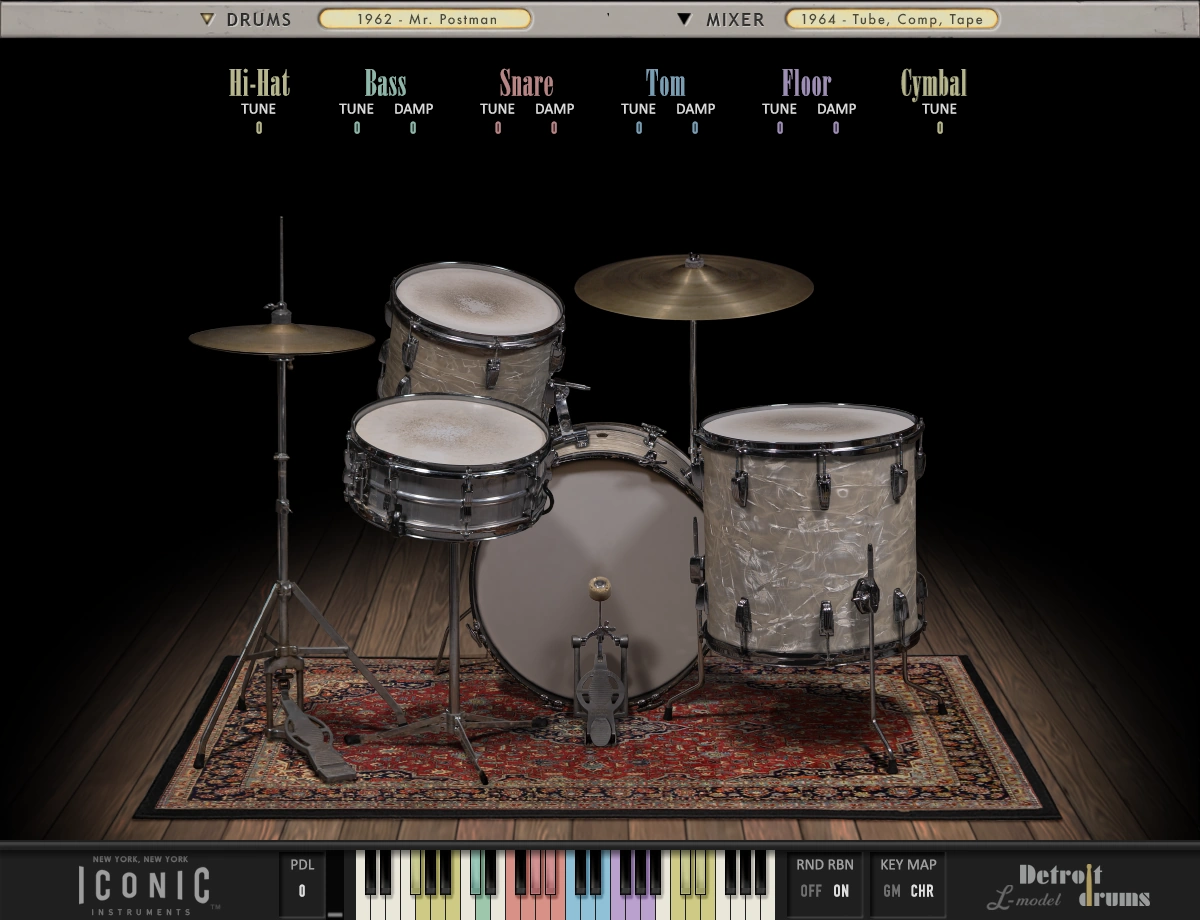
Both Detroit Drums models (L-Model and S-Model) were sampled from 1960's era kits with original 60's era heads (now virtually unobtainable) and 60's-era cymbals, and set up with classic tuning techniques. Each drum and cymbal has individual Tuning control, but what's really unique is our never-before-seen Dampening control for each drum. The Tuning and Dampening controls give you the flexibility to dial in whatever works for your track, from an up-tuned, open Bop-style kit to a down-tuned, dry 70's studio kit.
On the Drums side, another unique feature of the Detroit Drums is the behavior of the Hi-Hat Pedal control, which allows you to sweep between samples on the fly for ultra-realistic results from washy to clasped. Throughout a drum figure, even subtle opening and clasping is part of natural playing, and with our Hi-Hat Pedal control you can achieve that natural, subtle undulation that you don't get from other drum plugins.
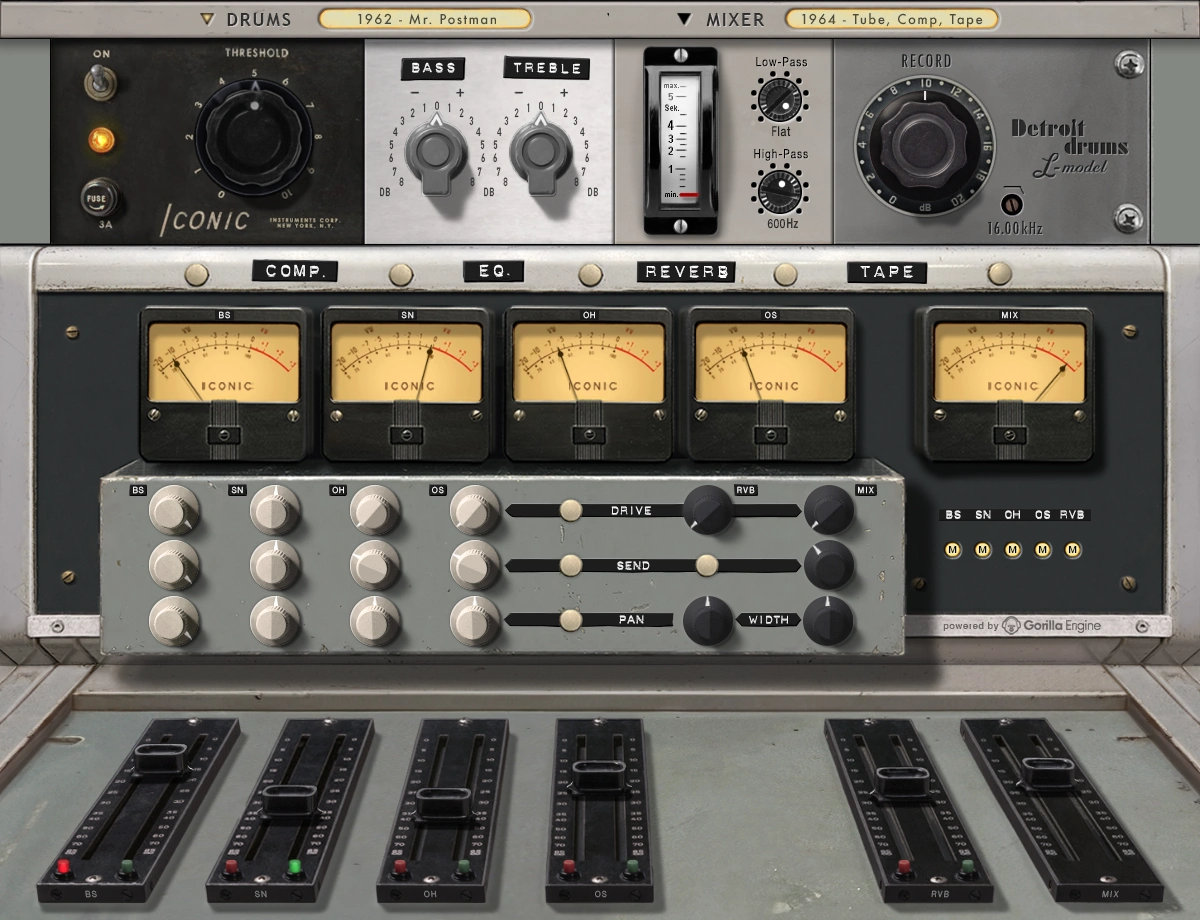
Detroit Drums also features a full 1960's-era mixing environment to capture the beat up sound of your favorite vintage records. The virtual 60's console features specially tuned Tube Drive effects for each channel (Overheads, outside Bass and under Snare mics), as well as for the Mix Bus. There's a built-in Plate Reverb send effect with full control over Tail Length, as well as High- and Low-pass filters. And there's a Mix Bus effect chain that features a 660-style Compressor, High- and Low-shelf EQ and Tape Effect. The effects are light versions of our Model 350 Tube Preamp, SP140 Plate Reverb, Model 660 X Exciting Compressor, ParametrEQ and Transport Vintage Tape plugins. There are a range of colors, and the effects range from subtle to crushing.
In addition, the Busing Matrix allows you to direct each channel to the Mix Bus, or redirect each channel to its own track in your DAW for mixing outside the Detroit Drums plugin. You can turn Round Robining on and off, and choose between General MIDI Mapping and Chromatic MIDI Mapping to access our expanded array of drum and cymbal permutations.
Groundbreaking, never-before-seen DAMPENING and TUNING controls, for incredible tonal flexibility.
2 models created as part of collaboration with Good Hands Drum Shop, NYC with 60's-era drum sets outfitted with original heads, and 60's-era cymbals.
Era-appropriate tuning techniques for authentic 60's Soul, R&B, Pop drum sounds.
Multi-Sampled and optional Round Robining for real-drumming feel.
extra zones for more realistic results - 6 Snare permutations, 2 Bass permutations, 3 Tom and Floor Tom permutations, 5 Cymbal permutations and 4 Hi-Hat permutations.
6 levels of Hi-Hat openness that can be swept in realtime for variable, realistic results.
Choice of Chromatic Mapping (all permutations) for maximum articulation, or General MIDI Mapping for compatibility with loops or integration with other virtual instruments.
60's-era micing setup using vintage mics for perfect recreation of mid-century-style results, but with stereo overhead setup for more modern options.
Built-in mid-century Tube Preamp emulation for each Mic Bus, Reverb Bus and Mix Bus that are specifically tuned for each channel.
Built-in 140 Plate Reverb with Tail Length control, and High- and Low-Pass Filters
Built-in, simplified, one-knob 660-style Vari-Mu Tube Compressor for the Mix Bus.
Built-in, simplified High- and Low-Shelf EQ for convenient balancing.
Built-in, simplified Tape Effect for Mix Bus with High-Frequency Bypass control.
Busing Matrix directs each Mic Bus and Reverb Bus to Mix Bus for mixing within the plugin, or to be redirected to individual tracks in your DAW for mixing outside of the plugin.
{See video at top of page}

Please log in to join the discussion
Submit: News, Plugins, Hosts & Apps | Advertise @ KVR | Developer Account | About KVR / Contact Us | Privacy Statement | Sell @ KVR | KVR Marketplace Terms & Conditions
© KVR Audio, Inc. 2000-2026