
7 KVR members have added Fast Track to 4 MyKVR groups 9 times.
Download KVR Studio Manager (FREE)
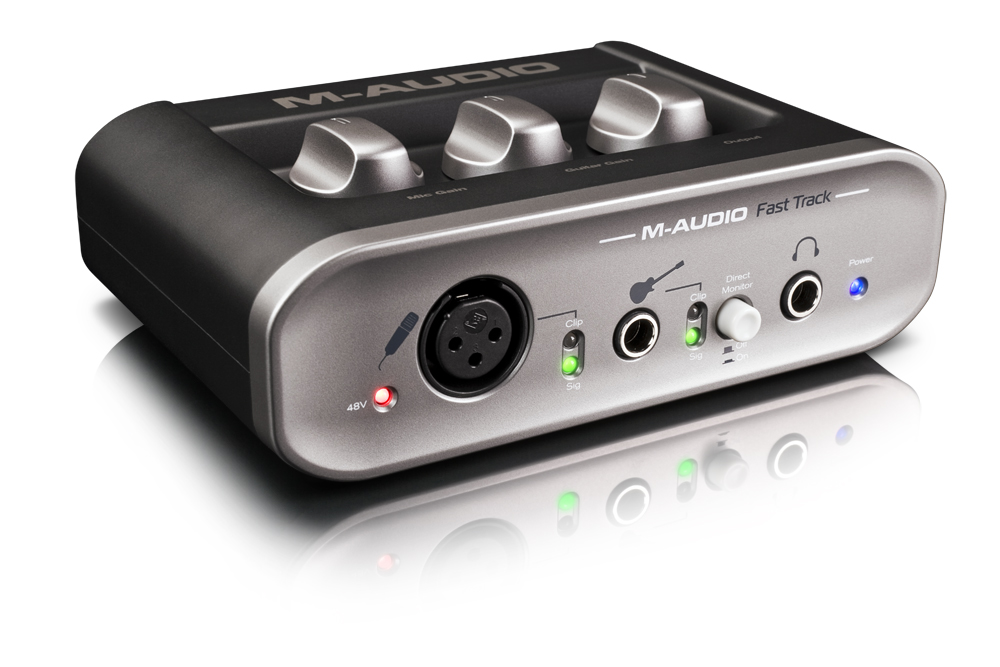
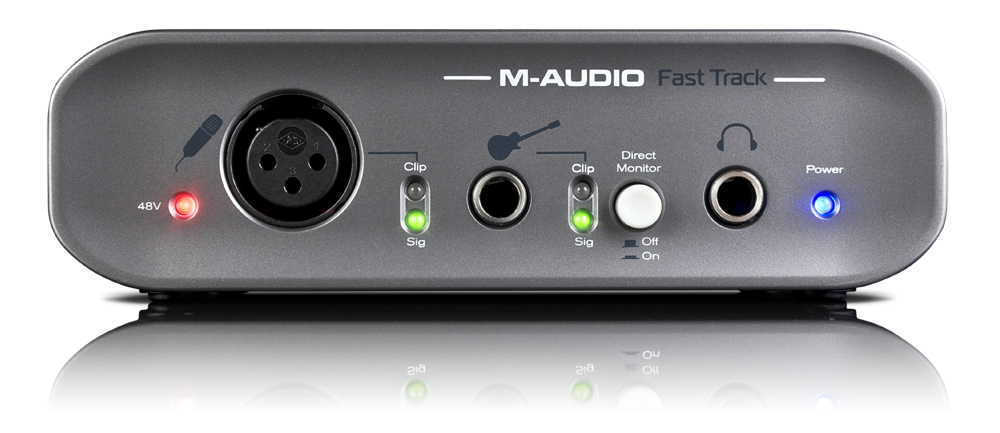
Fast Track is compatible with most popular music recording applications from GarageBand to studio-standard Pro Tools*, and includes Pro Tools SE recording and effects software so the user can start making music immediately.


I purchased M-audio Fast Track yesterday, and I'm having trouble getting it to produce sounds for my set up. I have the driver installed; Fast track is in the system tray and indicates "streaming at 44.1khz". In Cantabile Performer, I have selected M-audio USB as my default audio driver.
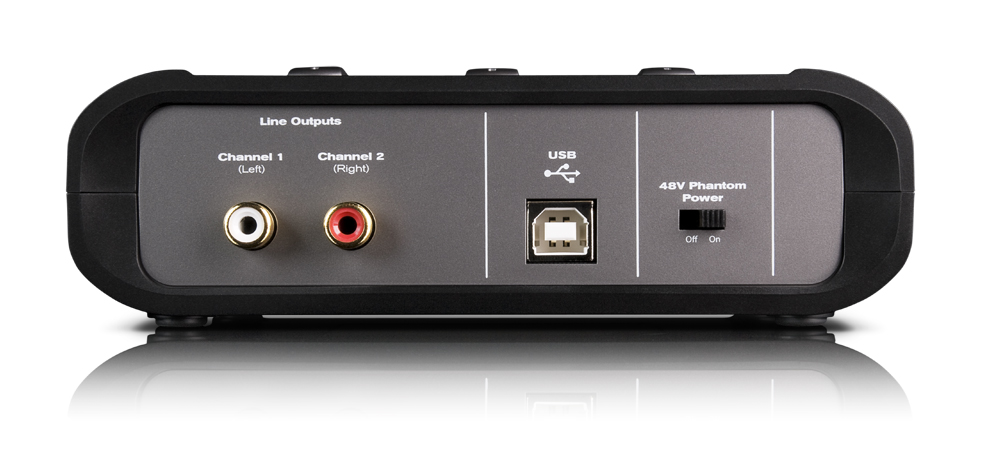
M-audio is plugged into one usb port, and my korg nano-key is plugged into another. lights indicate that the MIDI signal is being recognized when i press a key. I've checked all volume levels in my vst, cantabile and M-audio. Still no sounds. Do I have something configured incorrectly?

Try this - set up your default system audio driver to other than M-Audio, for example integrated sound card. Use Fast Track only with your DAW. I don't have it yet but people say it helps. Also remember, with ASIO you can use only one sound source at time so don't use music player, web browser or video player simultaneously with DAW. Close everything before you start your DAW.
Please log in to join the discussion
Submit: News, Plugins, Hosts & Apps | Advertise @ KVR | Developer Account | About KVR / Contact Us | Privacy Statement | Sell @ KVR | KVR Marketplace Terms & Conditions
© KVR Audio, Inc. 2000-2026

