31 KVR members have added FxDiff to 35 MyKVR groups 43 times.
Download KVR Studio Manager (FREE)
FxDiff is a powerful VST3/AU plugin designed to analyze other audio plugins. By inserting FxDiff around the plugins under test, you can thoroughly examine its behavior and effects. Additionally, FxDiff serves as a level matcher, enabling precise comparison between bypassed and processed signals.
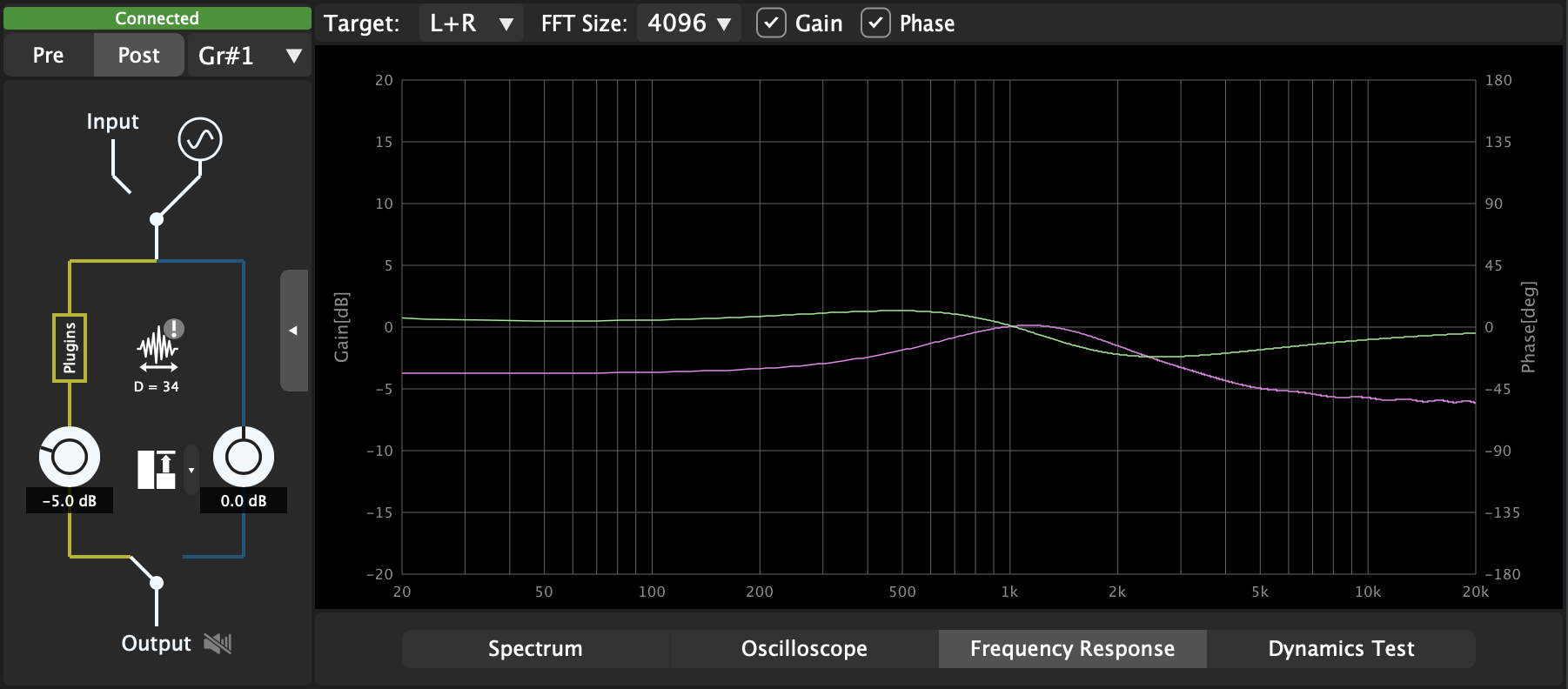
Frequency Response Analysis: Conduct gain and phase analysis of any plugin loaded in DAW. You can even visualize the Gain curves of EQ plugins withou EQ curve GUI.
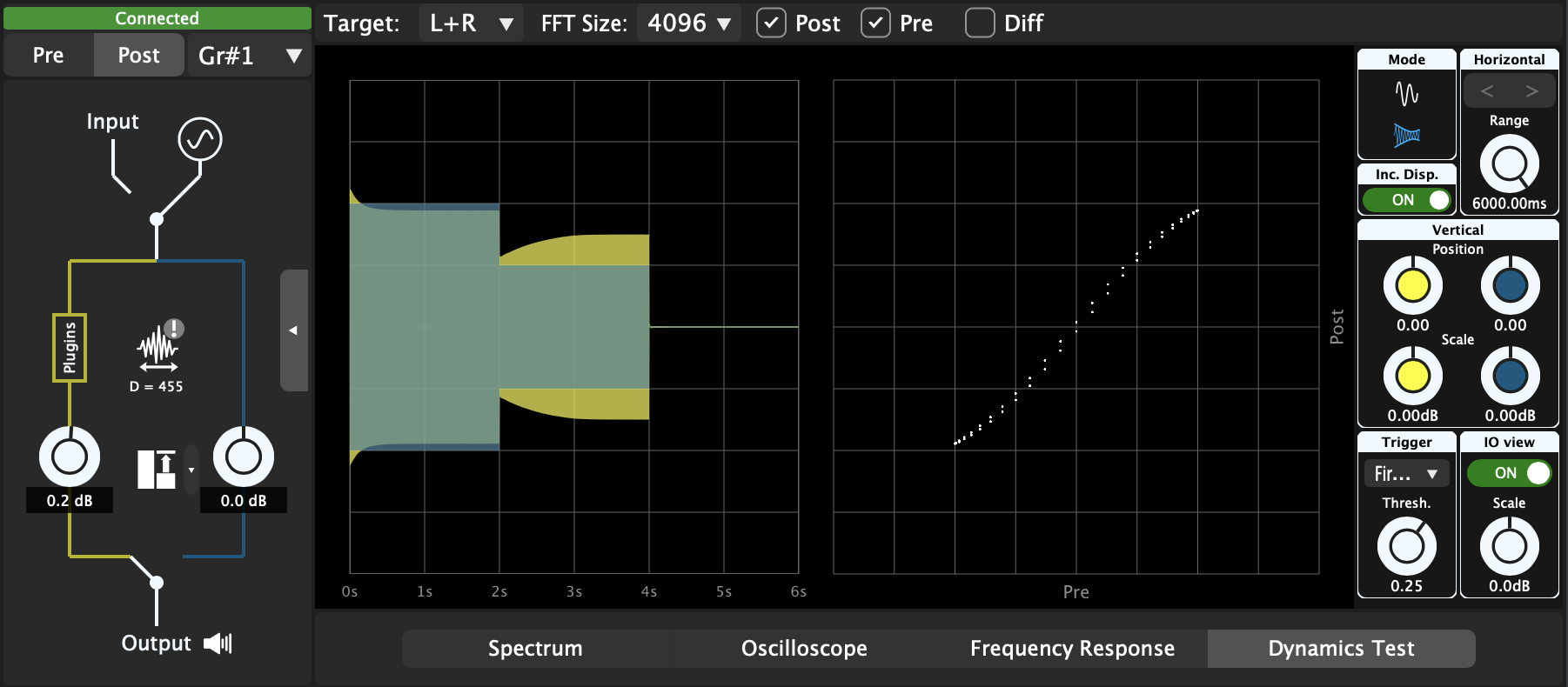
Compression and Distortion Analysis: Examine the compression curves of compressor plugins and the non-linear distortion curves of saturator plugins.
Hammerstein Analysis: Analyze the behavior of harmonic distortion caused by the nonlinearities in the plugins under test by identifying the Hammerstein model parameters.
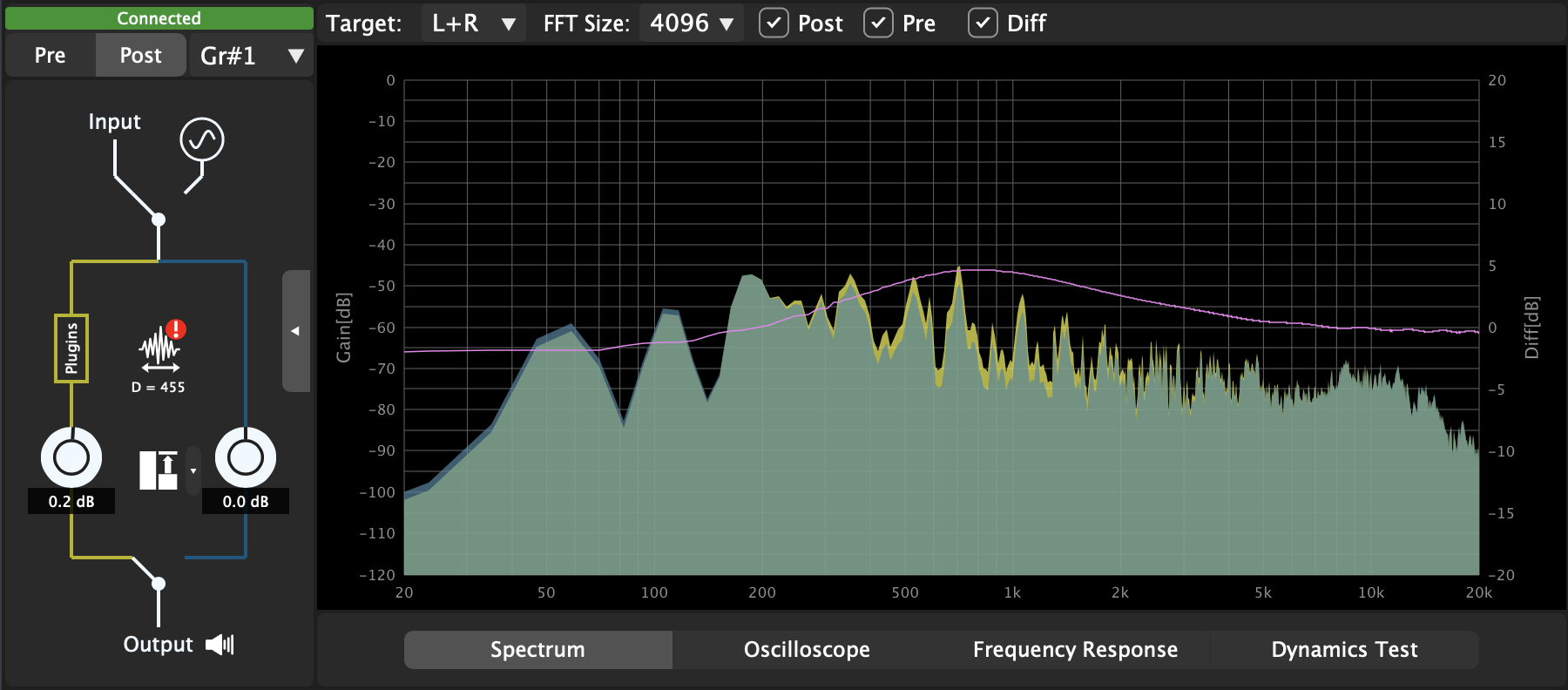
Spectrum Analyzer : Compare the frequency domain characteristics between bypassed and processed paths to identify the added effect by the plugins.
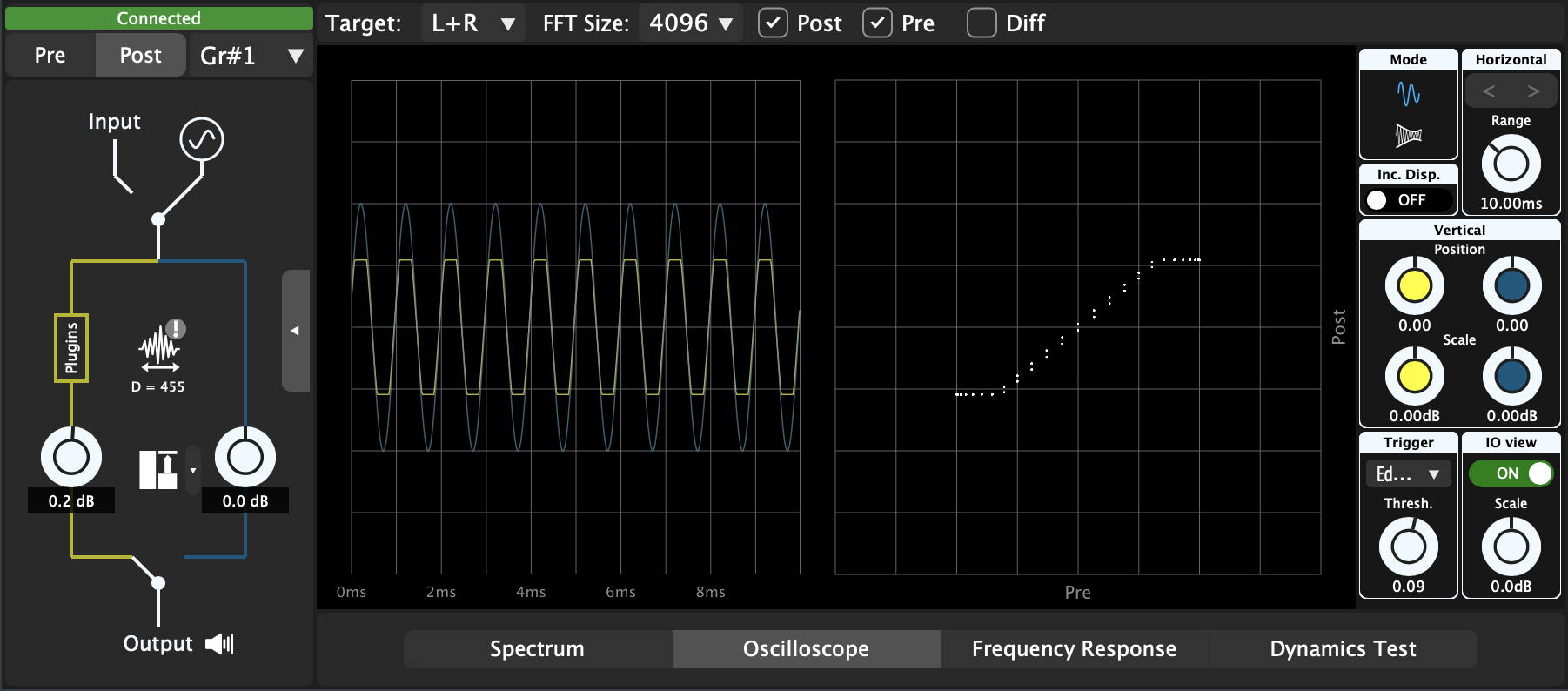
Oscilloscope : Assess the time-domain waveform and differences between the bypassed and processed signals for a comprehensive understanding.
Level Matching: Automatically match the level between bypassed and processed paths, ensuring accurate evaluation of the plugin's effect without level discrepancies.
Auditory Comparison: Listen to the differences or blend between the bypassed and processed signals.
Signal Generator: Generate basic test signals, such as sine waves, noise, or specified WAV audio, to use in place of the input signal.
Unlike a super plugin-type analyzer (a plugin that hosts other plugins), FxDiff enables you to analyze plugins that are directly hosted by the DAW, making it more useful when you need to analyze specific plugins in production projects.
{See video at top of page}

Please log in to join the discussion
Submit: News, Plugins, Hosts & Apps | Advertise @ KVR | Developer Account | About KVR / Contact Us | Privacy Statement | Sell @ KVR | KVR Marketplace Terms & Conditions
© KVR Audio, Inc. 2000-2026