
49 KVR members have added gFractor to 37 MyKVR groups 72 times.
Download KVR Studio Manager (FREE)
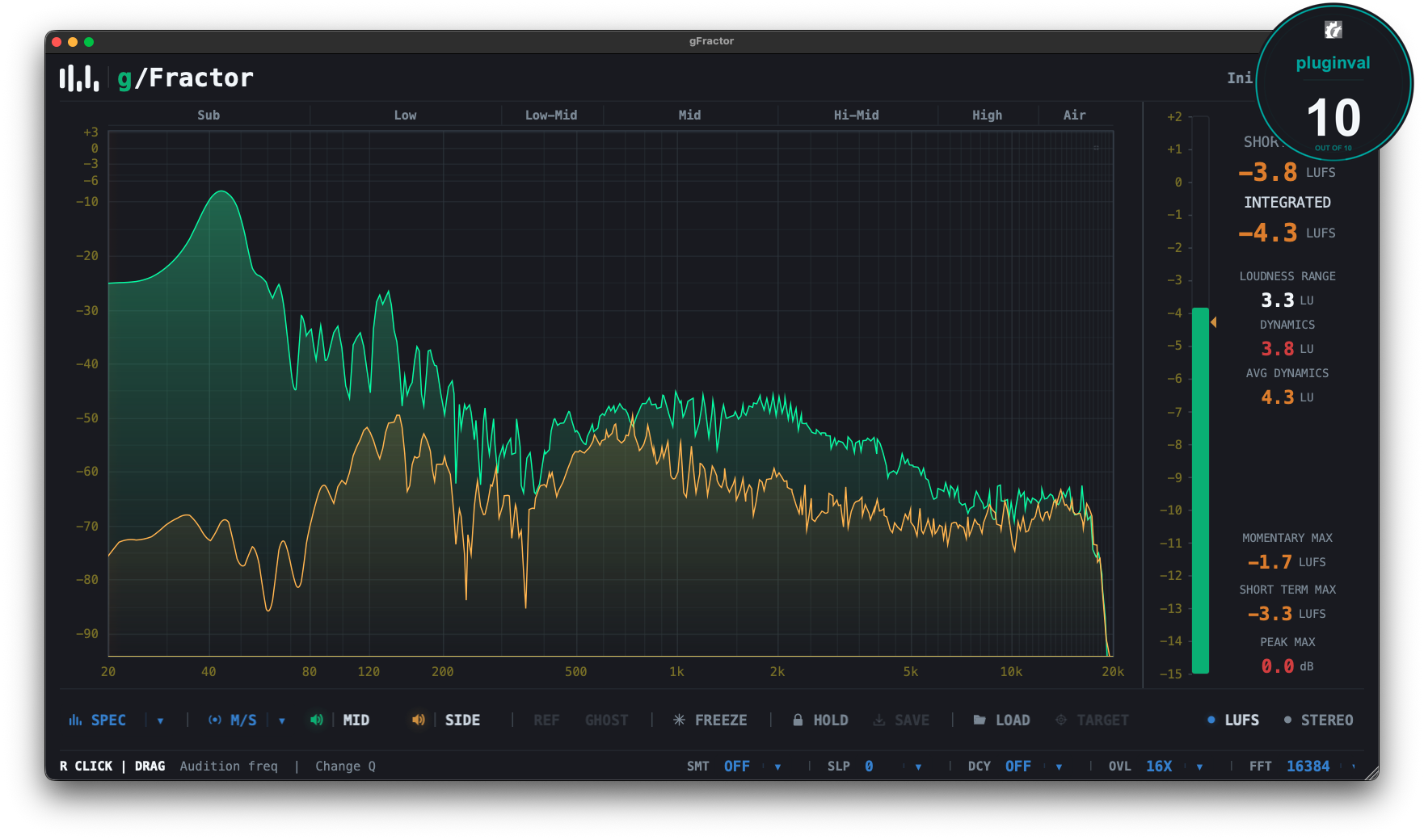
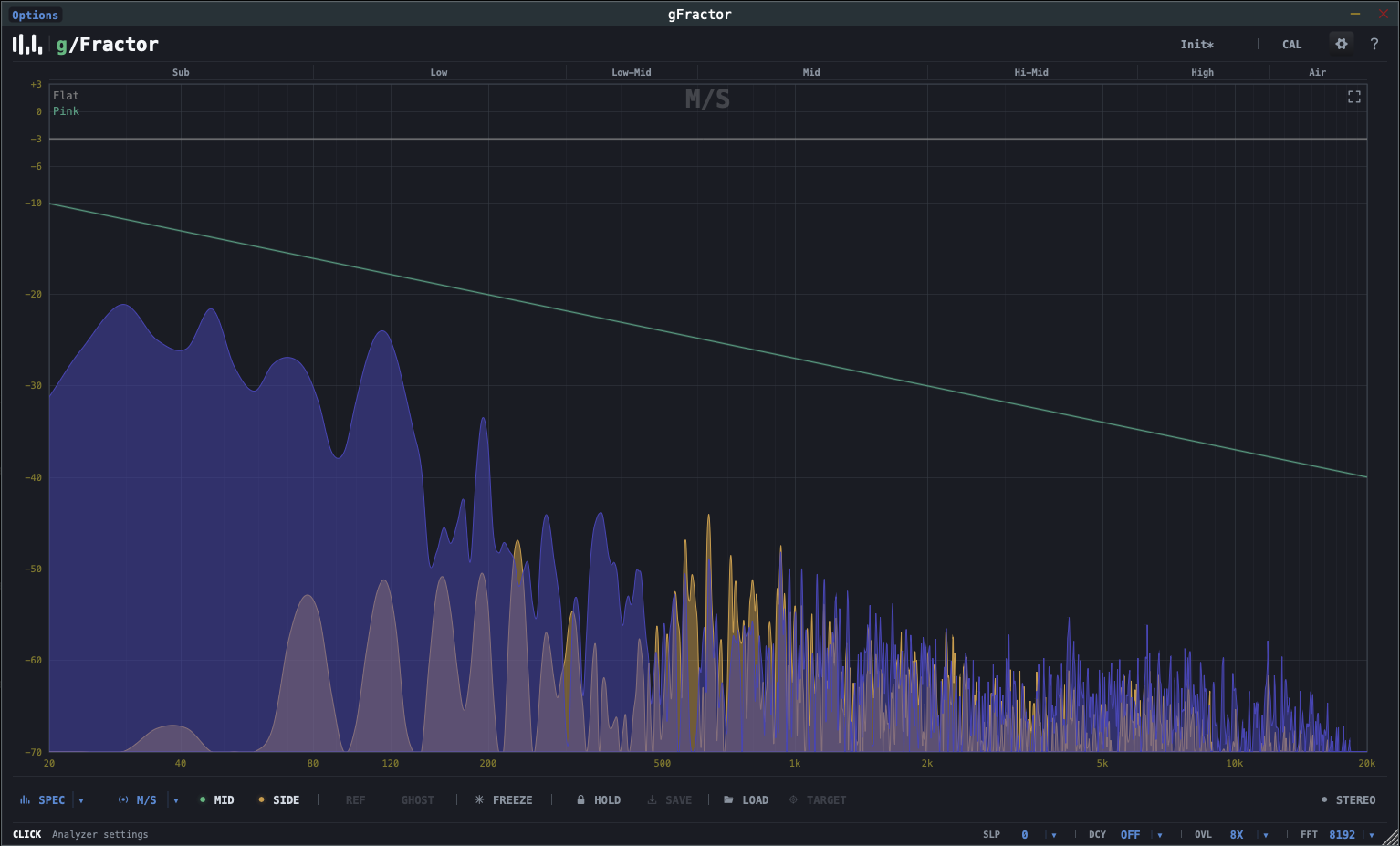
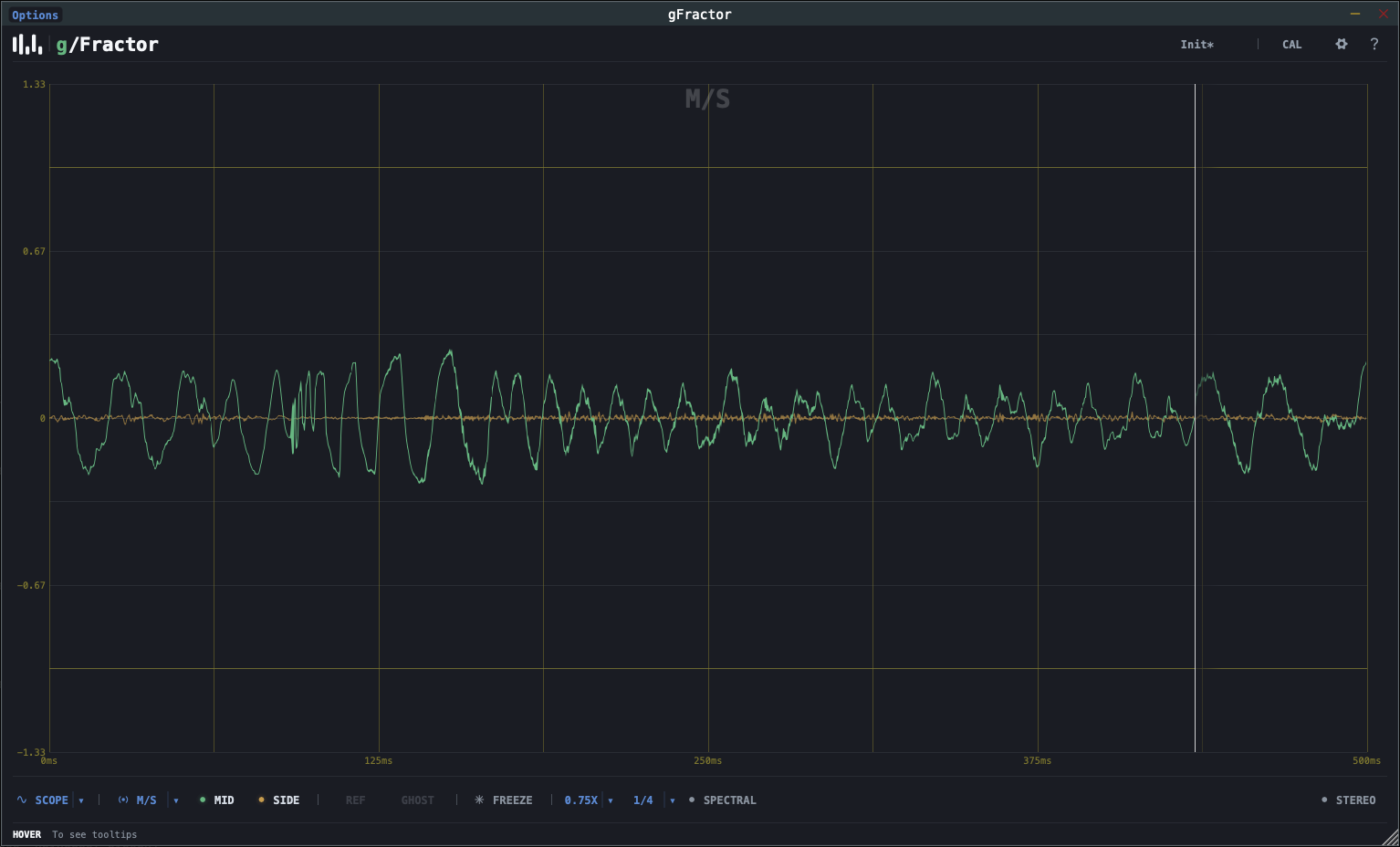
gFractor is a multi-mode spectrum analyzer and oscilloscope plugin for music producers, mixing engineers, and mastering engineers who need an accurate picture of what's happening across the stereo field — not just left and right, but mid and side, and tonal versus transient content.
Built on the JUCE framework in C++17, gFractor combines a configurable real-time FFT display with a tempo-synced oscilloscope, full stereo metering, and an A/B reference workflow in a single window. The audio path is fully realtime-safe: no allocations or locks occur on the audio thread.
The same generic Primary / Secondary abstraction is used across three analysis modes, so the workflow stays consistent no matter what you're inspecting:
I came across this plugin while searching for a goniometer, and what I got exceeded all my expectations. The best part of this plugin is the spectrum analyzer, divided into seven sections from bass to treble. Clicking on a section only allows you to hear the sound from that section, while the remaining harmonics are muted. This option is a lifesaver for mixing and mastering, and it works and sounds excellent. It also includes an audio visualization spectrogram, a LUFS meter, and a host of other useful features. It's also well-optimized. It's a great and very useful plugin.
I've tried and use many of these types of audio analysis tools. gFractor seems to be taking advantage of many of the new developments in analysis approaches and code libraries. This plugin is an excellent example of well executed design and useful features. It handles all the important visualizations very well. Though, when the FFT window is set too high, the response performance drops noticeably.
The transient analysis is particularly interesting. Being able to see and hear the transients vs the decay separately is truly enlightening.
I can see the developer developing a variation of this tool even further, by enabling separate outputs for each signal for individual processing. Either transient/decay, mid/side or L/R.
The stereo analysis tools (Goniometer, correlation, width octave) are also very useful. To have all, in one uncluttered, well thought out plugin is a blessing in a new world where too many plugins can be overwhelming. This will replace many of my audio analysis tools.
Highly recommended.

Please log in to join the discussion
Submit: News, Plugins, Hosts & Apps | Advertise @ KVR | Developer Account | About KVR / Contact Us | Privacy Statement | Sell @ KVR | KVR Marketplace Terms & Conditions
© KVR Audio, Inc. 2000-2026

