Log InCreate An Account
  1. Plugins
  2. »
  3. Ginger Audio
  4. »
  5. iRender
  6. »
  7. Details

iRender

Free with GroundControl Sphere
iRender iRender iRender
iRender by Ginger Audio is Soundware (samples or presets that load into other products) for macOS.
Product
Version
1.1.0
OS X 10.13 and higher
Soundware
For
Copy Protection
Serial Number

MyKVR: Groups, Versions, ...

1 KVR member has added iRender to 1 MyKVR group 1 time.

Download KVR Studio Manager (FREE)

Not In Your MY KVR Groups
(or group limitation prevents versioning)
+1 in private groups

KVR Rank

Overall: 17692   13144

30-Day: 6724; 7-Day: 20444; Yesterday: 33043

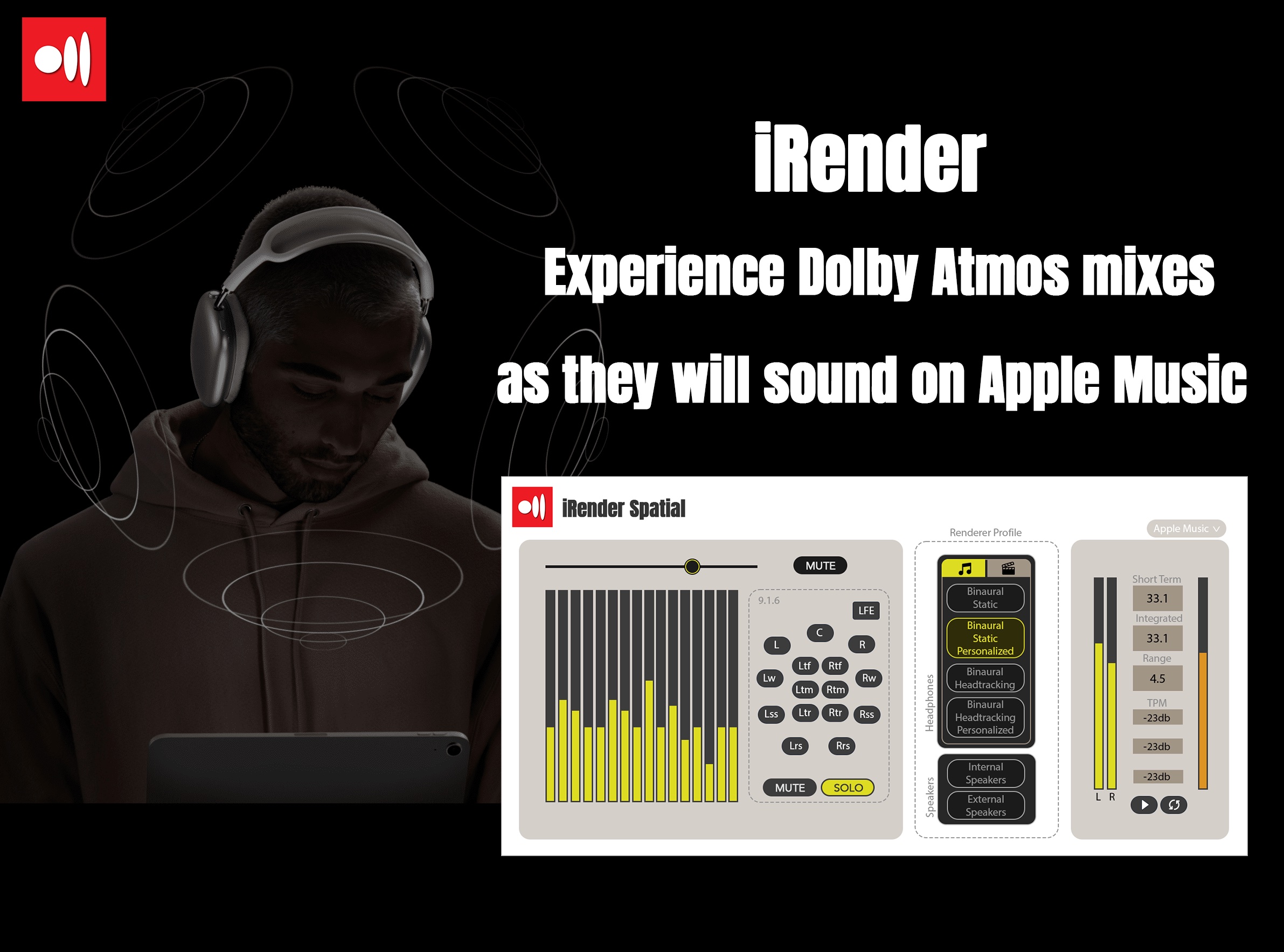
iRender: Precision Dolby Atmos Mixing within GroundControl Sphere

Efficiency Meets Accuracy: iRender, fully integrated into GroundControl Sphere, revolutionizes Dolby Atmos mixing. It eliminates guesswork, offering a true-to-life emulation of how listeners experience Dolby Atmos content. With iRender, what you hear during mixing is what your audience gets, saving you time and ensuring pinpoint accuracy.

Key Features:

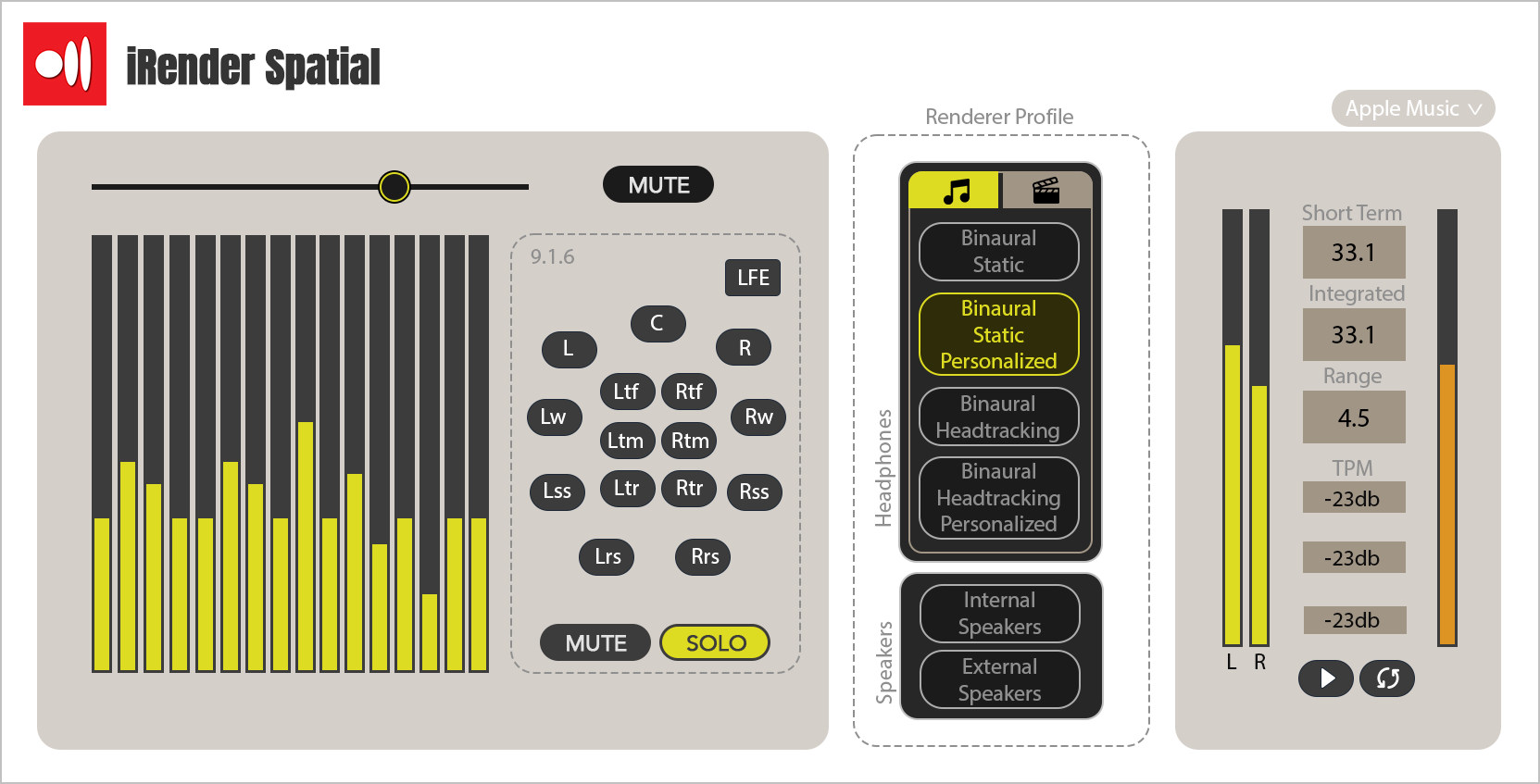
  • Real-Time Spatial Mixdown: Instantly hear how your Dolby Atmos mixes will sound to the end listener, allowing for immediate and precise adjustments.
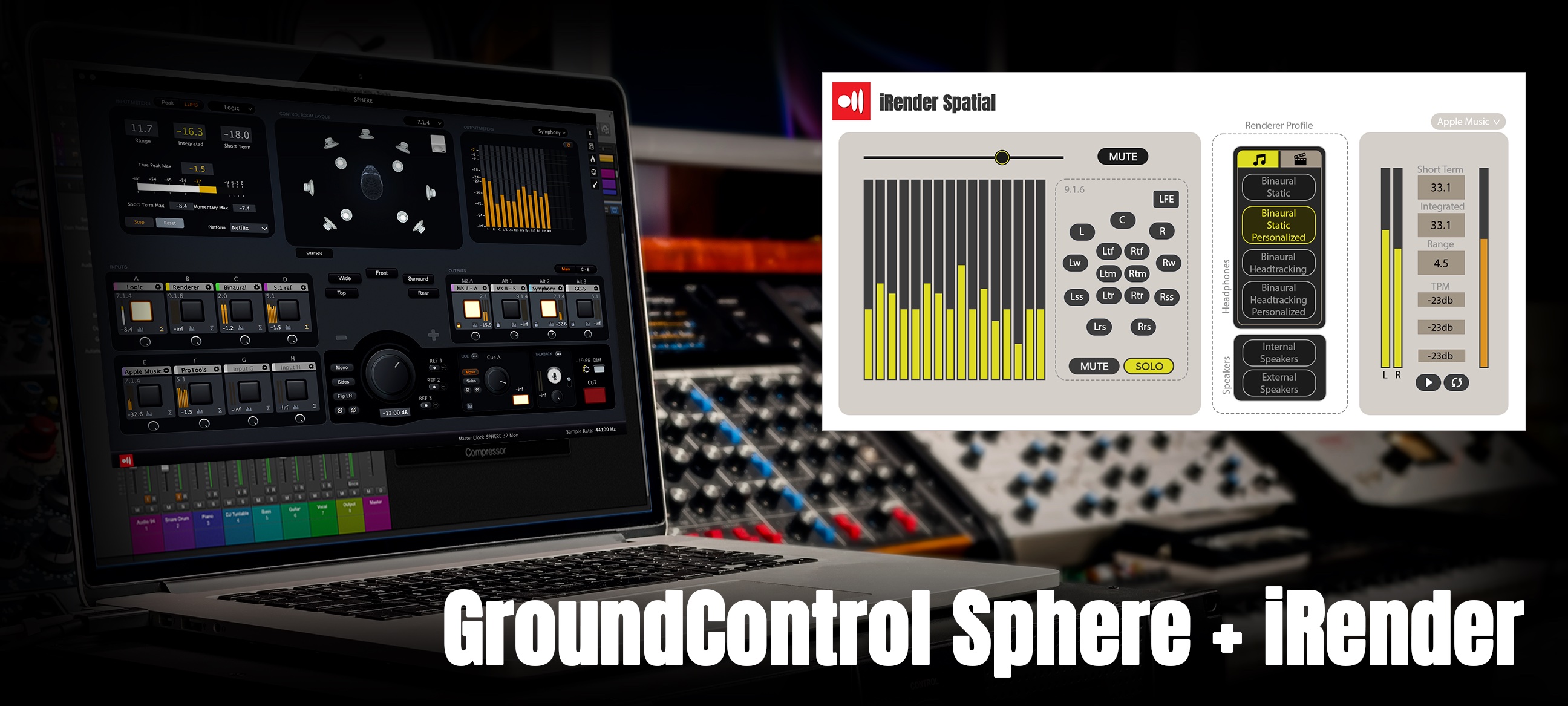
  • Seamless Integration with Sphere: iRender is not just compatible with GroundControl Sphere; it's a core component, enhancing your workflow and efficiency in audio project management.
  • Immersive 3D Audio Rendering: Experience the depth and immersion of Dolby Atmos with iRender's advanced binaural rendering, for a truly enveloping audio experience.
  • Adaptable to Various Media: Equipped with diverse rendering profiles, iRender is perfect for both music and film audio production.
  • Broad Compatibility: Supports a range of headphones and audio systems, including advanced features like head-tracking and personalized HRTF profiles.

{See video at top of page}

For Every Audio Professional: iRender is the go-to tool for audio engineers, producers, and sound designers seeking an edge in Dolby Atmos audio production.

Why iRender in GroundControl Sphere: Integrating iRender into GroundControl Sphere not only streamlines your workflow but also elevates your audio production to professional standards with ease and precision.

For more information about iRender and GroundControl Sphere, visit www.gingeraudio.com/irender

Latest User Reviews

Average user rating of 0.00 from 0 reviews

Comments & Discussion for Ginger Audio iRender

Discussion
Discussion: Active

Please log in to join the discussion

Log In To KVR Audio