
2 KVR members have added MARSHKA to 2 MyKVR groups 2 times.
Download KVR Studio Manager (FREE)
MARSHKA is a detailed software recreation of the rare Marsh UDS drum synthesizer, preserving the original instrument's distinctive layout, workflow, and sonic character while extending its creative potential for modern production.
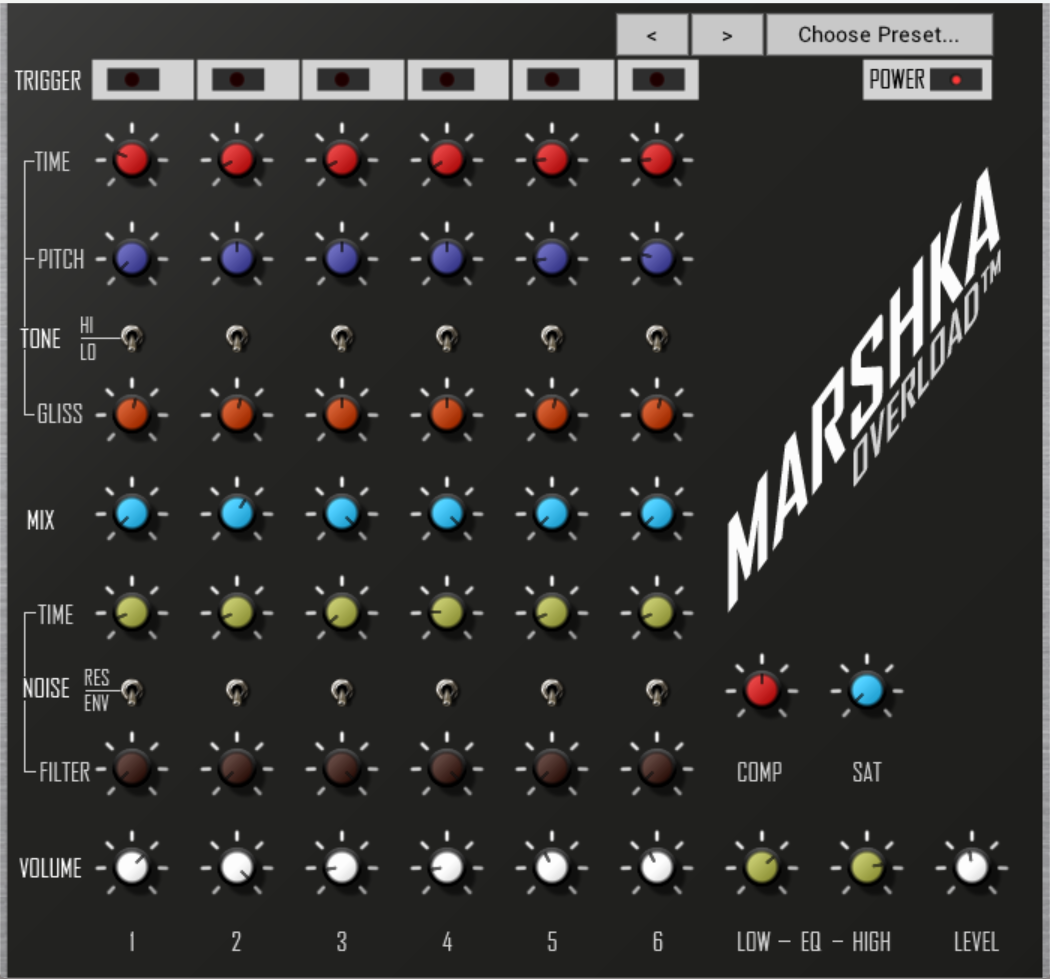
Faithfully modelled on the original hardware, MARSHKA retains the same control architecture and signal flow as the Marsh UDS, delivering its signature percussive tones, unstable oscillations, and raw analogue textures. Every parameter has been designed to respond with the same immediacy and unpredictability that made the original machine unique.
In addition to the original design, MARSHKA introduces two integrated enhancements: a single-knob compressor and a single-knob saturator. These additions allow users to shape dynamics and harmonic content with minimal complexity, expanding the instrument's sonic range from subtle control to aggressive, driven character—without compromising the core identity of the hardware.
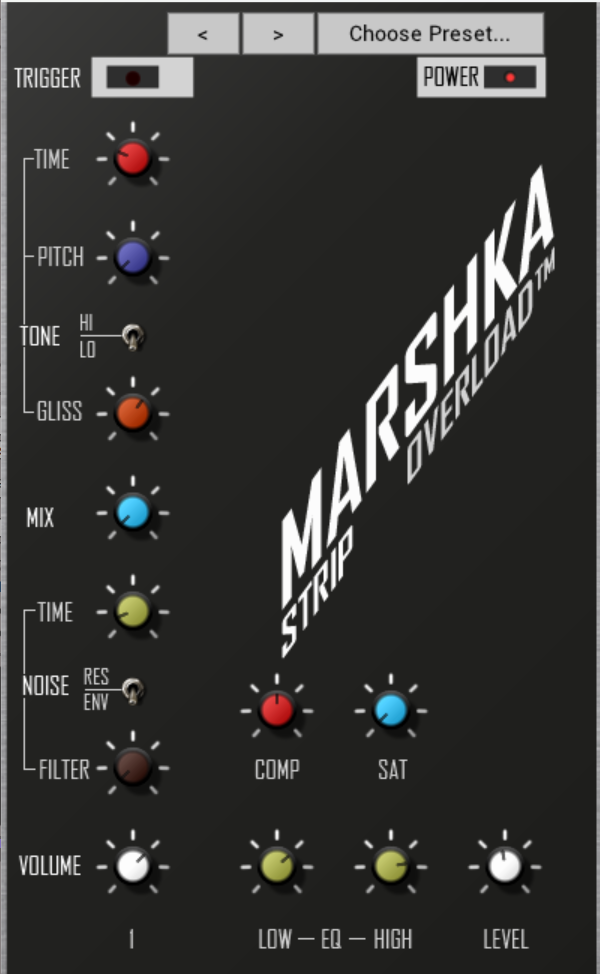
MARSHKA is provided in two complementary formats. The main six-channel version recreates the original multi-voice architecture for authentic performance and sequencing, while the included single-strip version offers an isolated channel with full processing, allowing for improved separation, focused sound design, and flexible mixing workflows.
Designed for producers who value character over perfection, MARSHKA bridges historical accuracy and modern usability, offering an expressive, performance-ready drum synthesizer rooted in a lost era of electronic design.
Key Features:
Installation
Windows
Download Marshka_Windows.zip from your Gumroad purchase page and extract it. Copy MARSHKA_Full.vst3 and MARSHKA_Single_Strip.vst3 to:
C:\Program Files\Common Files\VST3\.
Restart your DAW. Both plugins will appear in your VST3 plugin list.
When you first open it in your DAW enter your license key (check your email and SPAM folder!) - enter it into either plugin and both plugins will be activated.
macOS - VST3
Download Marshka_Mac.zip from your Gumroad purchase page and extract it. Copy MARSHKA_Full.vst3 and MARSHKA_Single_Strip.vst3 to:
/Library/Audio/Plug-Ins/VST3/.
Restart your DAW. Both plugins will appear in your VST3 plugin list. If macOS shows a security warning, right-click the file and select Open to allow it.
When you first open it in your DAW enter your license key (check your email and SPAM folder!) - enter it into either plugin and both plugins will be activated.
macOS — AU
Download Marshka_macOS_AU.zip from your Gumroad purchase page and extract it.
Copy MARSKHA_Full.component and MARSHKA_Single_Strip.component to:
/Library/Audio/Plug-Ins/Components/.
Restart your DAW. Both plugins will appear under AU Instruments OVERLOAD in your plugin browser.
When you first open either plugin, enter your license key (check your email and spam folder). Activating either plugin activates both.
 33%OFF$99.00Spark
Please log in to join the discussion
Submit: News, Plugins, Hosts & Apps | Advertise @ KVR | Developer Account | About KVR / Contact Us | Privacy Statement | Sell @ KVR | KVR Marketplace Terms & Conditions
© KVR Audio, Inc. 2000-2026

