
34 KVR members have added MOODYSIX to 27 MyKVR groups 38 times.
Download KVR Studio Manager (FREE)
Overview
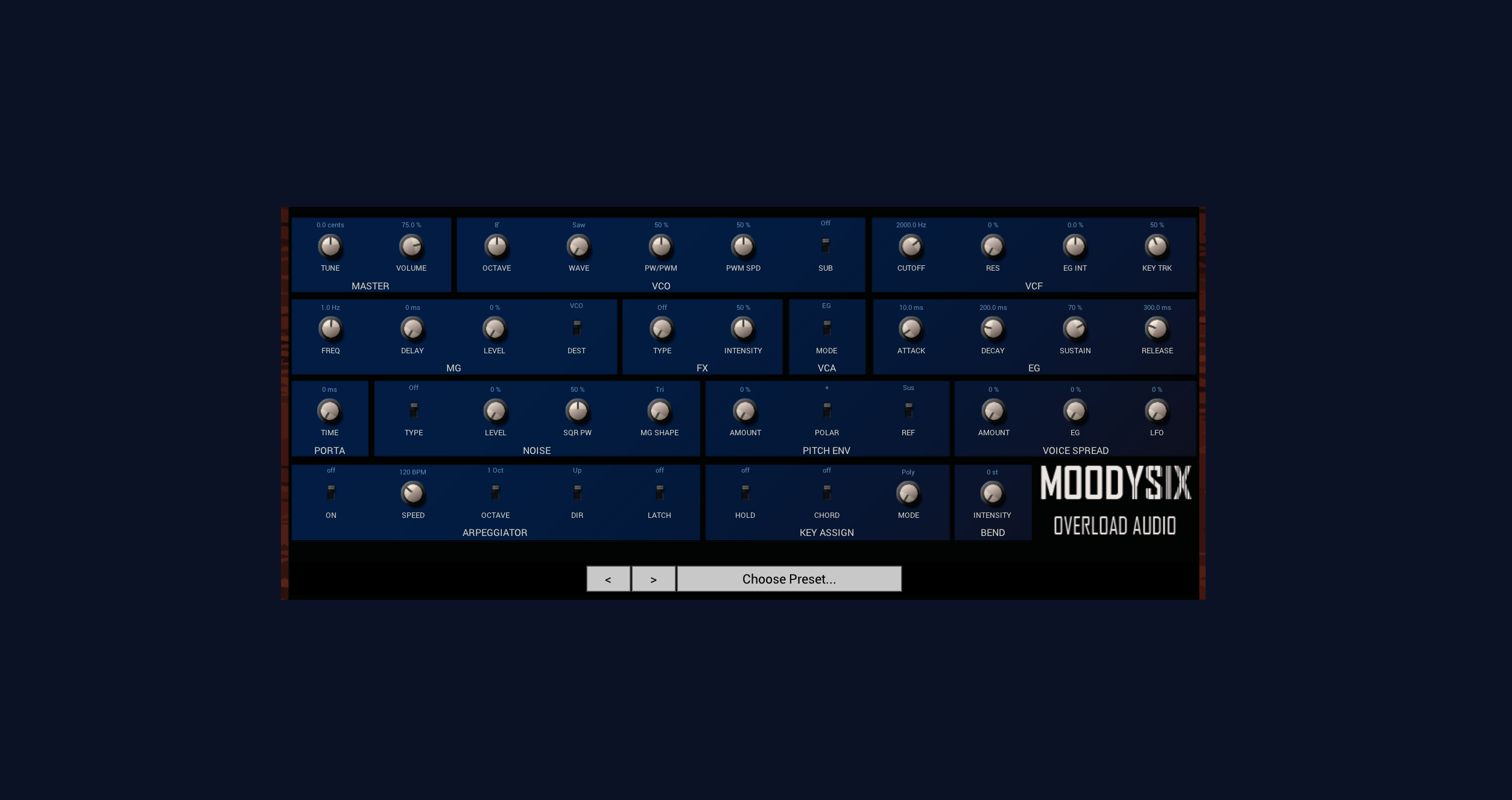
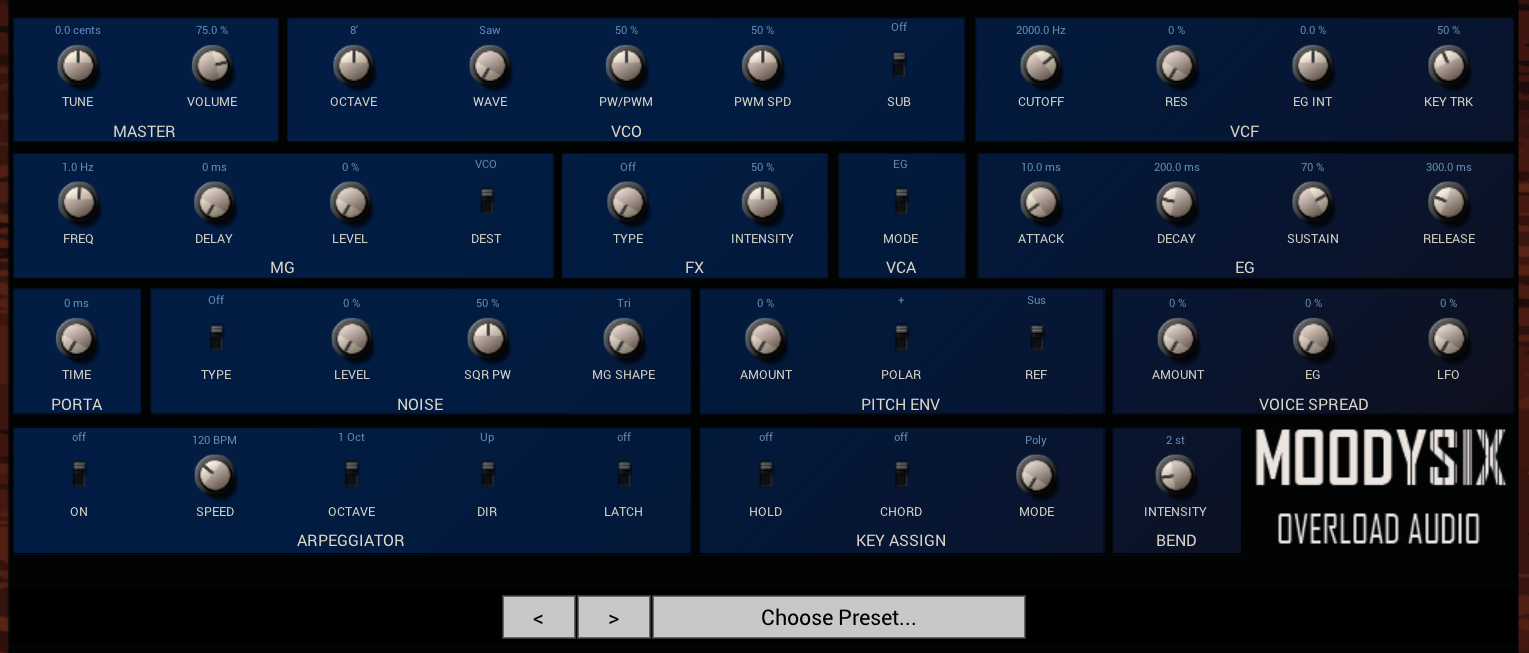
MOODYSIX is a free 6-voice polyphonic synthesizer modelled on the 1981 Korg Polysix. Like the original, it features one oscillator per voice with saw, pulse width, and PWM waveforms, a sub oscillator, the iconic SSM2044-style 4-pole lowpass filter, and the legendary chorus/phaser/ensemble effects section.
But MOODYSIX includes three classic Polysix hardware mods:
Just like the original you will feel the oscillators warm up when you turn it on this VST as it moves into tune, the crisp SSM2044 filters sweep and the light parameters warbling ever so slightly give an organic movement - No two notes sound quite the same, just like on the VCOs.
And also like the original Polysix, the MOODYSIX does not respond to velocity and is strictly 6 voices - this is to stay true to character of this synth.
Key Features
6-voice polyphonic with poly, 2-voice unison, 3-voice unison, and 6-voice mono modes ($1 per voice!).
Saw, pulse width, and PWM waveforms with dedicated PWM LFO.
Sub oscillator (1 or 2 octaves down).
4-pole lowpass filter with resonance, EG intensity (bipolar), and key tracking.
ADSR envelope for filter, amplitude and added pitch and voice pitch spread envelope.
MG (LFO) with delay, routable to VCO, VCF, VCA as well as voice pitch spread, with additional MG shapes via the noise section.
Chorus, phaser, and ensemble effects (Triple BBD-modelled).
Arpeggiator with up/down/up-down modes, 1/2/full octave range, and latch.
Hold and chord memory.
32 factory presets.
Portamento with per-voice glide.
Formats.
Windows: VST3.
macOS: VST3, AU.
Installation.
Windows - VST3
Download MOODYSIX.vst3 from your Gumroad purchase page. Copy MOODYSIX.vst3to:
C:\Program Files\Common Files\VST3\.
Restart your DAW. The plugin will appear in your VST3 plugin list.
macOS - VST3
Download Marshka_macOS_vst3.zip from your Gumroad purchase page and extract it. Copy MOODYSIX.vst3 to:
/Library/Audio/Plug-Ins/VST3/.
Restart your DAW. The plugin will appear in your VST3 plugin list.
macOS — AU
Download MOODYSIX_AU.zip from your Gumroad purchase page and extract it.
Copy MOODYSIX.component to:
/Library/Audio/Plug-Ins/Components/.
Restart your DAW. The plugin will appear under AU Instruments OVERLOAD in your plugin browser.

Please log in to join the discussion
Submit: News, Plugins, Hosts & Apps | Advertise @ KVR | Developer Account | About KVR / Contact Us | Privacy Statement | Sell @ KVR | KVR Marketplace Terms & Conditions
© KVR Audio, Inc. 2000-2026

