1 KVR member has added Ninja AB to 1 MyKVR group 1 time.
Download KVR Studio Manager (FREE)
Ninja AB is the ultimate tool to make your mixes and masters sound great: by using your ears! (ok, and your eyes). It's the new way of using A/B referencing to get the perspective of a pro on each mixing decision you make. Know what the level of your vocal needs to be, how much bass to dial in and if your master is loud enough. A/B referencing, the way it should have always been.
Ninja AB's features in a nutshell:
Section Tagging & Sync
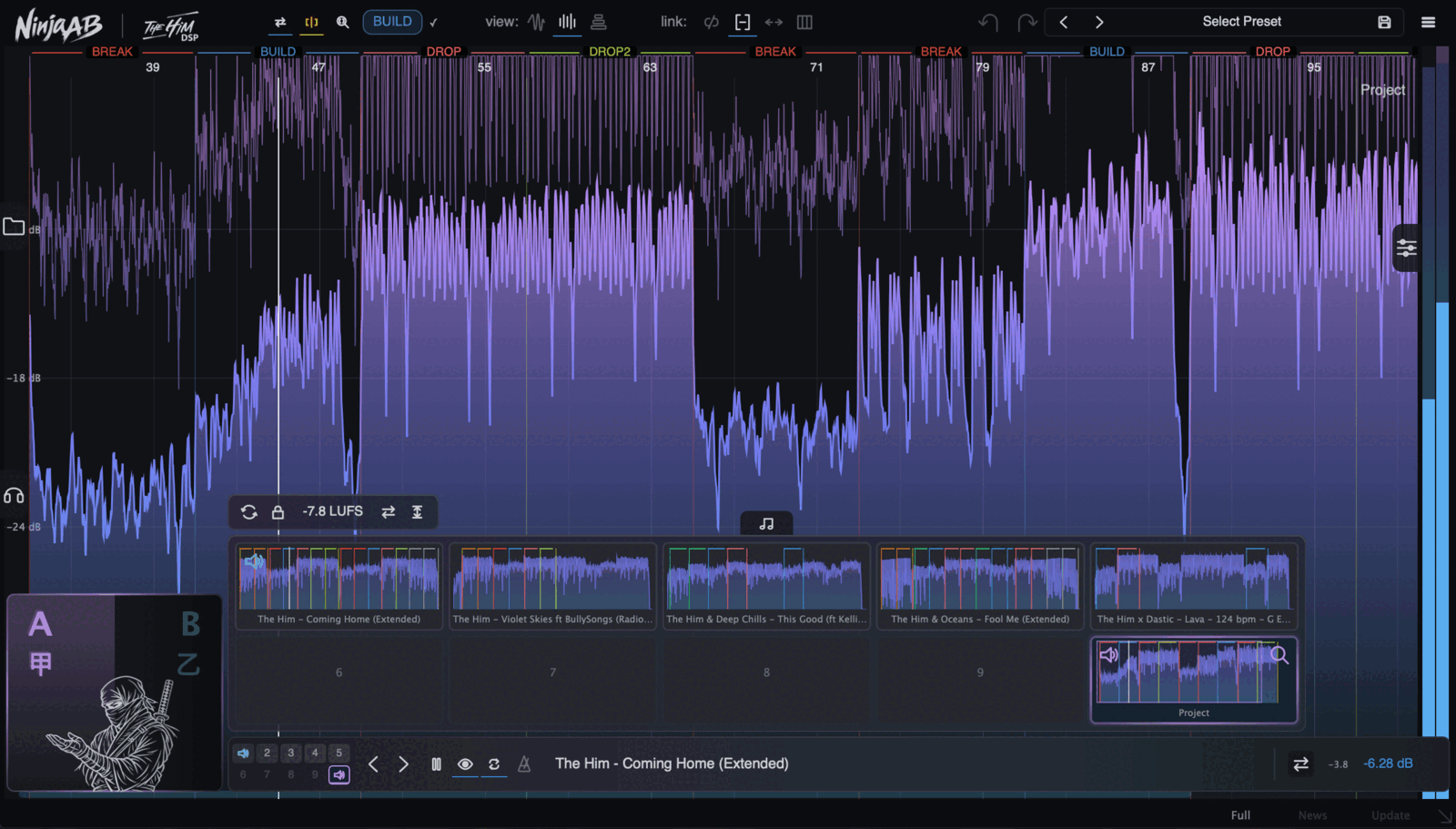
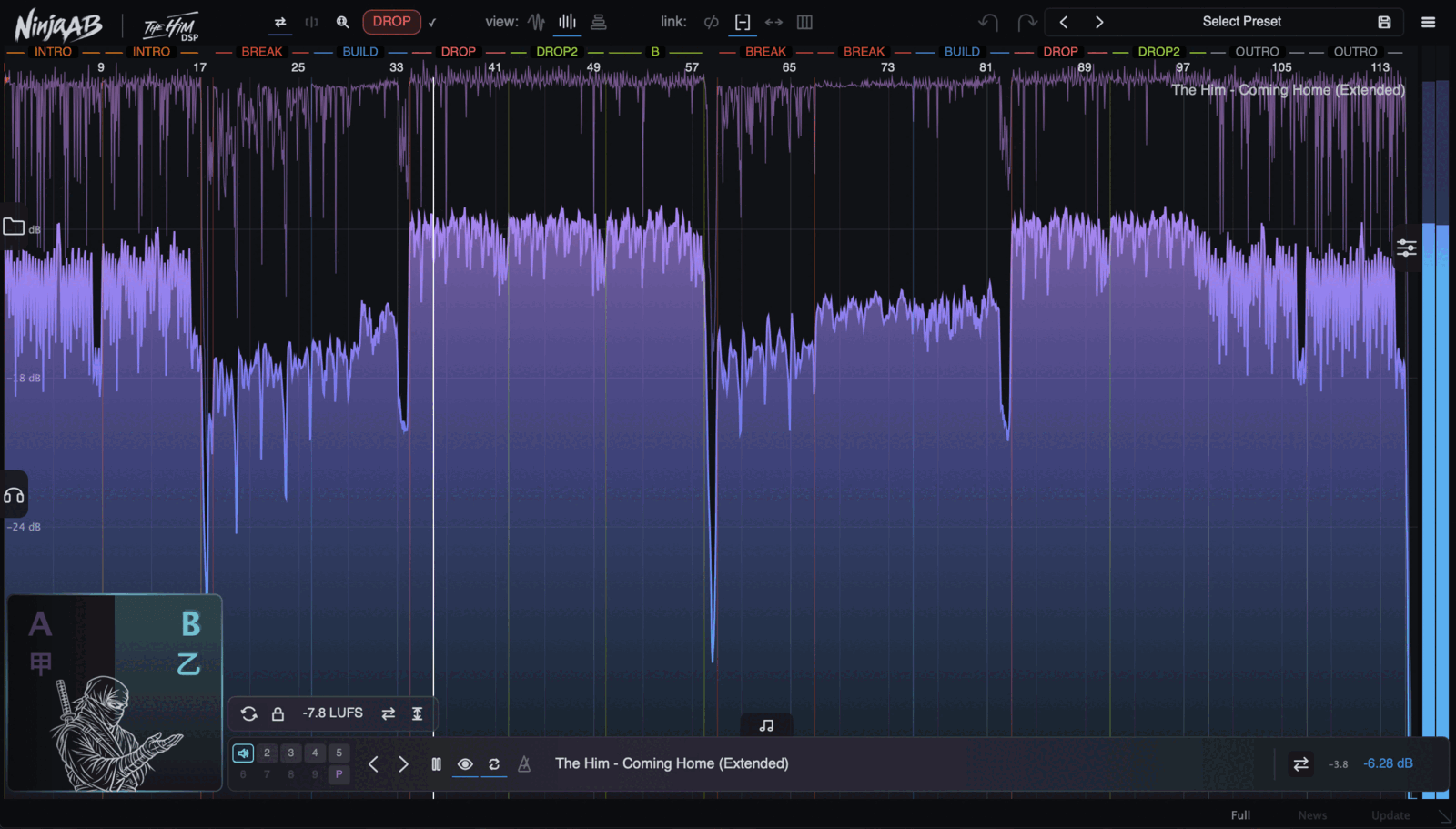
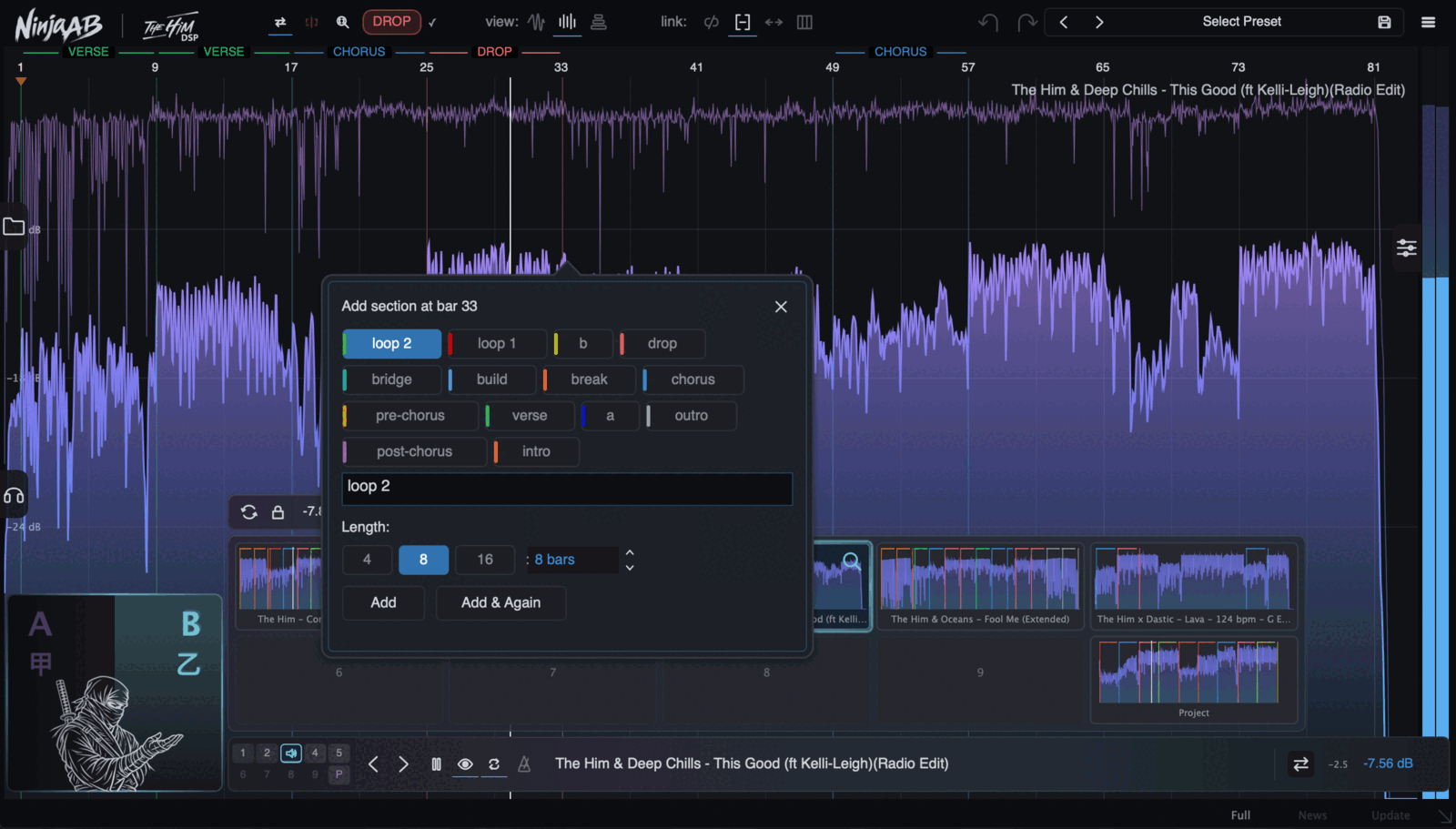
Make it simple to hear differences, by comparing a drop to a drop and a chorus to a chorus. Tagging refs is easy and you do it once. Then take it anywhere. No more re-setting cue points per preset.
Visual Overviews
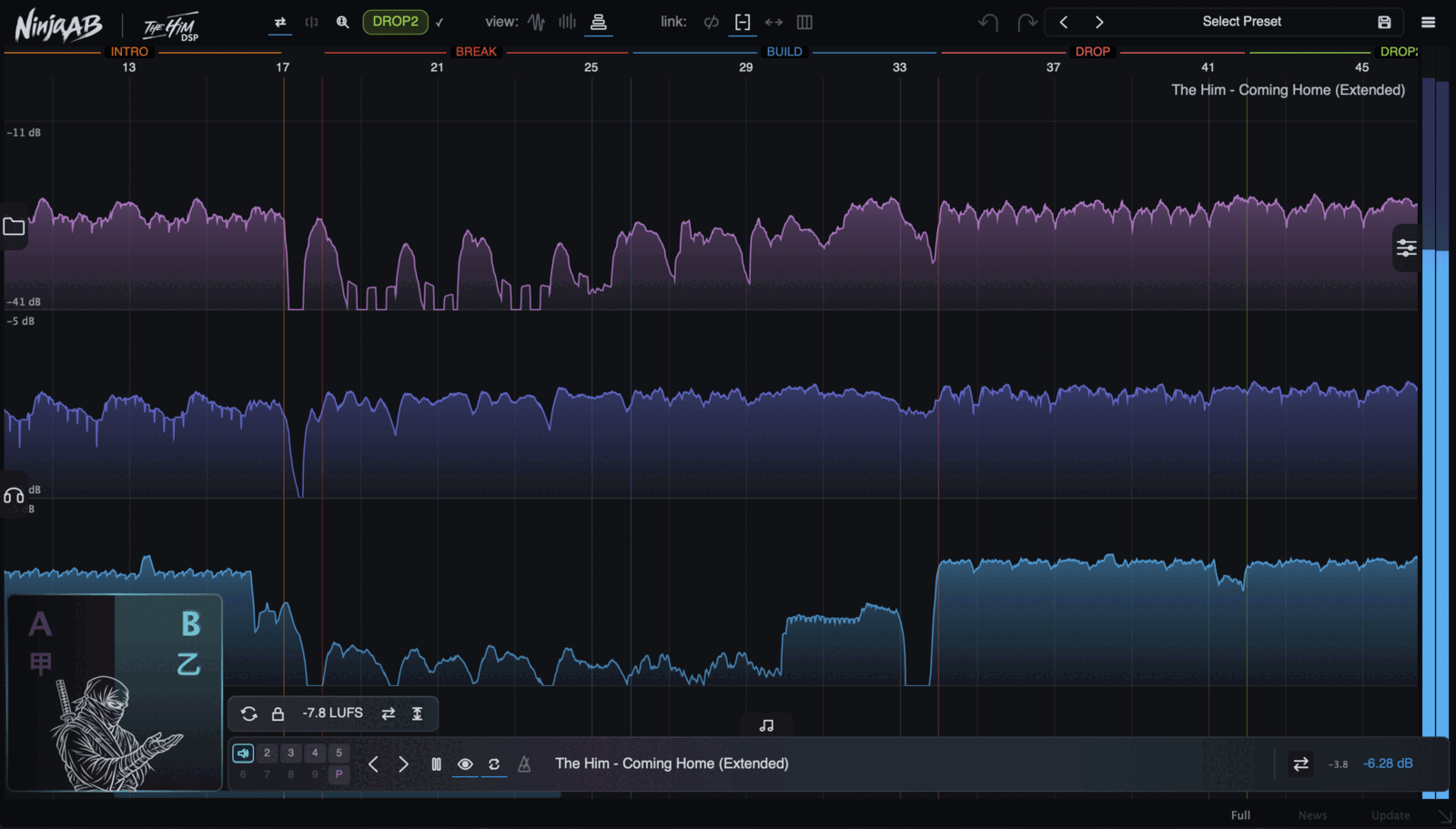
Waveform, RMS, PSR (compression) and multiband views. Get a new perspective on what a finished track looks like, so you can see exactly how to make your track hit like your favs.
Live Capture
Your project audio is captured and displayed in great detail. You can scroll and zoom through the whole timeline, just like all the references. No more lost history in scrolling windows.
Level Match & Auditioning
Your reference's gain is auto-matched, and so are all the visuals. So what you see and what you hear is consistent. Stereo and sweepable band monitoring is a click away.
So... Why reference?
We all know that there are really no silver bullets, hacks or shortcuts when it comes to making a great piece of music. But if there's one consistent tip, a best practice, a great way to learn and improve your tracks and mixes, it is referencing. Just doing a last-minute check on your mix with a reference track you know sounds good can instantly give you the insight to make a change that improves your mix by a lot.
Ninja AB makes that process super easy and fun. Referencing section by section gives you that extra edge so the right direction becomes clear. And you'll be able to make decisions that improve the whole song, from start to finish.
Watch Ninja AB in action:
{See video at top of page}

Please log in to join the discussion
Submit: News, Plugins, Hosts & Apps | Advertise @ KVR | Developer Account | About KVR / Contact Us | Privacy Statement | Sell @ KVR | KVR Marketplace Terms & Conditions
© KVR Audio, Inc. 2000-2026