
8 KVR members have added PlayDFAM to 6 MyKVR groups 8 times.
Download KVR Studio Manager (FREE)
PlayDFAM let's you play and synchronize Moog DFAM to your DAW.
Moog DFAM doesn't have MIDI and only offers an ADV/CLOCK input for external synchronization. This allows you to trigger the next step, but unfortunately there is no reset input to restart the sequence from the beginning.
This is where PlayDFAM comes to the rescue. With PlayDFAM you can make your Moog DFAM run perfectly synchronized to your DAW. You can even trigger the individual DFAM steps with a MIDI keyboard.
You only need a DC-Coupled Audio Interface to connect DFAM to your Computer.
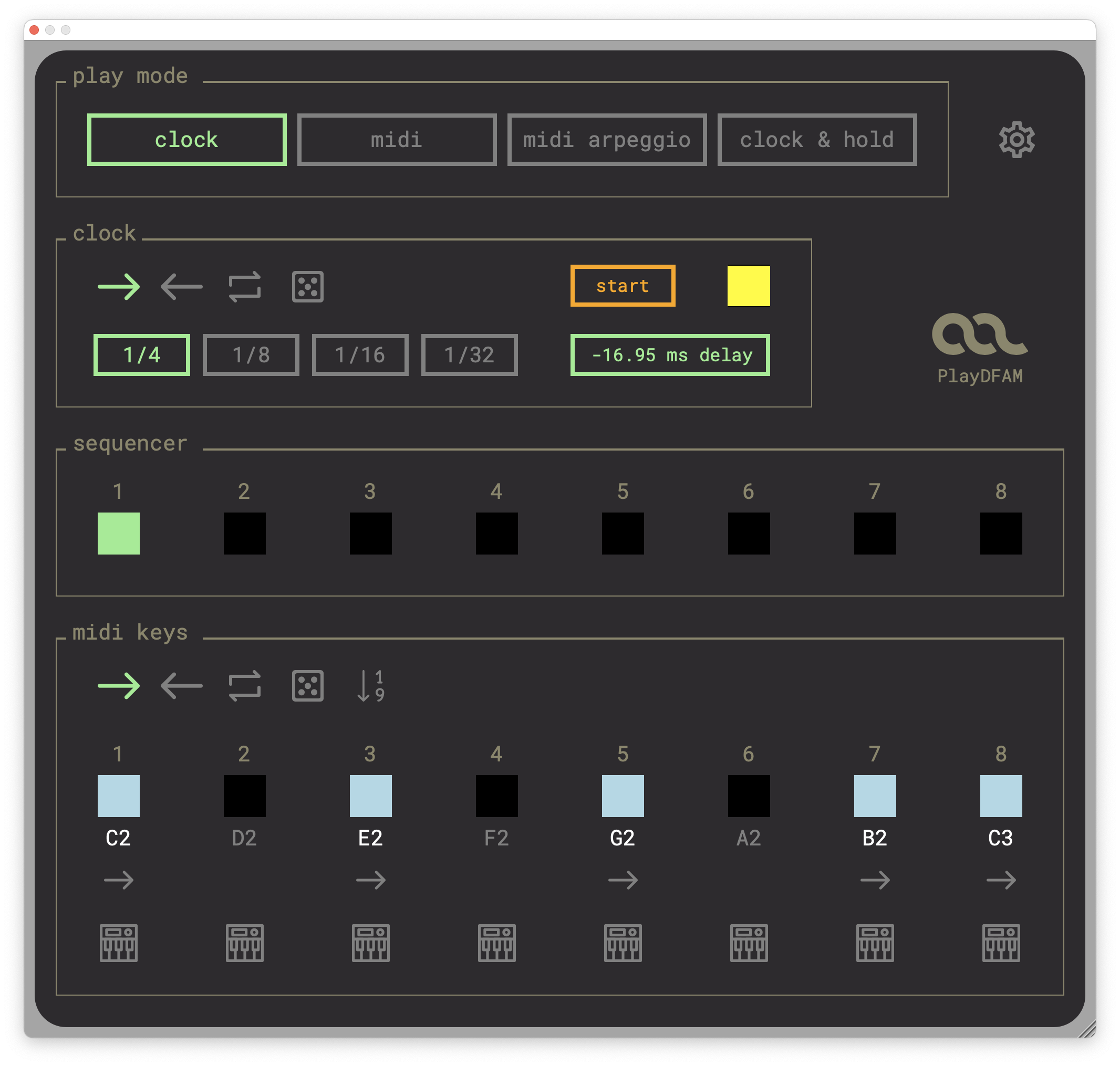
PlayDFAM hast four play modes:
CLOCK MODE.
In CLOCK Mode DFAM runs perfectly in sync with the DAW. Every time you stop and restart your DAW, DFAM also starts in the right place:
MIDI MODE.
In MIDI mode, you can simply play DFAM's steps using a MIDI keyboard. Each of the 8 DFAM steps is assigned a MIDI key that triggers the step. You can use the MIDI notes, for example, to program your DFAM like a rhythm box.
CLOCK & HOLD MODE.
In CLOCK & HOLD mode the clock and MIDI notes are combined. While the sequencer is running, you can hold individual steps via MIDI keys. The held step is then repeated until you release the MIDI key and the sequencer continues to run from its current position. If you press several MIDI keys at the same time, DFAM plays them as a new sequence. You can assign a different playback direction to the MIDI keys. For example: the clock direction is forward, but the MIDI key direction is backward. The MIDI keys have one more direction you can choose from. In this mode the steps are played in the exact order in which the MIDI keys were pressed.
MIDI ARPEGGIO MODE.
The MIDI ARPEGGIO mode is like the CLOCK & HOLD mode, but no steps are played at all until you press at least one MIDI key.
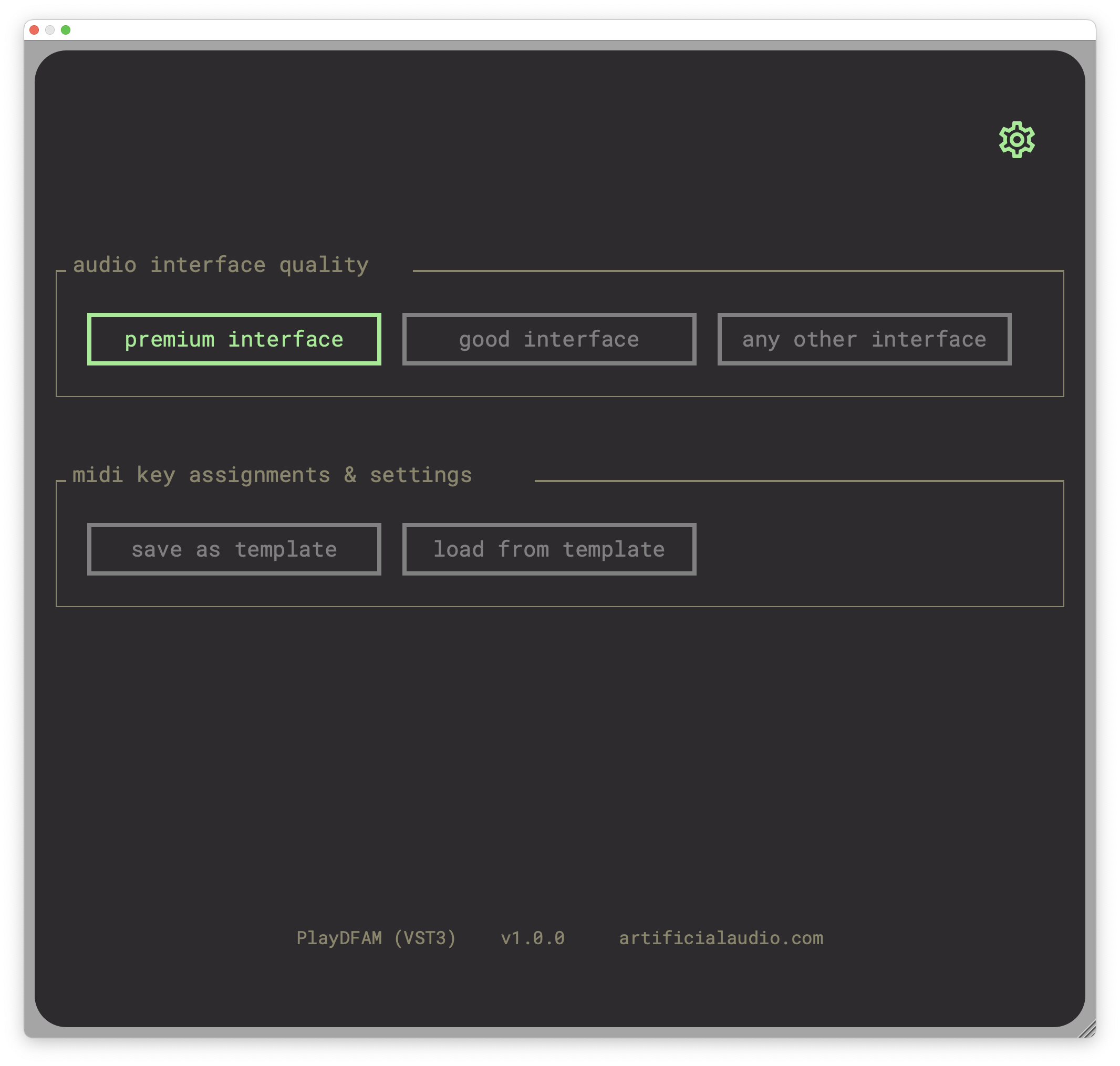
All PlayDFAM settings are saved with the song in your DAW. So when you load a song, you will find PlayDFAM in exactly the same state as it was when you saved it. But you can save the current settings of PlayDFAM as default settings. They will then be loaded with every new instance of PlayDFAM.

Please log in to join the discussion
Submit: News, Plugins, Hosts & Apps | Advertise @ KVR | Developer Account | About KVR / Contact Us | Privacy Statement | Sell @ KVR | KVR Marketplace Terms & Conditions
© KVR Audio, Inc. 2000-2026

