6 KVR members have added RFlatHeadphones to 2 MyKVR groups 8 times.
Download KVR Studio Manager (FREE)
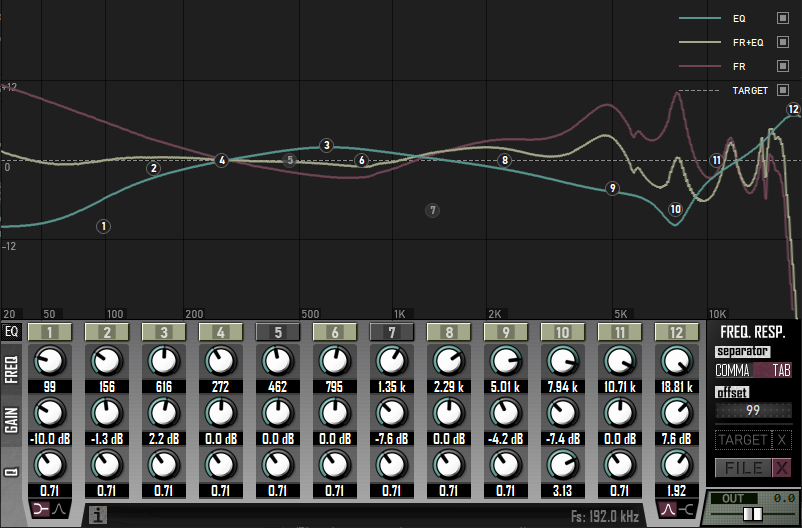
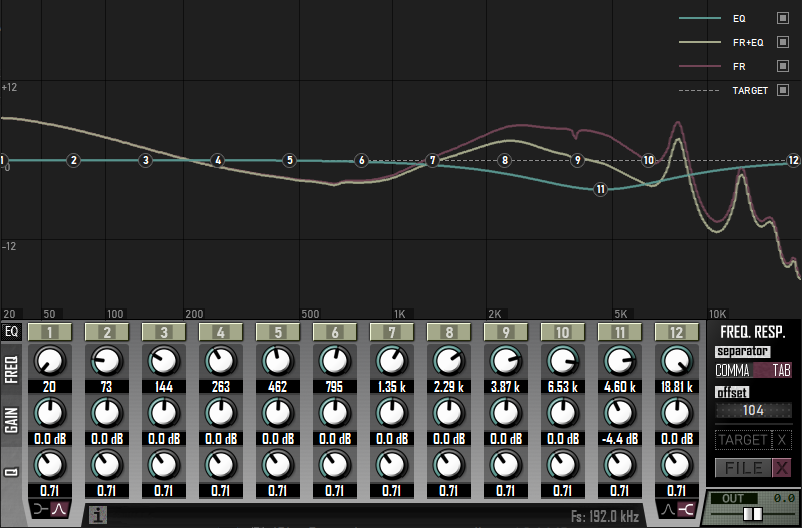
RFlatHeadphones is a calibration plugin that lets you import frequency response files (simple text files that describe how your headphones behave across the audible frequency range) to calibrate your headphones, or anything else actually! (IEMs & studio monitors, for example).
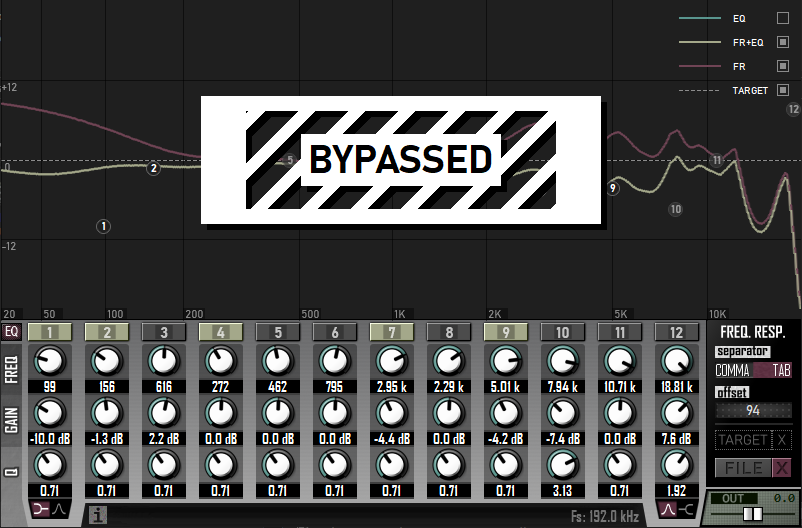
Instead of working behind the scenes, RFlatHeadphones doesn't hide any information. What you see is what you get. That gives you total control over the calibration of your headphones, which leads you to a better understanding of them and, by consequence, gives you the power to get the most "neutral"/"flat" sound from them.
Why Calibration Matters?
Every headphone has its own "personality" (boosts and dips at certain frequencies), which can be a bad thing when making music. If you're unaware of those peaks/dips, your mixing decisions may be influenced by those variations and your music may sound different from intended when played on other devices. By compensating for those imperfections, you can get a more "neutral"/"flat" sound from your audio device. As a result, what you hear while producing/mixing/mastering will be closer to the original sound and will translate more accurately to other devices.
Features:
Formats:
VST, VST3 and CLAP.

Please log in to join the discussion
Submit: News, Plugins, Hosts & Apps | Advertise @ KVR | Developer Account | About KVR / Contact Us | Privacy Statement | Sell @ KVR | KVR Marketplace Terms & Conditions
© KVR Audio, Inc. 2000-2026