Log InCreate An Account
  1. Plugins
  2. »
  3. Autodafe
  4. »
  5. Roland D-50 Converter Tool
  6. »
  7. Details

Roland D-50 Converter Tool

Roland D-50 Converter Tool
Roland D-50 Converter Tool Roland D-50 Converter Tool
Roland D-50 Converter Tool by Autodafe is a Software Application for macOS and Windows. It functions as a Standalone Application.
Product
Version
1.0
Product
Version
1.0
Other
Stand-Alone Utility / Application
Sample Formats
Loads and/or Saves
BIN, SysEx, SYX
Copy Protection
None

MyKVR: Groups, Versions, ...

0 KVR members have added Roland D-50 Converter Tool to 0 MyKVR groups 0 times.

Download KVR Studio Manager (FREE)

Not In Your MY KVR Groups
(or group limitation prevents versioning)

KVR Rank

Overall: 11642   9086   10259

30-Day: 24422; 7-Day: 23921; Yesterday: 36104

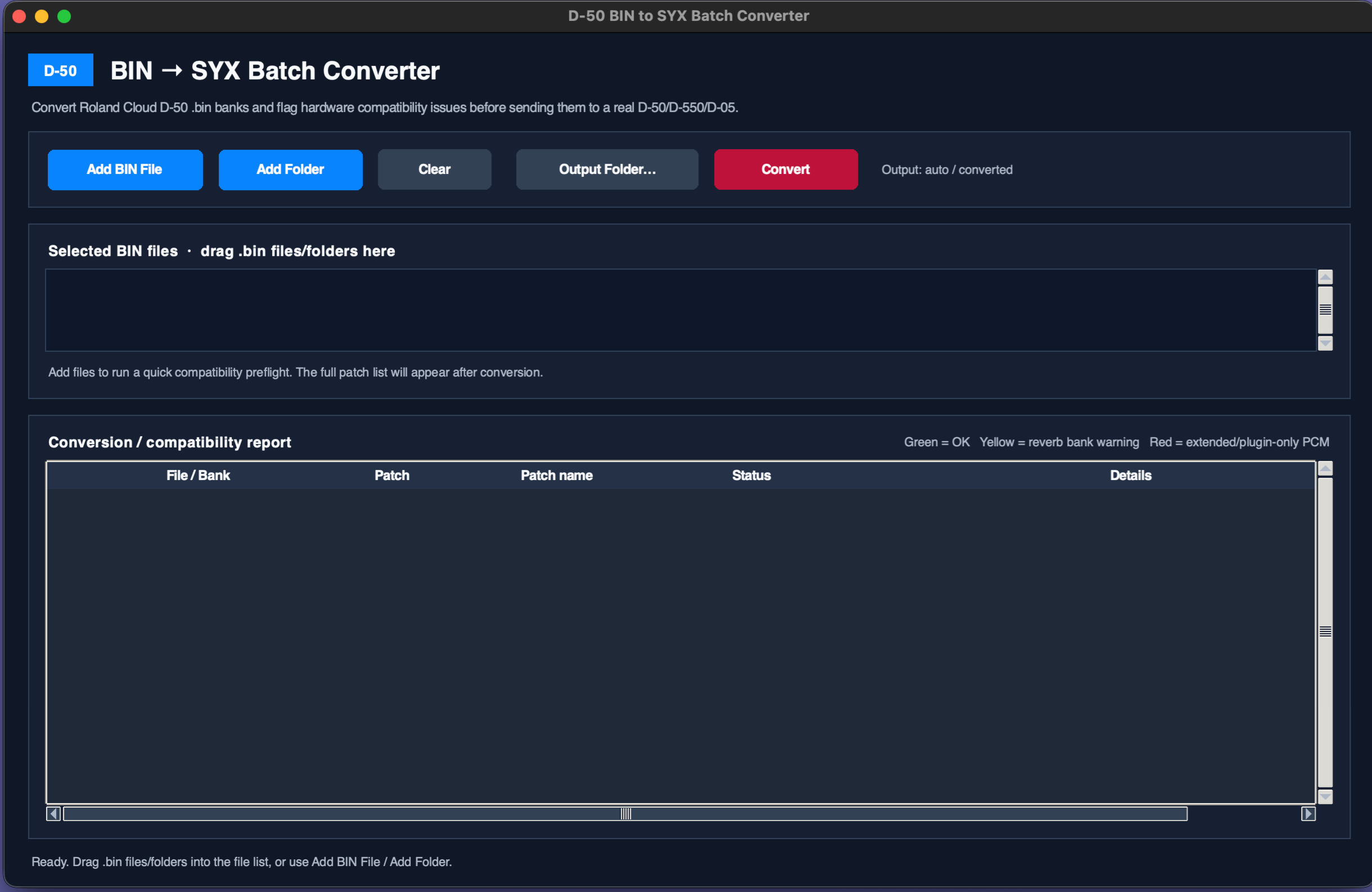
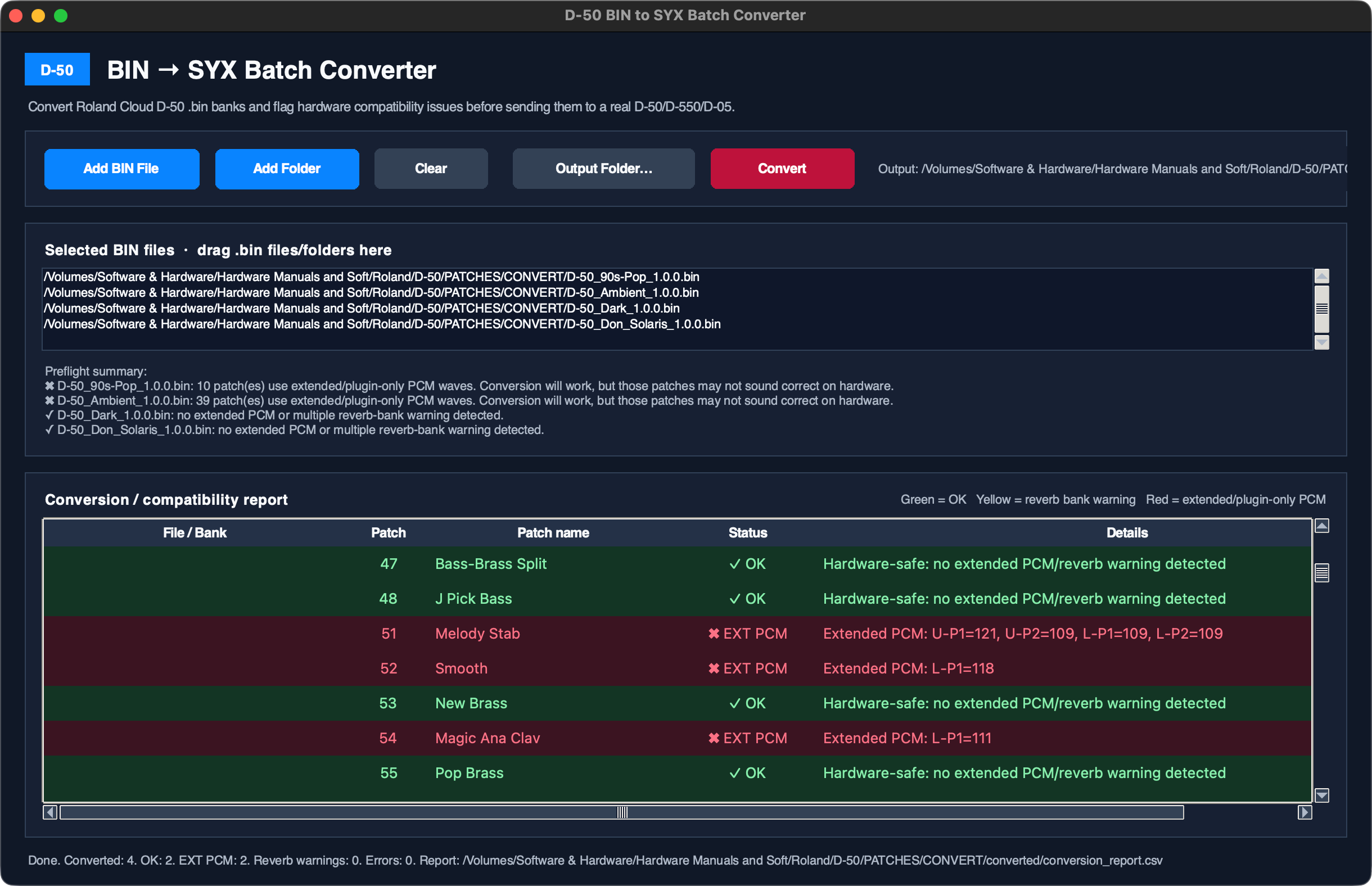
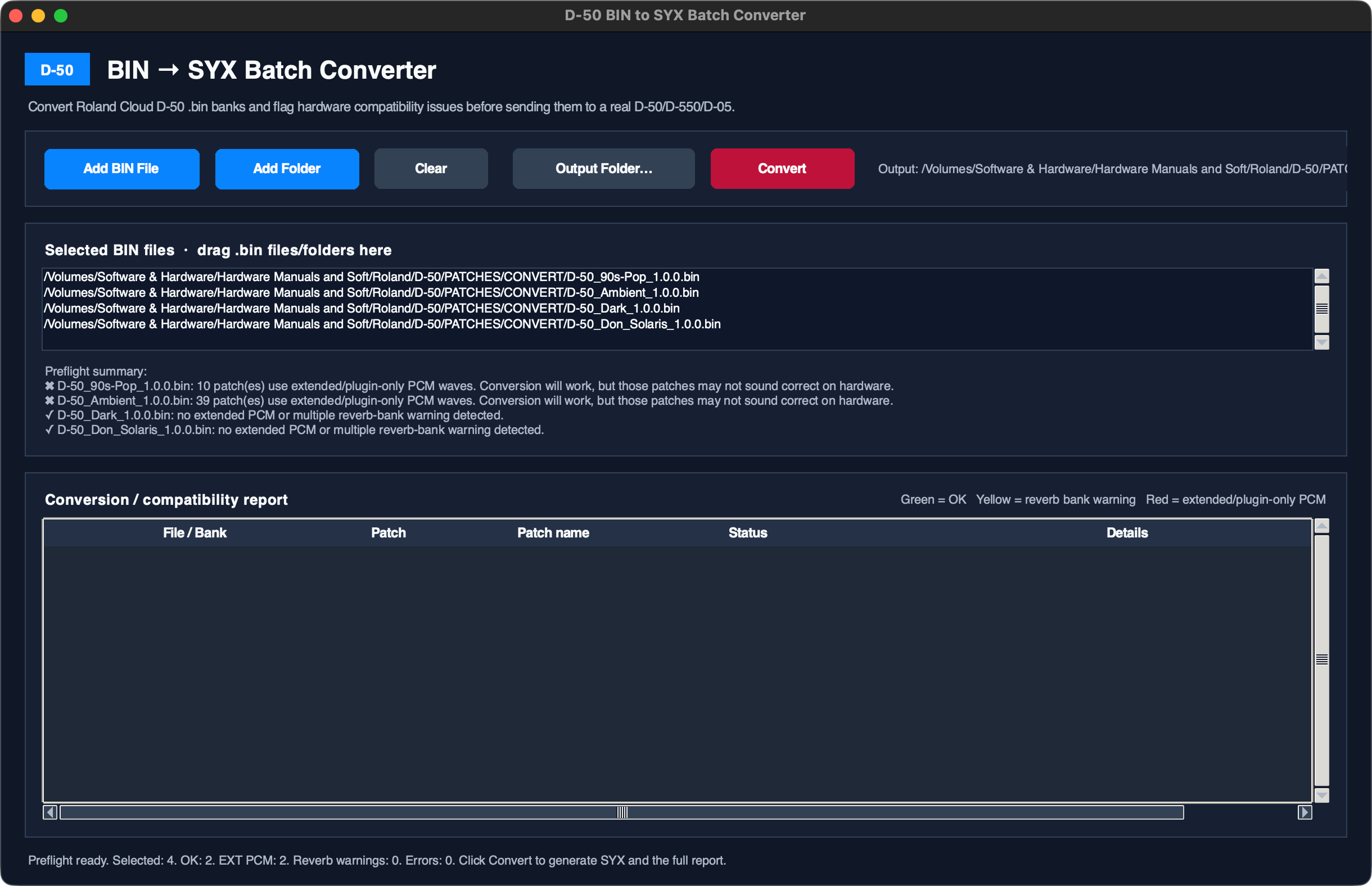
The Roland D-50 VST to Hardware Converter is a standalone utility designed to bridge the gap between plugin-based sound design and the original Roland D-50/D-550 hardware.

While the D-50 plugin supports SysEx import, it exports banks in a BIN format that is not directly compatible with the hardware. This tool converts plugin bank files into hardware-ready SysEx data, enabling an easy workflow from virtual editing to real-world playback.

The converter also accounts for differences between the plugin and the original unit, such as additional PCM samples and extended reverb types, ensuring the best possible compatibility.

Key features:

  • Converts plugin bank files to hardware-compatible SysEx.
  • Batch processing for multiple banks.
  • Simple drag-and-drop workflow.
  • Standalone application (no installation or online tools required).

Use cases:

  • Design sounds in the plugin and transfer them to hardware.
  • Convert plugin libraries for use on the real D-50.

Formats:

  • Standalone application (Windows, macOS).

Latest User Reviews

Average user rating of 0.00 from 0 reviews

Comments & Discussion for Autodafe Roland D-50 Converter Tool

Discussion
Discussion: Active

Please log in to join the discussion

Log In To KVR Audio
