
2 KVR members have added S-Console to 2 MyKVR groups 3 times.
Download KVR Studio Manager (FREE)
S-Console is the evolution of Satson, taking everything you know from our original console workflow and pushing it further in terms of depth, flexibility, versatility, and sonic impact.
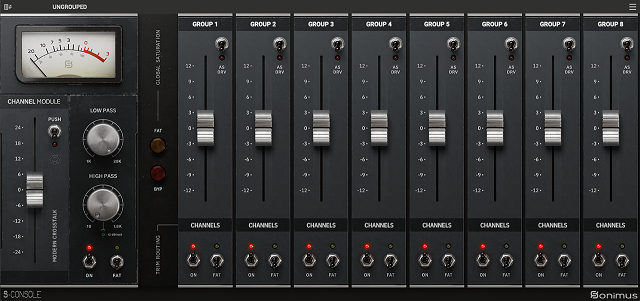
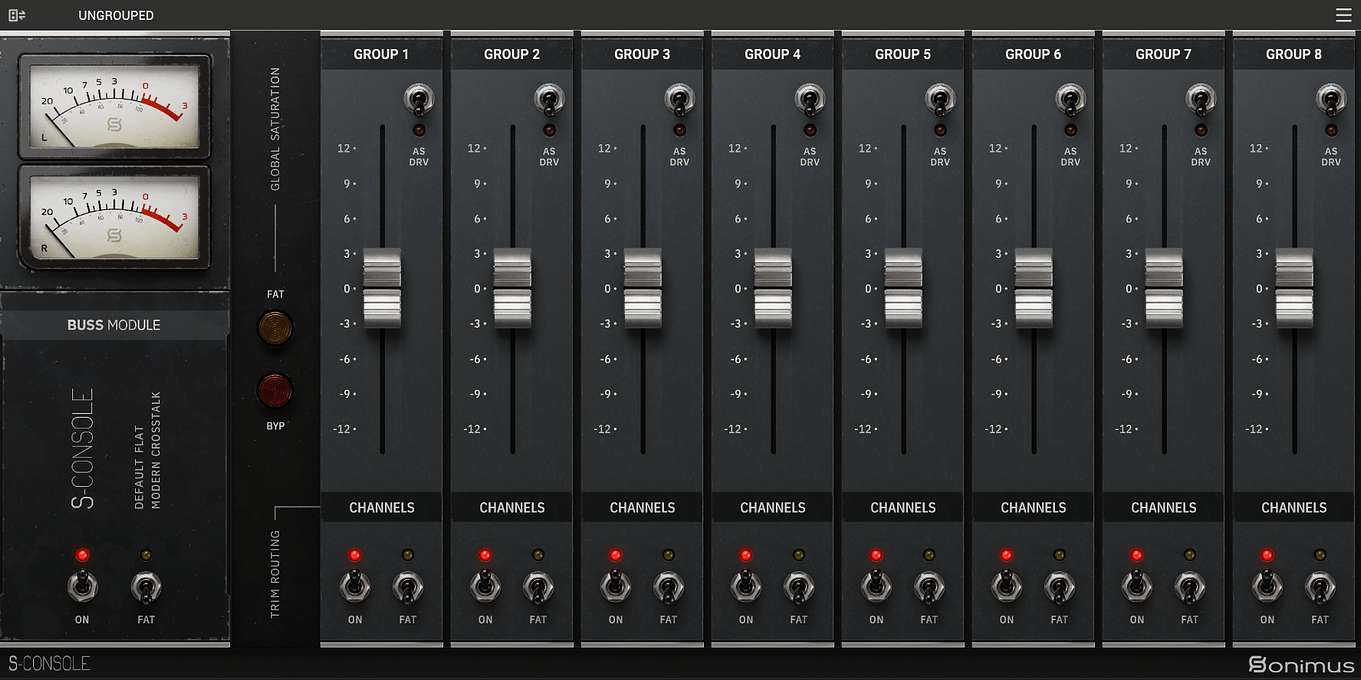
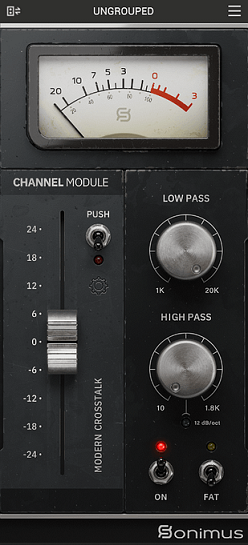
S-Console delivers punch, depth, and cohesion through analog console summing in your DAW, with metering, gain staging, saturation, and stereo crosstalk. By combining S-Console Channel and Buss, you will get your tracks to sound larger than life.
S-Console was designed to bring the depth, punch, and cohesion of large-format analogue consoles into modern DAWs. Rather than focusing solely on saturation, it recreates the subtle interactions that make analogue desks feel alive, channel variations, crosstalk, harmonic coloration, and buss interaction, all contributing to a more natural, three-dimensional mix.
Since its original release, Satson helped many engineers and producers embrace a more console-inspired approach to mixing in the box. With S-Console, we've taken that philosophy much further while preserving the simplicity, musicality, and workflow that made Satson a favorite for so many users.
Some Highlights Include
• Engine based on the evolution of Satson
• Three Crosstalk Modes (Vintage, Modern, and Off)
• Push control for saturation, soft clipping, and dynamic shaping
• Fat Mode for enhanced low-end harmonics and punch
• Analogue-style High-Pass and Low-Pass Filters
• Trim-as-Drive workflow for intuitive gain staging and saturation
• Mix control for parallel processing
• Linear Phase Oversampling Mode for maximum fidelity
• Minimum Phase Mode for low-latency applications
• Integrated Channel and Buss operation within the same plugin
• Global Grouping System for controlling multiple instances simultaneously
• Full compatibility with modern Windows and macOS systems.
One of the biggest goals behind S-Console was to recreate not only the sound, but also the feeling of working through a large analogue console. The subtle non-linear interactions between channels and busses help create mixes that feel more glued together, wider, and more musical without requiring complicated workflows.
Other technical highlights
• Turn ON and get iconic tonal enhancement
• Stereo Crosstalk realistic analog sonic bleeding
• Low CPU usage | Fast workflow
• Sound analog while mixing in-the-box
• Easy and intuitive routing
• Musical 4K signature saturation modes
• Professional gain staging process
• Built for full-session use
• Scalable across large mixes.

Please log in to join the discussion
Submit: News, Plugins, Hosts & Apps | Advertise @ KVR | Developer Account | About KVR / Contact Us | Privacy Statement | Sell @ KVR | KVR Marketplace Terms & Conditions
© KVR Audio, Inc. 2000-2026

