Log InCreate An Account
  1. Plugins
  2. »
  3. Sonus Immersivus
  4. »
  5. Spherify
  6. »
  7. Details
Spherify
Spherify Spherify Spherify Spherify Spherify Spherify Spherify Spherify
Spherify by Sonus Immersivus is an Audio Plugin Host and a Software Application for macOS and Windows. It functions as a Standalone Application. It can host Audio Units Plugins and VST 3 Plugins.
Product
Version
0.2.39.0
- Windows 10 (64-bit) or later
- 64-bit x64 processor; NVIDIA GPU optional for CUDA-accelerated stem separation (CPU fallback included)
- 8 GB RAM minimum, 16 GB recommended
Product
Version
0.2.39.0
- Apple Silicon (M-series), with Apple MLX-accelerated AI stem separation
- 8 GB RAM minimum, 16 GB recommended
Can Host
Instruments
Can Host
Effects
Other
Stand-Alone Utility / Application
Copy Protection
eLicenser
Important Note
On Windows, because of platform limitations, Windows Audio (WDM) only allows up to 7.1 layout. For higher channel count layouts like 9.1.6, you have to use ASIO. On systems with external HDMI spatial renderer devices like AVRs or soundbars, audio output is possible via Windows Spatial Sound, if either DTS:X or Dolby Atmos support are installed and enabled. With Windows Spatial Sound the final audio rendering happens on the external device, so in these cases features like speaker channel based metering and live mastering preview are physically impossible, and are unavailable. You have to use the built-in renderer to enable these features.

MyKVR: Groups, Versions, ...

2 KVR members have added Spherify to 1 MyKVR group 2 times.

Download KVR Studio Manager (FREE)

Not In Your MY KVR Groups
(or group limitation prevents versioning)
+1 in private groups

KVR Rank

Overall: 36000   20726   25419

30-Day: 23392; 7-Day: 8879; Yesterday: 333

Spherify

Turn any stereo master into an editable immersive mix — no original stems required.

Developer: Sonus Immersivus · Format: Standalone application (macOS & Windows) · Category: Spatial / Immersive Audio · Stem Separation · Mastering & Post-Production.

Short Description

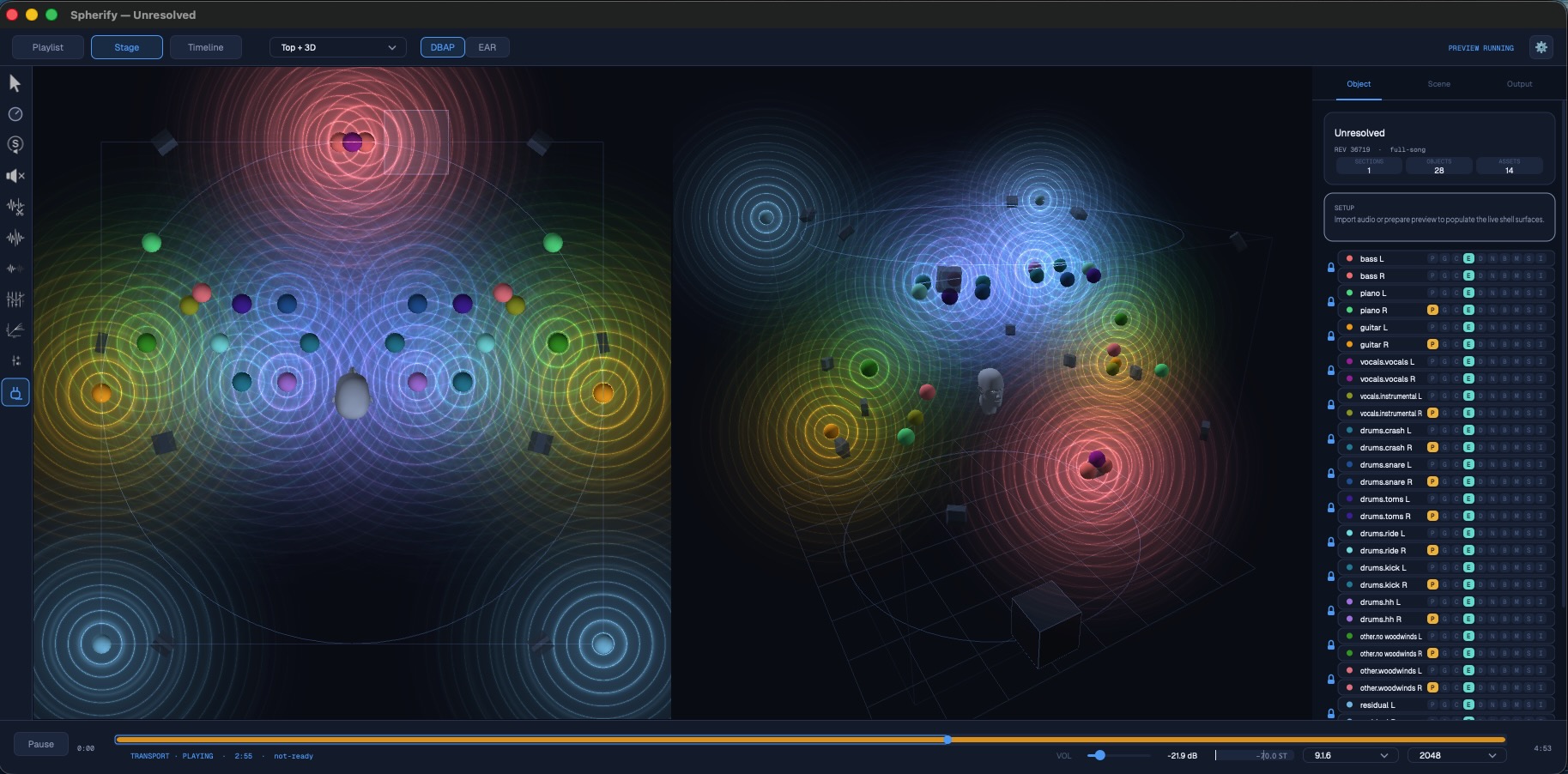
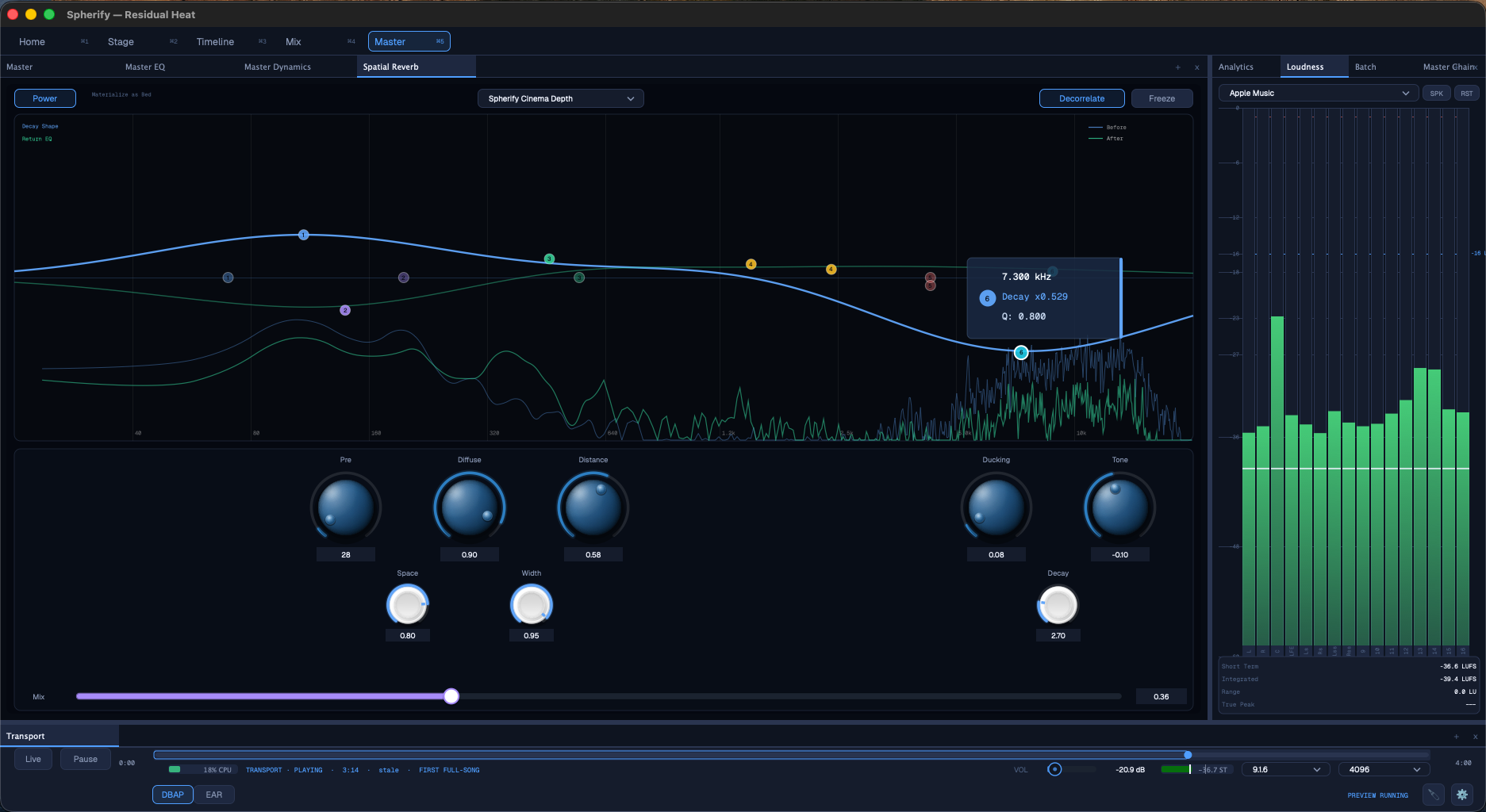
Spherify is a spatial-audio production tool for macOS and Windows that transforms stereo tracks into editable immersive projects. It uses on-device AI to separate a stereo mix into musical stems, places those stems as objects in a 3D sound field, and lets you preview, edit, automate and export delivery-ready spatial audio — including ADM BW64, IAMF and MPEG-H.

Description

Spherify closes the gap between a finished stereo master and a modern immersive release. Instead of rebuilding a spatial mix from scratch — and instead of hunting for original multitrack sessions that may no longer exist — Spherify starts with the material you already have: the stereo file.

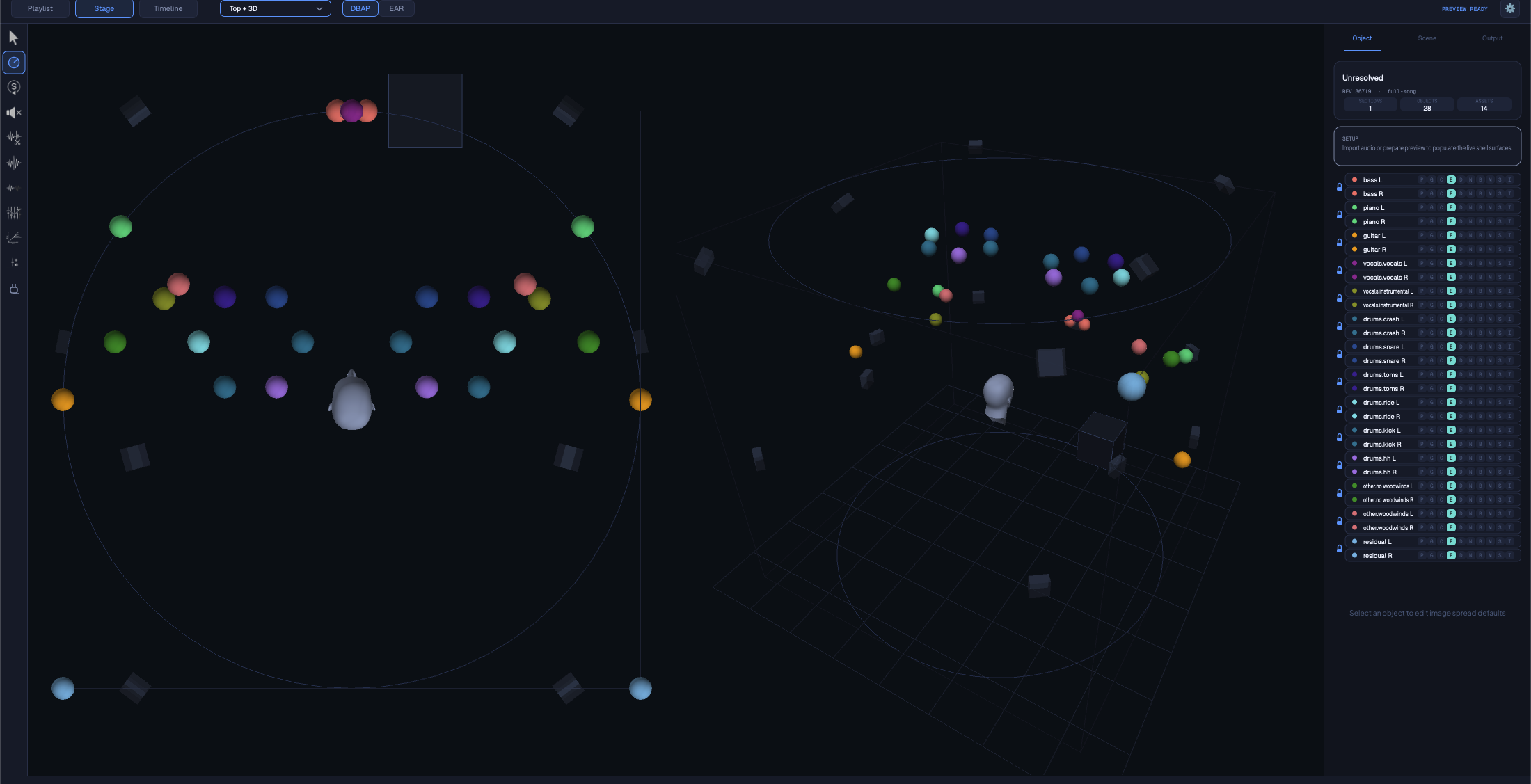
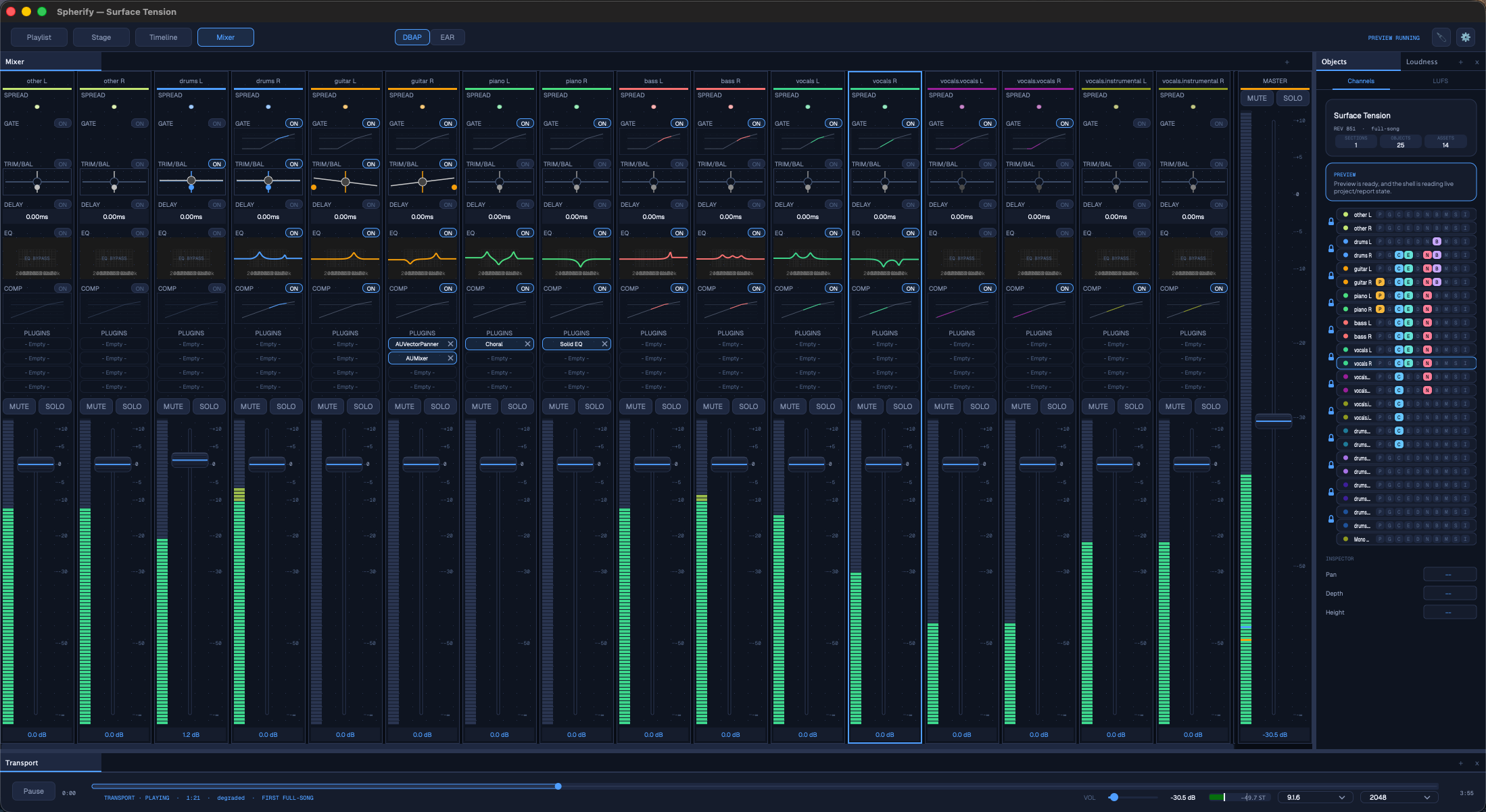
Drop in a stereo track and Spherify separates it into musical stems using Demucs running natively on Apple MLX, so the AI step is fast, local, and free of cloud costs or per-track fees. Each stem becomes a true spatial object that you place in three dimensions by azimuth, elevation and distance. There are no fixed channel assignments — the scene is pure object-based authoring from the first pass onward.

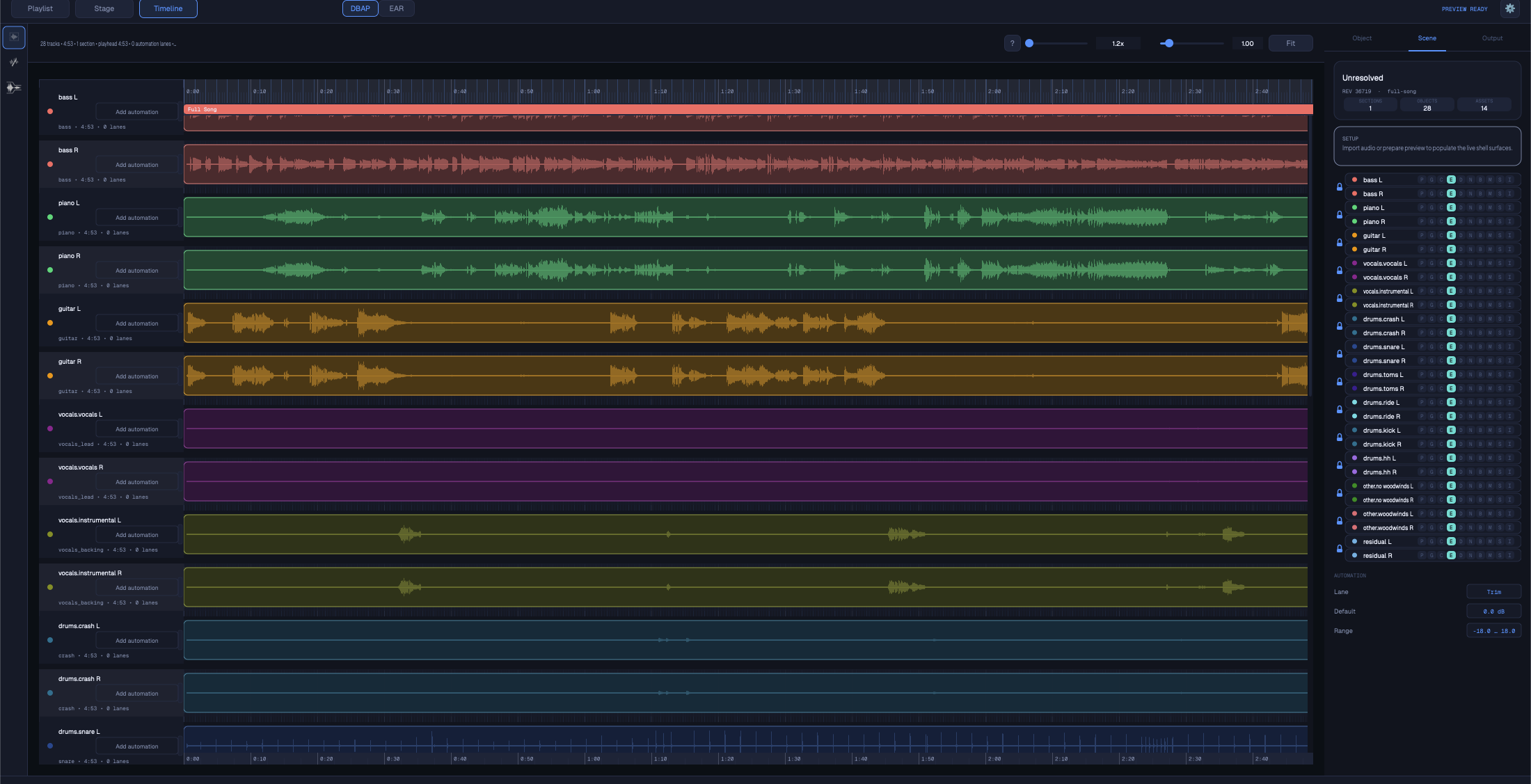
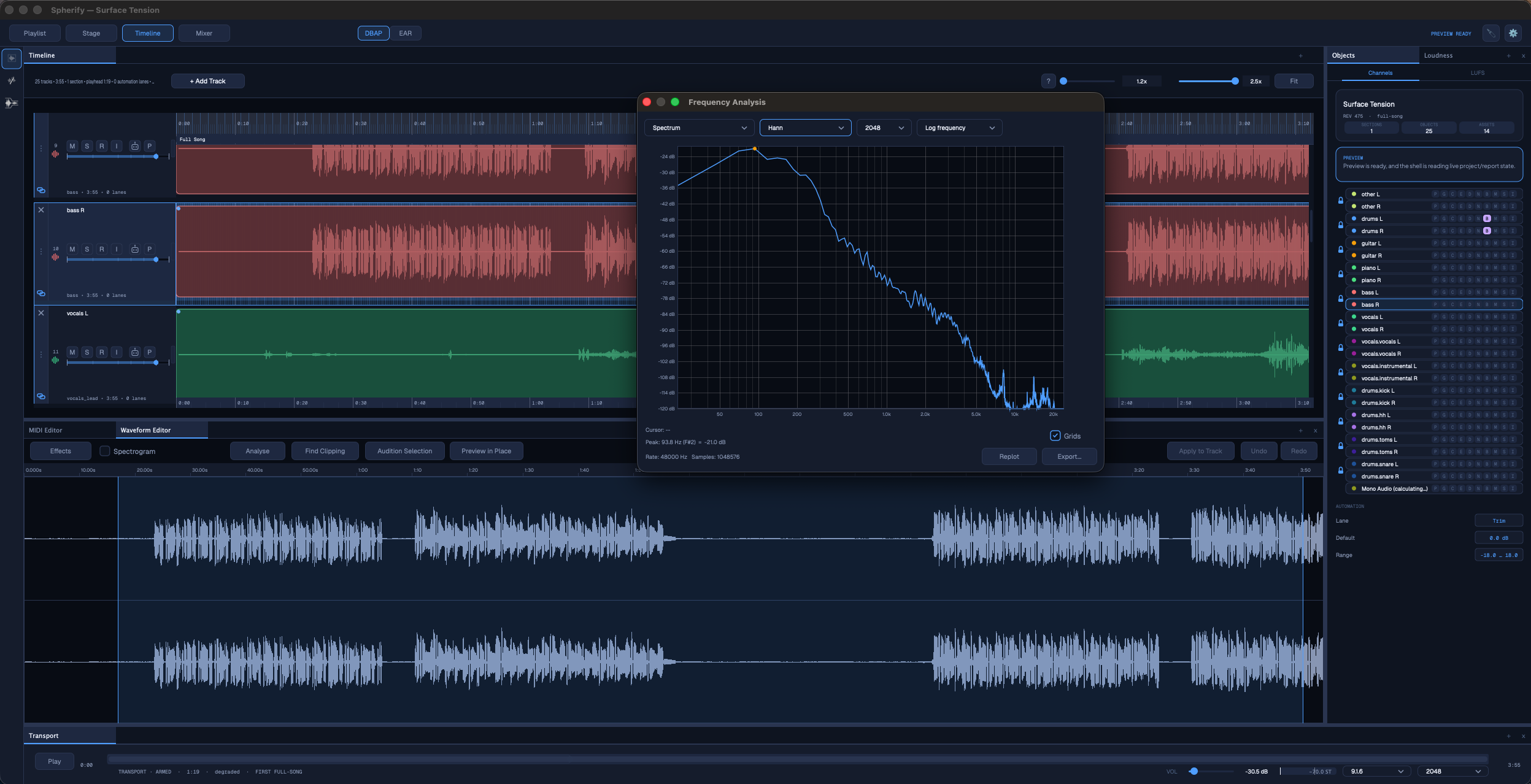
From there, the project stays fully editable. Work the timeline with waveform views and stem slices, draw automation lanes so objects move and evolve over time, and — at the Pro tier — apply per-object plugins to shape individual stems before they render into the spatial layout. Preview the result in real time as you refine placement and processing, then export to the spatial formats that matter for broadcast, streaming and cinema delivery.

Spherify is built for music producers and artists releasing in Apple Music Spatial Audio and Amazon Music HD, for labels converting back-catalog stereo masters to immersive at scale, for post-production and dubbing studios working from stereo deliverables, and for spatial-audio engineers who want a fast stem-to-object starting point before final refinement. It is a practical bridge from stereo catalog material to object-based immersive delivery, in one connected workflow.

Key Features

  • Stereo-to-spatial in one workflow — import a stereo file and reach a credible immersive starting point in minutes, then keep refining.
  • On-device AI stem separation — Demucs runs locally on your machine (hardware-accelerated via Apple MLX on Apple Silicon). Fast, no cloud and no per-track API cost.
  • Object-based spatial mixing — every stem becomes a 3D object with full azimuth, elevation and distance control. No fixed channel assignments.
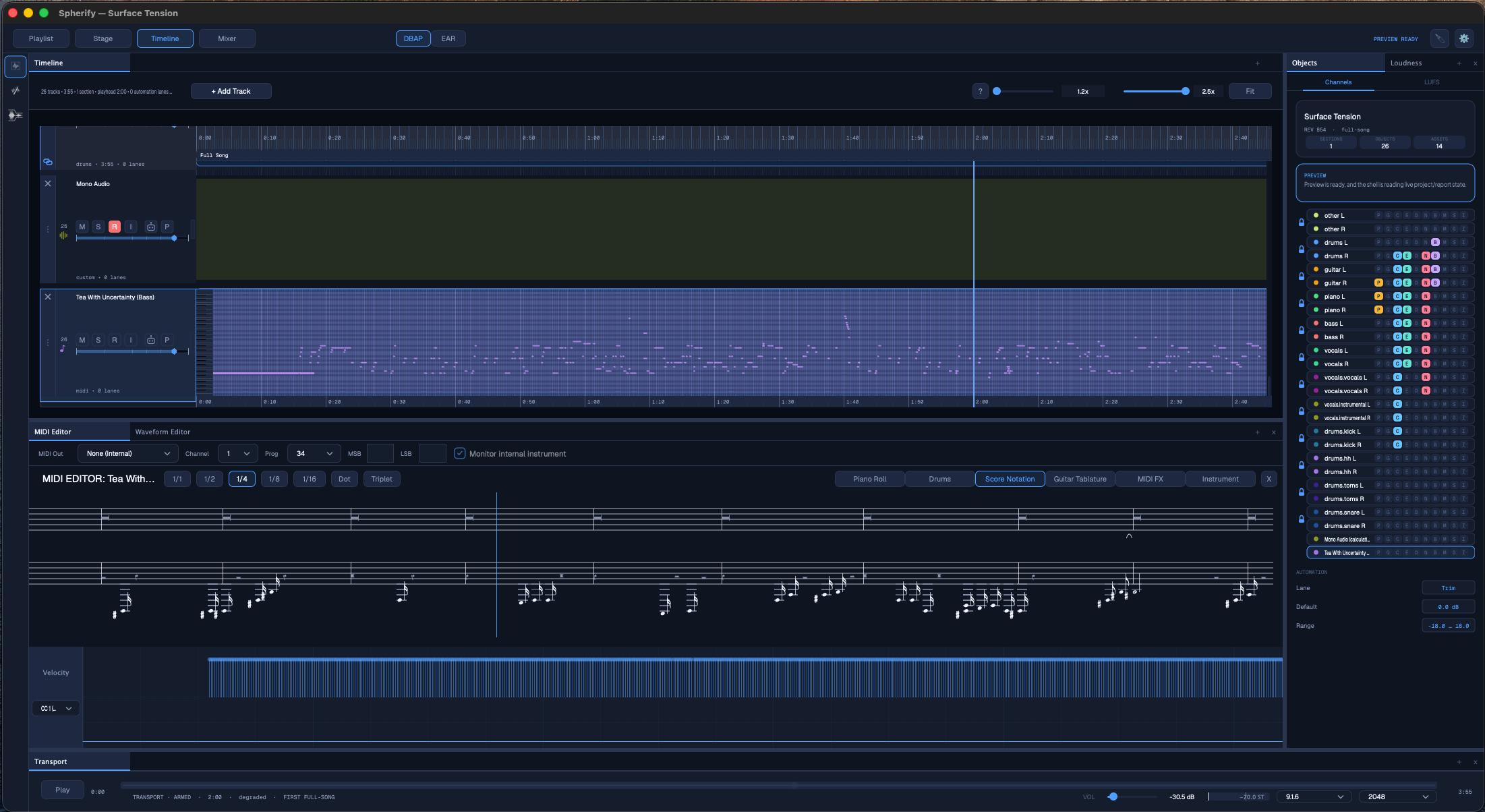
  • Timeline & waveform editing — waveform views, stem slices and detailed arrangement editing over time.
  • Automation lanes — animate object position and level for evolving, moving immersive scenes rather than static upmixes.
  • Stem slicing — break stems into instrument-focused regions for more detailed scene construction.
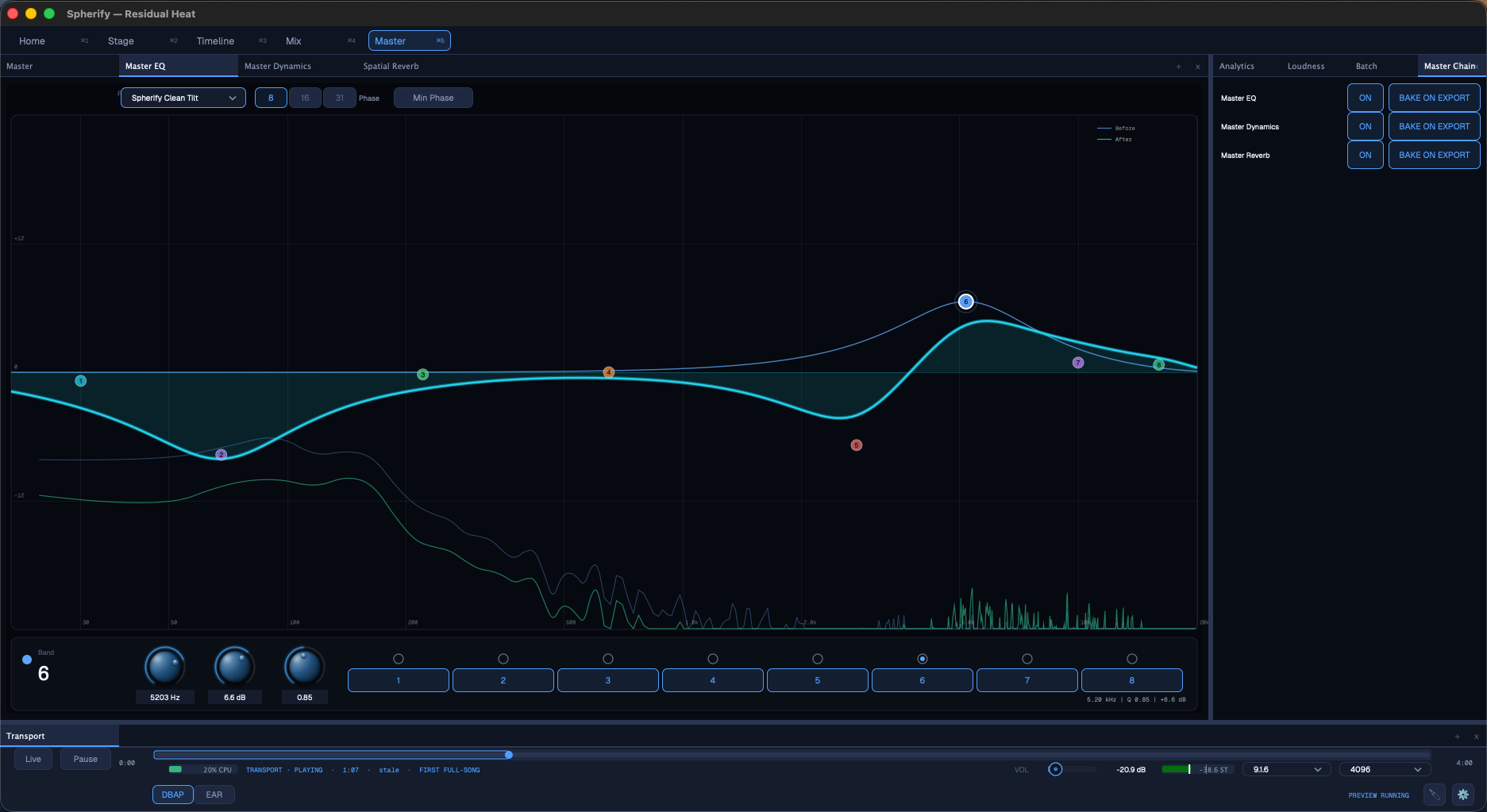
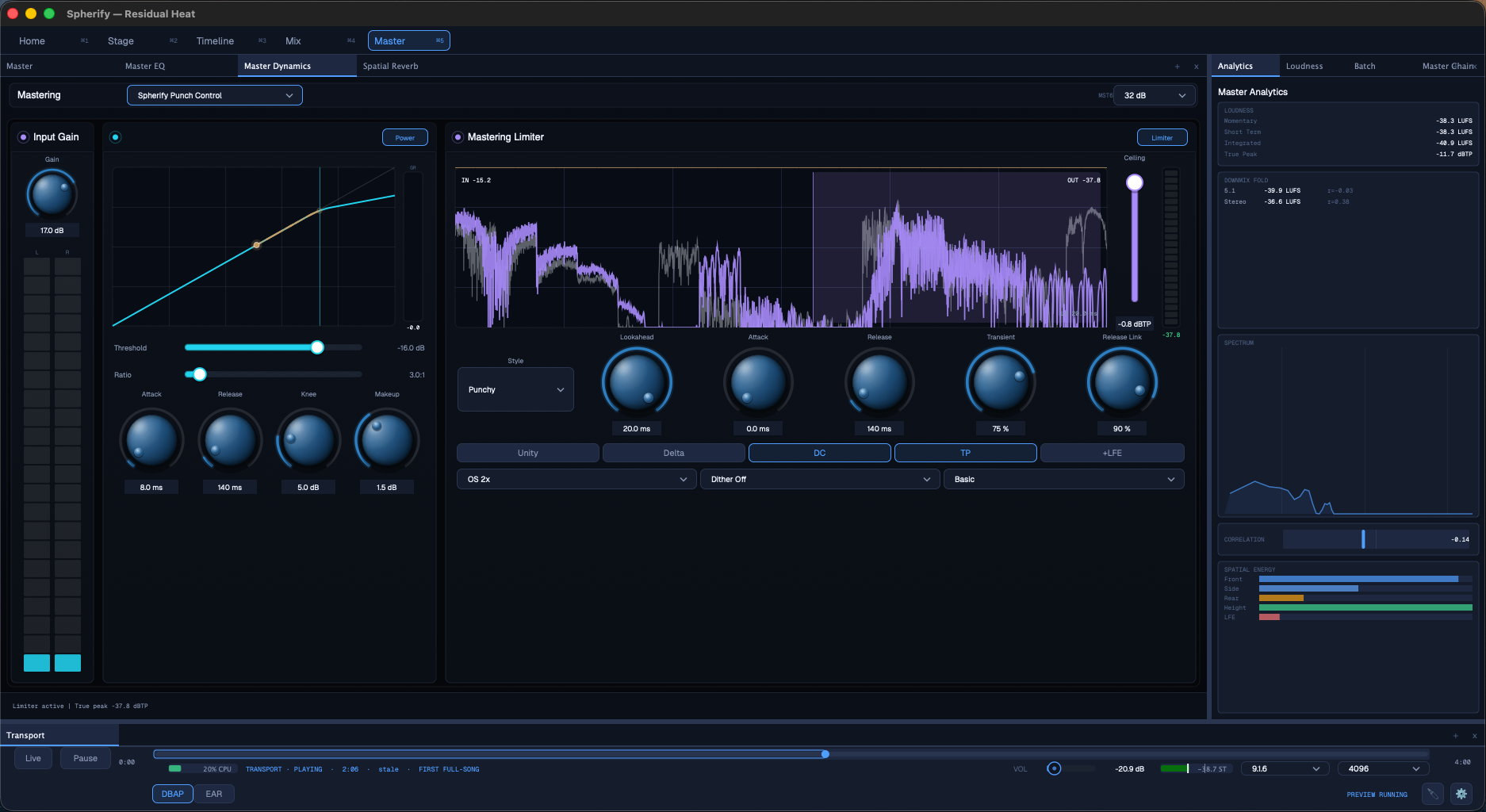
  • Per-object plugins (Pro) — apply creative or corrective processing to individual objects while keeping the scene editable.
  • Real-time preview — hear spatial changes as you work against your renderer configuration.
  • Professional spatial export — ADM BW64 and IAMF (Standard+), plus MPEG-H import/export (Pro), covering broadcast, streaming and cinema pipelines.
  • Batch & playlist workflows — process multiple sources for catalog-scale and production-volume work.

Tiers

Free — Evaluate the core workflow. Create up to 6 stem-separated projects from one stereo source at a time using the platform's free 6-stem separator, and explore the resulting spatial projects.

Standard — The main production tier. Adds persistent project editing, multiple-source import and append, timeline editing, waveform slice editing, stem slicing, automation, fast preview, Save Project As, ADM BW64 export, and IAMF import/export (where supported by the build).

Pro — Everything in Standard, plus per-object plugin support, MPEG-H import/export (where supported by the build), feature updates, model updates, and support tickets.

System Requirements

  • macOS (Apple Silicon, with Apple MLX-accelerated AI inference) and Windows.
  • Standalone application.
  • Spatial export formats: ADM BW64, IAMF, MPEG-H.

Latest User Reviews

Average user rating of 0.00 from 0 reviews

Comments & Discussion for Sonus Immersivus Spherify

Discussion
Discussion: Active

Please log in to join the discussion

Log In To KVR Audio
