
656 KVR members have added StandardCLIP to 668 MyKVR groups 763 times.
Download KVR Studio Manager (FREE)
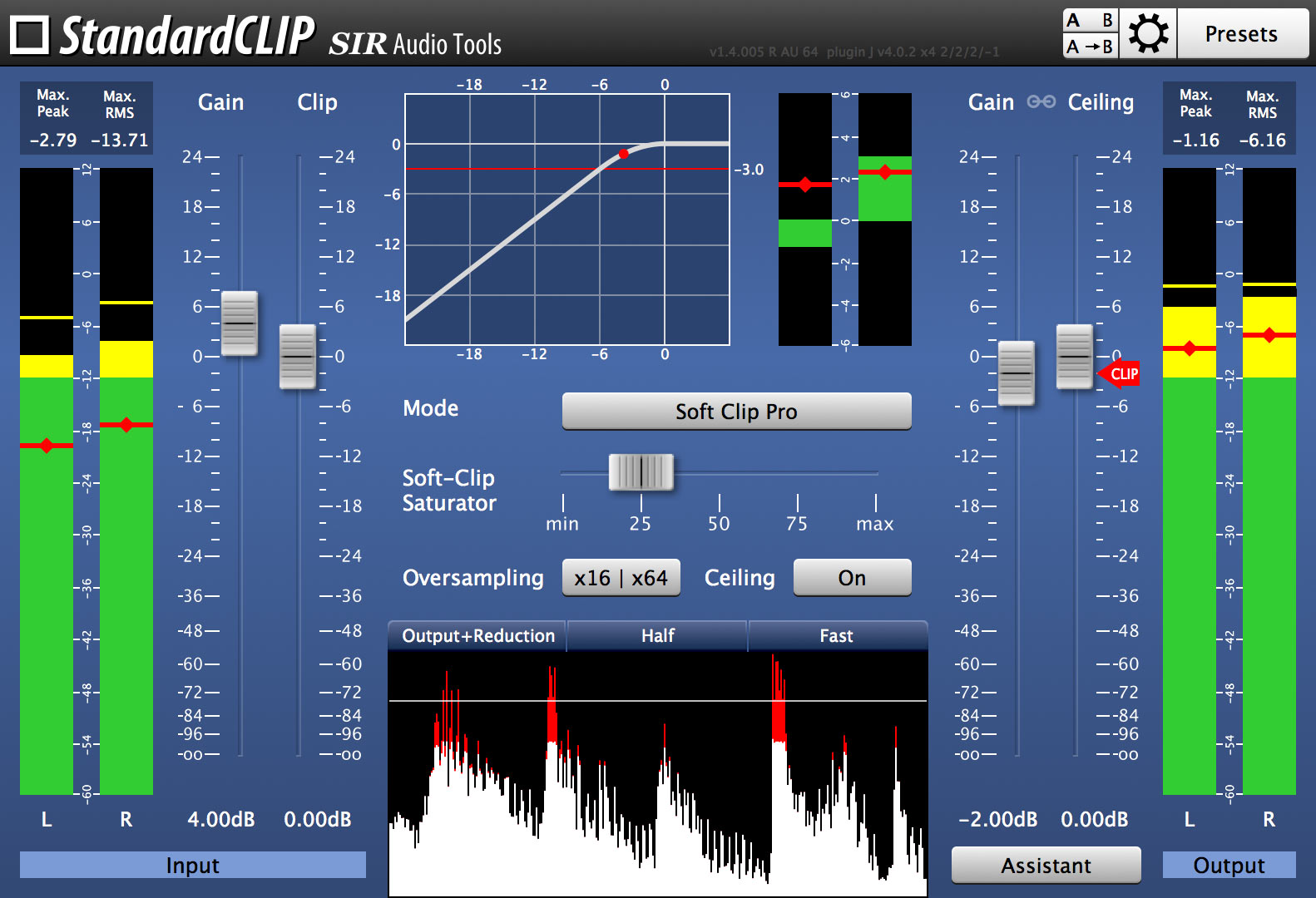
StandardCLIP is a new advanced clipping-plugin. StandardCLIP was designed to handle the clipping process as flexible as possible.
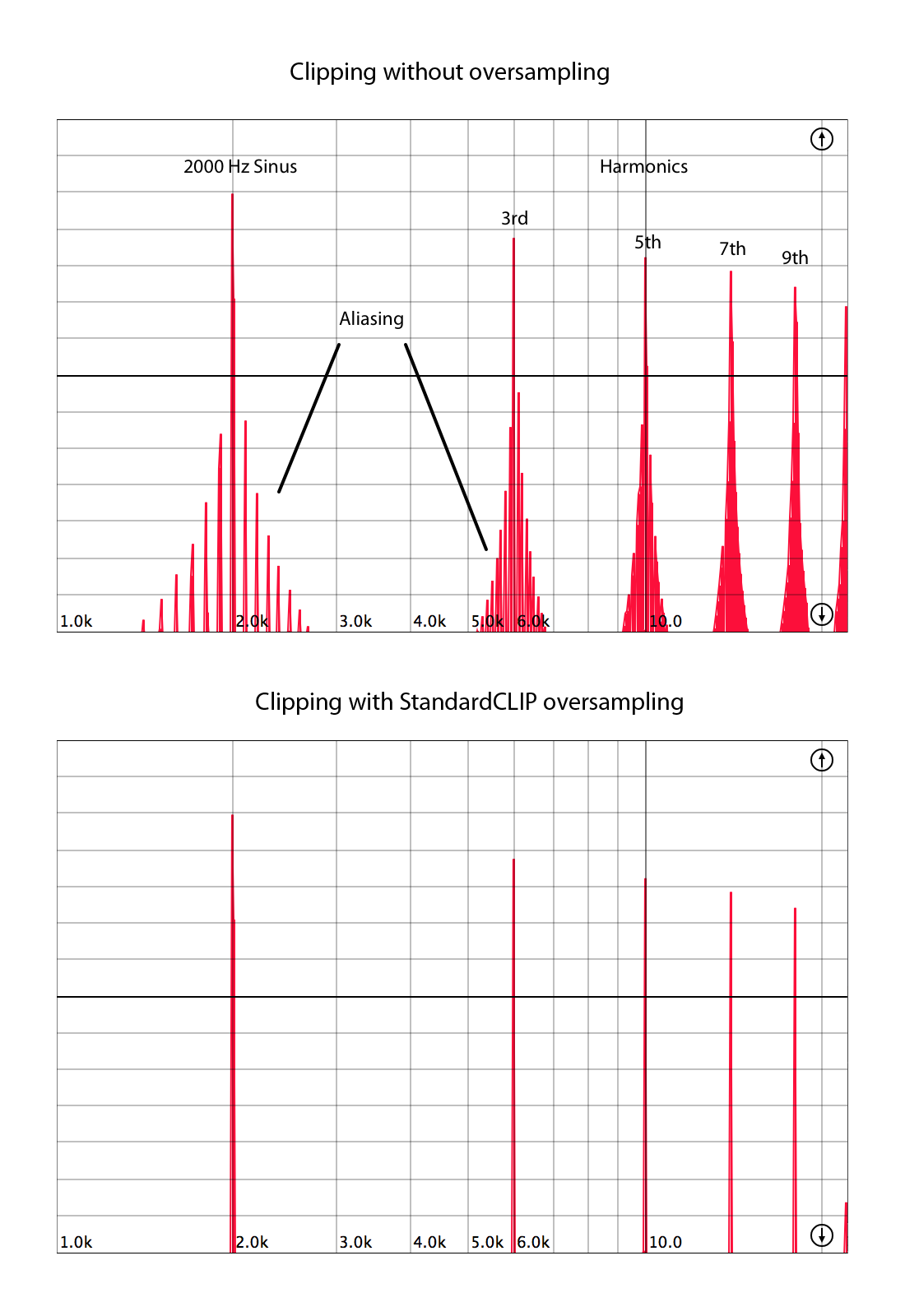
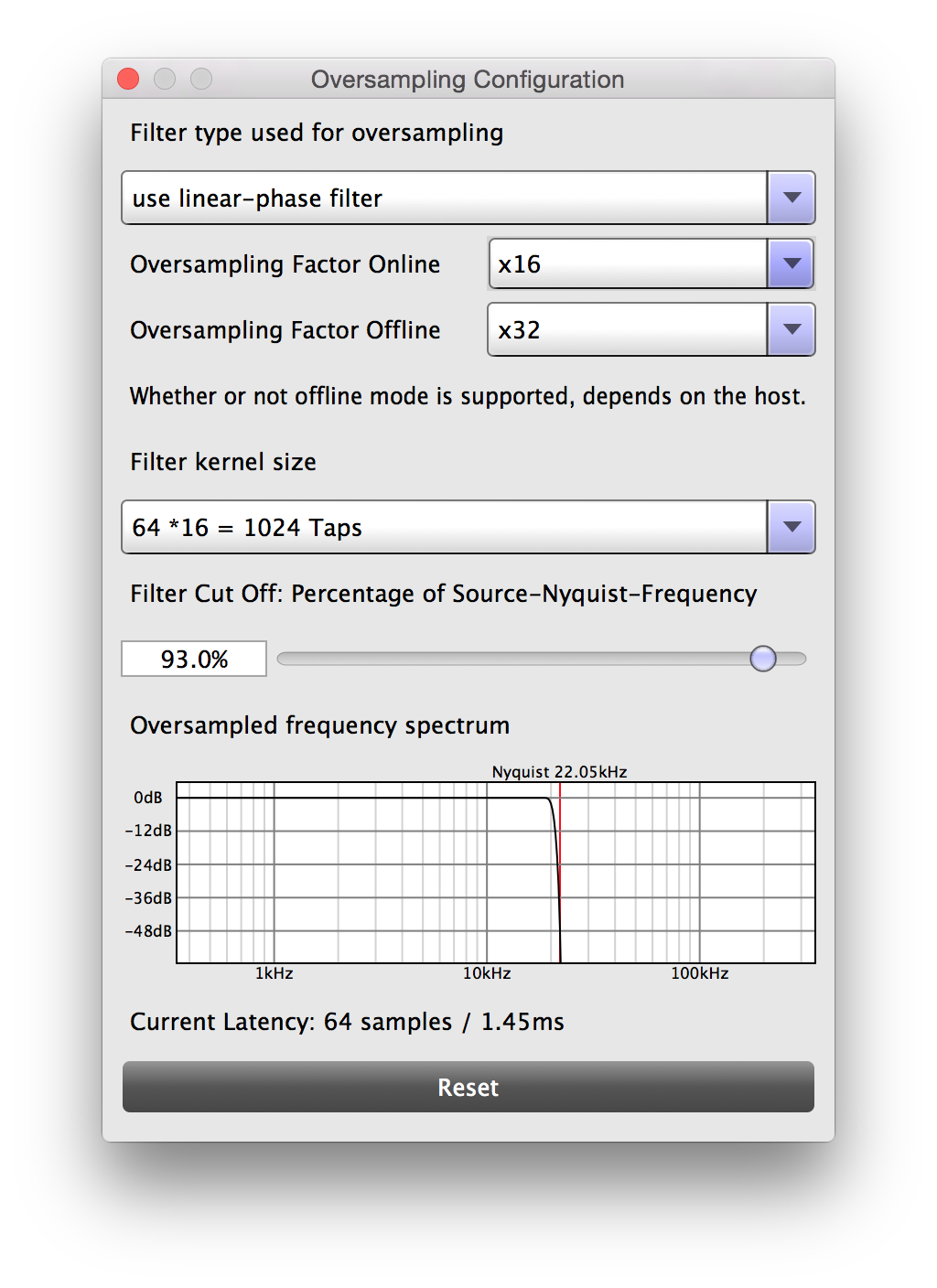
You can use StandardCLIP as a dynamic tool to increase the volume or as an effect to add odd harmonics to your signal. It offers high quality oversampling up to the factor 32. It also offers a large variety of options: You can choose between minimum phase mode (without additional latency) and linear phase mode (preserves phase-shift). Also you are able to change the filter quality and cut-off frequency of the oversampling process.
You can adjust the way the clipping is done easily, like a hard-limiting brick wall or smooth soft-saturated. StandardCLIP also offers input and output RMS-meters and a waveform display for the perfect control of the output volume.
StandardCLIP is available for 32- and 64-bit Mac OS X and Windows in Audio Unit, AAX and VST plugin formats.
 $79.00Dist COLDFIRE
Please log in to join the discussion
Submit: News, Plugins, Hosts & Apps | Advertise @ KVR | Developer Account | About KVR / Contact Us | Privacy Statement | Sell @ KVR | KVR Marketplace Terms & Conditions
© KVR Audio, Inc. 2000-2026

